Accessibility Risks in AI-Generated Interfaces: WCAG and Real-World Failures
 Feb, 14 2026
AI is changing how websites and apps are built. But for people who rely on screen readers, keyboard navigation, or voice control, these new interfaces are often impossible to use. Behind the flashy chatbots and adaptive layouts are hidden barriers-ones that break the most basic rules of web accessibility. The problem isn’t that AI is evil. It’s that it’s being deployed without understanding how real people interact with digital content. And the consequences aren’t theoretical. They’re happening every day, to millions of users who just want to fill out a form, buy a product, or get customer support.
What WCAG Actually Demands (And Why AI Keeps Breaking It)
WCAG-Web Content Accessibility Guidelines-isn’t a suggestion. It’s the global standard. And it’s not just about adding alt text to images. It’s about structure, predictability, and control. Every element must have a proper semantic role. Navigation must be consistent. Keyboard focus must follow a logical order. Content must be perceivable, operable, understandable, and robust. These aren’t optional features. They’re the foundation of digital inclusion.
But AI-generated interfaces don’t follow these rules. They generate content on the fly. A form might reorder its fields mid-session. An image might be labeled "a picture of something." A button might disappear after a user speaks to the chatbot. These aren’t bugs. They’re systematic failures. According to WebAIM’s 2023 analysis of one million home pages, 95.9% had WCAG violations. And since AI content exploded in 2022, those numbers have only gotten worse.
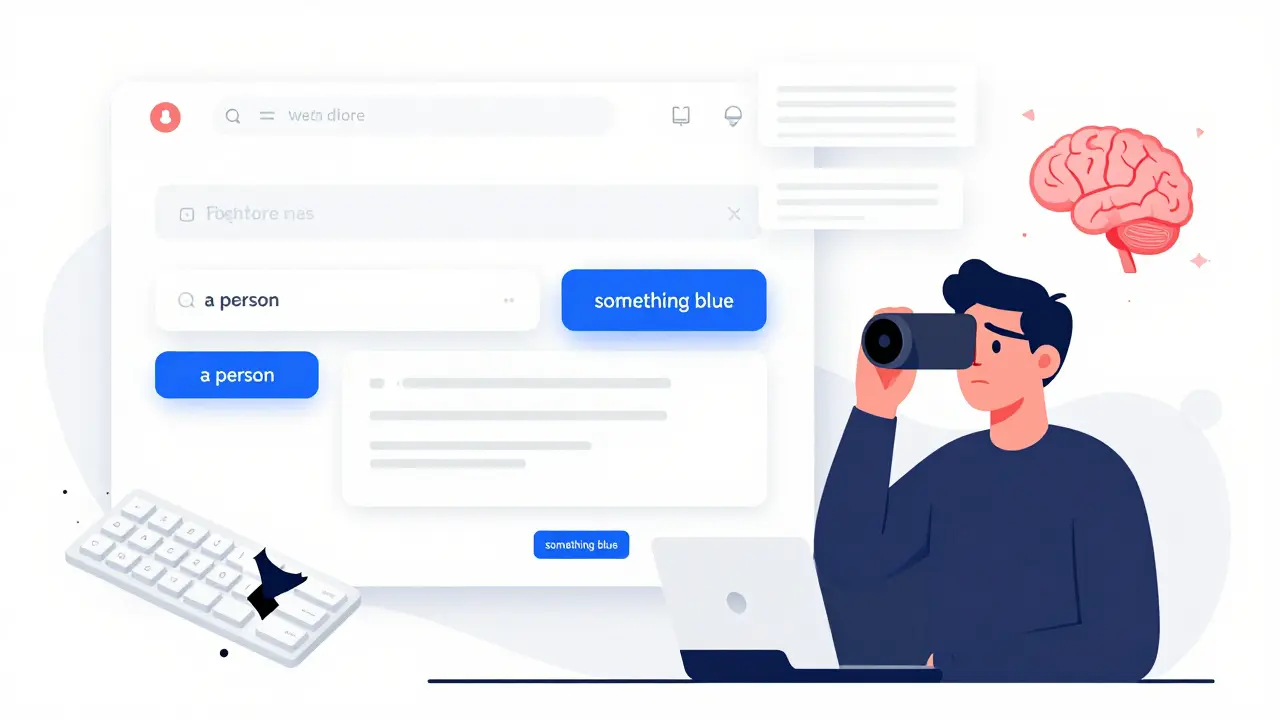
Take semantic HTML. WCAG requires headings, lists, and buttons to be marked up correctly so assistive technologies can interpret them. But AI tools like ChatGPT and DALL-E often output raw text or unstructured divs. AudioEye’s 2024 study found that 73% of AI-generated image descriptions were useless-"a person," "something blue," or "a scene." No context. No meaning. Just noise.
Real-World Failures: When AI Makes Things Worse
Users aren’t just complaining. They’re getting locked out.
On Reddit’s r/Accessibility, users shared stories like this: "I was trying to apply for unemployment benefits through an AI-powered portal. The form kept rearranging itself as I typed. My screen reader lost track. I couldn’t submit. I gave up." That’s a violation of WCAG 2.2 Success Criterion 1.3.2: Meaningful Sequence. It’s not a glitch. It’s a design flaw.
Another common failure? Keyboard navigation. Most people assume that if a website works with a mouse, it works with a keyboard. But AI interfaces often break this. After three chat responses, focus might vanish. Or buttons might appear in a random order. Exalt Studio’s testing showed that AI-powered interfaces fail keyboard operability 47% more often than traditional sites. That’s not a minor issue. For someone who can’t use a mouse, it’s a wall.
And then there’s cognitive load. AI tries to "personalize" content. But personalization can mean unpredictability. A user might see one version of a menu today, a completely different one tomorrow. That’s not helpful. It’s disorienting. According to ACM Digital Library research, over half of AI accessibility failures are cognitive-unstable layouts, inconsistent labels, confusing transitions. These aren’t edge cases. They’re standard behavior in many AI systems.
Even "helpful" features backfire. AI-generated captions might be 85% accurate, but when they misrepresent a video-"a man in a suit" instead of "the CEO presenting financial results"-they erase meaning. A user with a visual impairment isn’t just looking at a picture. They’re trying to understand context. Bad alt text doesn’t help. It misleads.
Why Traditional Accessibility Tools Don’t Work on AI
Most companies think they’re covered because they run an automated scanner. They’re wrong.
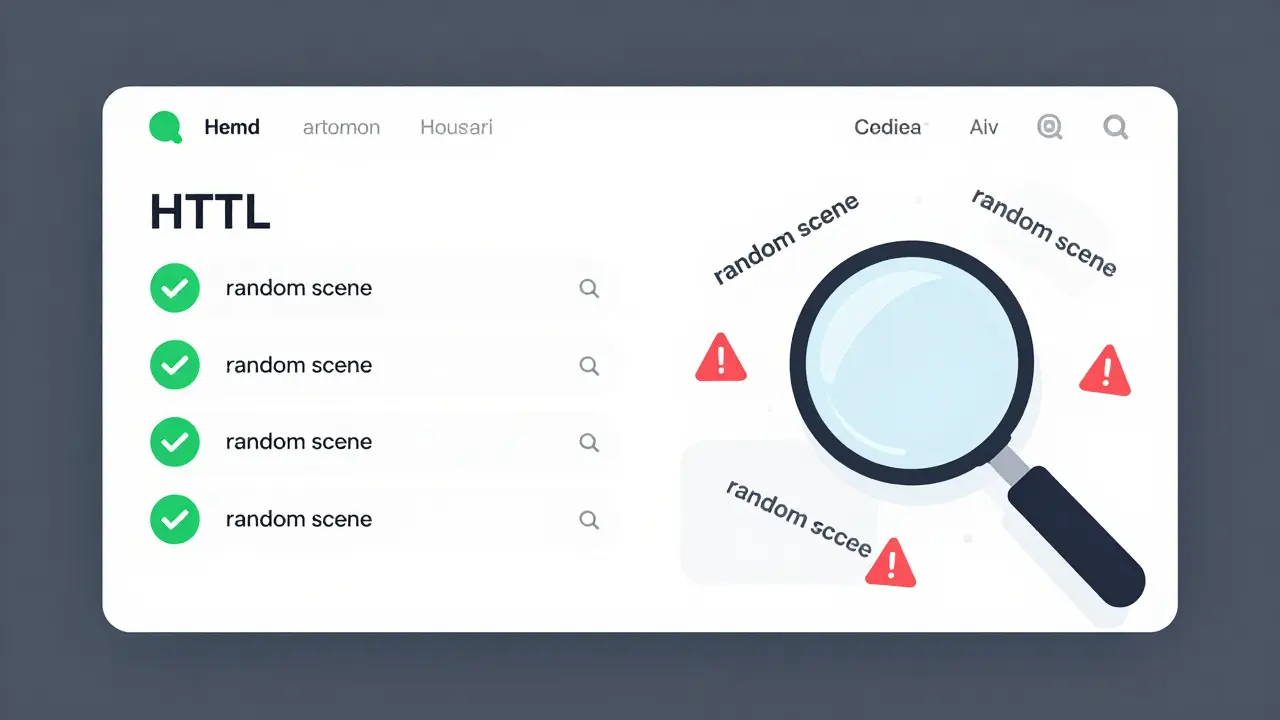
Tools like Axe or WAVE were built for static websites. They scan HTML once. They check for missing alt tags. They verify heading hierarchy. Simple. Predictable.
But AI doesn’t work that way. Every interaction changes the output. A user asks for a summary. The AI rewrites the page. Another user asks for a comparison. The layout shifts again. No scanner can keep up. That’s why AI interfaces score 42-58% on automated scans, while manually coded sites hit 65-78%. The gap isn’t accidental. It’s structural.
And the standards themselves haven’t caught up. WCAG 2.2, released in October 2023, was designed for fixed content. It doesn’t have rules for dynamic, algorithm-driven interfaces. The W3C admits this. Their working group notes say: "Dynamic content adaptation presents unique testing challenges." Translation? We’re flying blind.
That’s why some experts argue we need WCAG 3.0-the draft version set for release in 2027. It introduces outcome-based testing. Instead of checking if a button has an ARIA label, it asks: "Can the user complete the task?" That’s a shift from rules to results. And it’s the only way forward.
The Responsibility Gap: Who Fixes This?
Here’s the ugly truth: nobody knows who’s accountable.
Is it the company that deployed the AI? The vendor that built the model? The developer who just clicked "generate"? Pivotal Accessibility asks the hard question: "Who bears responsibility: the business deploying AI or the vendor supplying the model?" There’s no clear answer. And that’s the problem.
Legal systems are catching up. The EU’s 2025 AI Act requires accessibility for high-risk systems. The U.S. Department of Justice is citing WCAG in ADA settlements involving AI chatbots. California’s AB-331, effective January 2026, mandates algorithmic accessibility assessments for public-facing AI tools. But enforcement is still patchy. And most companies aren’t even trying.
Forrester’s 2025 survey found only 12% of enterprises have dedicated AI accessibility testing. That’s not negligence. It’s ignorance. They think, "It’s AI. It’ll figure it out." But AI doesn’t figure out accessibility. Humans have to build it in.
How to Build Accessible AI (Without Starting from Scratch)
It’s not impossible. But it requires a new mindset.
Mass.gov’s guidelines are a good starting point: "All content generated by the AI’s backend must be formatted using proper HTML5 tags." That’s non-negotiable. No exceptions.
Here’s what actually works:
- Embed accessibility into the training data. Train AI models on accessible code examples. If the training data includes properly labeled buttons and semantic headings, the output will be better.
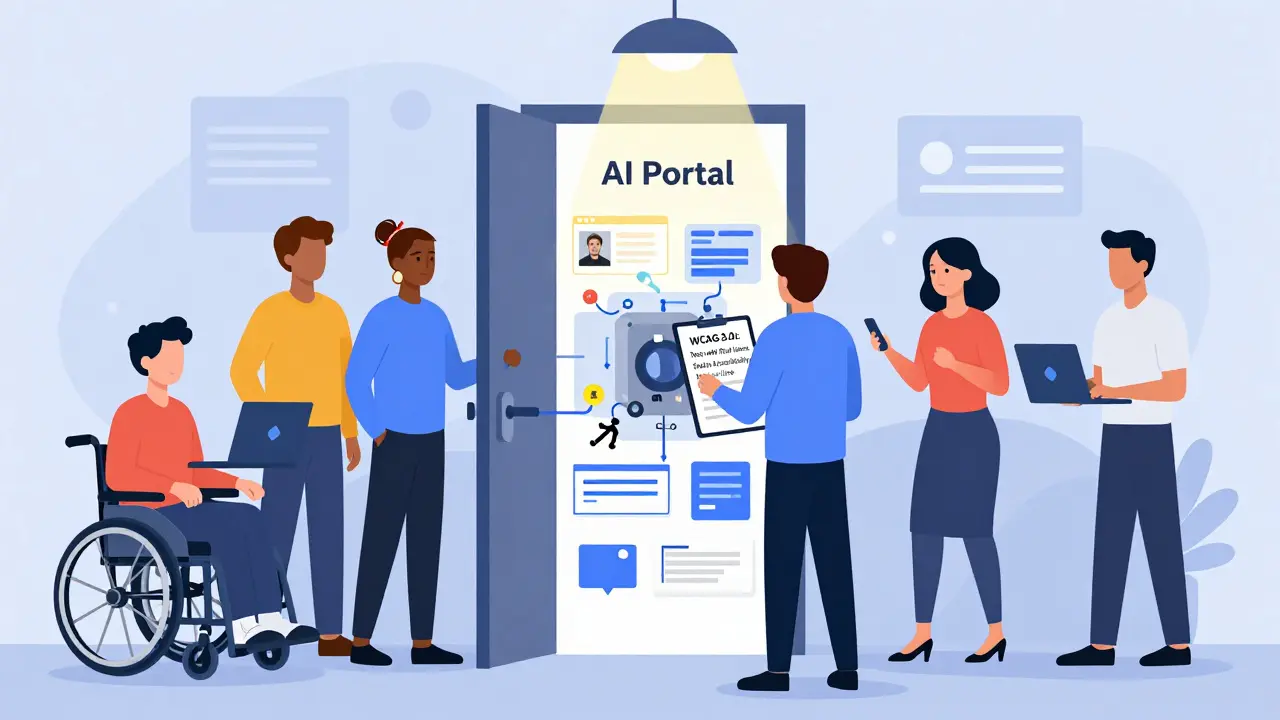
- Test with real users. Don’t rely on automated scans. Hire people with disabilities. Pay them fairly. Watch them try to use your interface. Their feedback is more valuable than any tool.
- Use design tokens. Define accessibility settings-contrast ratios, focus indicators, font sizes-as reusable variables. That way, even when content changes, the experience stays consistent.
- Build in human review. AI can generate alt text. But a person should check it. AI can rewrite content. But a person should verify it’s clear. Automation helps. It doesn’t replace judgment.
- Monitor in real time. Tools like Accessible.org’s "Tracker AI" (launched January 2026) generate live accessibility reports. Use them. Not as a checkbox. As a live dashboard.
Yes, this adds 15-22% to development time. But Exalt Studio found it cuts post-launch remediation costs by 97 times. That’s not a cost. It’s insurance.
The Future: Continuous Accessibility or Algorithmic Exclusion?
Gartner predicts 90% of new digital products will use AI by 2027. That means accessibility isn’t a side project. It’s the core.
The alternative? A future where digital services are designed for the able-bodied majority. Where people with disabilities are told, "The system just doesn’t work for you." That’s not innovation. That’s exclusion.
There’s a path forward. It’s not easy. But it’s clear: accessibility must be built into AI from day one. Not added later. Not tested once. Not outsourced to a vendor. It has to be a shared responsibility-between developers, vendors, businesses, and regulators.
The question isn’t whether AI can be accessible. It’s whether we have the will to make it so. Because right now, the system is failing. And the people paying the price aren’t developers. They’re the users.
Does WCAG apply to AI-generated content?
Yes. WCAG applies to all web content, regardless of how it’s created. The W3C’s official stance is clear: if it’s on the web, it must meet accessibility standards. AI doesn’t get a pass. Even if the content is generated dynamically, the principles of perceivability, operability, understandability, and robustness still apply. AudioEye confirms this directly: "The short answer is yes." Ignoring WCAG because content is AI-generated is a legal and ethical risk.
Why do AI interfaces fail keyboard navigation?
AI interfaces often generate content dynamically, changing layout, focus order, or element visibility after user input. This breaks the predictable, linear focus flow that keyboard users rely on. For example, a chatbot might insert a new button after three responses, shifting focus away from where the user expects it. Studies show 47% more keyboard failures in AI interfaces compared to static sites. This happens because most AI tools aren’t trained to preserve semantic structure during real-time updates.
Can automated tools detect AI accessibility issues?
Most automated tools can’t. They’re designed for static HTML. AI-generated content changes with every interaction-so a scan done at 10 a.m. might miss a failure that appears at 10:05 a.m. Tools like Axe or WAVE will catch obvious issues like missing alt text, but they can’t detect dynamic focus shifts, inconsistent navigation, or contextually wrong labels. Manual testing with assistive technologies and real users remains essential. New tools like Accessible.org’s Tracker AI are starting to address this, but human review is still required.
Are there any AI tools that improve accessibility?
Yes-but only when used carefully. AI can generate captions with 85% accuracy for clear audio, suggest contrast improvements, or simplify complex text. One Reddit user noted AI helped them understand government forms by rephrasing jargon. But these benefits are easily undone by larger failures: bad alt text, broken navigation, or unpredictable layouts. The key is using AI as a helper, not a replacement for human oversight and inclusive design.
What’s the legal risk of ignoring AI accessibility?
High. The U.S. Department of Justice is already using WCAG 2.1 as the benchmark in ADA settlements involving AI chatbots and automated service portals. The EU’s 2025 AI Act makes accessibility mandatory for high-risk systems. California’s AB-331, effective January 2026, requires algorithmic accessibility assessments for public-facing AI. Ignoring this isn’t just unethical-it’s legally dangerous. Lawsuits, fines, and forced redesigns are already happening. The cost of fixing accessibility after launch is 97 times higher than building it in from the start.
Jawaharlal Thota
February 14, 2026 AT 23:28Look, I’ve been working in accessibility for over a decade, mostly in India where digital infrastructure is patchy at best. What this post nails is that AI isn’t the enemy-it’s the lack of guardrails. I’ve seen startups deploy AI chatbots for government services, thinking they’re being innovative, and then watch elderly users cry because the form keeps reordering itself. No one trains these models on accessible HTML. No one tests with screen readers. It’s not about tech being evil-it’s about people not caring enough to learn.
Embedding accessibility into training data? Yes. But also: pay real users to test. Not as a token gesture. Pay them like consultants. I’ve worked with blind testers who caught more flaws in a day than any automated tool ever could. One woman found that a button labeled ‘Submit’ disappeared after she said ‘I need help.’ The AI, trying to be helpful, hid it. She couldn’t navigate back. That’s not a bug. That’s a design failure rooted in ignorance.
WCAG 3.0 is the only way forward. Rules don’t work when content shifts. Outcomes do. Can the user complete the task? If yes, great. If no, rebuild. Simple. No jargon. No excuses. And yes, it adds 15–22% to dev time. But the cost of exclusion? Lost jobs. Lost benefits. Lost dignity. That’s not a cost center. That’s a moral debt.
Companies keep saying ‘We’ll fix it later.’ Later never comes. The users don’t get a ‘later.’ They get locked out. Every day. Again. And again. We need enforcement. Not just guidelines. Real consequences. And until then, we’re not building inclusive tech. We’re building digital redlining.
Lauren Saunders
February 16, 2026 AT 21:01Oh please. Let’s not pretend WCAG was ever meant for the modern web. It’s a relic from the early 2000s, when websites were static PDFs with hyperlinks. AI-generated interfaces? They’re fluid, adaptive, context-aware-qualities WCAG fundamentally misunderstands. The whole notion of ‘semantic HTML’ is a relic of a time when developers had to manually code every pixel. Now? We have LLMs that infer intent. Why should a screen reader care if a button is a
Write a comment