Coding-Specialist Large Language Models: Pair Programming at Scale
 Jan, 26 2026
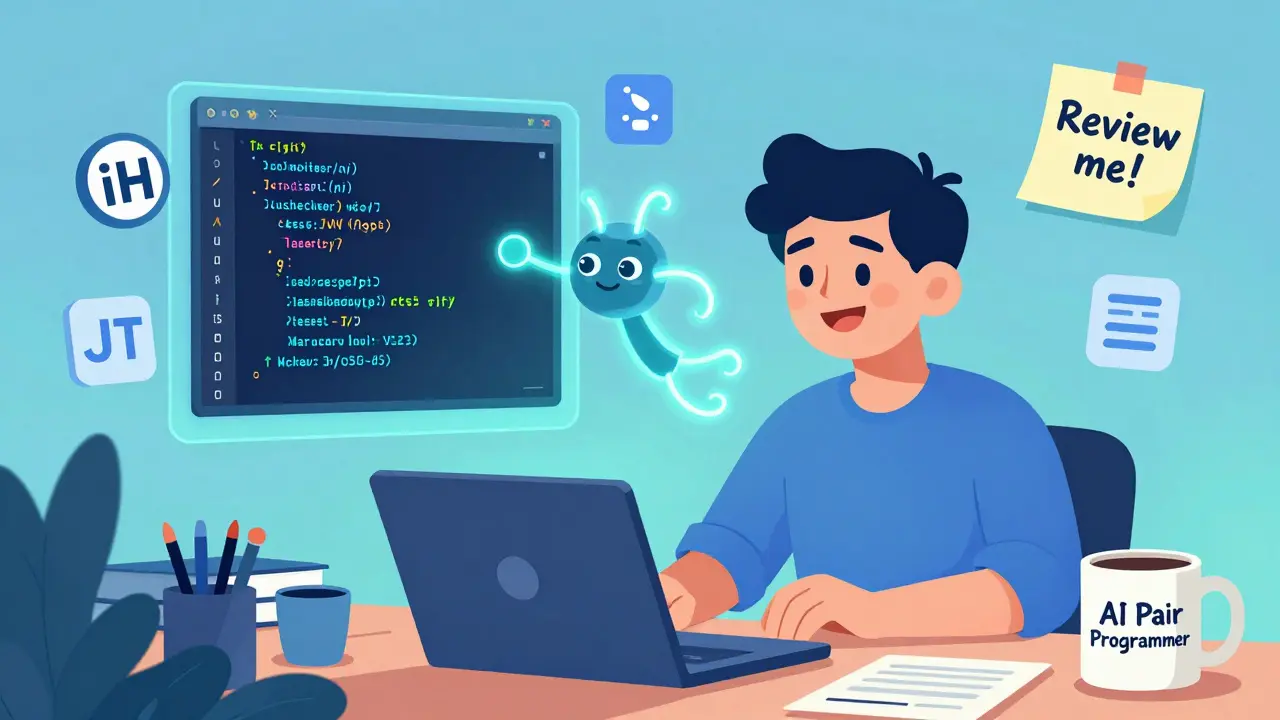
Imagine having a coding partner who never sleeps, never gets tired, and can write thousands of lines of clean, functional code in seconds. That’s not science fiction anymore-it’s daily reality for millions of developers using coding-specialist large language models. These aren’t just autocomplete tools. They’re AI teammates that understand your style, predict your next move, and even catch bugs before you write them. And they’re scaling pair programming across entire teams-not one-on-one, but at company-wide levels.
What Exactly Are Coding-Specialist LLMs?
Coding-specialist large language models are AI systems trained almost entirely on public codebases-GitHub repositories, open-source libraries, documentation, and commit histories. Unlike general-purpose models like GPT-4, they’ve learned the syntax, patterns, and logic of programming languages the way a human learns a second language: by immersion. They don’t just suggest snippets. They understand context: what file you’re in, what functions you’ve already written, even the naming conventions your team uses.
They work inside your IDE-Visual Studio Code, JetBrains, or even cloud-based editors-and offer real-time suggestions as you type. Need a function to authenticate users? Just start typing function authenticateUser() and the model fills in the rest: JWT validation, error handling, database queries-all in your preferred language. It’s like having a senior developer standing over your shoulder, but without the interruptions.
Who’s Leading the Pack?
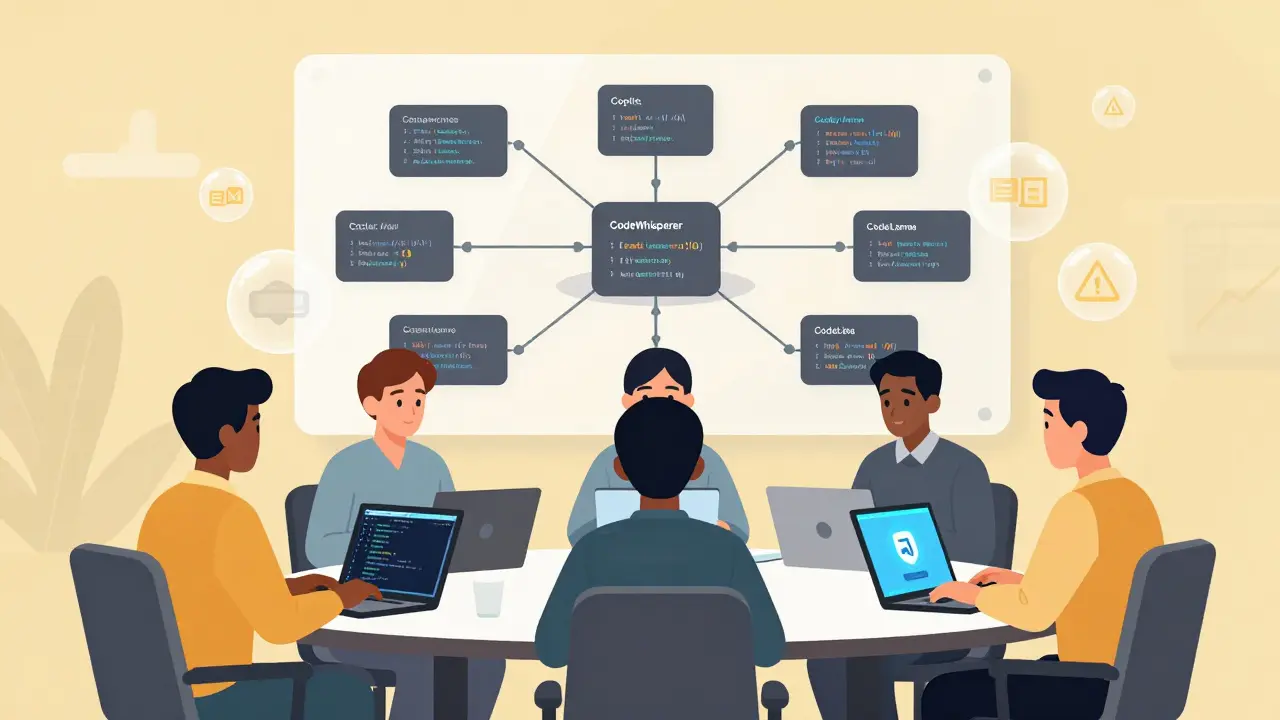
Four tools dominate the market as of early 2026, each with distinct strengths.
- GitHub Copilot remains the market leader with 1.5 million paid users. It supports over 80 programming languages and integrates seamlessly with VS Code and JetBrains IDEs. Developers report a 40-60% reduction in repetitive coding tasks. Its biggest edge? Deep context awareness. It remembers your project structure and adapts to your team’s coding style.
- Amazon CodeWhisperer shines in AWS-heavy environments. It’s built to understand cloud infrastructure code-Terraform, Lambda functions, IAM policies-and includes built-in security scanning that catches 92% of common vulnerabilities like SQL injection or cross-site scripting. But it only supports 15 languages, so it’s less flexible for polyglot teams.
- Google’s Codey (part of Gemini Advanced) excels at understanding large, complex codebases. If you’re working on a microservice architecture with 50+ interconnected modules, Codey can navigate them better than most human devs. But its IDE integration is weak-only a 3.2/5 rating in developer surveys-and it’s locked behind a $19.99/month subscription to Gemini Advanced.
- Meta’s CodeLlama is the only major open-source option. It’s free to use, customizable, and runs locally. Enterprises love it for compliance-heavy industries. CodeLlama-110B, released in January 2026, scores 70.3% on HumanEval, nearly matching GPT-4 Turbo. But it requires technical know-how to set up and fine-tune.
Real Impact: Speed, Skill, and Security
The numbers don’t lie. According to Microsoft’s internal data, junior developers using GitHub Copilot complete tasks 55% faster. That’s not just convenience-it’s equity. New hires who used to spend weeks learning legacy code now ship features in days. Senior developers, meanwhile, use these tools to eliminate boilerplate and focus on architecture.
But the biggest win? Documentation. One developer at a fintech startup told me they used to spend 20% of their week writing API docs. With Copilot, they now generate full OpenAPI specs with examples in under a minute. Another team automated 80% of their unit test generation-tests that passed 91% of the time on first run.
Security is a double-edged sword. Tools like CodeWhisperer scan for known vulnerabilities (CWE categories) with high accuracy. But they can also generate insecure code. A Stack Overflow post from January 2026 details how Copilot suggested using eval() in a React app-a massive red flag. Junior devs, especially, may not spot these risks. That’s why every enterprise using these tools now requires code reviews for AI-generated code. No exceptions.
Where These Tools Fall Short
They’re not magic. Coding LLMs struggle with niche languages. If you’re working in Rust, Go, or Python, they’re excellent. But if you’re using a domain-specific language for financial derivatives or embedded firmware? Accuracy drops to 38%, according to ACM research. They also have tiny memory limits-most only see 2,048 to 4,096 tokens of context. That’s about 1,500 lines of code. If your function spans 10 files, the model might miss critical dependencies.
They also don’t understand intent. Ask for a “secure login system,” and they’ll give you a working one. But they won’t tell you whether you should use OAuth2, SAML, or JWT. They don’t know your company’s compliance rules. They don’t know if your CTO hates third-party dependencies. That’s still on you.
And then there’s technical debt. A January 2026 IEEE Software study found 41% of organizations using AI assistants reported increased technical debt-code that works but is messy, poorly documented, or hard to maintain. Why? Because developers started accepting suggestions without understanding them. It’s like using a GPS that never explains turns-you eventually get lost when the signal drops.
Enterprise Adoption Is Accelerating
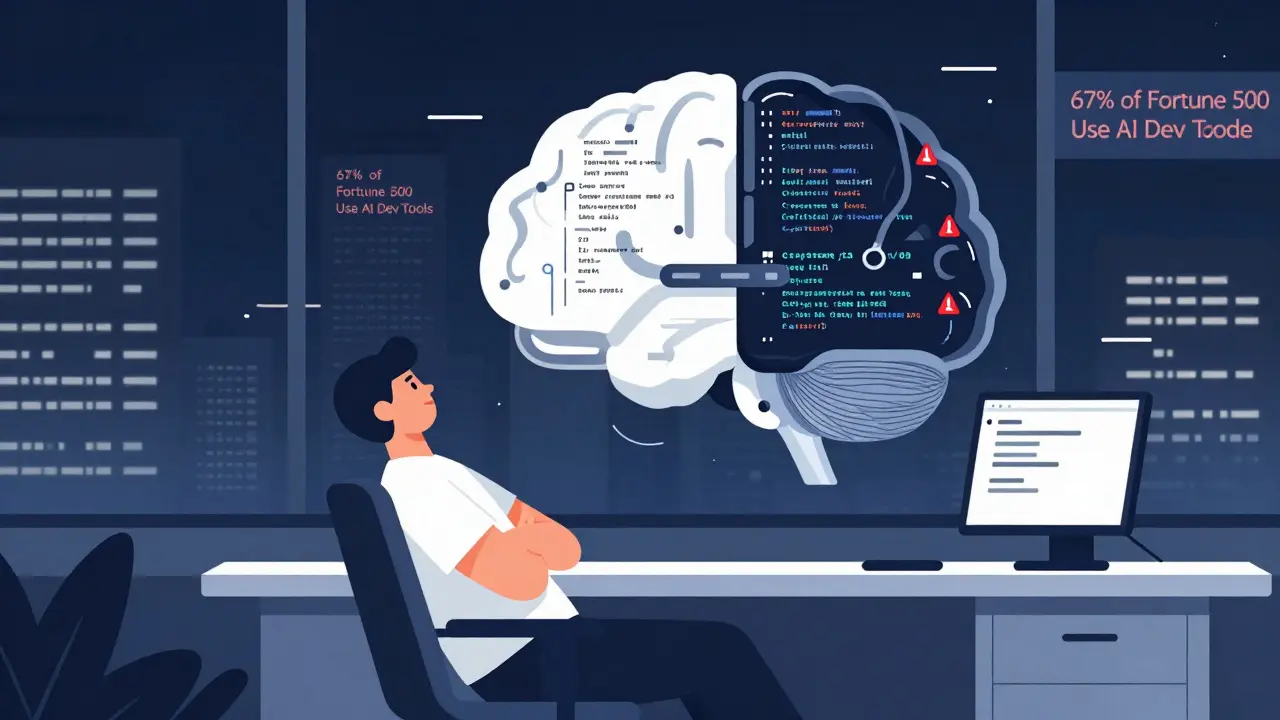
As of Q4 2025, 67% of Fortune 500 companies have deployed at least one AI coding assistant. That’s up from 32% in 2024. The EU AI Act, effective January 2026, now requires companies to document when AI-generated code is used in critical systems-like banking software or medical devices. That’s forcing even cautious organizations to adopt formal policies.
Implementation isn’t plug-and-play. Most companies take 4-6 weeks to integrate these tools with their CI/CD pipelines, code review systems, and security scanners. Sixty-eight percent of enterprises now use custom prompt templates-like “Write a Python function that validates user input using Pydantic, handles exceptions, and returns a 400 error with JSON format”-to get better results.
And the cost? It’s low. GitHub Copilot is $10/month per user. CodeWhisperer is $19. CodeLlama? Free. For teams of 50, that’s less than $1,000 a month. Compare that to hiring one senior engineer at $150,000/year. The ROI is clear.
What’s Next? The Future of AI Pair Programming
GitHub just launched Copilot Workspace-a tool that doesn’t just suggest code, but helps you plan entire projects. You describe a feature in plain English: “Build a dashboard that shows real-time sales by region with filtering and export to CSV.” It generates the architecture, sets up the database schema, writes the frontend components, and even drafts the deployment script. All with a 32,000-token context window.
Amazon is testing CodeWhisperer Pro with voice interaction. You say, “Add pagination to this API endpoint,” and it writes the code. No typing. Meta’s CodeLlama-110B is now open for fine-tuning on private codebases. And Google is quietly integrating Codey into its internal development tools, reportedly reducing internal bug reports by 28%.
By 2028, Forrester predicts 75% of enterprise code will have AI assistance during development. But here’s the catch: the best developers won’t be the ones using AI the most. They’ll be the ones who understand it the most. The ones who can spot a flawed suggestion, explain why it’s wrong, and teach the model to do better next time.
How to Start Using AI Coding Assistants
If you’re new to this, here’s how to begin:
- Try GitHub Copilot Free-it has a 60-day trial. Install it in VS Code and use it for small tasks first: unit tests, config files, or utility functions.
- Never accept code blindly. Always read it. Ask: “Does this handle edge cases? Is it secure? Is it consistent with our codebase?”
- Use prompts like a pro. Instead of “Write a login function,” say: “Write a Node.js Express route that validates email and password, returns 401 on failure, and uses bcrypt for hashing. No external libraries.”
- Set up code reviews for AI-generated code. Make it policy. Treat AI suggestions like peer reviews-require approval before merging.
- Train your team. Run a 30-minute workshop: show examples of good and bad AI suggestions. Let people practice correcting them.
These tools won’t replace developers. They’ll replace developers who don’t use them.
Are coding-specialist LLMs replacing software engineers?
No. They’re augmenting them. Developers who use AI assistants ship code faster, write cleaner documentation, and spend less time on repetitive tasks. But they still need to design systems, review logic, handle edge cases, and explain decisions to stakeholders. AI can write the code, but only humans can decide what the code should do-and why.
Is AI-generated code legally mine?
It’s complicated. The U.S. Copyright Office states that code generated solely by AI cannot be copyrighted. If you use Copilot to generate a function, you own the output only if you significantly modified it. If you copy-paste without changes, you may not have legal rights to it. Best practice: treat AI-generated code as a starting point, not a final product. Always review, adapt, and document your changes.
Which tool is best for beginners?
GitHub Copilot is the most beginner-friendly. It works out of the box in VS Code, supports many languages, and gives clear, context-aware suggestions. It doesn’t require setup or configuration. Many new developers report feeling less overwhelmed because Copilot fills in gaps they don’t yet know how to solve. Just remember: don’t rely on it to teach you programming. Use it to reinforce what you’re learning.
Can these models leak my code?
Enterprise versions of GitHub Copilot, CodeWhisperer, and Codey have opt-in data policies that prevent training on your code. Copilot Enterprise, for example, blocks suggestions that match public repositories and doesn’t store your code. But free versions may use your inputs for training. If you’re working on proprietary code, always use the paid enterprise tier. Never paste sensitive code into free AI tools.
Do these tools work with legacy code?
Yes, but with limits. If your legacy codebase uses outdated patterns-like global variables or non-standard naming conventions-the AI might suggest modern alternatives that break things. Start by using AI on new files or modules. Once you’ve built trust, gradually extend it to older code. Always test thoroughly. Tools like Copilot are better at understanding modern frameworks than 15-year-old Java or VB6 systems.
How do I convince my team to use AI coding tools?
Show, don’t tell. Pick a small, repetitive task-like writing unit tests or generating API documentation-and let the team see AI do it in 10 seconds instead of 30 minutes. Track time saved over a week. Share the numbers. People resist change, but they don’t resist saving time. Also, address fears upfront: yes, AI can make mistakes. That’s why we review everything. This isn’t about automation-it’s about augmentation.
Veera Mavalwala
January 26, 2026 AT 17:46Oh honey, let me tell you about the time I watched a junior dev accept Copilot’s suggestion to use eval() in a React app like it was a goddamn blessing from the coding gods. We’re not talking about a typo here-we’re talking about a security nightmare wrapped in a syntactic bow. These tools don’t ‘understand’ code, they just statistically guess what a human might’ve written after scrolling through a million GitHub repos full of bad habits. And now we’re outsourcing our braincells to a glorified autocomplete that doesn’t even know what ‘secure’ means unless it saw it in a tutorial from 2019? Please. I’ve seen more thoughtful architecture in a high schooler’s first Python script than in half the AI-generated code I’ve reviewed this year. It’s not augmentation-it’s digital anesthesia.
Ray Htoo
January 28, 2026 AT 09:19I get where you’re coming from, Veera, but I’ve seen the flip side too. My team used to spend three days writing boilerplate CRUD endpoints. Now? We type ‘create user endpoint with JWT, bcrypt, and validation’ and boom-working code in 12 seconds. We still review every line, but the time saved lets us focus on the hard stuff: edge cases, UX flow, scaling logic. I used to hate writing tests. Now I let Copilot draft them, then I tweak them to catch the weird stuff it missed. It’s like having a super-fast intern who never sleeps but still needs supervision. And honestly? I’d rather have that than another meeting about ‘code standards.’
Natasha Madison
January 29, 2026 AT 10:53AI coding tools are a Trojan horse. You think you’re saving time, but you’re letting Big Tech train their models on your proprietary code under the guise of ‘free trials.’ GitHub’s free tier? It’s harvesting your logic, your naming patterns, your business rules. And when you’re done, they’ll sell that knowledge back to your competitors. The EU AI Act? A PR stunt. They don’t care about your IP-they care about control. I stopped using any cloud-based AI tool last year. I run CodeLlama on a locked-down air-gapped machine. If you’re not doing that, you’re not a developer-you’re a data donor.
Sheila Alston
January 30, 2026 AT 08:19It’s so irresponsible to just handwave away the ethical implications of AI-generated code. We’re not just talking about security flaws-we’re talking about the erosion of craftsmanship. Programming used to be about discipline, about understanding every semicolon, every loop, every edge case. Now? People copy-paste AI output like it’s scripture and never even ask why it works. And when it breaks? They blame the tool, not themselves. This isn’t progress-it’s intellectual laziness dressed up as efficiency. I’ve seen junior devs who can’t write a for loop without Copilot. What happens when the internet goes down? Or the API fails? Or they get fired and can’t access the tool anymore? They’re lost. And we’re letting them be lost.
sampa Karjee
January 31, 2026 AT 03:15Let’s be brutally honest: if you need an AI to write a login function, you shouldn’t be a developer. You should be a technical writer. The fact that companies are rewarding mediocrity by enabling it with these tools is a catastrophe for the industry. I’ve reviewed codebases where 70% of the functions were AI-generated-messy, over-engineered, full of unnecessary abstractions, and completely undocumented. And the worst part? The devs who wrote them think they’re ‘efficient.’ Efficiency isn’t speed-it’s clarity. Maintainability. Understanding. You can’t outsource your cognitive responsibility to a statistical model trained on GitHub’s dumpster fire of copy-pasted Stack Overflow answers. If you’re using Copilot to avoid learning, you’re not just wasting your time-you’re poisoning the ecosystem.
Patrick Sieber
January 31, 2026 AT 04:42Guys, I’ve used all of these tools across startups and enterprise gigs. The truth is, they’re like power tools-you can use them to build a house or cut your finger off. The key is knowing when to use them and when to put them down. I let CodeWhisperer handle my Terraform modules because it’s got built-in security checks that catch misconfigured IAM policies I’d miss. But for core business logic? I write it myself. And I make sure every AI-generated line gets reviewed in PRs. It’s not about replacing devs-it’s about offloading the boring stuff so we can focus on the hard problems. Also, if you’re still using free Copilot on proprietary code? You’re not just naive-you’re a liability.
Kieran Danagher
February 1, 2026 AT 17:00Oh so now we’re all supposed to be AI whisperers? ‘Just review the code!’ Sure, and I’ll also meditate on the meaning of life while I’m at it. The reality is most teams don’t have time to review every line. They’re under pressure to ship. So they accept the first suggestion that doesn’t throw a syntax error. And then they wonder why their prod environment is a house of cards. These tools aren’t assistants-they’re time bombs with a 40% chance of blowing up in your face. And the vendors? They’ll happily take your $10/month while you clean up the mess.
OONAGH Ffrench
February 3, 2026 AT 01:02Code is language. Language is thought. Thought is human. These models simulate understanding but they do not comprehend. They rearrange patterns they’ve seen, not principles they’ve internalized. The real danger isn’t the code they write-it’s the belief that they can write it better than we can. We are not becoming better developers by outsourcing our thinking. We are becoming dependent. And dependence is not progress. The best developers are not the ones who use AI the most. They are the ones who know when to turn it off.
Reshma Jose
February 4, 2026 AT 00:14My team tried this for a month and now we have a rule: AI writes the first draft, humans write the second. We use it for boilerplate, tests, docs-anything repetitive. But every PR has a checkbox: ‘Reviewed and understood AI output.’ We even have a weekly ‘AI fails’ chat where we roast the dumbest suggestions. One time it tried to use setTimeout() for a payment webhook. We laughed, learned, and fixed it. It’s not magic. It’s a teammate who’s really good at typing but terrible at thinking. And honestly? We’re better because of it.