Diffusion Models in Generative AI: How Noise Removal Creates Photorealistic Images
 Sep, 1 2025
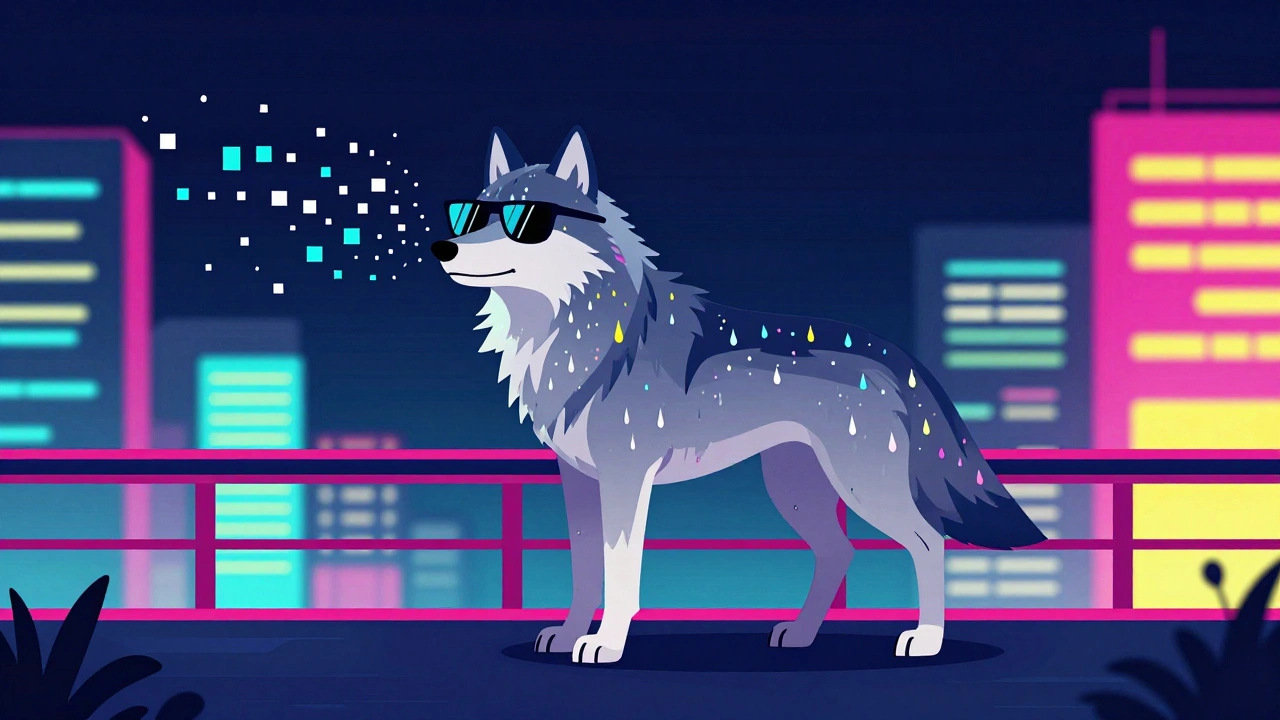
Imagine generating a photo of a wolf wearing sunglasses, standing on a neon-lit bridge in Tokyo, with rain reflecting off its fur - all from a simple text prompt. That’s not magic. It’s diffusion models at work. These aren’t just another AI trend. They’re the reason your favorite AI art tools now produce images that look like they were shot with a high-end camera, not stitched together by a machine.
Before diffusion models, most AI image generators struggled with details. Hands looked like claws. Text was gibberish. Backgrounds fell apart. GANs - the previous standard - were fast but unstable. They’d either freeze up, repeat the same images, or generate weird glitches. Then, in 2020, a team from Google Brain published a paper that changed everything. They didn’t try to build an image from scratch. Instead, they started with pure noise and learned how to remove it.
How Noise Becomes a Picture
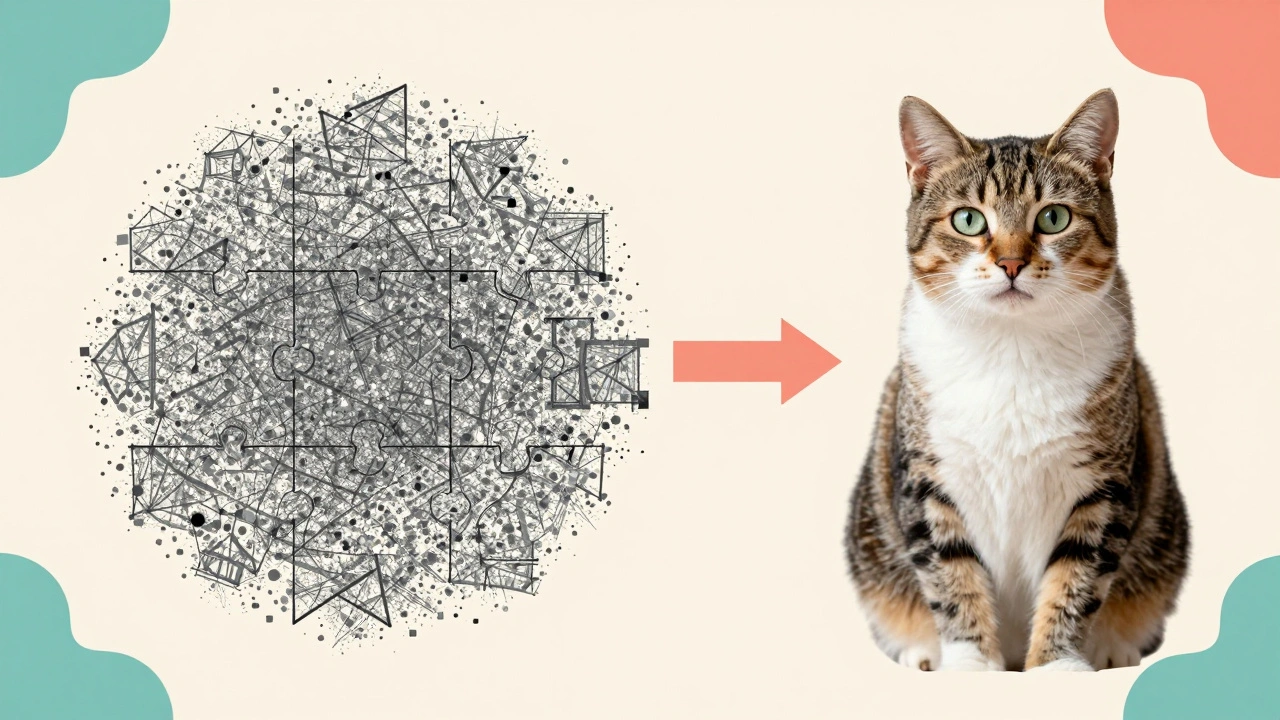
Think of diffusion models like a reverse puzzle. First, the system takes a real image - say, a photo of a cat - and slowly adds random noise, pixel by pixel, over 1,000 steps. After all that noise, the image becomes indistinguishable from static TV snow. That’s the forward process. It’s not creative. It’s just math. Gaussian noise, added predictably, step by step.
The magic happens in reverse. The model learns how to undo that noise. It doesn’t guess the whole image at once. It asks: “What did this pixel look like one step before it got noisy?” Over and over, it peels away layers of randomness until a clear image emerges. This reverse process is where the neural network - usually a U-Net with attention layers - does all the heavy lifting. It’s trained to predict the noise, not the image itself. That’s the key insight: predicting noise gives much more stable gradients, which means the model learns faster and more reliably.
Early versions took minutes to generate a single image. Today, optimized models like Stable Diffusion 2.1 and DALL-E 3 can do it in under 3 seconds on a good GPU. How? They don’t work in pixel space. They compress the image into a smaller latent space - think of it like a low-res sketch that holds all the important details. The model denoises that sketch, then upscales it. This cuts VRAM use from 10GB to just 3GB, making it possible to run on consumer GPUs instead of supercomputers.
Why Diffusion Beats GANs
GANs used to be the kings of AI image generation. But they had a fatal flaw: mode collapse. If the model learned to generate one type of image - say, cats with green eyes - it would keep making the same variation over and over. It couldn’t explore the full range of possibilities. Diffusion models don’t have this problem. They sample from the entire data distribution. That’s why you get wilder, more diverse results.
Metrics back this up. On the CIFAR-10 benchmark, diffusion models hit an FID score of 1.70. GANs? Around 2.57. Lower FID means the generated images are closer to real ones. On CelebA-HQ (a dataset of high-res human faces), diffusion models scored 2.14 vs. GANs’ 3.89. That’s a massive gap. Human evaluators also rate diffusion-generated faces higher for realism, especially in skin texture, hair strands, and lighting.
Another win: text control. When you type “a red fox sitting on a wooden table with a teacup,” diffusion models understand the relationship between objects better. They use something called Classifier-Free Guidance (CFG), which lets you dial up how strictly the image follows your prompt. Set CFG to 7? You get a very literal fox. Set it to 12? You get a hyper-detailed, almost surreal version. GANs couldn’t do this reliably.
And yet - diffusion models are slow. GANs generate an image in one pass. Diffusion models need 20 to 50 steps, each one dependent on the last. That’s why they’re not used in video games or real-time apps. But for static art, marketing visuals, and design concepts? They’re unbeatable.
Real-World Use Cases
Professional artists are using diffusion models to cut production time. Concept artist Lena Dahlberg generated over 200 cover images for her 2023 book using Stable Diffusion. She says it cut her workflow by 80%. No more sketching 50 versions of a spaceship. She types a prompt, tweaks the CFG, picks the best one, and refines it in Photoshop.
E-commerce brands are experimenting too. Shopify’s 2023 case study showed that 35% of customers returned products when the AI-generated images had subtle texture errors - like a shirt that looked like plastic or a shoe with mismatched laces. That’s why companies now use diffusion models for mockups, not final product shots. They’re great for ideation, terrible for precision.
Meanwhile, indie developers are building custom models. Civitai hosts over 47,000 user-uploaded Stable Diffusion models. Some specialize in anime. Others mimic Studio Ghibli. One even generates hyperrealistic portraits of people who never existed. All of them are trained on different datasets, fine-tuned with LoRAs, and shared freely. This isn’t just tech - it’s a creative movement.
What You Need to Get Started
You don’t need a PhD to use diffusion models. But you do need the right tools.
- Hardware: Minimum 6GB VRAM for 512x512 images. For 1024x1024, aim for 12GB+. An RTX 3060 or better will handle most tasks.
- Software: Use Hugging Face’s Diffusers library or Automatic1111’s WebUI. Both are free, open-source, and well-documented.
- Model: Start with Stable Diffusion 2.1. It’s the most stable, widely supported version. Avoid early models - they’re buggy.
- Prompting: Be specific. “A cyberpunk city at night, rain-slicked streets, neon signs in Japanese, cinematic lighting, 8k” works better than “a city.” Use negative prompts too: “no blurry, no extra fingers, no text.”
Common issues? Hands. Always hands. And text. Diffusion models still struggle with fingers and legible words. Use upscalers like ESRGAN or Ultimate SD Upscale to fix this. Also, avoid overloading prompts. Too many details confuse the model. Stick to 3-5 key elements.
Limitations and Ethical Concerns
Diffusion models aren’t perfect. They’re trained on billions of images scraped from the web - many without permission. That’s why artists and photographers are pushing back. The EU AI Act now classifies diffusion models as “high-risk” if used for biometric identification. California requires AI-generated content to be watermarked starting January 2025.
There’s also the environmental cost. Training DALL-E 2 took 150,000 GPU hours. That’s roughly the same energy used by 15 average U.S. homes in a year. Researchers are working on faster samplers and flow-matching techniques that could cut steps from 50 to 3. NVIDIA’s TensorRT-LLM already cut inference time by 4.2x. Efficiency is improving - fast.
And then there’s the learning curve. New users often get frustrated when their prompts don’t work. “Why did it give me a three-headed dog?” is a common cry. The answer: diffusion models interpret language literally. They don’t “know” what a dog is. They know patterns from training data. If your prompt says “three dogs,” it might give you three heads on one body. That’s not a bug. It’s a feature of how statistical models work.
The Future: Faster, Smarter, More Controlled
What’s next? Google’s Veo can now generate 16-second 1080p videos from text. OpenAI is working on real-time diffusion - sub-second generation. Meta plans to open-source SeamlessM4T, which will let you generate images from speech. And researchers at DeepMind have found that the diffusion framework keeps surprising them. Even after four years, new architectures keep improving results.
By 2026, analysts predict computational needs will drop by 90%. That means diffusion models could run on phones. Imagine snapping a photo and instantly turning it into a Renaissance painting, a sci-fi poster, or a child’s drawing - all in seconds.
Diffusion models didn’t just make better images. They changed how we think about creativity. They turned AI from a tool that copies into one that collaborates. You don’t just ask for an image. You guide its evolution - step by step, noise by noise - until it becomes something new.
How do diffusion models differ from GANs?
Diffusion models generate images by starting with noise and removing it step by step, while GANs use two competing networks - one generates, the other judges - to produce images in one pass. Diffusion models are more stable, produce higher-quality details, and handle complex prompts better. But they’re slower. GANs are faster but prone to glitches and repetitive outputs.
Why do diffusion models need so many steps?
Each step refines the image slightly, like slowly sharpening a blurry photo. Early models used 1,000 steps, but modern samplers like DDIM and DPM++ reduce that to 20-50 without losing quality. More steps mean finer control, but you can trade speed for detail. Some tools let you skip steps intelligently - that’s called “fast sampling.”
Can I run diffusion models on my laptop?
Yes, if you have a decent GPU with at least 6GB VRAM. Stable Diffusion 2.1 runs on an RTX 3060 or equivalent. For 512x512 images, you’ll need about 3-4GB of memory. If you only have integrated graphics, use online tools like Leonardo.Ai or Playground AI instead.
Why do AI images often have weird hands?
Hands are complex, with many small joints and variations. Training data has fewer high-quality images of hands compared to faces or objects. The model learns patterns, not anatomy. That’s why you get six fingers or fused thumbs. Use negative prompts like “no extra fingers” or apply post-processing upscalers to fix it.
Are diffusion models the future of AI art?
Right now, yes. They dominate 87% of new text-to-image systems. Their ability to generate coherent, detailed, and diverse images is unmatched. But they’re not the final answer. Researchers are already exploring faster alternatives like flow matching and latent flow models. Still, for photorealism and creative control, diffusion remains the gold standard - for now.
Diffusion models didn’t come out of nowhere. They’re built on decades of math, physics, and neural network research. But their real power isn’t in the equations. It’s in what they let people create. A single prompt can spark a million variations. A designer can explore ideas in minutes. An artist can turn imagination into image - without a brush, without a canvas, just words and noise.