Keyboard and Screen Reader Support in AI-Generated UI Components
 Dec, 20 2025
When AI starts building user interfaces, it doesn’t just guess what buttons to place or where to put text. It’s also supposed to know how people with disabilities interact with those interfaces. If an AI-generated button can’t be reached with a keyboard, or a screen reader can’t announce what it does, then it’s not just broken-it’s exclusionary. And that’s a problem we can’t ignore anymore.
Why Accessibility Isn’t Optional in AI-Generated UI
Over 70% of websites still fail basic accessibility standards, even though tools to fix them have been around for years. The WebAIM Million Report from 2023 found only 3% of the top million websites met WCAG 2.1 Level AA. That’s not a technical gap-it’s a design failure. And now, as AI starts generating entire interfaces, we’re at risk of repeating those mistakes at scale.
AI doesn’t know what accessibility means unless it’s taught. And teaching it isn’t about adding a checkbox to a settings menu. It’s about building accessibility into the core logic: semantic HTML, proper ARIA roles, focus management, and keyboard navigation paths. Without these, an AI-generated modal dialog might look perfect on screen-but for someone using a screen reader, it might as well not exist.
Mass.gov’s 2023 AI accessibility guidelines make it clear: if an AI tool generates UI input elements, those elements must be fully operable via keyboard and compatible with screen readers like JAWS, NVDA, or VoiceOver. That’s not a suggestion. It’s a requirement for public and private sector compliance.
How AI Tools Are Trying to Fix This
Several platforms have started integrating accessibility into their AI design systems. UXPin’s AI Component Creator, launched in mid-2023, generates React components with built-in semantic HTML and suggests ARIA labels as you design. It doesn’t just spit out code-it flags missing roles, incorrect tab order, and low contrast ratios before you even export.
Workik’s AI Accessibility Code Generator, released in early 2024, goes further. It doesn’t just create components from scratch. It takes existing UI code and auto-fixes accessibility issues. Need to add aria-labels to icons? It does it. Missing focus indicators on buttons? It adds them. It even integrates with Axe Core and Lighthouse to scan for violations and show you exactly what’s wrong.
Then there’s Adobe’s React Aria-a library of low-level accessibility primitives. It’s not AI-generated, but it’s often used alongside AI tools. Developers who use it report saving 40+ hours per project on keyboard navigation logic. But here’s the catch: you still have to know how to use it. It doesn’t automate thinking-it automates typing.
AI SDK’s ‘Accessibility First’ framework takes a different approach. Instead of leaving accessibility as an afterthought, it builds it into every component from the ground up. Their Response component, designed to render LLM-generated Markdown, automatically handles headings, lists, and links with proper ARIA roles. That’s the kind of thinking we need more of.
What AI Gets Right (and What It Still Misses)
AI is great at handling the basics. It can generate buttons with correct tab order, add alt text to images, and ensure form labels are properly associated. In fact, ACM’s 2024 study found AI tools achieve 78% compliance with keyboard accessibility rules. That’s impressive.
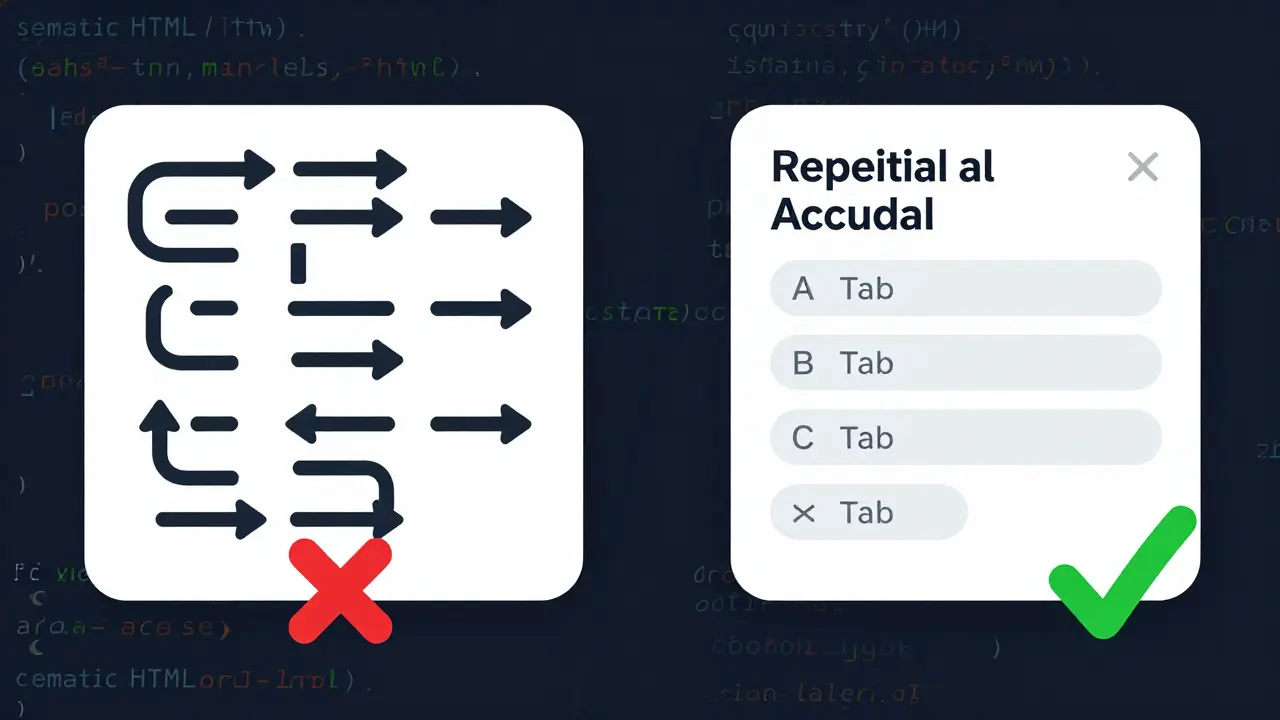
But when it comes to complex interactions-like drag-and-drop, dynamic modals, or live regions that update without page reloads-AI falls apart. A 2024 report from The Paciello Group found that 22% of AI-generated modal dialogs created keyboard traps. Users couldn’t escape them. Not because the code was broken. Because the AI didn’t understand how focus should behave when content changes dynamically.
Screen reader support is even worse. The same study showed AI tools only hit 52% accuracy on complex screen reader interactions. That means half the time, when a user hears “button, edit, disabled,” they have no idea what it does. AI often generates generic labels like “button 3” or misuses ARIA roles, confusing screen readers.
And then there’s alt text. AudioEye’s 2024 research found AI-generated image descriptions are only 68% accurate for complex visuals-charts, diagrams, infographics. A simple photo of a person? Fine. A financial graph with five data series? The AI says “chart.” That’s not helpful. It’s misleading.
Real-World Developer Experiences
Developers aren’t blindly trusting AI. On Reddit, one user spent three days fixing keyboard traps in an AI-generated modal from UXPin. “It looked perfect,” they wrote. “But pressing Tab cycled through hidden elements. I had to rewrite the focus management by hand.”
On GitHub, another developer praised React Aria for cutting development time but admitted: “We still had to test with JAWS manually. The AI didn’t catch that the dialog didn’t announce its title.”
These aren’t edge cases. They’re common. A 2024 Deque Systems study showed automated tools catch only 30% of screen reader issues. That means seven out of ten problems are invisible to AI.
Still, the time savings are real. Teams using AI accessibility tools report 25-40% faster implementation of basic WCAG requirements. For startups and small teams, that’s a game-changer. But it’s not a finish line. It’s a starting point.
What You Need to Do-Even If You Use AI
AI isn’t replacing accessibility experts. It’s making their job easier. But you still need them.
Here’s the workflow that works:
- Use AI to generate the base UI with semantic HTML and ARIA attributes.
- Run automated tests with Axe Core or Lighthouse.
- Manually test with a keyboard-no mouse allowed. Can you reach every interactive element? Can you activate them?
- Test with a screen reader. Turn it on. Close your eyes. Navigate. Does it make sense?
- Validate contrast ratios and touch targets. Minimum 4.5:1 for text. Minimum 44x44 pixels for buttons.
- Have someone with a disability test it. Not for pity. For truth.
Exalt Studio recommends allocating 15-20% of your sprint time to accessibility validation. That’s not a luxury. It’s insurance. A single lawsuit over inaccessible UI can cost more than a year’s worth of developer time.

The Bigger Picture: Compliance, Cost, and Ethics
Regulations are catching up. The EU’s EN 301 549 and the updated U.S. Section 508 now explicitly require digital interfaces to be accessible-even if they’re generated by AI. The Department of Justice recently settled a case where a company’s AI-generated site failed Section 508, even though automated tools said it passed. The court didn’t care about the AI. It cared about the user.
The market is responding. The global digital accessibility tool market is projected to hit $2.5 billion by 2025. Government agencies lead adoption at 68%, followed by finance at 52%. Retail? Only 31%. That’s not because they don’t care. It’s because they think it’s too hard. AI is changing that.
But here’s the hard truth: accessibility isn’t about avoiding lawsuits. It’s about not leaving people behind. Over 1.3 billion people worldwide live with some form of disability. If your AI-generated UI doesn’t work for them, you’re not building for the future. You’re building for a fraction of the world.
The Future: Personalization Over Prescription
Some experts, like Jakob Nielsen, argue we’ve been doing accessibility wrong. Instead of forcing everyone into one compliant interface, why not generate a different UI for each person? An AI that adapts keyboard shortcuts based on how you navigate. That adjusts contrast automatically for low vision. That simplifies language for cognitive disabilities.
Google and Microsoft are already testing this. Google’s Accessibility Toolkit now suggests focus management changes based on user behavior. Microsoft’s Fluent UI integrates with Azure AI to auto-generate ARIA labels based on context.
This isn’t science fiction. It’s the next step. But it still requires human oversight. As Dr. Shari Trewin of IBM says, “AI will handle 80% of routine accessibility by 2027. But the rest? That’s where empathy, judgment, and lived experience matter.”
Final Thought: AI Doesn’t Replace Humanity-It Amplifies It
AI can generate a button. It can add a label. It can even check contrast ratios. But it can’t feel the frustration of a user stuck in a keyboard trap. It can’t understand the relief of hearing a screen reader say, “Add to cart button, ready.”
So use AI. Let it do the heavy lifting. But never stop testing. Never stop listening. Because accessibility isn’t a feature. It’s a promise. And promises made by code mean nothing unless they’re kept by people.
Can AI-generated UI components be fully accessible without human input?
No. While AI tools can generate 70-80% of basic accessibility features like semantic HTML and ARIA labels, they still fail on complex interactions like dynamic modals, keyboard traps, and accurate screen reader announcements. Human testing with real assistive technologies remains essential. A 2024 ACM study found AI tools only achieve 52% accuracy on complex screen reader tasks.
Which AI tools offer the best keyboard and screen reader support?
UXPin’s AI Component Creator and Workik’s Accessibility Code Generator are currently the most robust for UI generation. UXPin integrates accessibility into the design-to-code workflow, while Workik focuses on fixing existing code. Adobe’s React Aria offers powerful low-level primitives but requires manual implementation. For testing, Aqua-Cloud and Deque’s axe tools are top-tier, but they don’t generate components.
Do I need to know WCAG to use AI accessibility tools?
You don’t need to be an expert, but you need basic knowledge. AI tools assume you understand concepts like focus order, ARIA roles, and contrast ratios. If you don’t, you might miss critical errors the tool doesn’t flag. Start with WCAG 2.1 Level A and AA basics-especially the Operable and Understandable principles. Many tools include guides, but they won’t replace understanding.
Are AI-generated alt texts reliable for images?
Only for simple images. For photos of people or basic icons, AI alt text is often accurate. But for charts, diagrams, infographics, or images with text, accuracy drops to 68%, according to AudioEye’s 2024 research. Complex visuals require human description. Never rely on AI alone for alt text in critical contexts.
What’s the biggest risk of using AI for accessibility?
False confidence. Many organizations run automated tests, see a green checkmark, and assume they’re compliant. But automated tools miss 70% of screen reader issues. The DOJ recently settled a case where an AI-generated site passed automated checks but failed Section 508 because keyboard navigation was broken. AI helps-but it doesn’t absolve you of responsibility.
Teja kumar Baliga
December 20, 2025 AT 20:56AI can help, but nothing beats real people testing with screen readers. I’ve watched my cousin navigate a site with NVDA-she didn’t care about compliance labels, just if she could find the checkout button. AI doesn’t feel that frustration.
Tiffany Ho
December 21, 2025 AT 16:48yes please more tools that just work
why do we keep making accessibility feel like extra work when it should be basic
Fredda Freyer
December 22, 2025 AT 19:48The real issue isn’t whether AI can generate accessible UIs-it’s whether we’re willing to treat accessibility as a fundamental architectural principle rather than a compliance checkbox. The fact that 97% of top websites still fail WCAG 2.1 speaks to a cultural failure, not a technical one. AI is merely a mirror: it reflects our priorities. If we prioritize speed, aesthetics, and profit over inclusion, AI will optimize for that. But if we demand that every component be born with semantic integrity, focus management, and context-aware ARIA, then AI can be a force for radical equity. The tools exist. The knowledge exists. What’s missing is the collective will to enforce it-not just in code, but in culture.
Zelda Breach
December 24, 2025 AT 04:24Oh great, so now we’re outsourcing empathy to an algorithm that doesn’t know what a ‘button’ is unless it’s labeled ‘button 3’? Amazing. Let’s just let the AI decide who gets to use the internet. I’m sure it’ll get the alt text right for that photo of the disabled veteran holding his service dog.
Aryan Gupta
December 26, 2025 AT 03:30AI generates ‘button 3’? That’s not a bug-it’s a feature of corporate laziness. And don’t get me started on how these ‘accessible’ tools still use aria-labels like they’re magic spells. Did you know the DOJ just fined a bank because their AI-generated form had tabindex=0 on a div that wasn’t even focusable? The AI didn’t know the difference between a div and a button. And now we’re trusting it with public infrastructure? This is how dystopias start-with good intentions and bad code.
Gareth Hobbs
December 27, 2025 AT 03:21UK developers have been doing this right for years-proper semantic HTML, no lazy ARIA, no AI shortcuts. But now? Americans are outsourcing their ethics to ChatGPT. I mean, seriously? You’re letting an algorithm that thinks ‘chart’ is a valid alt text decide whether a blind person can access their bank statement? This isn’t innovation. It’s negligence with a tech bro smile.
Kelley Nelson
December 27, 2025 AT 03:56While the proliferation of AI-generated accessibility tooling is certainly a step forward in terms of scalability, one must remain cognizant of the ontological limitations inherent in algorithmic cognition. The absence of phenomenological experience renders AI incapable of apprehending the embodied struggle of the disabled user. Consequently, while automated linting may achieve nominal WCAG compliance, it cannot replicate the epistemic authority of lived experience. Thus, the notion that AI can supplant human validation is not merely erroneous-it is ethically indefensible.
Alan Crierie
December 27, 2025 AT 13:50Love that you mentioned React Aria-used it last week on a client project and it saved me 12 hours of focus trap debugging. But you’re 100% right: it doesn’t replace testing. I ran it through JAWS, closed my eyes, and literally cried when the screen reader said ‘Add to cart, button’ instead of ‘button 3’. That’s the moment you realize tech isn’t just code-it’s dignity.
Nicholas Zeitler
December 29, 2025 AT 08:13Don’t forget the 44x44px rule! I’ve seen so many AI-generated buttons that are 32x32 and look perfect on a 4K screen-but on a tablet with shaky hands? Impossible to tap. AI doesn’t know how arthritis feels. Humans do. Always test with real people, not just automated tools. And yes-15-20% of your sprint time? That’s the bare minimum. If you’re skimping on this, you’re not building software. You’re building lawsuits.
k arnold
December 29, 2025 AT 12:08So let me get this straight-you spent 40 hours saving time with AI, then spent 60 hours fixing what it broke? Cool. I’ll just hire a human.