Knowledge Management with LLMs: Enterprise Q&A over Internal Documents
 Feb, 15 2026
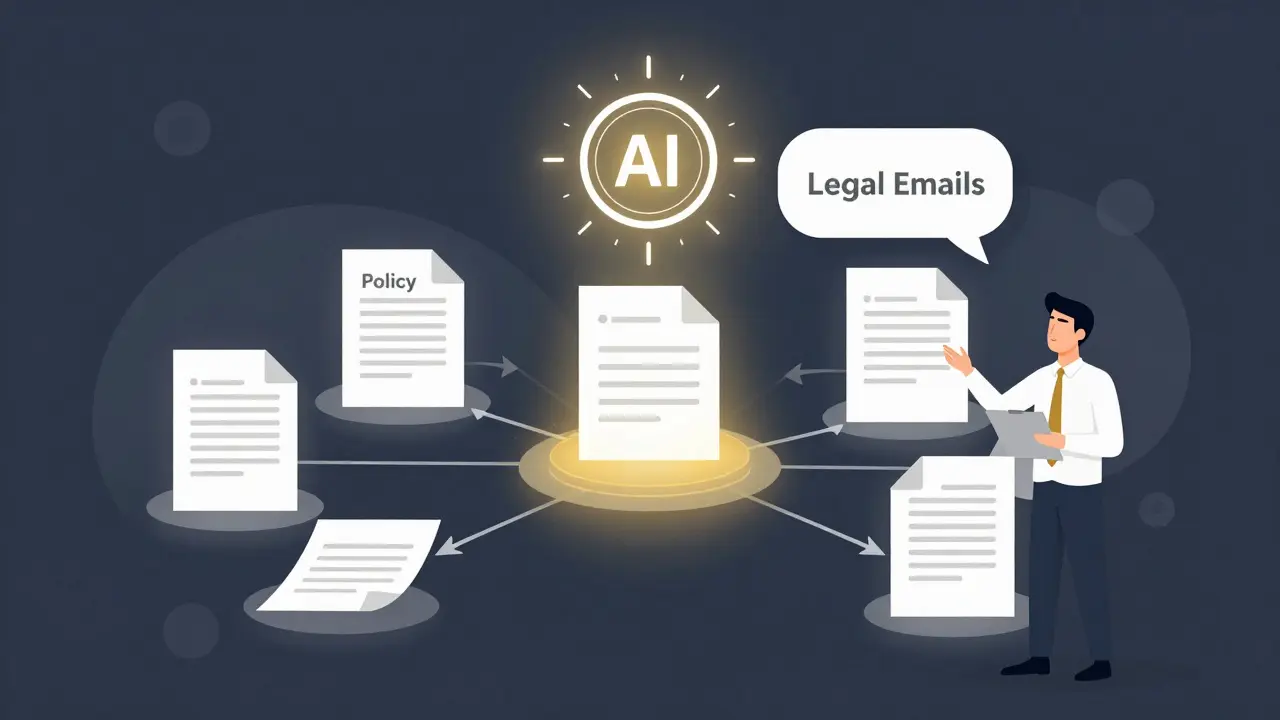
Imagine asking your company’s entire knowledge base a question like, "How do we handle GDPR for customer data in France?" - and getting a clear, accurate answer pulled from 17 different policy docs, training manuals, and legal emails - all in under three seconds. That’s not science fiction. It’s what companies are doing today with Large Language Models (LLMs) built for enterprise knowledge management.
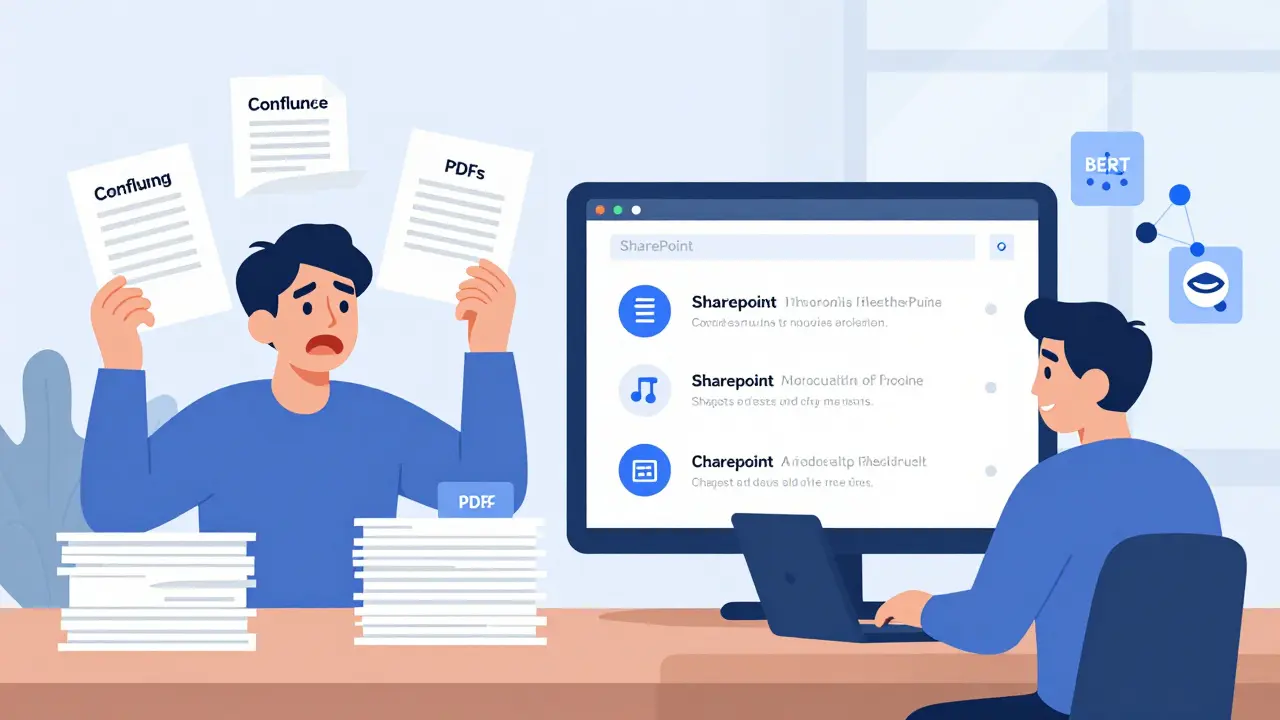
Traditional systems like SharePoint or Confluence force users to search, click, and skim through documents. They’re built for keyword matching, not understanding. An LLM-powered Q&A system, on the other hand, understands context. It doesn’t just find documents - it reads them, connects ideas across them, and gives you a synthesized answer with citations. This shift is changing how teams access knowledge - and it’s happening fast.
How It Actually Works: The RAG Architecture
Most enterprise LLM systems today use something called Retrieval-Augmented Generation, or RAG. It’s not just an LLM talking to itself. It’s a two-step process:
- Retrieval: When you ask a question, the system scans your internal documents - not by keywords, but by meaning. It converts text into numerical vectors using models like BERT or Sentence-BERT, then finds the most similar chunks using a vector database like Pinecone or Weaviate. Think of it like finding the closest matches in a giant map of ideas.
- Generation: Once the system pulls the top 3-5 most relevant document fragments, it feeds them into an LLM (like GPT-4 or Llama 3) along with your question. The model then writes a natural-language answer, citing which documents it used.
This approach avoids the biggest flaw of pure LLMs: hallucination. If the source documents don’t contain the answer, the system can say, "I can’t find that information." That’s huge. Companies like Xcelligen and Lumenalta report 85-92% accuracy in retrieving correct information from internal docs - far better than old search tools.
Why This Beats Old Knowledge Systems
Before LLMs, enterprise knowledge was stuck in silos. Marketing had one set of docs, IT had another, legal had a third. Employees spent hours hunting down answers. Workativ’s 2024 case studies show that teams using LLM-based Q&A resolved employee questions 63% faster. Repetitive help desk tickets dropped by 41%.
Here’s what changes:
- From search to conversation: You don’t need to know the exact name of a policy. Ask in plain English: "What’s the approval process for cloud spending?"
- From documents to answers: No more clicking through 12 PDFs. You get one clear response, with links to the original sources.
- From static to dynamic: The system updates automatically as new documents are added. Version control is handled by timestamping embeddings - meaning outdated info gets buried naturally.
One Microsoft Azure architect put it this way: "I used to spend 20 minutes digging through policy files. Now I ask the system and get a full answer with citations. It’s like having a research assistant who knows every document we’ve ever created."
Where It Falls Short - And Why You Still Need Humans
LLMs aren’t magic. They have limits - and ignoring them can be risky.
First, context windows. Even the best models can only process around 32,000 tokens at once. That’s about 25,000 words. If your question requires info from 20 long reports, the system might miss key parts. Some teams solve this by breaking documents into smaller chunks and using iterative retrieval - but it adds complexity.
Second, hallucinations still happen. eGain’s testing found that 18-25% of complex queries produced incorrect answers when no clear source existed. A financial services firm once got a response claiming a regulatory deadline was in March - when it was actually in April. The system cited a draft email that was later corrected. Without human validation, that mistake could cost millions.
Third, domain jargon. LLMs trained on public data don’t know your company’s internal terms. If your team calls a "firewall rule update" a "network shield patch," the model won’t connect the dots unless you fine-tune it. Dr. Andrew Ng’s research shows fine-tuning improves accuracy by 31-47% - but it takes time and clean data.
That’s why experts like Seth Earley from Enterprise Knowledge say: "LLMs are revolutionary, but not ready to replace human-curated knowledge." The best systems combine LLMs with structured knowledge graphs - think of them as AI assistants working alongside human editors.
Implementation: What It Really Takes
Setting this up isn’t plug-and-play. Companies that succeed do three things right:
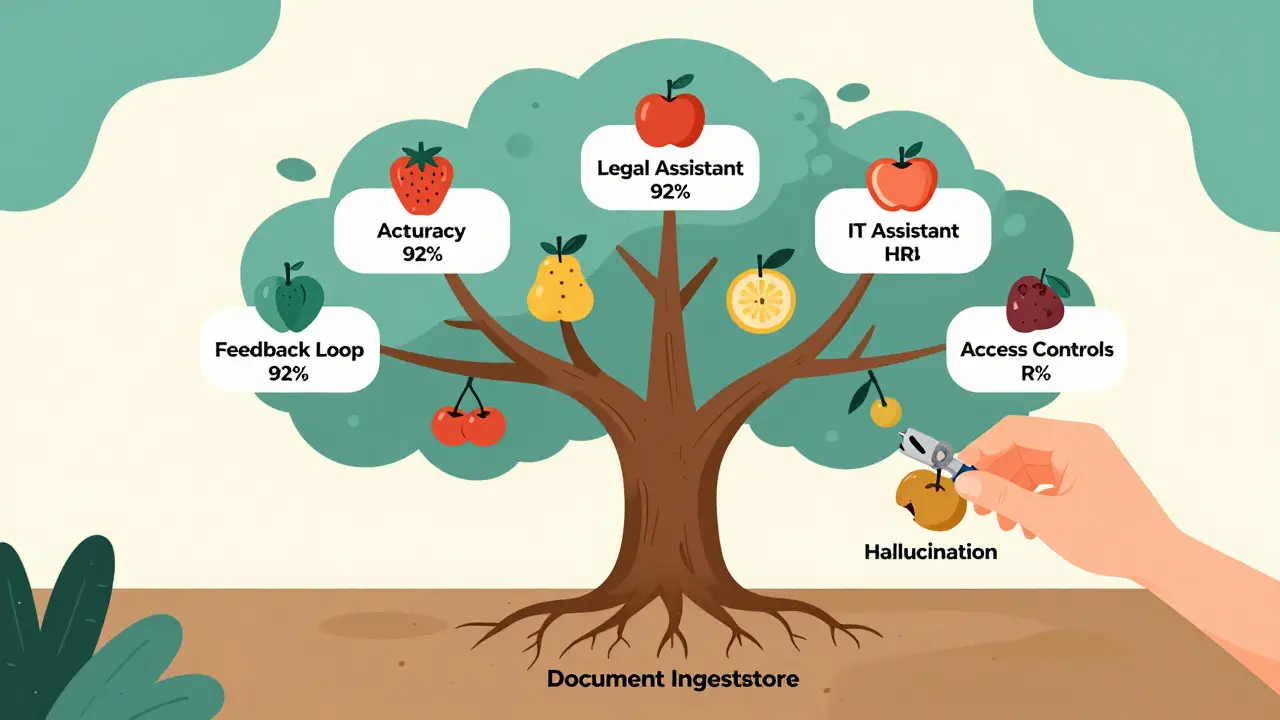
- Document ingestion: You need to convert PDFs, DOCX, wikis, Slack threads, and even scanned images into clean text. Metadata (author, date, department) must be preserved. This step alone takes 3-6 weeks for a medium-sized company.
- Access controls: 94% of successful deployments use strict role-based permissions. You can’t let HR data leak to engineers. Systems must respect your existing identity providers (like Azure AD or Okta) and restrict access by document sensitivity.
- Human feedback loops: Add a "Was this helpful?" button. When users flag wrong answers, the system learns. Some teams even have a weekly review cycle where SMEs validate the top 10 most asked questions.
Training teams takes 40-60 hours. Most failures happen because companies skip this. They assume the AI will "just work." It won’t.
Real-World Results and Costs
Adoption is strongest in tech (42%), finance (23%), and healthcare (18%). Companies with 1,000+ employees lead the charge.
Success stories:
- Adobe cut onboarding time by 45% - new hires now ask the system instead of waiting for mentors.
- Salesforce reduced ticket volume by 38% for internal IT queries.
- A European bank implemented provenance tracking to comply with the EU AI Act - every answer now includes a log of which documents were used.
But here’s the catch: costs are real. A 2024 Stanford study found that maintaining an LLM knowledge system for 10,000 employees costs $18,500-$42,000 per month in compute alone - mostly from NVIDIA A100 GPUs running 24/7. That’s why many are moving toward function-specific assistants. Instead of one system for everything, you get:
- A legal assistant that only handles contracts and compliance.
- An IT assistant that only answers questions about cloud infrastructure.
Gartner predicts that by 2026, 60% of large enterprises will use these focused "knowledge copilots" instead of a single enterprise-wide tool.
What’s Next: Autonomous Knowledge Bases
The next leap isn’t better search - it’s self-updating knowledge. Zeta Alpha’s research shows AI agents that monitor Slack, email, and document changes to automatically update your knowledge base. If a policy changes, the AI detects it, checks with HR, and updates the answer - no human needed.
But this raises new questions: Who owns the knowledge? What if the AI makes a mistake? Can we trust it?
For now, the winning formula is simple: LLM + human oversight + structured data. The future belongs to systems that don’t just answer questions - they help you ask better ones.
Can LLMs replace traditional knowledge bases like Confluence?
No - not yet. LLMs are excellent at answering natural language questions, but they’re not replacements for structured documentation. Confluence still works best for step-by-step procedures, templates, and policy archives. The best approach is to use LLMs as a conversational layer on top of your existing knowledge base - letting users ask questions while keeping the original documents as the source of truth.
How accurate are these systems really?
Accuracy varies. Well-designed systems using RAG and human feedback achieve 85-92% accuracy on factual queries. But in complex or ambiguous situations - especially when documents conflict - accuracy can drop to 65-75%. The key is to never trust an answer blindly. Always check citations, and build feedback loops so incorrect answers get corrected over time.
Do I need an AI team to implement this?
Not necessarily. Enterprise vendors like Workativ and Glean offer guided setups that don’t require deep AI expertise. But if you’re using open-source tools like LangChain, you’ll need engineers who understand vector databases, prompt engineering, and API integrations. Most successful implementations involve one AI-savvy team member working with IT and knowledge management staff - not a full AI lab.
Are these systems secure?
Security depends entirely on how you set it up. If you connect your LLM system directly to your internal documents without access controls, you risk exposing sensitive data. Successful deployments use role-based permissions, encrypt data in transit and at rest, and never send internal documents to public AI APIs. Always audit your system’s data flow - and never use consumer-grade LLMs like ChatGPT for enterprise data.
How long does implementation take?
On average, it takes 8-12 weeks. The first 3-6 weeks are spent ingesting and cleaning documents. Another 2-4 weeks are needed for testing, setting up access controls, and training users. The final 1-2 weeks involve feedback loops and optimization. Rushing this leads to failure. Slow, deliberate rollout beats flashy but broken deployments.
Nicholas Zeitler
February 16, 2026 AT 18:03Wow, this is exactly what we’ve been trying to build at my company for two years-finally, someone nailed it.
Let me tell you: the RAG architecture? Brilliant. We tried keyword search first-total disaster. Employees were just spamming "policy" and "HR" and getting 47 irrelevant PDFs. Now? They ask, "What’s the parental leave policy for part-timers?" and get a clean, cited answer with the actual policy doc link. No more "I think it’s in the 2022 handbook?"
The biggest win? Time saved. My team used to spend 20% of their day just digging through Confluence. Now? It’s under 3%. I’ve seen people solve problems before they even finish typing the question.
And yes, hallucinations happen-but not if you lock down the retrieval scope. We only let the model pull from approved, version-controlled docs. No Slack threads. No random Google Docs. Clean source = clean answers.
Also, the "Was this helpful?" button? Non-negotiable. We built a feedback loop that auto-triggers SME review for flagged answers. It’s not perfect-but it’s getting better every week.
Oh, and the cost? Yeah, it’s steep. But compared to the cost of an employee wasting 10 hours a week hunting for info? It’s a no-brainer. We’re already seeing ROI in under 6 months.
Don’t try to replace Confluence. Use it as the source. Let the LLM be the conversational interface. That’s the sweet spot.
And if you’re thinking "We don’t have an AI team"-you don’t need one. We used Glean. Set it up in three weeks. HR, IT, and one ops person did the whole rollout. No Python needed.
Just… please, for the love of all things holy, don’t connect it to ChatGPT. I’ve seen what happens when someone types "What’s our PTO policy?" into a public API. Let’s not make that mistake again.
Teja kumar Baliga
February 17, 2026 AT 22:09This is amazing! I’ve seen this work in our Indian office too-teams that used to waste hours now get answers in seconds.
One thing I’ll add: local context matters. We had a question about tax filings in Karnataka-and the system pulled the right doc because we tagged it with "Karnataka" and "GST". Small details make a huge difference.
Also, training users is key. We ran 3 short sessions. No slides. Just live Q&A. People loved it. Now they ask questions like, "What’s the process for getting a new laptop?" like it’s normal. Which it should be!
And yes, humans still rule. But now they’re not gatekeepers. They’re coaches. That’s the real win.
Thank you for writing this. It’s a blueprint.
k arnold
February 19, 2026 AT 04:50Oh great. Another "LLMs will solve everything" post.
Let me guess-you’re one of those people who thinks "vector embeddings" is a magic spell.
My team tried this. We spent $20k on Pinecone, trained a custom Sentence-BERT model, integrated with Azure AD, and then-surprise-the AI answered "How do I reset my password?" with a 12-page legal memo on data sovereignty.
And yes, the "accuracy" stats? They’re cherry-picked. The real failure rate is 30-40% for anything outside the top 5 most common questions.
Also, "no hallucinations"? LOL. Last month, it told a developer that our internal API was deprecated… when it was just renamed. We lost two days because of that.
And don’t get me started on the cost. A100s running 24/7? That’s not an enterprise tool. That’s a corporate luxury item.
Confluence still works. People just need to learn how to use it. Or hire someone who can.
Tiffany Ho
February 20, 2026 AT 04:58I love this so much
Our team started using this last month and it’s changed everything
I used to be so stressed about finding the right document
Now I just ask and get an answer
Even my boss said she’s impressed
It’s not perfect but it’s way better than before
And the citations help so much
I think more companies should try this
It’s not magic but it’s close
Thank you for sharing
michael Melanson
February 21, 2026 AT 09:41For all the hype, the real innovation here isn’t the LLM-it’s the discipline around document hygiene. The system only works if your knowledge base is clean, tagged, and versioned. If you’re dumping PDFs into a black box and expecting magic, you’re going to fail.
We’ve been doing this for 18 months. The first 6 months were just cleaning up 12 years of legacy docs. No AI in sight. Just people with Excel sheets and a shared drive.
Then we added the LLM layer. And suddenly, the value exploded.
So if you’re thinking about this: start with your docs. Not your model. Your data is the bottleneck. Always.
And yes, humans still have to validate. But now they’re validating quality, not hunting for answers. That’s progress.
lucia burton
February 22, 2026 AT 20:27Let me tell you why this is a game-changer from a knowledge operations standpoint
We’re not just talking about search anymore-we’re talking about cognitive augmentation
The shift from document-centric to question-centric knowledge architecture is fundamental
When you enable natural language querying over a semantic vector space, you’re not optimizing a tool-you’re redesigning organizational cognition
Our teams used to operate in silos because information was trapped in formats, not meaning
Now, with RAG-powered ingestion pipelines and dynamic embedding refreshes, knowledge flows across departments in real time
And the feedback loops? That’s where the real intelligence lives
Every time someone clicks "Not Helpful," you’re not just correcting an answer-you’re training the collective intelligence of the organization
What’s next? Autonomous knowledge agents that monitor Slack, extract intent from meeting transcripts, and auto-update SOPs
But here’s the kicker: this only works if you have governance
Without role-based access control, audit trails, and SME validation cycles, you’re just building a hallucination engine
So yes, the cost is high
But the cost of not doing this? Lost productivity, compliance risk, and institutional knowledge attrition
This isn’t a tech upgrade
It’s a cultural transformation