Measuring Developer Productivity with AI Coding Assistants: Throughput and Quality
 Jan, 21 2026
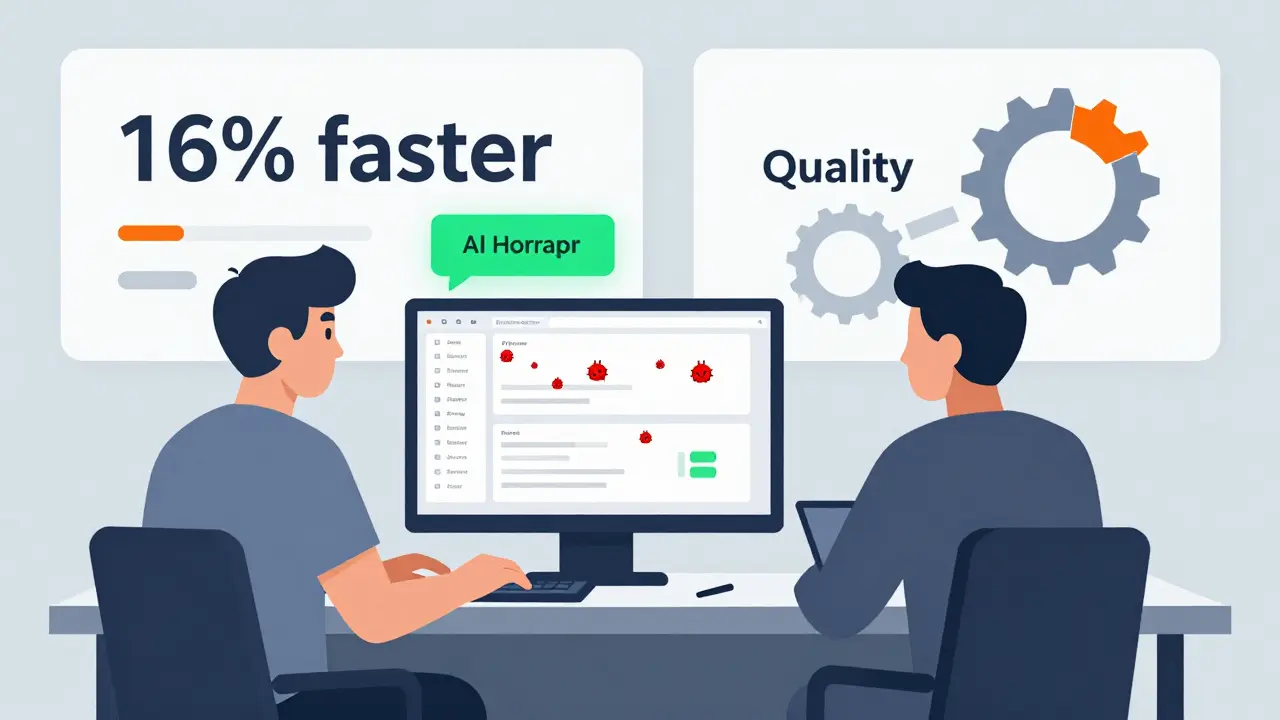
When companies first started rolling out AI coding assistants like GitHub Copilot and Amazon CodeWhisperer, the promise was simple: developers will code faster. But two years in, the reality is messier. Some teams saw a 16% boost in features shipped. Others saw their pull request review times double. One group thought they were 20% more productive-until they checked the data and realized they’d actually slowed down by 19%. The truth? AI doesn’t automatically make developers better. It makes them different. And measuring that difference requires more than counting lines of code or acceptance rates.
Why Speed Alone Lies
The most common mistake? Measuring AI productivity by how often developers accept suggestions. Companies track acceptance rates like a scoreboard: 35%? Good. 50%? Great. But here’s what no one tells you: accepting a suggestion doesn’t mean it’s correct. It just means the developer clicked "Accept." A GitLab study in February 2025 found teams with 40%+ acceptance rates had no improvement in delivery speed. Why? Because the AI-generated code often skipped tests, ignored style guides, or introduced subtle bugs that took twice as long to fix later. One developer on Reddit wrote: "Copilot cut my initial coding time by 30%, but my PR review time doubled. I kept introducing bugs I wouldn’t have made manually." Acceptance rate isn’t a productivity metric. It’s a behavioral metric. And it’s easy to game. Teams start optimizing for high acceptance, not better outcomes. That’s why leading companies stopped tracking it entirely.What Actually Matters: Throughput and Quality Together
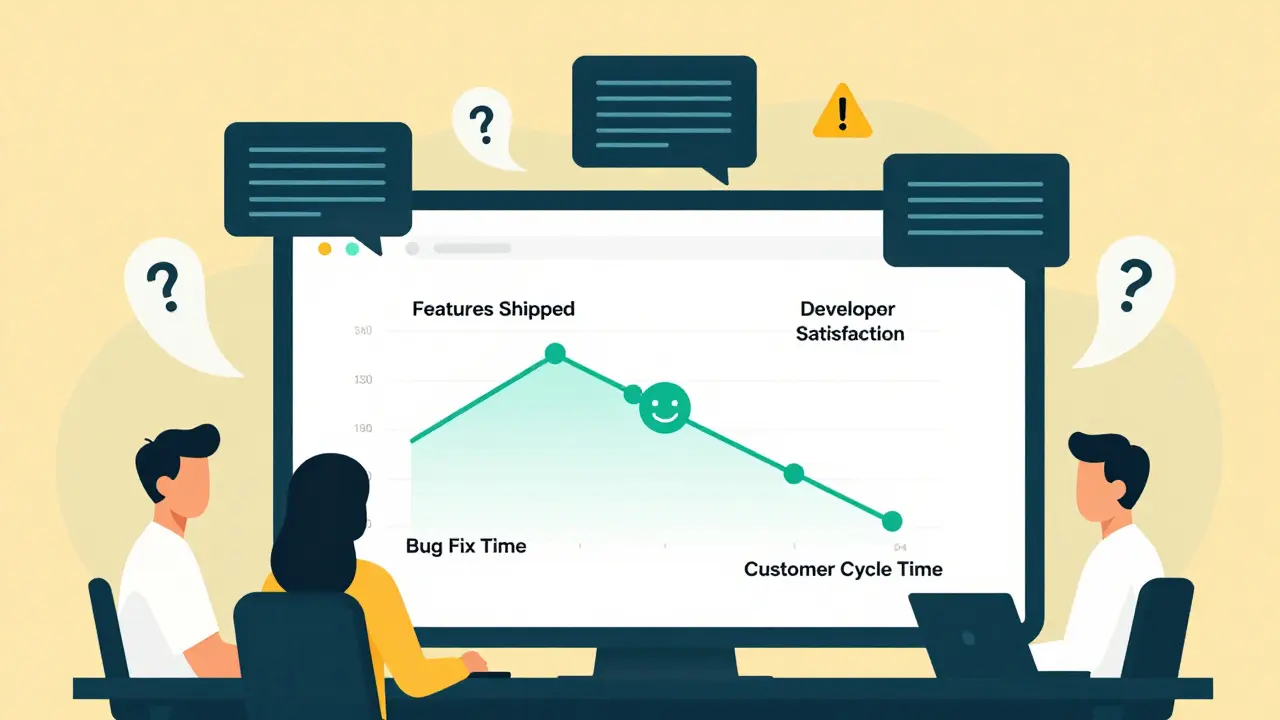
The best organizations don’t look at speed or quality alone. They track both-and how they interact. Think of it like a car: pushing the gas pedal harder won’t help if the brakes are failing. Booking.com, after deploying AI tools to 3,500 engineers in late 2024, didn’t just track how many lines of code were written. They tracked:- Number of pull requests merged per week (throughput)
- Time to fix production bugs (quality)
- Developer satisfaction scores (team health)
- Customer cycle time (how fast a feature goes from idea to user)
The METR Study: The Hard Truth About AI and Experience
In July 2025, the METR Institute ran the most rigorous test yet. They took 42 experienced open-source developers, gave them real coding tasks (20 minutes to 4 hours each), and compared their performance with and without AI tools. No vendor data. No surveys. Just raw time logs. The findings were shocking:- Developers took 19% longer to complete tasks with AI assistance
- Yet, 82% of them believed they were faster
- AI-generated code had 3x more subtle flaws that only showed up during debugging
The Hidden Bottlenecks
When one part of the system speeds up, something else slows down. That’s called a bottleneck-and AI creates them in surprising places. At AWS, teams using AI coding assistants saw a spike in PR reviews. Not because the code was worse-but because it was *different*. AI writes code in patterns humans don’t expect. Senior engineers spent more time explaining why a suggestion didn’t fit the architecture, even when it compiled perfectly. Product managers started getting flooded with vague feature requests: "AI said I could build this in two days." But without clear specs, those features often missed the mark. QA teams saw more edge-case bugs because AI ignored edge cases by default. This isn’t a failure of AI. It’s a failure of process. If you give developers AI tools but keep the same review, testing, and planning workflows, you’re not automating work-you’re automating confusion.How to Measure AI Productivity Right
There’s no magic dashboard. But there is a proven framework. Here’s what works:- Start with two teams. Pick two teams working on similar products. Give one AI tools. Let the other work normally. Track both for 8-12 weeks.
- Measure throughput with real outcomes. Not lines of code. Not PRs merged. Features that customers actually used. Track how many user-facing features shipped per week.
- Measure quality with production data. How many critical bugs hit production? How long did they take to fix? How many security vulnerabilities were introduced?
- Measure team health. Are developers staying? Are they satisfied? Are they spending more time in meetings explaining AI code?
- Measure customer impact. Did the new features improve retention? Increase conversion? Reduce support tickets?

What to Avoid
Don’t fall for these traps:- Acceptance rate as a KPI. It’s meaningless without context.
- Developer self-reports. People think they’re faster-even when they’re not. METR proved it.
- Vendor claims. GitHub says Copilot boosts productivity by 55%. But that’s in a lab, on simple tasks. Real-world code is messy.
- Measuring only coders. AI affects product managers, QA, and ops too. Track the whole pipeline.
The Future: AI as a Teammate, Not a Tool
The most successful teams don’t treat AI like a super-powered autocomplete. They treat it like a junior engineer-someone who’s fast but needs guidance. They’ve created new norms:- All AI-generated code must be reviewed by two people.
- AI can’t write tests. Humans must.
- AI suggestions must include comments explaining intent.
- Weekly syncs to discuss "AI surprises"-code that worked in unexpected ways.
Final Thought: AI Doesn’t Replace Judgment-It Demands More of It
The biggest risk isn’t that AI slows you down. It’s that you stop asking questions. "Is this code clean?" "Does this solve the right problem?" "Will this still make sense in six months?" AI coding assistants are powerful. But they’re not magic. They’re mirrors. They reflect how well your team thinks, reviews, and ships software. If your team is already strong, AI can amplify that. If your team is already struggling, AI just makes the problems louder. The real ROI isn’t in lines of code saved. It’s in fewer fires, happier engineers, and features that customers actually love.Do AI coding assistants really make developers faster?
Sometimes-but not always. In controlled tests on simple tasks, AI can cut time by 30-55%. But in real-world environments with complex codebases, experienced developers often take 19% longer when using AI, because they spend more time reviewing, debugging, and rewriting AI-generated code. Speed gains are real for boilerplate tasks, but they vanish when code quality, architecture, and maintainability matter.
What’s the best metric to track AI productivity?
Forget acceptance rates and lines of code. Track shipped features that customers use, time to fix production bugs, and developer satisfaction. The best teams combine throughput (features per week) with quality (bug rates) and team health (retention, survey scores). This gives you the full picture-not just speed, but sustainable delivery.
Can AI reduce code quality?
Yes, and often. AI tools generate code that compiles but ignores testing, documentation, and edge cases. Studies show AI-generated code has 3x more subtle bugs than human-written code. These bugs are harder to spot because they’re syntactically correct but architecturally flawed. Without strong review processes, AI can make codebases harder to maintain over time.
Should I roll out AI tools to all developers at once?
No. Start with a pilot. Pick two similar teams. Give one AI tools. Keep the other on traditional workflows. Track metrics for 8-12 weeks. You’ll learn how AI affects your specific codebase, team dynamics, and delivery pipeline. Rolling out company-wide too fast leads to confusion, wasted time, and lowered morale.
Is AI ROI worth the investment?
Only if you measure it right. AI tools cost money, and they change how your team works. If you only track speed, you might see gains. But if you track customer impact, bug rates, and team burnout, you’ll see the real ROI. Companies like Booking.com and Block saw real gains because they balanced speed with quality. Others failed because they chased numbers instead of outcomes.
Michael Gradwell
January 22, 2026 AT 11:35Flannery Smail
January 23, 2026 AT 06:04Emmanuel Sadi
January 23, 2026 AT 13:12Nicholas Carpenter
January 23, 2026 AT 14:46Chuck Doland
January 23, 2026 AT 16:17Madeline VanHorn
January 25, 2026 AT 13:20Glenn Celaya
January 25, 2026 AT 20:10Wilda Mcgee
January 26, 2026 AT 19:35Chris Atkins
January 28, 2026 AT 15:58Jen Becker
January 29, 2026 AT 14:51