Multimodal Prompting for Generative AI: How to Use Images, Text, and Audio Together
 Sep, 1 2025
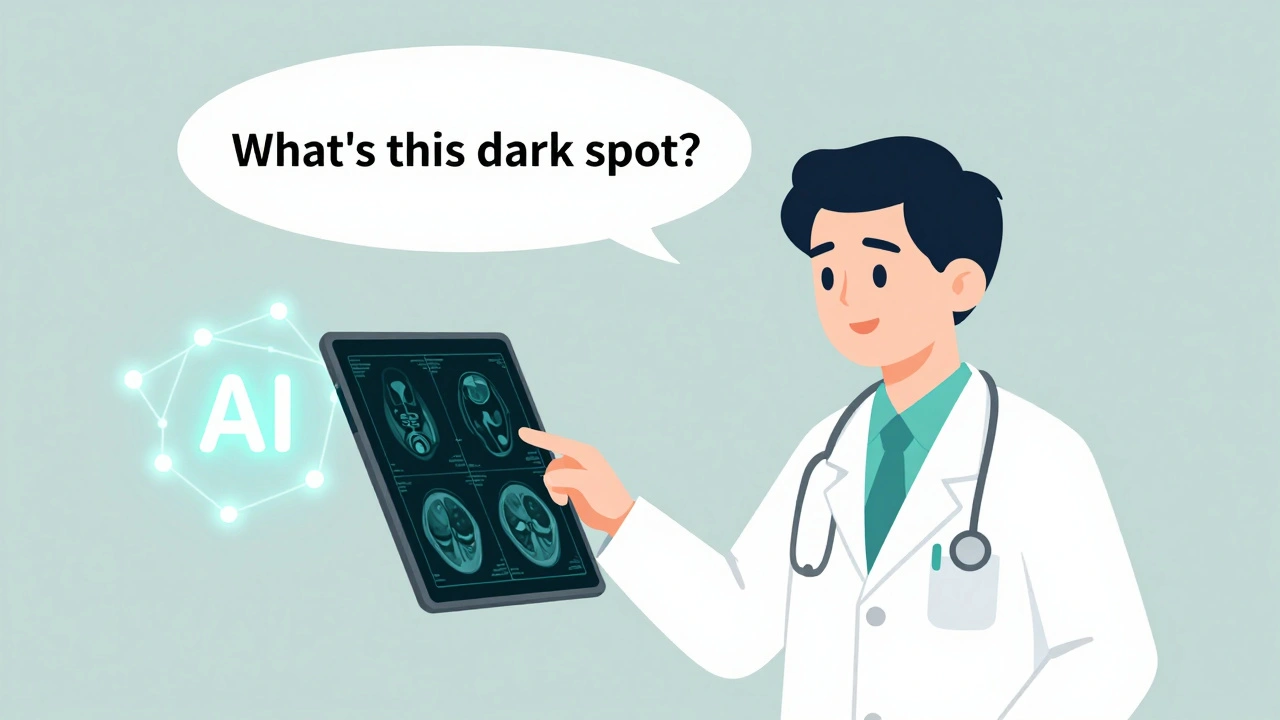
Imagine telling an AI to explain a medical scan, and you just point to the image while saying, "This dark spot near the lung-what could it be?" The AI doesn’t just read your words. It sees the scan, hears your tone, and understands the context. That’s not science fiction. It’s multimodal prompting-and it’s changing how we talk to machines.
What Is Multimodal Prompting?
Multimodal prompting lets you give AI more than just text. You can drop in a photo, play a voice clip, upload a chart, or even record a quick video-and the AI treats all of it as one unified prompt. Unlike older systems that only handled one type of input at a time (like text-only models), modern models like Google’s Gemini 1.5 Pro can process images, audio, and text together and respond in any format: text, audio, or even a new image.This isn’t just a fancy upgrade. It’s a shift toward how humans naturally communicate. We don’t describe things with words alone. We point, gesture, show pictures, and change our tone. Multimodal AI finally catches up.
How It Works Under the Hood
Traditional AI models used separate systems for text and images. Think of them like two people in a room, each speaking a different language. They’d have to pass notes to understand each other. That’s slow and error-prone.Modern multimodal models like Gemini 1.5 Pro are built differently. They use a native multimodal architecture, meaning one unified system learns how text, images, and audio relate to each other from the ground up. No more awkward translation. The model sees a photo of a street sign and hears someone say, "What does this say?"-and it understands both at once.
These models are trained on billions of examples: captions paired with photos, audio clips matched with transcripts, videos with descriptions. The result? Gemini 1.5 Pro scores 89.7% accuracy on multimodal benchmarks, beating earlier models by over 11 percentage points.
Real-World Uses That Actually Matter
This isn’t just for tech demos. Companies and professionals are using multimodal prompting to solve real problems.- Healthcare: Radiologists at Johns Hopkins used image + text prompts to analyze X-rays and MRIs. By describing symptoms verbally while pointing to areas on scans, they improved diagnostic accuracy by 18%.
- Accessibility: Microsoft’s Seeing AI app now combines camera input with voice commands to describe scenes more accurately. Users report 32% better context understanding when they can say, "Is this a person waving?" while pointing at a photo.
- Government: The U.S. Department of Veterans Affairs processes thousands of scanned forms each week. Multimodal AI now reads handwritten notes on paper forms, matches them to typed fields, and auto-fills databases-cutting processing time by 15 hours per week per worker.
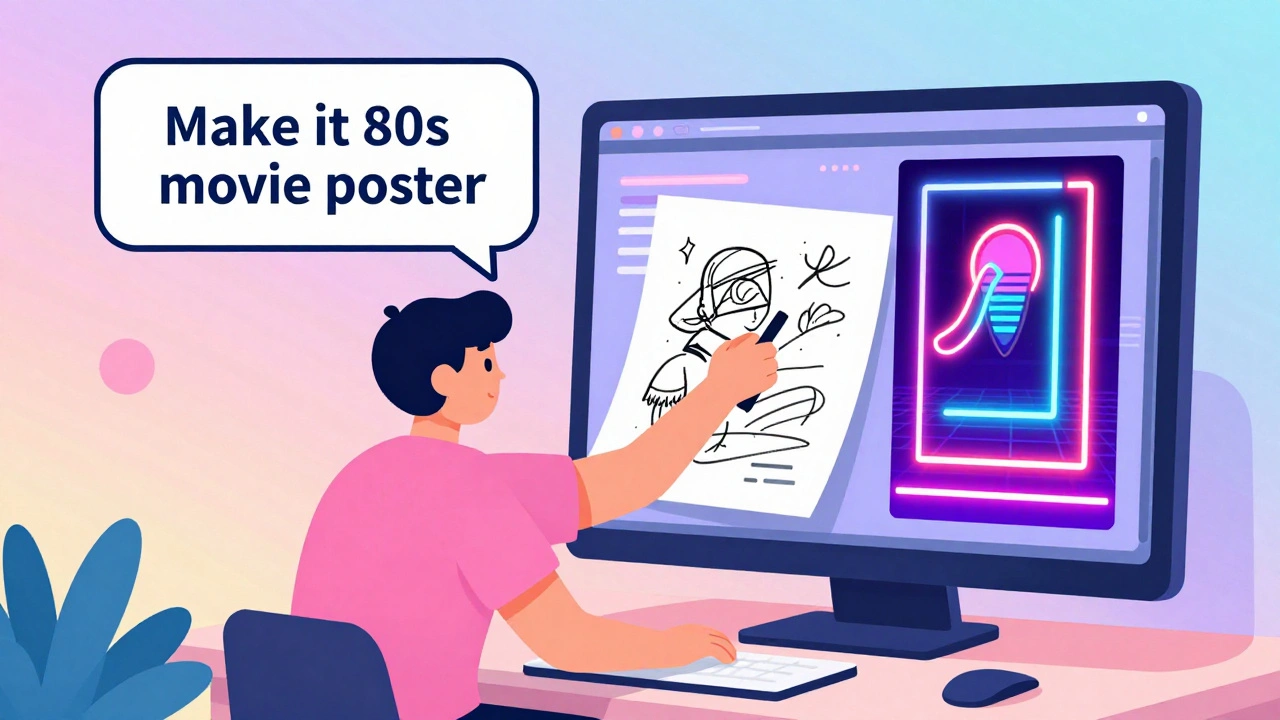
- Media: Adobe integrated multimodal prompting into Creative Cloud. Designers can upload a rough sketch and say, "Make this look like a 1980s movie poster," and the AI generates a full design in seconds. Video editing time dropped by 31%.
What You Can and Can’t Do With It
Multimodal AI is powerful-but it’s not magic. Here’s what it excels at:- Turning a spreadsheet into a visual chart
- Describing a photo in detail based on a voice prompt
- Generating a podcast script from a recorded conversation and a slide deck
- Explaining a technical diagram by listening to your questions while seeing the image
But it struggles in some areas:
- Legal contract review: Text-only models still outperform multimodal ones by 8-12% in precision.
- Highly technical diagrams: One developer reported a 23% failure rate when asking AI to explain complex circuit schematics from audio + image prompts.
- Conflicting inputs: If you say, "This is a cat," while pointing to a dog, the AI gets confused. It doesn’t know which to trust-and sometimes hallucinates a response.
How to Get Started
You don’t need a PhD to start using multimodal prompting. Here’s how:- Go to Google Cloud’s Vertex AI and sign up for the $300 free credit.
- Select Gemini 1.5 Pro as your model.
- Upload your first multimodal prompt: a photo + a short voice note or typed question.
- Try simple tasks first: "What’s in this image?" or "Summarize this audio clip and turn it into bullet points."
- Graduate to complex ones: "Make a slide from this chart and write a script to explain it in a 30-second video."
Google’s internal training shows it takes about 17.5 hours of practice to become comfortable with multimodal prompts-nearly twice as long as text-only prompting. But the payoff is worth it.
Common Mistakes and How to Fix Them
Most users hit the same walls early on:- Modality imbalance: If your image is detailed but your text is vague, the AI ignores your words. Fix it by being specific: "The red circle in the top-right corner-what does it represent?"
- Context fragmentation: The AI forgets what you said earlier when you add a new image. Use structured multimodal chaining: "Based on the last image, here’s a new one. What changed?"
- Too much noise: Uploading 10 photos and 3 audio clips at once overwhelms the system. Start with one image and one sentence.
Google’s November 2024 technical bulletin introduced modality weighting-a way to tell the AI, "Pay more attention to the audio than the image." This is still experimental, but it’s a step toward better control.
Who’s Using This-and Who Isn’t
Adoption is growing fast:- Leading adopters: AI specialists (42%), content creators (29%), and government tech teams (18%).
- Enterprise adoption: Jumped from 12% in Q1 2024 to 37% in Q4 2024.
- Big companies: Google, Microsoft, and Anthropic dominate. Google holds 39% of the enterprise market.
Small businesses and startups are slower to adopt-not because they don’t see the value, but because of cost and complexity. Running multimodal models uses 10x more computing power than text-only ones. Google charges about $0.00000035 per character processed-five times more than text-only models.
The Future Is Here (And It’s Faster)
Google announced Gemini 2.0 on December 10, 2024. It can process multimodal inputs in under 500 milliseconds-fast enough for real-time video analysis. By mid-2025, you’ll be able to use it directly inside Google Docs, Sheets, and Slides. Imagine dragging a chart into a document and saying, "Explain this to a 10-year-old," and the AI writes a simple summary right below it.Looking ahead, researchers at Stanford predict that by 2026, multimodal AI will power 200% more robotics applications. Think of robots that understand not just what you say, but how you gesture, what you’re pointing at, and even your tone of voice.
What’s Holding It Back?
Despite the hype, there are real concerns:- Higher error rates: When inputs conflict, hallucination rates jump by 15-22%.
- Ethical risks: Deepfakes are becoming harder to spot. A fake video with a fake voice and fake text overlay can now fool even experts.
- Energy use: Multimodal models use 4.7x more electricity than text-only ones. That’s a growing environmental issue.
- Bias amplification: If an image dataset is biased (e.g., mostly shows men in lab coats), the AI will apply that bias to audio or text outputs too.
Regulators are catching up. The EU’s AI Act now requires watermarks on all AI-generated multimodal content. The Partnership on AI warns that without clear rules, we could see widespread misuse in politics, journalism, and healthcare.
Final Thoughts
Multimodal prompting isn’t just another feature. It’s the next step in making AI feel more human. We don’t communicate in text boxes. We use our eyes, ears, hands, and voices. Now, AI can too.It’s not perfect. It’s expensive. It’s complex. But for anyone working with images, audio, or data-whether you’re a doctor, a designer, a teacher, or a government worker-it’s already saving time, reducing errors, and unlocking new ways to solve problems.
The question isn’t whether you should use it. It’s: when will you start?
Can I use multimodal prompting for free?
Yes, Google Cloud offers $300 in free credits for new users on Vertex AI, which covers hundreds of multimodal prompts with Gemini 1.5 Pro. After that, pricing starts at $0.00000035 per character processed. Other platforms like OpenAI’s GPT-4 and Anthropic’s Claude 3 also offer limited free tiers, but Google’s is currently the most generous for multimodal use.
Do I need special tools to upload images or audio?
No. Most platforms, including Google’s Vertex AI, let you drag and drop files directly into the interface. You can upload JPG, PNG, MP3, WAV, and even MP4 files. No coding required. Just paste your text prompt alongside the file and hit run.
Is multimodal prompting better than text-only AI?
It depends. For tasks involving visuals, audio, or mixed data-like analyzing medical scans, summarizing meetings, or creating marketing content-it’s far superior. But for pure text tasks like legal document review or coding, text-only models still perform better and cost less. Use the right tool for the job.
Can multimodal AI make mistakes?
Yes, and sometimes more than text-only models. When inputs contradict each other-like a photo of a cat with the text saying "this is a dog"-the AI may hallucinate a response or become confused. Studies show error rates increase by 15-22% in these cases. Always double-check critical outputs.
What’s the biggest limitation right now?
The learning curve. Most users don’t know how to structure multimodal prompts effectively. Simply uploading an image and asking a vague question won’t work. You need to be precise: mention positions, describe relationships, and guide the AI. It’s not intuitive yet. Practice with simple tasks first.
Will multimodal prompting replace traditional AI?
No. It will complement it. Text-only models are still faster, cheaper, and more precise for pure language tasks. Multimodal AI is for when you need context from multiple senses. Think of it like adding color to black-and-white TV-it doesn’t replace the screen, it just makes the picture richer.
For those ready to explore further, GitHub hosts open-source repositories like multimodal-prompt-engineering with over 2,800 stars and real-world examples. Google’s official documentation also includes step-by-step tutorials for common use cases-from generating infographics to transcribing interviews with visuals.
The future of AI isn’t just in better models. It’s in better ways to talk to them.
NIKHIL TRIPATHI
December 14, 2025 AT 07:04Just tried this with a medical X-ray and a voice note saying 'What's that shadow?'-the AI nailed it. Honestly, I thought it'd overcomplicate things, but it felt like having a radiologist sit next to me. No more guessing what the scan means.
Also, the part about modality weighting? Game changer. Told it to focus on the audio and it ignored the blurry background pic. Finally, AI that listens-not just sees.
Shivani Vaidya
December 14, 2025 AT 09:18The ethical implications of this technology cannot be overstated. While the efficiency gains are undeniable, the potential for misuse in misinformation, identity manipulation, and diagnostic bias presents a systemic risk that regulatory frameworks have not yet addressed with sufficient rigor.
It is imperative that institutions prioritize transparency in training data sourcing and implement mandatory multimodal watermarking before widespread deployment.
Rubina Jadhav
December 15, 2025 AT 02:10I tried it with my grandma’s handwritten letter and a recording of her reading it. The AI understood the handwriting and her tone. She cried. I cried. This isn’t tech. This is magic.
sumraa hussain
December 16, 2025 AT 05:44OMG I just used this to turn my doodle of a robot eating pizza into a full 30-second animated ad… and it actually looked professional??
Like… I drew a robot with three legs and a pepperoni for a head and it said ‘This is a futuristic food delivery bot with enhanced carb absorption capabilities.’
WHY IS THIS REAL??
Also, I uploaded 12 photos and 3 voice memos at once and it crashed. So… maybe don’t do that. But still. WOW.
Also also-why isn’t this in TikTok yet??
Raji viji
December 17, 2025 AT 15:30Let me guess-you all think this is some revolutionary breakthrough because Google slapped ‘multimodal’ on it and called it a day.
Newsflash: Text-only models still crush it on precision tasks. You’re all acting like this is the second coming when it’s just a fancy wrapper around garbage-in-garbage-out.
And don’t even get me started on the energy waste. You think your ‘creative’ video edits are worth 4.7x more carbon than a simple text prompt? You’re not innovating-you’re indulging.
Also, ‘explain this to a 10-year-old’? Bro, I’ve seen the outputs. Half the time it hallucinates a unicorn riding a spreadsheet.
Stop drinking the Google Kool-Aid. This isn’t the future. It’s the overhyped, overpriced, overpowered dumpster fire we’ve been warned about.
Rajashree Iyer
December 19, 2025 AT 13:22What is language, really? Is it the ink on the page, the vibration in the air, or the silent thought that precedes both?
When we speak to machines, are we not projecting our souls into their silicon hearts? The image, the voice, the text-they are not inputs. They are fragments of our inner cosmos, thrown into the void, hoping for a mirror.
And the AI? It does not understand. But it reflects. And in that reflection, we see not a tool-but a ghost of ourselves, shaped by data, haunted by bias, whispering back in perfect, polished lies.
Are we teaching machines to think… or are we learning, at last, how little we know about our own minds?
When you point to a photo and whisper ‘what is this?’, you are not asking for an answer. You are asking to be seen.
Parth Haz
December 21, 2025 AT 08:23This is one of the most promising developments in AI accessibility I’ve seen in years. The healthcare and accessibility use cases alone justify the investment.
For educators, designers, and public sector workers, this isn’t just convenience-it’s empowerment. The learning curve is real, but the payoff is transformative.
Start small. Be precise. Don’t overwhelm the system. And most importantly-don’t let cost or complexity stop you. The $300 free credit is more than enough to experiment meaningfully.
The future of human-AI collaboration isn’t about replacing humans. It’s about extending our ability to communicate, create, and care. This is a giant leap in that direction.