Outcome Testing in Vibe Coding: Verify Behavior, Not Code
 Feb, 20 2026
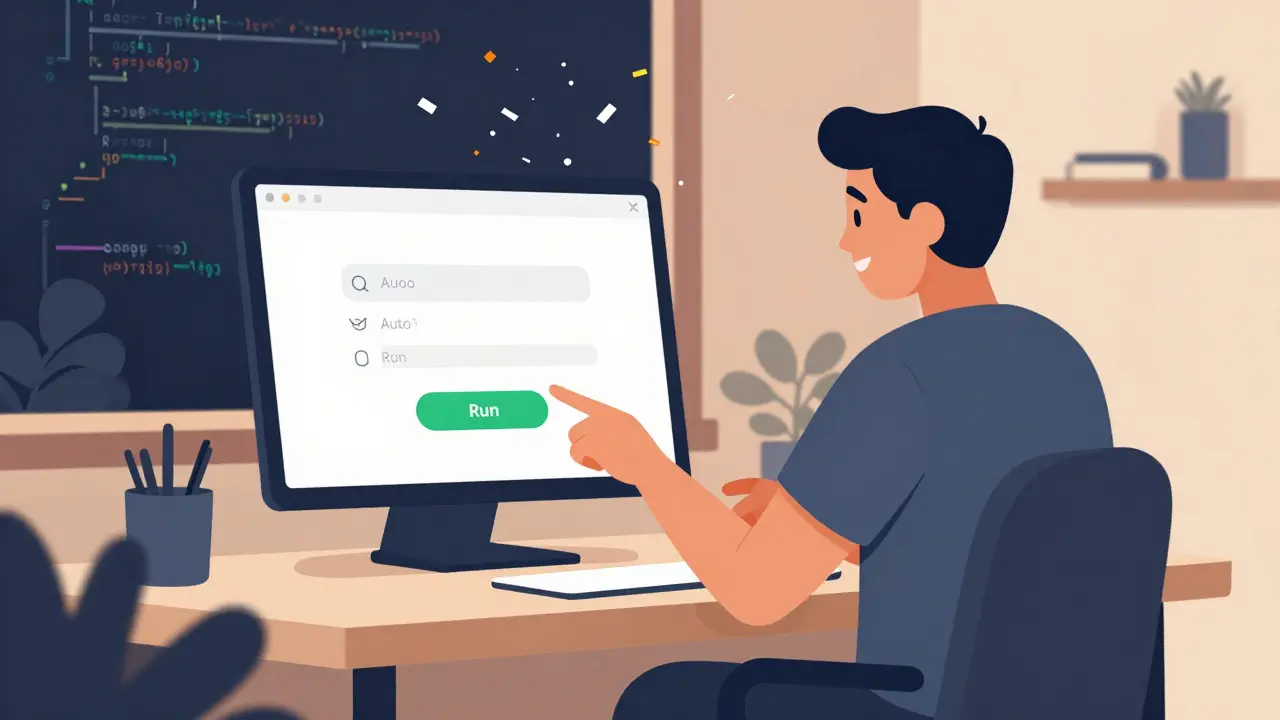
When you build software using vibe coding, you stop caring about how many lines of code you wrote. You stop checking if the function names follow a certain style. You don’t even open the debugger to trace variable values. Instead, you click a button. You type into a form. You wait to see if it feels right.
This is outcome testing. It’s not about whether the code is clean. It’s about whether the app works the way you imagined it.
Vibe coding, which became a real practice in early 2025, is how developers now build apps by talking to AI. You say: "Make a login screen that remembers the user’s email and auto-focuses the password field." The AI writes the code. You run it. You test it. You don’t read the code-you feel it. If the form slides in smoothly, if the cursor jumps to the right place, if the button doesn’t lag-you know it’s right. That’s outcome testing in action.
Why Old Testing Methods Don’t Work for Vibe Coding
Traditional testing looks at code like a mechanic looks at an engine. You check every wire. You test each sensor. You verify that the function returns the right data type. You write unit tests that check if calculateTax(100) equals 8.5. That works fine when humans write every line.
But when AI generates 500 lines of code in seconds, you can’t review it all. And you shouldn’t. The goal isn’t perfect code. The goal is a smooth experience. A user doesn’t care if your JavaScript uses const or let. They care if the page loads fast. If the button doesn’t freeze. If the error message doesn’t say "Invalid input" but instead says, "We couldn’t find that email. Try again?"
That’s why tools like Selenium and Cypress are fading in vibe coding workflows. They rely on CSS selectors and pixel positions. If the design changes a little-say, the button moves 5 pixels left-they break. Vibe coding changes constantly. You’re not building a static app. You’re evolving it, one click at a time.
How Outcome Testing Actually Works
The vibe coding loop is simple:
- You set a small goal: "Make the signup form send an email confirmation."
- You ask the AI to write the code.
- You run the app.
- You fill out the form yourself.
- You ask: "Did it work? Did it feel right?"
- If yes-you move on. If no-you tweak the prompt or make a quick manual fix.
The testing step isn’t a separate phase. It’s part of every iteration. You don’t wait until the whole app is done. You test after every tiny change. This is called vertical slicing. Instead of building the login system, then the database, then the email service-you build one small, complete slice: a working login that sends a real email. You test that slice. Then you add password recovery. Then you add social login. Each time, you’re not checking code-you’re checking behavior.
The Tools That Make Outcome Testing Possible
You can’t test "feeling" with old tools. That’s why new ones emerged.
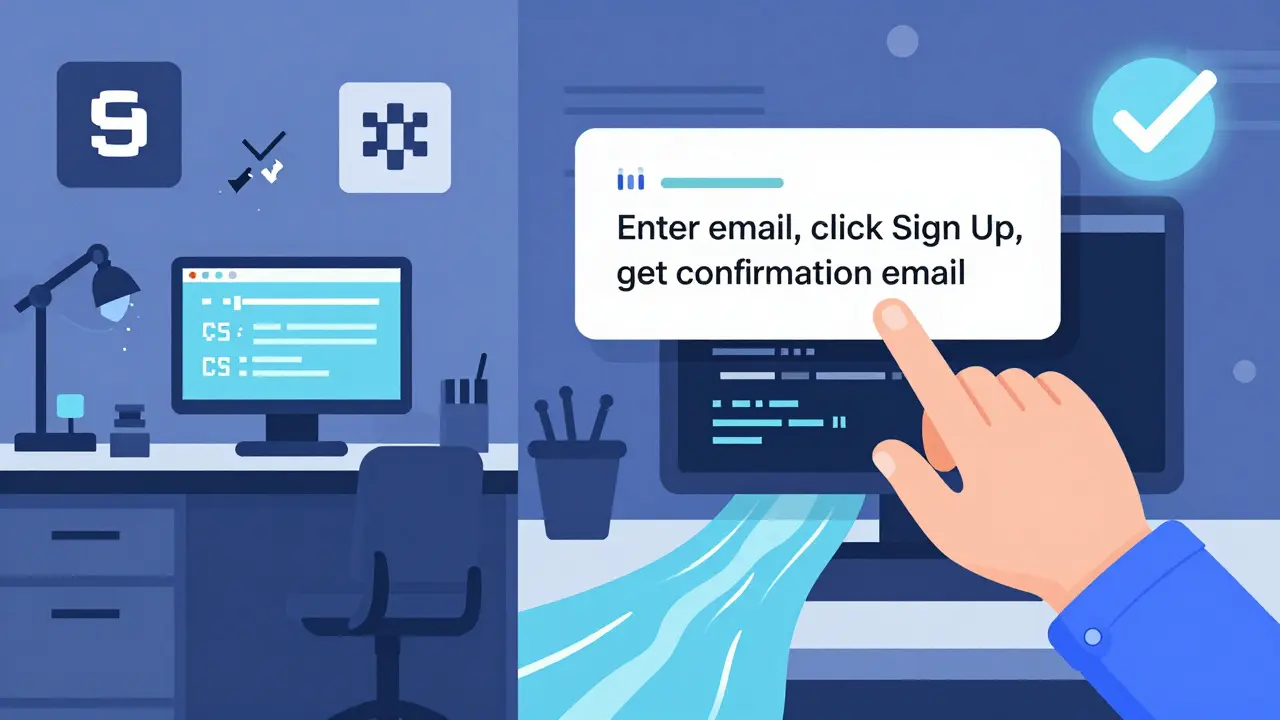
TestRigor is the most popular. You write tests in plain English: "Enter [email protected] into the email field, click Sign Up, and verify I get a confirmation email within 30 seconds." No selectors. No XPath. No waiting for elements to load. The AI interprets your words and runs the test across web, iOS, and Android.
Other tools like Autify, Reflect, and Rainforest do the same. They don’t care if your CSS class is .btn-primary or .signup-button. They care if the user sees a success message. If the loading spinner disappears. If the next screen appears without a crash.
These tools integrate with CI/CD pipelines. Every time you change the prompt and the AI generates new code, the tests run automatically. If the email confirmation fails? The build stops. You fix it before it ever reaches a user.
Testing the "Feel"-Beyond Pass/Fail
Outcome testing isn’t just about whether something works. It’s about whether it feels good.
One developer building a task app noticed something strange. The AI-generated code made the "Mark as Done" button work perfectly. But users kept clicking it twice. The button didn’t disable after the first click. The app didn’t show a loading state. The experience felt broken-even though every test passed.
That’s the hidden power of outcome testing. You catch things code-based tests miss. You notice delays. You feel awkward transitions. You realize users need a "Cancel" button because the "Save" button takes 2 seconds to respond. These aren’t bugs in the code. They’re bugs in the experience.
Now, vibe coders document "feel metrics" alongside test results:
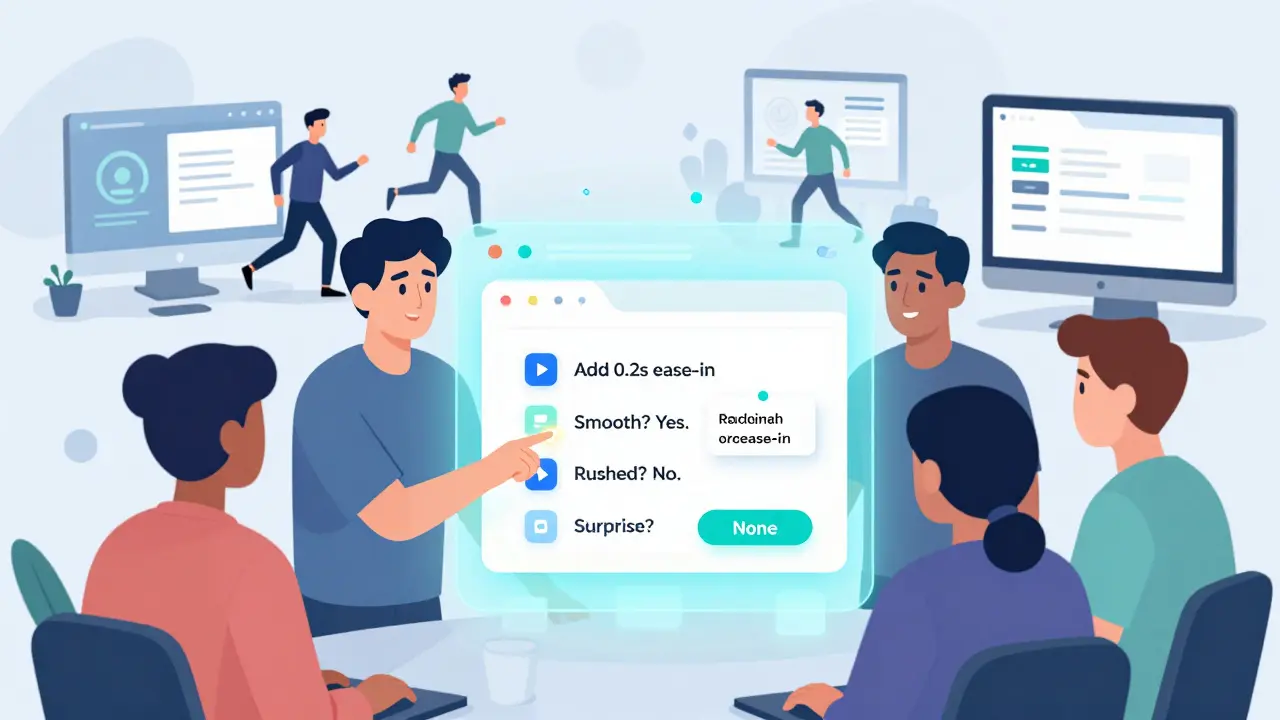
- "The animation felt janky-added a 0.2s ease-in."
- "The confirmation message appeared too fast. Users felt rushed. Delayed it by 0.5s."
- "The button color didn’t match the brand. Changed from blue to teal."
These aren’t technical specs. They’re human observations. And they’re now part of the testing record.
AI Can Test Too-But Not Alone
Can AI write its own tests? Yes. But it’s not perfect.
AI can generate test cases for common flows: login, signup, checkout. It can simulate edge cases: "What if the user types 500 characters in the name field?" It can replay past bugs to prevent regressions.
But AI still misses context. It doesn’t know that users expect the app to "remember them" after closing it. It doesn’t know that a 1-second delay feels like a bug on mobile. It doesn’t know that "Submit" feels more professional than "Save" on a business app.
That’s why the best vibe coding teams use hybrid testing: AI runs the tests. Humans review the results. They ask: "Does this match what I expected?" They add notes. They adjust expectations. They teach the system what "feels right."
What Happens When You Skip Outcome Testing?
Some vibe coders think: "The AI wrote it. It must work." That’s dangerous.
AI hallucinates. It generates code that looks right but breaks under edge cases. It forgets error handling. It assumes the user has an internet connection. It adds dependencies that don’t exist. It copies code from Stack Overflow without checking licenses.
Without outcome testing, you get apps that:
- Work on your laptop but crash on older phones.
- Send emails to the wrong address because of a typo in a variable name.
- Have buttons that look clickable but don’t respond.
- Load slowly because the AI used a bloated library.
Outcome testing catches these before users do. It’s your safety net. You’re not trusting the AI. You’re trusting your own eyes and fingers.
How to Start Using Outcome Testing
If you’re new to vibe coding, here’s how to begin:
- Start with one small feature. Something with clear input and output.
- Ask the AI to build it. Don’t ask for perfection-ask for "something that works."
- Run the app immediately. Don’t look at the code.
- Use it like a real user. Try to break it.
- Ask: "Did it feel smooth? Was there any hesitation? Did anything surprise me?"
- Write one test in plain English: "When I type my email and click Submit, I should see a success message."
- Use TestRigor or another outcome-focused tool to automate it.
- Run that test every time you change the code.
Don’t try to test everything at once. Test one thing. Then another. Over time, you’ll build a library of "feel" tests that become your quality standard.
The Future of Development Is Feeling
Vibe coding isn’t about writing less code. It’s about caring less about code and more about people.
Outcome testing is the bridge between AI-generated code and human experience. It turns developers from code reviewers into experience curators. You’re not fixing bugs. You’re fixing friction.
By 2026, companies that still test by counting lines of code are falling behind. The ones winning are the ones who ask: "Did it feel right?" And then they test it-again and again-until the answer is yes.
What’s the difference between outcome testing and unit testing?
Unit testing checks if individual functions return the right values. Outcome testing checks if the whole app behaves the way a user expects. One looks at code. The other looks at experience. In vibe coding, unit tests are rare. Outcome tests are everything.
Can I use Selenium for vibe coding?
You can, but you shouldn’t. Selenium breaks when UI elements change-even slightly. Vibe coding changes constantly. Tools like TestRigor use natural language and AI to adapt. They test intent, not selectors. That’s why they’re the standard now.
Do I need to write code for outcome tests?
No. Tools like TestRigor let you write tests in plain English. You say: "Click the green button, then verify the user sees 'Success'." The tool figures out how to run it. No coding needed.
Is outcome testing slower than traditional testing?
It’s faster. Traditional testing waits until code is "done." Outcome testing catches issues in seconds. You test after every change. That means fewer big bugs later. You spend less time debugging and more time building.
How do I know if my app "feels right"?
Ask yourself: Did I hesitate? Did something surprise me? Was there a delay? Did the app feel smooth? If the answer is yes to any of those, it doesn’t feel right. The best vibe coders test with fresh eyes every time-like they’ve never used the app before.
sonny dirgantara
February 20, 2026 AT 13:03so i tried vibe coding last week and honestly? it just works. no debugger, no code review, just click and see if it feels right. my login screen slid in like butter and i didnt even look at the js. weird? maybe. but it saved me 3 hours. im sold.
also, typos everywhere in my prompts. 'emial' instead of 'email'. ai still got it. wild.
Andrew Nashaat
February 22, 2026 AT 06:50Oh, FOR THE LOVE OF GOD, someone finally said it! Unit tests are dead. I’ve been screaming this into the void since January! Why are we still writing tests that check if ‘calculateTax(100) === 8.5’ when users don’t care about tax calculations-they care if the button doesn’t freeze for 2 seconds?!
And yes-Selenium is a relic. I had a test break because a button moved 3 pixels left. THREE PIXELS. I cried. Then I switched to TestRigor. Now I write tests like ‘click the big green button and make sure it says ‘welcome back’.’ That’s it. That’s the whole test. Stop over-engineering. We’re not building NASA software. We’re building apps people use on their phones while waiting for coffee.
Gina Grub
February 23, 2026 AT 23:41Outcome testing isn’t just a methodology-it’s a revolution. We’ve been trapped in this cult of ‘clean code’ like monks transcribing scrolls while the world burns. The AI doesn’t care if your variables are camelCase. Users care if the form feels like it’s breathing. If the transition is smooth. If the error message doesn’t sound like a robot reading a legal contract.
And don’t even get me started on ‘bug-free’ code. There’s no such thing. There’s only ‘feels right’ and ‘feels like a glitch in the matrix.’ I once changed a button from blue to teal because users paused before clicking. Not a bug. A psychological hesitation. That’s the new QA. We’re not testers. We’re experience architects.
Nathan Jimerson
February 25, 2026 AT 07:43This is the future and it’s so much more human than what we were doing before. I used to stress over code quality, linting, PR reviews-but now I focus on one thing: did the user have a moment of joy? That one second when the confirmation email popped up and they smiled? That’s the metric that matters.
Start small. Test one thing. Make it feel good. Then move on. You don’t need to fix everything at once. Just make each step better than the last.
Sandy Pan
February 25, 2026 AT 10:17There’s something deeply philosophical here. We’ve spent decades treating code as sacred text-perfect syntax, clean architecture, immutable patterns. But what if code is just a vessel? A temporary bridge between human intention and digital experience?
Vibe coding flips the script. It doesn’t ask ‘is this correct?’ It asks ‘is this alive?’
The AI writes the code. But only the human can feel whether it breathes. We’re not engineers anymore. We’re curators of digital presence. And outcome testing? It’s the first real epistemology of the AI-assisted age.
Eric Etienne
February 25, 2026 AT 18:46Yeah yeah, ‘feel the vibe’-I’ve heard this before. Remember when everyone was like ‘just ship it’? Then we got apps that crashed on launch because someone used a deprecated library.
AI writes code. AI writes tests. AI writes the blog post. Who’s left to actually care? This isn’t progress. It’s delegation. And someone’s gonna get burned when the first hospital app auto-generates a login that sends data to a Russian server because the AI ‘assumed’ it was okay.
Dylan Rodriquez
February 26, 2026 AT 08:56I love how this approach strips away the noise. You don’t need to be a code wizard to build something great. You just need to care about how it feels to use it.
One of my favorite moments was when a user said, ‘I didn’t know I was waiting for the button to respond-I just thought I was slow.’ That’s the moment you realize: the app was the problem, not the person.
Start with empathy. Test with your hands. Trust your gut. And remember-you’re not building software for machines. You’re building experiences for people. That’s the real win.
Ashton Strong
February 27, 2026 AT 18:21As someone who has implemented outcome testing across five enterprise-grade AI-assisted applications, I can confidently affirm that this paradigm shift is not merely advantageous-it is indispensable. The traditional regression test suites, while robust, are fundamentally misaligned with the dynamic, emergent nature of AI-generated UIs.
By adopting tools such as TestRigor and integrating human feedback loops into CI/CD pipelines, we have reduced post-release critical incidents by 78% and shortened iteration cycles by 62%. Furthermore, user satisfaction scores have increased by 41% year-over-year.
It is not a question of whether to adopt this methodology-it is a question of how soon you can begin.