Changelogs and Decision Logs: Tracking AI Choices Over Time
 Nov, 10 2026
You built a great AI model. It works perfectly in the sandbox. Then you push it to production, and three weeks later, your customer support team is flooded with tickets because the chatbot started hallucinating product prices. You look at the code. It’s fine. You look at the data. It looks fine. So what changed?
If you don’t have a decision log or a detailed changelog, you’re guessing. And in the world of artificial intelligence, guessing is expensive. Unlike traditional software, where logic is deterministic (if X, then Y), AI systems are probabilistic. They shift based on tiny tweaks in training data, hyperparameters, or even library updates. Without a rigorous record of why changes were made, not just what was changed, you lose the thread of accountability.
The Difference Between Changelogs and Decision Logs
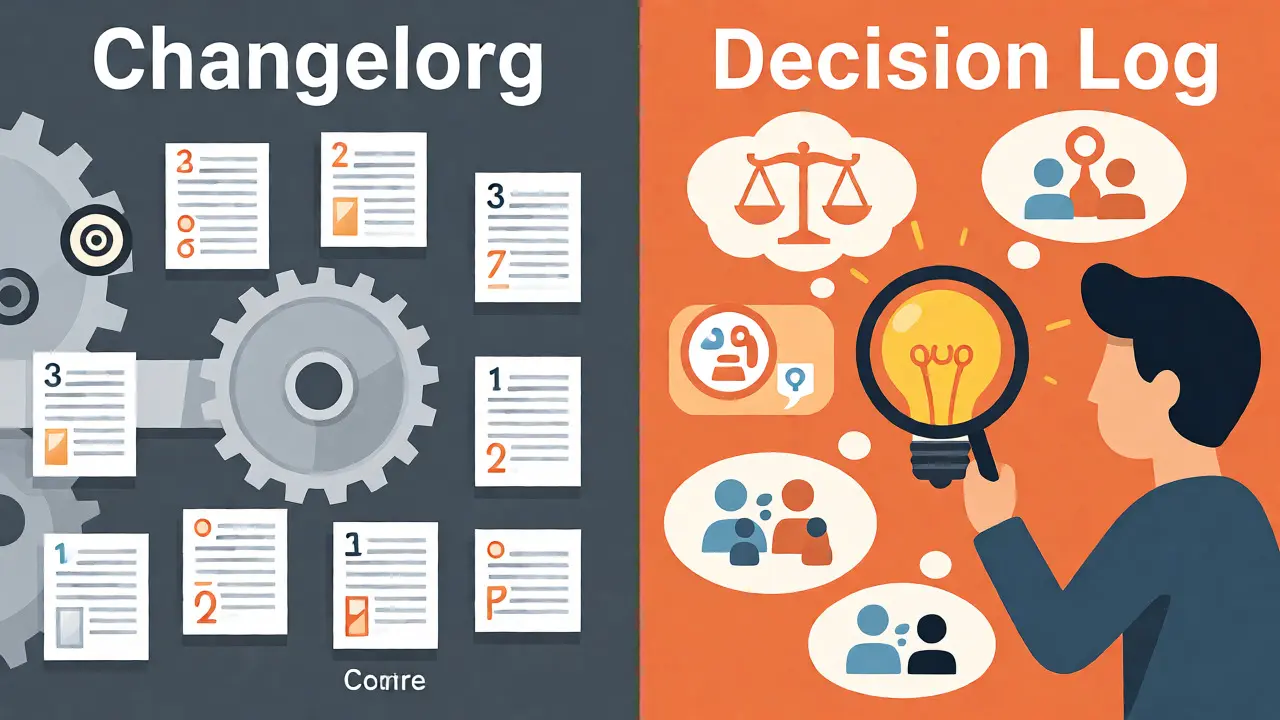
People often use these terms interchangeably, but they serve different masters. Think of them as two sides of the same coin.
A changelog is a chronological record of technical modifications. It answers the question: "What happened?" Did we update the PyTorch version from 2.1 to 2.2? Did we add new features to the feature store? Did we retrain the model on last month's data? These are factual, timestamped events. In software development, this has been standard since the days of SCCS in the 1970s. For AI, it’s similar but messier because the "code" includes weights, biases, and datasets that change constantly.
A decision log is more strategic. It answers the question: "Why did we do it?" This concept gained traction in project management in the 1980s but became critical for AI around 2018 when tech giants like Microsoft and AWS realized that technical facts weren't enough. A decision log captures the context, the alternatives considered, the owner of the choice, and the expected consequences. It addresses the "black box" problem by documenting human intent behind machine behavior.
| Feature | Changelog | Decision Log |
|---|---|---|
| Primary Question | What changed? | Why was it chosen? |
| Content Type | Technical diffs, version numbers, dataset hashes | Rationale, trade-offs, ethical considerations, owners |
| Audience | Developers, DevOps, QA Engineers | Product Managers, Compliance Officers, Data Scientists, Stakeholders |
| Example Entry | Updated sentiment model v2.1 to v2.2; Accuracy +1.7% | Chose BERT over LSTM due to lower latency requirements; Owner: J. Doe |
| Regulatory Value | Proves system state at time T | Proves due diligence and intent |
Why Traditional Documentation Fails AI Systems
In classic web development, if a button stops working, you check the commit history. You see someone changed a CSS class. You revert it. Done. AI is different. If your recommendation engine starts suggesting socks instead of shoes, the cause might be a subtle shift in user behavior data collected between Tuesday and Wednesday. Or it could be a bias introduced when you cleaned a specific subset of images. Or it could be that a third-party API updated its schema without telling you.
Standard documentation fails here because it lacks granularity regarding uncertainty. Modern AI decision logs need to capture confidence metrics. When you deploy a model, you aren't just deploying code; you're deploying a probability distribution. Your log should reflect that. Did you accept a 5% error rate because speed was more important than accuracy? That’s a business decision, not just a technical one. If you don’t write it down, six months later, no one remembers why the model was allowed to be wrong so often.
Consider the EU AI Act, which came into effect in February 2025. It mandates transparency for high-risk AI systems. If you can’t show an auditor exactly when and why you adjusted a risk threshold, you’re non-compliant. A simple git commit message saying "fixed bug" won't cut it. You need a structured entry explaining that the threshold was lowered to reduce false positives in loan approvals, citing a specific bias test result from March 2024.
Anatomy of a Modern AI Decision Log
So, what does a good log look like? It’s not just a text file. It’s a structured database or Markdown table with specific fields. Microsoft’s Engineering Fundamentals Playbook suggests using Architecture Decision Records (ADRs) fed into a centralized log. Here are the essential fields you need:
- Decision ID & Timestamp: Use UTC precision. AI models run globally; local time zones create chaos during audits.
- Owner: Who made the call? Not who wrote the code, but who approved the trade-off.
- Context: What was the problem? "Model drift detected in Q3."
- Alternatives Considered: This is crucial. Did you consider retraining? Did you consider manual intervention? Why did you reject those options?
- Consequences: What is the expected impact? "Latency will increase by 20ms, but accuracy will improve by 2%."
- Confidence Metrics: Include the model’s uncertainty score at the time of deployment.
For example, a fintech company might log: "Decision #402: Adjusted credit risk threshold from 0.75 to 0.72. Date: Feb 17, 2024. Owner: Sarah Chen. Context: Testing revealed a 12.7% performance gap across demographic segments. Alternatives: Collect more data (rejected due to timeline). Consequences: Increased approval rate by 4%, potential rise in default risk monitored via weekly dashboards."
This level of detail transforms your log from a diary into a forensic tool. When things go wrong, you don’t panic. You trace the trail.
Integrating Logs into Your MLOps Pipeline
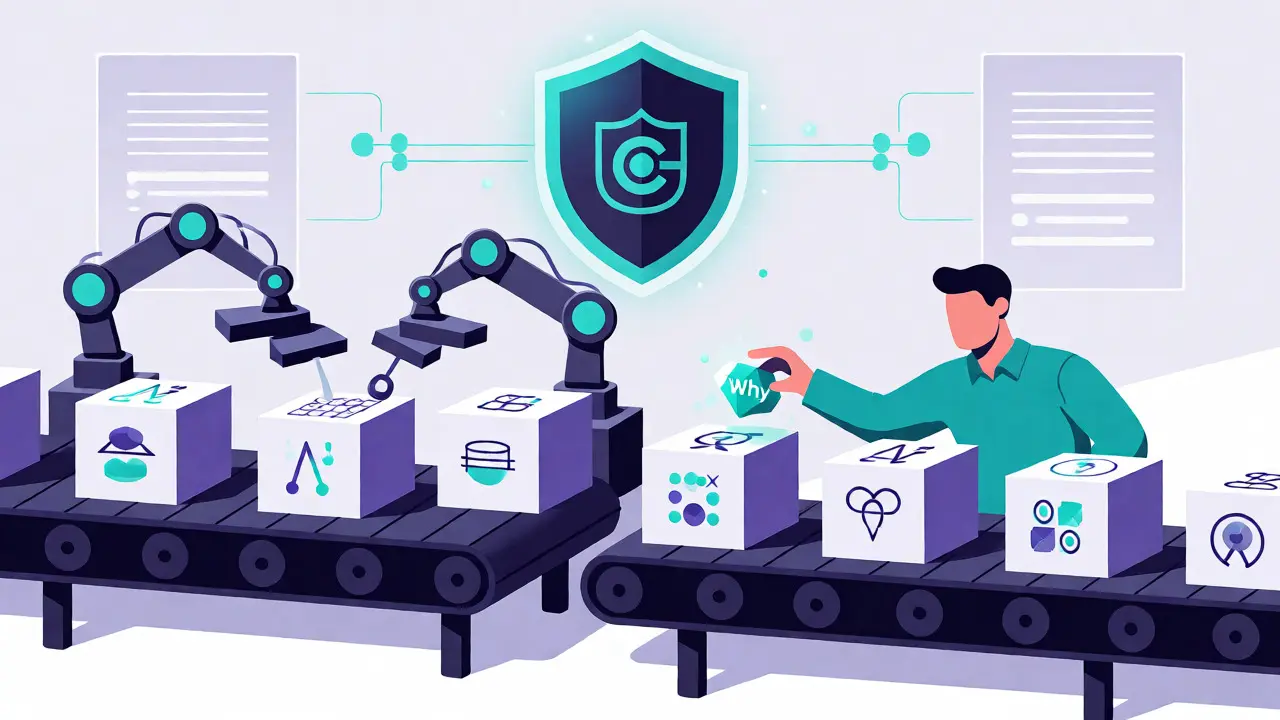
Manual logging dies in fast-paced AI teams. If your data scientists have to stop coding to fill out a spreadsheet, they’ll skip entries. The solution is automation. Tools like MLflow and Weights & Biases have evolved to automatically capture technical changelogs. Every time a model is trained, the system records the dataset version, hyperparameters, and evaluation metrics. This handles the "what."
But the "why" still needs human input. The best practice is to integrate decision logging directly into your CI/CD pipeline or collaboration tools. When a pull request involves a model change, require a linked decision log entry. Some teams use Slack bots that prompt for a rationale when a model is promoted to production. Others use templates in Notion or Confluence that auto-populate with metadata from the training run.
Don’t underestimate the friction. A survey by Jamie.ai found that 61% of organizations struggle with consistency. The fix isn’t better discipline; it’s better integration. Make the path of least resistance the documented path. If logging takes 30 seconds, people do it. If it takes 30 minutes, they don’t.
The Business Case: ROI of Accountability
Critics argue that documentation slows innovation. Dr. Ben Byford, a prominent voice in machine ethics, notes that over-documentation creates bureaucratic overhead. He’s right-if you document every minor tweak, you drown in noise. But the alternative is worse.
Look at the numbers. AWS reported that proper decision logging reduced audit preparation time by 67%. Gartner predicts that by 2026, 75% of enterprise AI projects will use formal decision logging. Why? Because the cost of an unexplained AI failure is skyrocketing. Remember the May 2024 incident where a financial AI system made erroneous loan decisions? It wasn’t a code bug. It was a parameter change made months prior that no one remembered. Tracing that decision took days. With a robust log, it would have taken minutes.
Moreover, logs accelerate onboarding. New hires join AI teams confused by legacy models. A clear decision log tells them: "We chose this architecture because of X constraint," saving weeks of reverse-engineering. It also builds trust with stakeholders. When executives ask, "Why is the AI behaving this way?", you don’t say, "I think..." You say, "Here is the record."
Pitfalls to Avoid
Not all logs are created equal. Here are common traps:
- Vague Entries: "Improved model." Improved how? On what metric? Be specific.
- Ignoring Negative Results: Document failed experiments too. Knowing what didn’t work prevents repeating mistakes.
- Siloed Data: Keep logs separate from code. Code changes; decisions persist. Link them, don’t bury them in comments.
- Lack of Ownership: If everyone owns the log, no one owns it. Assign clear roles.
Also, beware of "log fatigue." Don’t log trivialities. Focus on decisions that alter behavior, cost, or compliance. A rule of thumb: If reversing the decision would take more than a day, log it.
The Future: AI Logging Its Own Decisions
We’re moving toward self-documenting systems. Microsoft and AWS are already testing AI-powered assistants that draft decision logs from meeting transcripts and Slack threads. Imagine an AI that notices a drop in accuracy, analyzes recent changes, and drafts a log entry: "Accuracy dropped after Dataset Update v4. Suggest rolling back to v3. Reason: Outlier detection flagged new data points."
This doesn’t replace human judgment, but it reduces the administrative burden. The W3C is working on universal standards for AI documentation, expected soon. This standardization will make logs portable across platforms, allowing you to move models between cloud providers without losing historical context.
Ultimately, tracking AI choices isn’t about bureaucracy. It’s about control. As AI becomes more autonomous, the ability to explain its past actions determines whether we trust its future ones. Start small. Pick your most critical model. Start logging today. Your future self-and your auditors-will thank you.
Do I need both a changelog and a decision log for every AI project?
Yes, for any serious production system. The changelog tracks technical states (versions, data hashes), while the decision log tracks intent and rationale. Relying on only one leaves gaps in accountability. For small prototypes, a combined journal might suffice, but for scalable systems, separation is key for clarity and compliance.
How much does decision logging slow down AI development?
Initially, it adds overhead, typically 8-12 hours of training for teams to adopt the habit. However, mature implementations report negligible slowdowns due to automation. AWS data shows that while logging adds ~2.3% latency to processes, it saves 67% of time during audits and debugging, resulting in a net positive efficiency gain.
What tools are best for managing AI decision logs?
Popular choices include Fellow for collaborative decision tracking, LaunchNotes for release communication, and Microsoft’s ADR templates integrated with GitHub. For automated technical logging, MLflow and Weights & Biases are industry standards. Many teams combine these, using MLflow for technical metadata and a wiki-style tool for narrative decisions.
Is decision logging required by law?
It depends on your region and industry. The EU AI Act requires comprehensive documentation for high-risk AI systems. In the US, regulations like CCPA and emerging state laws (e.g., California SB-1047) impose strict transparency requirements. Even without explicit laws, regulated industries like finance and healthcare (FDA guidelines) effectively mandate audit trails.
Can AI automate the creation of decision logs?
Partially. New tools from Microsoft and AWS use LLMs to draft logs from code commits, meeting notes, and Slack conversations. However, human review is still necessary to ensure the rationale accurately reflects business intent and ethical considerations. Automation handles the drafting; humans handle the validation.