How to Use Inline Code Context for Better Vibe Coding Results
 Jul, 31 2026
You ask the AI to fix a bug, and it breaks three other features. You tell it to add a login button, and it ignores your entire design system. If this sounds familiar, you aren't bad at prompting. You're just missing the most critical piece of the puzzle: inline code context.
Vibe coding-the practice of directing AI agents through natural language rather than writing syntax line-by-line-has exploded since Andrej Karpathy coined the term in early 2025. But while everyone is talking about 'vibes,' the pros are quietly using something else: structured context. By feeding your AI assistant specific rules, architecture docs, and constraints before asking for changes, you stop guessing and start building.
Why Generic Prompts Fail in Vibe Coding
Think back to when you first started using tools like Cursor or Windsurf. You probably typed things like 'make this component responsive' or 'fix the API error.' It felt fast. It felt easy. But then you looked at the code. The variable names were wrong. The security checks were missing. The style didn't match the rest of the app.
This happens because Large Language Models (LLMs) are probabilistic engines. They predict what comes next based on patterns they've seen in their training data. Without specific instructions, they default to the 'average' way code is written. And average code rarely fits your specific project.
According to data from Snyk's December 2024 research, developers who rely solely on conversational prompts see only 41% adherence to their desired architectural patterns. Compare that to teams using engineered context files, which hit 92% adherence. That isn't a small difference. It’s the gap between shipping clean code and spending all night refactoring.
The problem isn't the AI's intelligence. It's the lack of boundaries. When you don't provide inline context, the AI has to guess your preferences. And as any developer knows, AI guesses are usually wrong.
What Is Inline Code Context?
Inline code context is the practice of embedding specific project rules, architectural guidelines, and implementation constraints directly into the prompt environment or via referenced files so the AI understands the 'how' and 'why' behind the code it generates. It transforms the AI from a generic coder into a specialized team member who knows your stack.
Instead of saying 'write a React component,' you provide a context file that says:
- All components must use functional hooks, not classes.
- API calls must include retry logic with exponential backoff.
- Error messages must follow our specific JSON format.
This technique shifts your role from writer to architect. As Varun Mohan, CEO of Windsurf, noted in March 2025, developers are no longer just typing syntax; they are orchestrating intelligent agents. Your job is to define the strategy. The AI executes the tactics.
The Three-Layer Context Strategy
You can't just dump your entire codebase into a chat window. That leads to confusion, token overflow, and slower responses. Instead, successful vibe coders use a layered approach. IBM's developer experience team recommends a three-tier structure that balances broad rules with specific details.
| Layer | Purpose | Example Content | Update Frequency |
|---|---|---|---|
| Global Rules | Project-wide standards | Linting rules, framework versions, naming conventions | Rarely (once per project setup) |
| Feature Requirements | Specific task goals | User stories, acceptance criteria, edge cases | Per feature/sprint |
| File-Specific Notes | Implementation details | Existing function signatures, local dependencies, known bugs | Per session/file |
Start with the global layer. Create a file called global_rules.md at the root of your project. This file should contain non-negotiables. If you use TypeScript, specify strict mode. If you use Tailwind CSS, list the custom utility classes. This file acts as the constitution for your codebase.
Next, move to feature requirements. Before starting a new task, write down what success looks like. Don't just say 'add search.' Say 'add client-side search filtering by name and date, debounced by 300ms, using the existing SearchBar component.'
Finally, add file-specific notes. When working on a complex module, paste the relevant interfaces or type definitions into the chat. This prevents the AI from hallucinating types that don't exist.

Tools and Technical Requirements
Not all AI coding assistants handle context equally well. To get the most out of inline code context, you need tools that support large context windows and file referencing.
As of late 2025, models like Claude 3.7 Sonnet, GPT-4.5, and Gemini 1.5 Pro are the standard for professional vibe coding. They offer context windows exceeding 32K tokens, which is essential for holding multiple context files in memory simultaneously. Smaller models often drop earlier instructions when the conversation gets long, leading to inconsistent code.
IDEs like Cursor and Windsurf have built-in features to help manage this. Cursor's 'Context Profiles' automatically generate context snippets from your codebase, while Windsurf's 'Context Manager' helps track documentation updates. Using these tools reduces the manual effort of copying and pasting code into chats.
If you're still using an older model or a basic chat interface, you'll face higher rates of context drift. IBM's August 2025 study found that models with context windows under 16K tokens experienced 47% more errors when processing complex codebases. Upgrading your toolchain isn't optional if you want reliable results.
Common Pitfalls and How to Avoid Them
Even with the best intentions, context engineering can go wrong. Here are the most common traps developers fall into, and how to sidestep them.
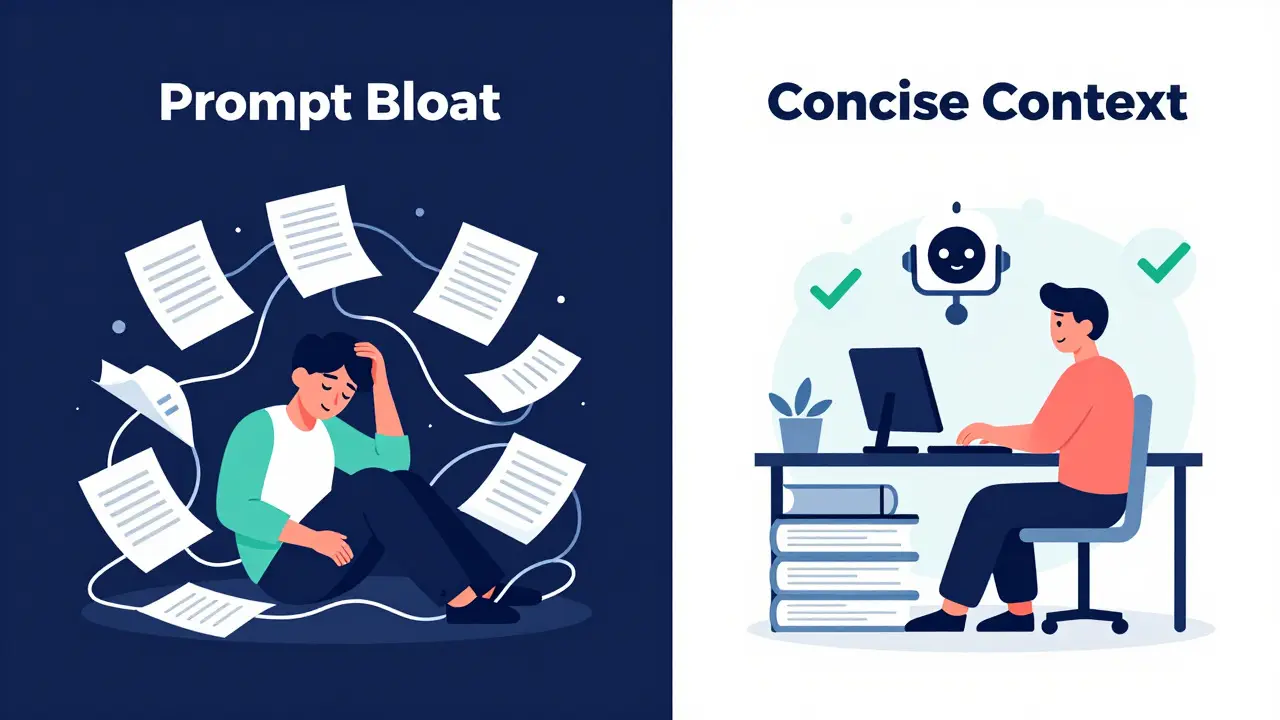
Prompt Bloat
Dr. Elena Rodriguez from MIT's AI Lab warns against 'prompt bloat'-the tendency to over-engineer context until it becomes unreadable. Her research shows diminishing returns after 1,200 words of contextual documentation per feature. Keep your context files concise. Focus on rules, not explanations. The AI doesn't need to know why you chose React; it just needs to know to use React.
Context Drift
Your code changes faster than your documentation. A rule that was true last month might be obsolete today. GitHub's 2025 State of AI report found that 62% of teams struggle with outdated context. The solution? Treat your context files as living documents. Update them whenever you make significant architectural changes. Some teams even automate this by running scripts that check context files against actual code patterns.
Hallucination Beyond Constraints
Sometimes, the AI ignores your rules entirely. This often happens when the context is too vague. Instead of saying 'follow best practices,' say 'use async/await for all database queries.' Specificity kills hallucination. If the AI keeps ignoring a rule, reinforce it by adding it to the beginning of every prompt for that session.
Measuring Success
How do you know if inline code context is working? Look at your revision cycles. In traditional coding, you might spend hours debugging. In naive vibe coding, you might spend hours correcting the AI. With proper context, your goal is to reduce revisions to near zero.
Data from Replit's internal metrics tracking over 12,000 projects shows that teams using structured context complete features 5.8x faster than those relying on generic prompts. More importantly, they introduce 3.7x fewer bugs related to architectural inconsistency. If you're still rewriting 50% of the AI's output, your context isn't detailed enough.
Also, monitor your cognitive load. NASA-TLX assessments from Stanford's HCI Lab indicate that effective context engineering reduces mental workload by 78%. You should feel less stressed, not more. If you're spending more time writing context files than reviewing code, simplify your rules.
Next Steps for Your Workflow
Start small. Pick one recurring pain point in your current project-maybe it's inconsistent error handling or messy prop drilling. Write a single paragraph of rules addressing that issue. Save it as a snippet. Paste it into your next AI session. See the difference.
Then, build your global_rules.md. Involve your team. Agree on the standards. Once that foundation is set, you'll find that vibe coding stops feeling like magic tricks and starts feeling like real engineering.
What is the best file format for inline code context?
Markdown (.md) is the industry standard. It's human-readable, easily parsable by LLMs, and integrates seamlessly with most AI coding assistants like Cursor and Windsurf. Keep files named clearly, such as context_global.md or feature_login_rules.md, to avoid confusion.
How many tokens should my context files use?
Aim for 350-500 words per context file. This translates to roughly 500-750 tokens. Research suggests that keeping context concise improves adherence. If your rules exceed 1,200 words, consider splitting them into separate files for different modules or concerns.
Does inline code context improve security?
Yes. Cycode's October 2025 report found that explicit security constraints in context files reduce vulnerabilities in AI-generated code by 63%. Include rules like 'sanitize all user inputs' or 'use parameterized queries' directly in your global rules to prevent common injection attacks.
Can I use inline code context for exploratory coding?
It's less effective for pure exploration. Data shows only a 1.4x improvement in speed for undefined tasks compared to 5.8x for well-scoped features. For brainstorming, keep context minimal. For implementation, lock it down with detailed rules.
Which AI models support the largest context windows?
As of late 2025, Claude 3.7 Sonnet, GPT-4.5, and Gemini 1.5 Pro offer context windows exceeding 32K tokens. These are the recommended models for complex vibe coding tasks requiring multiple context files. Older models with under 16K tokens may struggle with consistency.