Image-to-Text in Generative AI: Descriptions, Alt Text, and Accessibility
 Aug, 12 2026
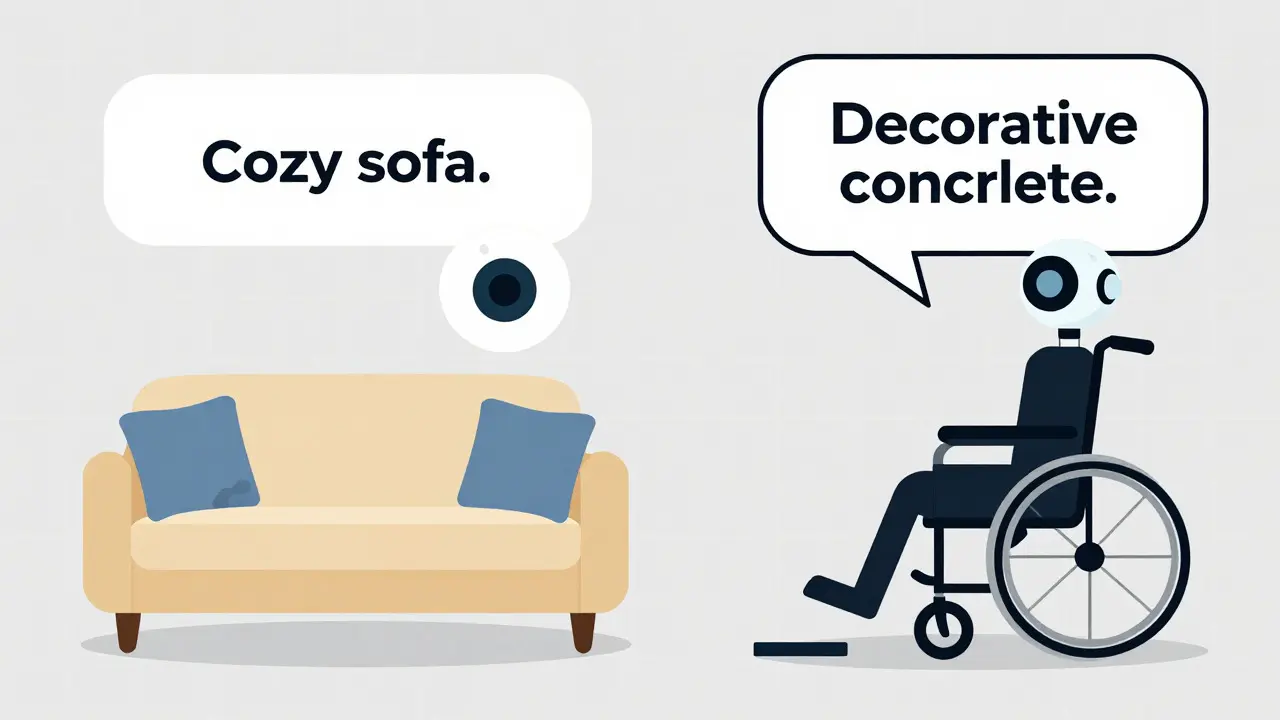
Imagine uploading a photo of your living room to a website. A few seconds later, the system generates a caption: "A cozy beige sofa with blue cushions sits under a bright window." Sounds helpful, right? Now imagine that same system describing a wheelchair ramp as "a decorative concrete structure" or a stop sign as "a red circle with white text." For someone using a screen reader, those errors aren't just annoying-they’re dangerous.
This is the reality of image-to-text AI is technology that converts visual content into written descriptions using multimodal models. It promises to automate accessibility by generating alt text at scale. But while the tech has improved dramatically since the release of CLIP is OpenAI's contrastive language-image pre-training model released in 2021, it’s far from perfect. If you’re building accessible websites or managing digital content, understanding how this technology works-and where it fails-is critical.
How Image-to-Text Models Actually Work
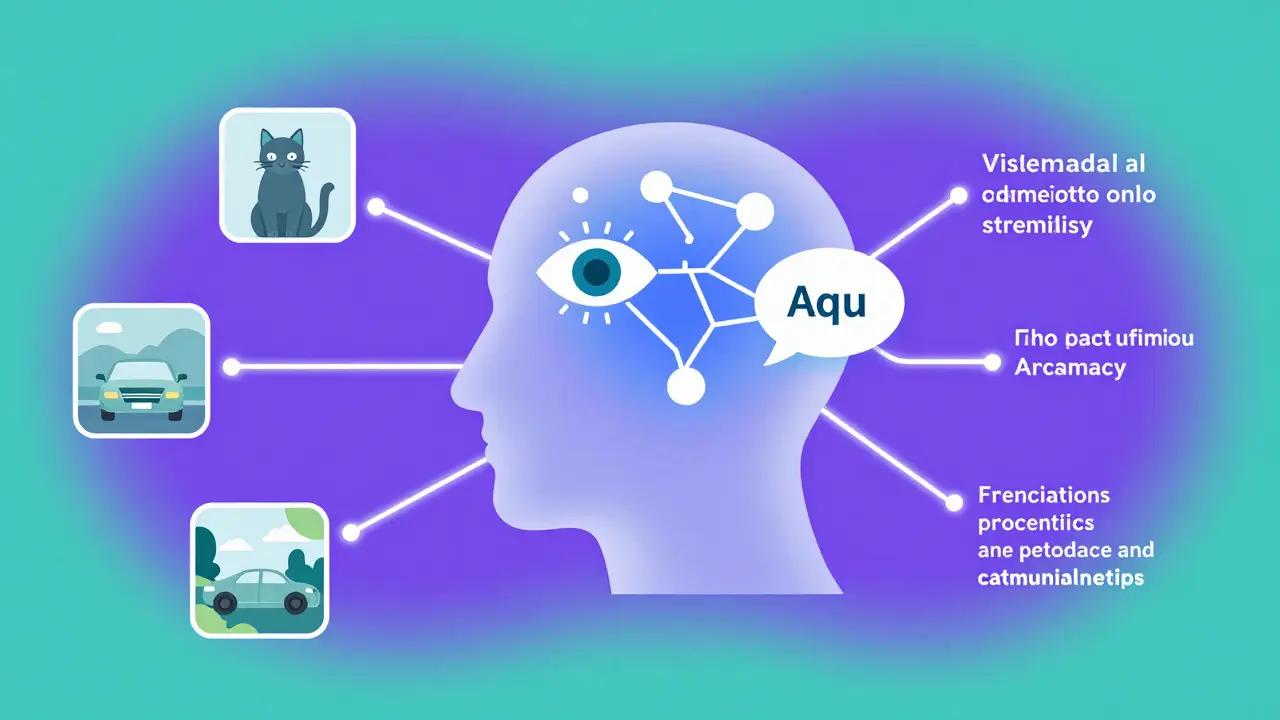
At its core, image-to-text AI relies on multimodal foundation models are neural networks trained on both images and text to understand relationships between visual and linguistic data. The most influential of these is CLIP, developed by OpenAI researchers including Alec Radford and Ilya Sutskever. Instead of teaching a model to recognize specific objects like "cat" or "car," CLIP learns by comparing millions of image-text pairs from the internet.
Here’s the trick: CLIP uses two separate neural networks-one for images (usually a Vision Transformer) and one for text (a standard transformer). Both are trained to push matching image-text pairs closer together in a shared mathematical space called an embedding space. When you upload an image, the vision encoder creates a vector representation. Then, the system searches through possible text descriptions to find the ones whose vectors align best with that image.
Later improvements like BLIP is Salesforce's bootstrapping language-image pre-training model introduced in 2022 added direct text generation capabilities. While CLIP matches images to existing captions, BLIP can generate new descriptions from scratch. Tools like CLIP Interrogator combine both approaches, producing detailed prompts about style, composition, and subject matter in just a couple of seconds on modern GPUs.
Alt Text vs. OCR: Why Context Matters More Than Characters
If you’ve ever needed to pull text out of a scanned document, you’ve probably used OCR is optical character recognition software that extracts printed or handwritten text from images. Google’s Tesseract engine, for example, achieves over 98% accuracy on clean documents. But OCR doesn’t understand what it sees-it only recognizes shapes that look like letters.
Generative AI takes a different approach. Instead of extracting characters, it interprets meaning. This makes it ideal for creating alt text, which should describe the purpose and context of an image rather than listing every pixel. However, this semantic interpretation comes with trade-offs.
| Feature | Traditional OCR (e.g., Tesseract) | Generative AI (e.g., CLIP, BLIP) |
|---|---|---|
| Primary Function | Extract visible text characters | Generate descriptive captions based on visual content |
| Accuracy on Clean Text | ~98.5% | N/A (not designed for character extraction) |
| Semantic Understanding | None | High (interprets context, style, mood) |
| Zero-Shot Capability | No (requires language-specific training) | Yes (works across unseen categories) |
| Best Use Case | Digitizing documents, forms, receipts | Creating alt text, image search, content tagging |
The key takeaway? Don’t use generative AI to read street signs or extract invoice numbers. Use it to describe scenes, products, and artistic intent. And always verify the output when safety or clarity is on the line.
Why Accessibility Can’t Rely on Automation Alone
Accessibility isn’t just about compliance-it’s about inclusion. According to the World Health Organization, over 2.2 billion people worldwide have some form of vision impairment. For many, screen readers are their primary way of navigating the web. That means alt text isn’t optional; it’s essential.
So why not let AI handle it all? Because current models still struggle with nuance. Dr. Fei-Fei Li of Stanford University pointed out at CVPR 2023 that while multimodal models represent a paradigm shift, their accuracy remains insufficient for mission-critical applications without human review. In practice, this means automated alt text often misses cultural context, emotional tone, or functional details.
Consider this real-world example from Reddit user u/AccessibilityDev: after implementing CLIP-based alt text generation on a nonprofit site, they found that 80% of basic images received reasonable descriptions. But one image of a wheelchair ramp was labeled "a decorative concrete structure." To a sighted person, that might sound harmless. To a wheelchair user relying on that description to navigate safely, it’s misleading-and potentially hazardous.
These aren’t edge cases. A 2023 audit by Deque Systems found that 42% of AI-generated alt texts suffered from the "semantic gap"-describing visual elements accurately but missing contextual meaning entirely. Another study revealed a 37% error rate on product images featuring people of color, highlighting persistent bias in training data.
Bias, Accuracy Gaps, and Real-World Risks
One of the biggest challenges facing image-to-text AI is dataset bias. Most large-scale image-text datasets come from Western sources, leading to skewed performance. Dr. Timnit Gebru’s research showed that CLIP performs 28.7% worse on images depicting non-Western cultural contexts. Meanwhile, Stanford’s Center for AI Safety reported that current systems exhibit 31.2% higher error rates on images containing people with visible disabilities.
Then there’s the issue of adversarial vulnerability. MIT Professor Aleksander Madry’s team demonstrated that imperceptible modifications to images could completely alter generated descriptions in 98.5% of test cases. Imagine a security camera feed being misinterpreted due to minor noise-or worse, malicious manipulation.
Even object counting is unreliable. Salesforce Research noted that accuracy drops to 45% when more than five objects appear in a scene. So if your e-commerce product photo shows three shirts and two hats, don’t expect the AI to get the count right.
Implementing Image-to-Text: What You Need to Know
If you’re ready to integrate image-to-text AI into your workflow, here’s what to expect:
- Hardware Requirements: Deploying models like CLIP or BLIP typically requires NVIDIA T4 GPU instances (p3.2xlarge or larger) with at least 16GB VRAM. On AWS us-east-1, this costs around $3.06 per hour.
- Time Investment: Initial deployment takes 2-4 hours for developers with intermediate machine learning experience. Training programs like AWS’s "Generative AI for Accessibility" course require 16-20 hours of study.
- Skills Needed: Proficiency in Python, familiarity with PyTorch or TensorFlow, and knowledge of WCAG 2.1 guidelines are essential.
- Post-Processing Pipelines: Raw outputs rarely meet accessibility standards. You’ll need NLP refinement steps to ensure coherence, brevity, and compliance.
Documentation quality varies widely. Hugging Face’s BLIP implementation scores 4.2/5 for clarity among users, while OpenAI’s original CLIP repo gets criticized for sparse docs (2.8/5). Choose wisely.
The Future: Hybrid Workflows and Emerging Standards
We’re moving toward hybrid human-AI workflows. Fully automated systems won’t reach acceptable reliability thresholds (98%+ accuracy) for non-critical applications until around 2027, according to MIT Technology Review. Until then, human oversight remains non-negotiable.
New developments are promising though. Salesforce released BLIP-3 in January 2024 with "Accessibility-First" training objectives, achieving 92.4% accuracy on the A11yCaption benchmark. Microsoft’s Seeing AI team announced integrations that reduce critical description errors by 63%. And the W3C published draft guidelines requiring minimum 95% accuracy on safety-critical elements for unreviewed implementations.
Regulatory pressure is also mounting. The EU’s AI Act requires conformity assessments for high-risk AI systems used in accessibility. Expect stricter standards globally as awareness grows.
Practical Tips for Using AI-Generated Alt Text Responsibly
- Always review critical images. Product photos, navigation cues, and safety-related visuals need human verification.
- Test across demographics. Audit your outputs for bias against non-Western cultures, diverse skin tones, and visible disabilities.
- Combine tools strategically. Use OCR for text-heavy images and generative AI for scenic or artistic content.
- Train your team. Invest in courses covering multimodal embeddings, prompt engineering, and accessibility best practices.
- Monitor continuously. Set up feedback loops so users can flag inaccurate descriptions and improve future generations.
Remember: automation saves time, but accountability ensures trust.
What is image-to-text AI?
Image-to-text AI refers to systems that convert visual content into written descriptions using multimodal foundation models like CLIP or BLIP. These models analyze images and generate contextual captions suitable for alt text, image search, or content tagging.
Can AI replace humans in writing alt text?
Not yet. While AI can produce decent descriptions for simple images, it struggles with nuance, cultural context, and safety-critical details. Human review remains essential for accurate, inclusive, and compliant alt text.
How accurate are current image-to-text models?
Accuracy varies by task. CLIP achieves 78-85% in zero-shot classification but only 65-75% on image captioning benchmarks. BLIP-3 reaches 92.4% on accessibility-focused tests, but errors persist in complex scenes, diverse demographics, and abstract imagery.
What are the main limitations of generative image-to-text?
Key limitations include poor object counting (>5 objects), inconsistent color identification, vulnerability to adversarial attacks, and significant bias against non-Western and disabled subjects. Semantic gaps also cause models to miss contextual meaning even when visual elements are described correctly.
Which industries are adopting image-to-text AI for accessibility?
Ecommerce leads adoption (42% of early adopters), followed by digital publishing (28%) and social media platforms (19%). Shopify reports 300+ merchants using CLIP-integrated alt text generators, primarily for internal content tagging rather than direct public-facing accessibility.
Are there regulations governing AI-generated alt text?
Yes. The EU’s AI Act requires conformity assessments for high-risk AI systems used in accessibility. Additionally, the W3C has drafted guidelines mandating 95% accuracy on safety-critical elements before allowing unreviewed AI-generated alt text.
How do I choose between OCR and generative AI for image processing?
Use OCR for extracting readable text from documents, invoices, or signs. Use generative AI for creating descriptive alt text, enhancing image search, or tagging visual content. They serve fundamentally different purposes.
What hardware do I need to run image-to-text models?
Most deployments require NVIDIA T4 GPUs (p3.2xlarge or larger) with at least 16GB VRAM. Cloud providers like AWS charge approximately $3.06/hour for such instances in the us-east-1 region. Local setups may vary depending on model size and optimization.
Is CLIP better than BLIP for accessibility?
It depends on your needs. CLIP excels at matching images to existing captions and offers strong zero-shot capabilities. BLIP generates original descriptions and handles visual grounding better. For accessibility, newer versions like BLIP-3 show superior accuracy on specialized benchmarks.
When will fully automated alt text be reliable enough?
Industry experts predict fully automated systems will reach acceptable reliability (98%+ accuracy) for non-critical applications by 2027. Until then, hybrid workflows combining AI generation with human review remain the gold standard.