Performance Budgets for Vibe-Coded Frontends: Set, Measure, Enforce
 Sep, 29 2026
You just generated a stunning dashboard using an AI assistant. It looks perfect in the preview. You hit deploy, and three days later, your users are complaining that the page takes forever to load on their phones. This is the vibe-coding paradox: we generate code faster than ever, but we often lose track of the invisible costs-bundle size, render blocking scripts, and memory leaks-that kill user experience.
Traditional performance monitoring is reactive. You wait until the site is slow, then you scramble to fix it. But when you're generating code via prompts, you need guardrails that stop bad decisions before they hit production. That’s where performance budgets come in. They aren't just numbers; they are contract terms between your developer (or your AI) and your user's patience.
What Is a Performance Budget?
A performance budget is a set of limits imposed on metrics that affect site performance, such as page weight, request count, or load time. Think of it like a financial budget: if you spend more than you have, you go into debt. In web development, going into "performance debt" means slower loads, higher bounce rates, and lower SEO rankings.
The concept isn't new-Tim Kadlec formalized it years ago-but its application has changed with AI-assisted development. When you ask an LLM to "add a chart library," it might pick the heaviest option available because it's popular, not because it's efficient. A performance budget forces a check: does this new feature fit within our remaining resource allowance?
| Metric Type | Example Limit | Why It Matters |
|---|---|---|
| Resource Size | < 500 KB JavaScript | Directly impacts download time and parsing cost. |
| Request Count | < 30 HTTP requests | Reduces connection overhead and latency. |
| Timing (Core Web Vitals) | LCP < 2.5s | Google's ranking factor and key UX metric. |
| Third-Party Scripts | < 5 scripts | Prevents external bloat from analytics or ads. |
Setting Your First Budget
Don't try to boil the ocean. If you set strict limits on every single metric right away, you'll spend more time debugging false positives than building features. Start small. Pick two or three metrics that matter most to your business. For most modern SPAs (Single Page Applications), Largest Contentful Paint (LCP) and Total Blocking Time (TBT) are the best starting points because they directly correlate with how fast a user feels the site is.
Here’s a practical rule of thumb for 2026:
- Total Page Weight: Aim for under 1.5 MB for mobile connections. If you're targeting global users with variable network speeds, aim closer to 800 KB.
- JavaScript Bundle: Keep initial JS under 300-500 KB. Anything larger starts to significantly impact Time to Interactive on mid-range Android devices.
- Image Optimization: Require WebP or AVIF formats by default. If your AI generates components with `
` tags, enforce `loading="lazy"` attributes automatically.
How do you decide these numbers? Look at your competitors. Use tools like WebPageTest to analyze the top three sites in your niche. If they load in 2 seconds, you can't afford to take 4. Set your budget slightly tighter than the market leader to gain a competitive edge.
Measuring Without Breaking Flow
The biggest friction point in enforcing budgets is measurement. If checking performance requires opening Chrome DevTools, manually running a Lighthouse audit, and copying numbers into a spreadsheet, nobody will do it consistently. Especially not when you're in a "vibe coding" flow state, rapidly iterating through UI changes.
Automation is non-negotiable. Integrate checks directly into your build process. Most modern bundlers support this natively. Webpack has built-in bundle size warnings, and Vite provides visualizers to spot heavy dependencies instantly.
For a more robust setup, use Lighthouse CI. It runs automated audits on every pull request. If a PR increases the bundle size beyond your budget, the build fails. The bot leaves a comment on the PR showing exactly which files grew and by how much. This turns performance from a vague concern into a concrete code review checklist item.
Pro Tip: Configure your CI pipeline to allow small overages during active development phases but block them on merge to main. This gives developers room to experiment without letting technical debt accumulate silently.

Enforcing Budgets in Vibe-Coded Workflows
This is where things get interesting for AI-generated code. When you prompt an AI to "add a date picker," it might import Moment.js (which is huge) instead of Day.js (which is tiny). Or it might include a full icon library instead of just the SVGs you need. These decisions happen in milliseconds, long before you see the code.
To enforce budgets effectively in this workflow, you need feedback loops that are immediate and actionable.
- Pre-commit Hooks: Use tools like `size-limit` or `bundlesize` to check package sizes before code is even committed. If adding a new dependency pushes you over the edge, the commit fails with a clear error message.
- AI Context Injection: Include your performance constraints in your system prompts. Tell your AI assistant: "Always prefer lightweight alternatives. Do not import entire libraries if tree-shaking is possible." While LLMs don't always follow instructions perfectly, they follow them better when explicitly reminded.
- Visual Regression + Perf Checks: Combine visual testing with performance checks. Sometimes a UI change looks fine but adds a massive CSS payload. Tools that snapshot both visuals and metrics help catch these subtle regressions.
Consider a scenario where you're building a marketing landing page. You want high fidelity animations. An AI suggests Framer Motion. Great choice, but it adds ~40KB gzipped. If your budget is tight, the enforcement tool flags it. You then have a choice: accept the trade-off for better UX, or swap to a lighter CSS-based animation. Because the flag appeared immediately, you made an informed decision rather than discovering the slowdown weeks later.
Pitfalls and How to Avoid Them
Not all budget failures are created equal. Blindly enforcing numbers can lead to perverse incentives. Here are the common traps teams fall into:
1. The Metric Myopia Trap
Focusing solely on bundle size ignores actual user experience. You might strip out valuable content to meet a 500 KB limit, resulting in a fast but empty page. Always pair synthetic metrics (lab data) with field data (Real User Monitoring - RUM). If your lab tests pass but real users report slow interactions, your budget is wrong.
2. Ignoring Third-Party Bloat
Your own code might be lean, but what about those five tracking pixels, two chat widgets, and one ad script? They often account for 40% of total load time. Include third-party scripts in your budget calculations. If a vendor script exceeds its allocated share, negotiate with the vendor or remove it.
3. Static Budgets in Dynamic Apps
An e-commerce product page has different performance needs than a checkout flow. Applying a single global budget across all routes can be misleading. Use route-specific budgets. Allow heavier assets on media-rich pages if they’re lazy-loaded, but keep critical paths (login, search) extremely light.
4. False Positives in Development
Dev environments are noisy. Hot Module Replacement (HMR) adds overhead. Source maps inflate file sizes. Ensure your budget checks run against production builds, not dev servers. Otherwise, you’ll waste hours chasing ghosts.
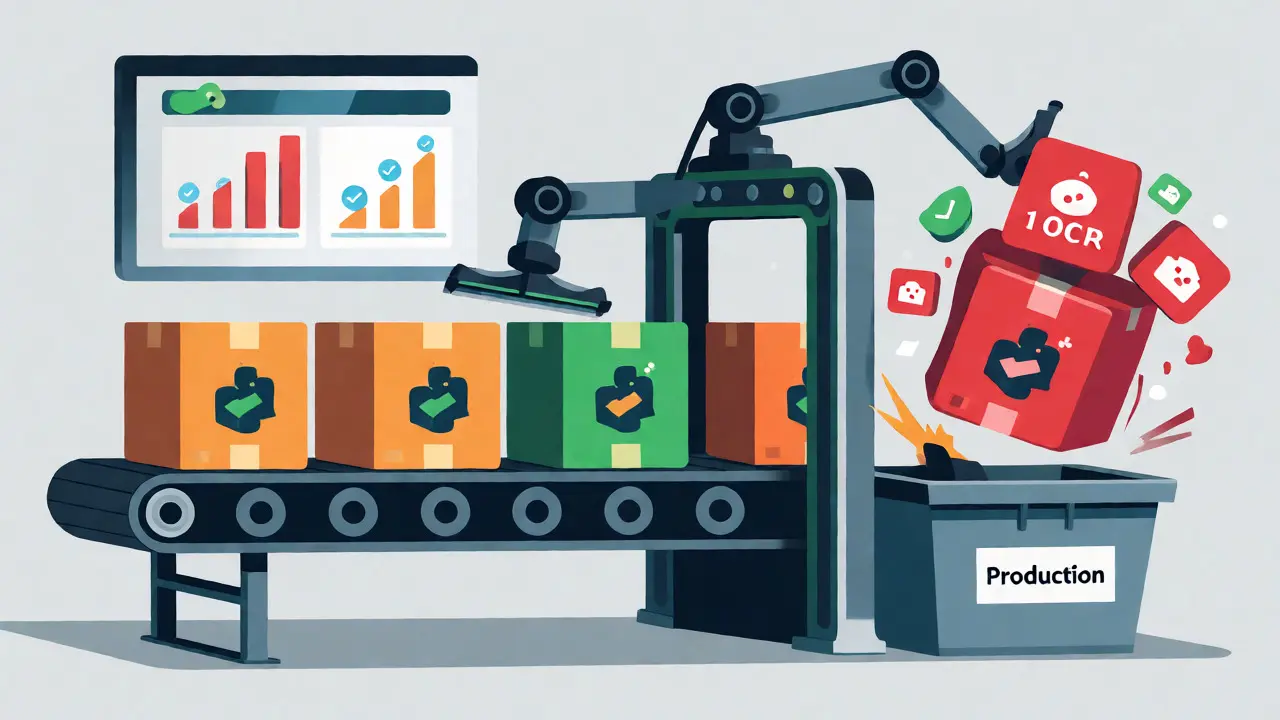
Tools of the Trade
You don't need a million-dollar enterprise suite to start. Here’s a stack that works well for most teams in 2026:
- Build-time Analysis: Rollup or esbuild for fast bundling with built-in size reports.
- CI/CD Enforcement: Lighthouse CI for automated auditing on every PR.
- Field Data: Web Vitals library to send Core Web Vitals data to your backend or analytics platform.
- Visualization: Bundlizer or Source Map Explorer to visualize what’s actually inside your bundles.
Start with Lighthouse CI. It’s free, open-source, and integrates easily with GitHub Actions or GitLab CI. Once you’ve stabilized your baseline, layer in RUM data to refine your thresholds based on real-world conditions.
FAQ
How strict should my performance budget be?
It depends on your audience. For global mobile users, aim for LCP under 2.5s and total JS under 500 KB. For desktop-heavy enterprise apps, you can relax these limits. Start loose, measure your current baseline, and tighten gradually to avoid blocking legitimate feature work.
Can AI assistants respect performance budgets?
Not inherently. LLMs optimize for functionality and readability, not necessarily bundle size. You must enforce budgets via tooling (CI/CD, linters) and guide the AI with explicit prompts about preferring lightweight libraries or tree-shakable imports.
What happens if I exceed my budget?
Ideally, your build fails or triggers a warning. Practically, you investigate the cause. Was it a new dependency? Unoptimized images? Code splitting issues? Treat overages as bugs to be fixed, not just warnings to be ignored.
Do performance budgets apply to server-side rendering (SSR)?
Yes, but differently. For SSR, focus on Time to First Byte (TTFB) and hydration time. Heavy client-side JS still matters because it delays interactivity, even if the HTML renders quickly.
How often should I update my budgets?
Review them quarterly or after major feature releases. As hardware improves and networks get faster, you might loosen some constraints. Conversely, if user expectations rise, you may need to tighten them. Always base updates on data, not guesses.
Next Steps
Ready to implement? Here’s your checklist:
- Define your top 3 critical metrics (e.g., LCP, TBT, Bundle Size).
- Measure your current baseline using Lighthouse.
- Set initial budgets slightly above current performance to avoid immediate blockers.
- Integrate Lighthouse CI into your pipeline.
- Add pre-commit hooks for bundle size checks.
- Iterate: Tighten budgets once the team adapts.