Privacy Notices and Cookie Banners in Vibe-Coded Frontends: A Compliance Guide
 May, 2 2026
Speed is the currency of vibe-coding, a rapid application development approach that lets you build functional frontends in hours rather than weeks. But speed comes with a hidden cost: legal compliance. If your vibe-coded frontend collects even basic data like email addresses or analytics, you are legally required to display privacy notices and cookie banners. Ignoring this isn't just risky; it can block your app from launching on major platforms or get you fined under regulations like the General Data Protection Regulation (GDPR).
The Core Problem: Speed vs. Compliance
Vibe-coding prioritizes user experience and quick iteration. Developers often focus on making the interface look good and function smoothly, treating legal requirements as an afterthought. This is a dangerous trap. The law doesn't care how fast you built the site; it cares about whether you asked for permission before tracking users. In Europe, the GDPR mandates explicit consent for non-essential cookies. In other regions, similar laws apply. Without a proper consent mechanism, your analytics data might be unusable, and your payment processors may refuse to work with you.
Understanding Your Legal Obligations
Before adding any banner, you need to know what you're tracking. Not all cookies are created equal. Essential cookies-those required for the site to function, like keeping items in a shopping cart-do not require consent. However, anything else falls into the "non-essential" category. This includes:
- Analytics cookies: Tools that track how users navigate your site.
- Advertising cookies: Scripts that serve targeted ads based on user behavior.
- Social media cookies: Plugins that allow sharing content directly from your page.
If your vibe-coded app uses any of these, you must provide a clear way for users to opt-in or opt-out. The burden of proof is on you. You cannot assume silence means consent. You must actively ask.
Designing the Banner for User Experience
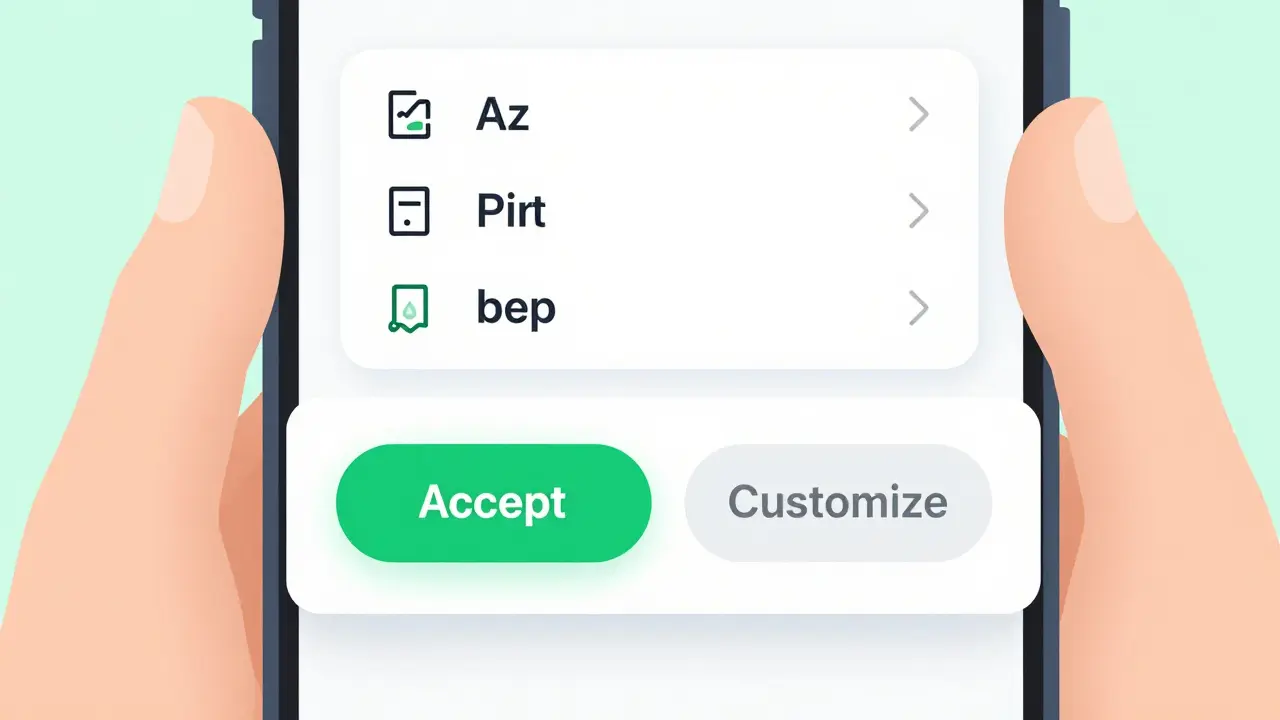
A cookie banner shouldn't feel like a roadblock. It needs to be visible but unobtrusive. Here are the best practices for implementation in vibe-coded environments:
- Placement matters: Footer placement is often recommended because it sits at the bottom of the screen without blocking main content. Header placements can also work if they are thin and dismissible. Avoid full-screen modals unless absolutely necessary, as they interrupt the user's flow and increase bounce rates.
- Mobile responsiveness: On mobile devices, screen space is premium. Ensure your banner covers minimal area while remaining readable. A simple bar with two buttons is better than a complex settings panel that requires multiple taps to close.
- Clear call-to-action: Use descriptive buttons like "Accept All," "Reject Non-Essential," and "Customize Settings." Avoid vague terms like "Okay" which can be legally ambiguous.
- Default to privacy: Non-essential cookies should be turned off by default. Users must actively toggle them on. This "privacy-by-default" stance builds trust and ensures compliance.
Technical Implementation in Vibe-Coded Frontends
Integrating these notices into a vibe-coded project requires careful technical handling to avoid slowing down your site. The biggest risk is blocking the main thread with heavy consent scripts. To prevent this, load your cookie management script asynchronously. This means the script downloads in the background while the rest of your page renders.
You might notice a slight "flicker" effect where the page loads first, followed by the banner appearing a second later. This is acceptable and preferable to a blank white screen while the consent manager initializes. Most modern vibe-coding platforms, such as Cocoding.ai, offer built-in integrations or plugins that handle this asynchronous loading automatically. If you are building from scratch, ensure your JavaScript consent library is lightweight and does not conflict with your primary framework.
Tools and Platforms for Compliance
You don't have to write legal text from scratch. Several tools specialize in generating compliant privacy policies and managing consent:
| Tool | Best For | Key Feature | Cost Model |
|---|---|---|---|
| iubenda | Automated policy generation | Generates GDPR-compliant texts based on your tech stack | Freemium |
| Cocoding.ai Native | Rapid deployment | Built-in banner with pre-configured settings | Included in platform |
| Bazaarvoice Vibe | E-commerce tracking | Uses pseudonymous first-party cookies (crl8.fpcuid) | Enterprise |
Using these tools ensures that your documentation passes verification checks from app stores, ad networks, and payment providers. Manual AI-generated text often fails these checks because it lacks the specific legal nuances required by regulators.

The Pre-Launch Checklist
Before you push your vibe-coded frontend to production, run through this checklist:
- Audit your cookies: Open browser DevTools, go to the Application tab, and check the Cookies section. List every single cookie being set.
- Categorize them: Label each as "Essential" or "Non-Essential."
- Verify the banner: Ensure the banner appears before any non-essential cookies are set. Test this by clearing your cache and reloading the page.
- Check mobile view: Confirm the banner is readable and clickable on small screens.
- Link to policies: Ensure your Privacy Policy and Terms of Service are live and linked within the banner.
Why This Matters for Growth
Compliance isn't just about avoiding fines. It's about trust. Users are increasingly aware of their digital rights. A transparent, easy-to-use cookie banner signals that you respect their privacy. Conversely, a confusing or aggressive banner can drive users away. In the world of vibe-coding, where user acquisition is key, maintaining a clean, compliant frontend is part of your product's value proposition. Don't let legal hurdles slow down your launch. Build compliance into your workflow from day one.
Do I need a cookie banner if my vibe-coded app only uses essential cookies?
If your application truly sets only strictly necessary cookies (e.g., for session management or shopping carts) and no third-party tracking, you generally do not need a consent banner under GDPR. However, you must still provide a privacy notice explaining why those essential cookies are used. Be cautious: many analytics tools set non-essential cookies by default.
What happens if I ignore cookie consent in my vibe-coded frontend?
Ignoring consent can lead to significant fines under GDPR (up to €20 million or 4% of global turnover). Additionally, ad networks and payment processors may ban your domain, preventing you from monetizing or processing transactions. App stores may also reject your submission if privacy documentation is missing.
Can I use AI to generate my privacy policy for a vibe-coded app?
While AI can draft initial text, it is risky to rely solely on generic AI-generated policies. Platform verifiers often flag these for lacking specific details about your data processing activities. It is safer to use specialized compliance tools like iubenda or consult a legal professional to ensure your policy accurately reflects your tech stack.
How do I implement async loading for cookie scripts?
Add the `async` attribute to your script tag in the HTML head. For example: ``. This ensures the browser downloads the script in the background without blocking the rendering of your main page content, improving perceived performance.
Is footer placement better than modal pop-ups for cookie banners?
Footer placement is generally preferred for user experience as it is less intrusive. Modals force users to interact immediately, which can disrupt their journey. However, modals are more effective at ensuring visibility. Choose based on your audience's tolerance for interruption, but always ensure the banner is easily dismissible.
Rakesh Kumar
May 3, 2026 AT 09:51Oh my god, this is exactly the kind of nightmare fuel I needed to read before my morning coffee! I was literally just vibing away on a new dashboard project, thinking 'who needs privacy policies anyway, it's just a prototype,' and now I feel like I've been caught with my hand in the cookie jar. The part about payment processors refusing to work with you if you don't have consent mechanisms? That hit hard because I didn't even realize Stripe could block me for that. It’s wild how we get so caught up in making things look pretty and function fast that we forget the legal minefield underneath. I’m definitely going to audit my cookies right now, fingers crossed I haven’t already violated GDPR by accident. Thanks for dropping this reality check, seriously!
Bill Castanier
May 4, 2026 AT 23:08The distinction between essential and non-essential cookies is crucial here. Many developers assume analytics are optional when they are not strictly necessary for function. This oversight leads to compliance failures.
Flannery Smail
May 5, 2026 AT 17:04Honestly, most of these regulations are just designed to slow down innovation. Vibe-coding is about speed and flow, and forcing us to stop and think about every single cookie breaks that entire workflow. If users want privacy, they should use private browsers or disable JavaScript entirely instead of cluttering our UI with these annoying banners. It feels like bureaucracy winning over actual product development again.
Emmanuel Sadi
May 7, 2026 AT 06:16Look at you, trying to code your way out of basic human decency. You think 'vibe-coding' makes you special? It just makes you lazy. You’re building trashware that tracks people without asking, and then you wonder why everyone hates tech companies. Stop whining about 'flow' and start respecting the fact that users own their data. Your feelings about regulatory burden are irrelevant compared to the rights of the people using your app. Grow up.
Nicholas Carpenter
May 8, 2026 AT 15:07I appreciate the detailed breakdown of the tools available. Using iubenda or similar services really does take the headache out of generating compliant text. It’s much better than trying to write it yourself and hoping for the best. Building trust through transparency is a smart move for any frontend project.
Chuck Doland
May 10, 2026 AT 00:45It is imperative that one considers the philosophical implications of data collection beyond mere legal compliance. When we design interfaces, we are essentially constructing the digital architecture of user interaction. To ignore the ethical dimension of consent is to undermine the very foundation of trust upon which modern web applications must rest. The asynchronous loading technique mentioned is indeed superior, as it respects both the technical performance metrics and the user’s immediate experience. However, one must ensure that the default state of privacy is not merely a checkbox exercise but a genuine commitment to user autonomy. The integration of such practices into the initial stages of development ensures that compliance becomes an intrinsic property of the software rather than an extrinsic patch applied post-hoc. This approach aligns with the broader goal of creating sustainable and respectful digital environments.