Prompting for Reproducible Builds: Pin Versions and Lockfiles
 Mar, 15 2026
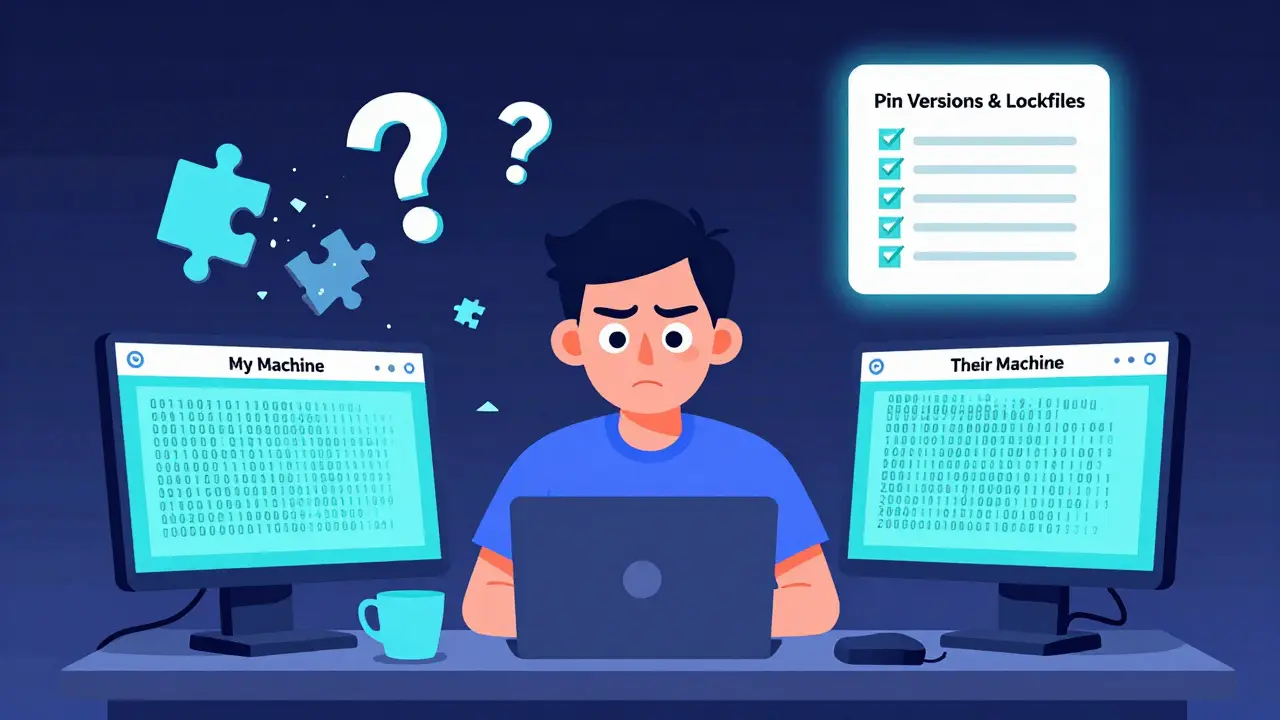
Ever had a build that worked perfectly on your machine, then broke the moment someone else ran it? You’re not alone. This isn’t a bug in your code-it’s a problem with how dependencies are handled. Reproducible builds fix this by ensuring that every time you build your software, you get the exact same output: bit-for-bit identical. No surprises. No "it works on my machine" excuses. But getting there isn’t automatic. It takes discipline. And the best way to enforce that discipline? Pin versions and use lockfiles.
What Reproducible Builds Really Mean
A reproducible build means that if you give someone your source code and build instructions, they can run the same process and produce a binary that matches yours down to the last byte. That’s not just convenient-it’s a security requirement. Think about it: if you download a security tool like a firewall or encryption utility, how do you know it hasn’t been tampered with during distribution? Reproducible builds let anyone verify that the binary you’re running came from the source code you trust. This isn’t theoretical. In 2023, the Linux Foundation’s Reproducible Builds project confirmed that over 90% of Debian packages could be rebuilt identically. That’s a huge win for open-source trust. But it didn’t happen by accident. It happened because developers started controlling every single input that goes into a build.Why Your Build Isn’t Reproducible (And How to Fix It)
Most builds fail to be reproducible because they rely on hidden variables. Here are the top three culprits:- Unpinned dependencies - You say "use requests==2.25.0" but someone else installs 2.25.1 because PyPI didn’t lock it. That tiny version bump could change behavior.
- Dynamic timestamps - Your build script includes the current date in the binary metadata. Every build gets a different checksum.
- System libraries - Your C++ project links to OpenSSL installed on the system. If another machine has OpenSSL 1.1.1 vs 1.1.2, the output changes.
Version Pinning: Don’t Guess, Define
Version pinning means you don’t say "use the latest version"-you say "use this exact version, no exceptions." In Python, instead of:requestsYou write:
requests==2.25.0In npm:
"dependencies": {
  "lodash": "4.17.21"
}
In Rust:
[dependencies]
lodash = "4.17.21"
This isn’t just about stability. It’s about predictability. A pinned version removes the element of chance. If you pin your dependencies, your build becomes deterministic. No more surprises from upstream changes.
Lockfiles: The Single Source of Truth
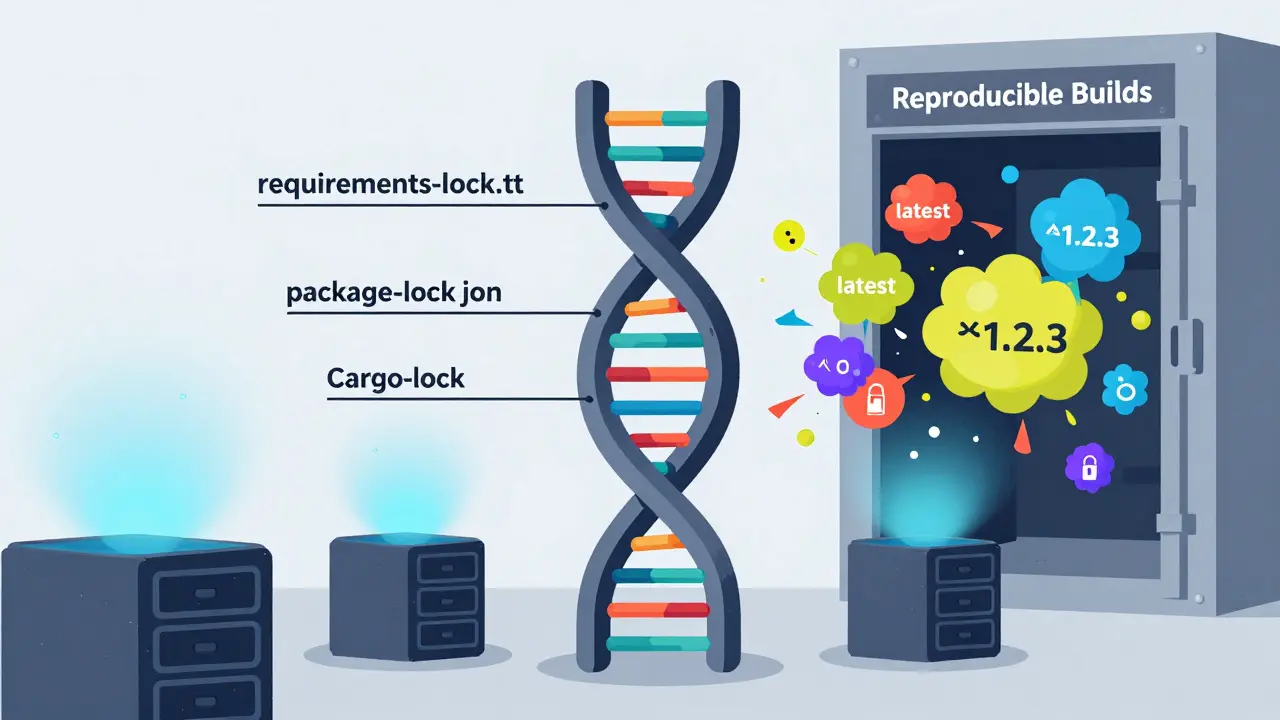
Pinning versions in your manifest file (likerequirements.txt or package.json) is step one. But it’s not enough. Package managers don’t always respect those pins exactly. That’s why you need a lockfile.
A lockfile is generated automatically by your package manager after a successful install. It records the exact version of every dependency-including transitive ones-and often includes cryptographic hashes to verify integrity.
- Python:
requirements-lock.txt(generated by pip-tools or pip freeze) - Node.js:
package-lock.json - Rust:
Cargo.lock - Java/Maven:
dependency-reduced-pom.xmlormvn dependency:treeoutput with resolved versions
pip install -r requirements.txt without a lockfile, they might get a different set of packages than you did-even if you both pinned the same top-level dependency.
How to Prompt Your Team to Adopt This
You can’t force discipline. But you can make it easy. Start by writing a simple checklist for your team:- Always pin versions in your manifest file (no ranges like ^ or ~ unless absolutely necessary).
- Generate and commit the lockfile after every dependency change.
- Run your build using the lockfile, not the manifest alone.
- Never install dependencies without a lockfile in production.
- Use CI/CD to fail builds if the lockfile is missing or out of sync.
git diff --quiet HEAD -- package-lock.json
if [ $? -ne 0 ]; then
  echo "Error: package-lock.json has been modified without being committed."
  exit 1
fi
This isn’t about being annoying. It’s about preventing a single line change from breaking production for 10,000 users.
Real-World Impact: What Happens When You Skip This
In 2022, a major open-source library released a patch that accidentally broke backward compatibility. Thousands of projects that used unpinned dependencies broke overnight. Companies lost hours. Some lost data. All because they trusted "latest" instead of locking versions. Compare that to the Rust ecosystem. Cargo.lock is mandatory. Every project has one. When you update a dependency, you review the changes in the lockfile. You know exactly what changed. You don’t guess. You verify. That’s the difference between chaos and control.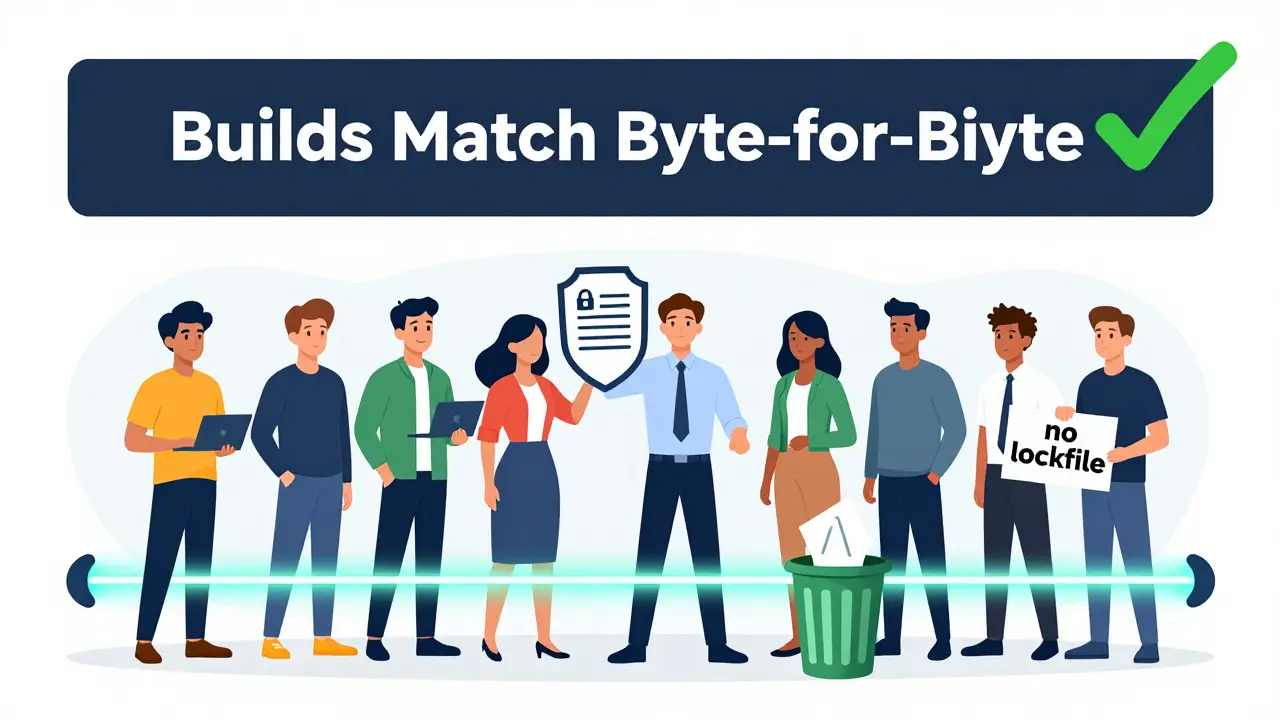
Lockfiles vs. Package Managers: What You Need to Know
Not all package managers are created equal. Here’s how they handle reproducibility:| Package Manager | Lockfile Format | Hash Verification | Transitive Dependency Control | Reproducibility Guarantee |
|---|---|---|---|---|
| npm (Node.js) | package-lock.json | Yes (SHA-512) | Yes | High |
| pip (Python) | requirements-lock.txt | Yes (with --hash) | Yes | High (if hashes used) |
| Cargo (Rust) | Cargo.lock | Yes (SHA-256) | Yes | Very High |
| Maven (Java) | dependency-reduced-pom.xml | No | Partial | Medium |
| Gradle (Java/Kotlin) | gradle.lockfile | Yes | Yes | High |
Legacy Systems: How to Start Now
You inherited a 5-year-old Python app with no lockfile? No problem. Start here:- Run
pip freeze > requirements-lock.txton your working machine. - Commit that file.
- Update your CI to use
pip install -r requirements-lock.txtinstead ofrequirements.txt. - Next time you update a dependency, regenerate the lockfile and review the changes.
Security Isn’t Optional
Reproducible builds aren’t a luxury. They’re a defense. If someone injects malicious code into a dependency, you won’t know unless you can verify the binary matches the source. With lockfiles and pinned versions, you can. That’s how you stop supply chain attacks before they reach your users. The companies that win in 2026 aren’t the ones with the fanciest AI tools. They’re the ones who built systems that can’t be broken by a single bad update. That’s the power of reproducibility.What’s the difference between a requirements.txt and a requirements-lock.txt file?
The requirements.txt file lists the top-level packages your project needs, like "requests" or "django". It doesn’t specify exact versions or dependencies of dependencies. The requirements-lock.txt file is generated by tools like pip-tools and includes every single package your project uses-including all nested dependencies-with exact versions and often cryptographic hashes. This ensures every build is identical, no matter who runs it.
Can I use version ranges like ^1.2.3 or ~1.2.3 for reproducible builds?
No. Version ranges like ^1.2.3 (meaning "1.2.3 or higher, but below 2.0.0") introduce uncertainty. Even a patch release (1.2.4) can break your build. For reproducible builds, you must pin exact versions like "1.2.3". The lockfile handles transitive dependencies, but your manifest should never allow flexibility.
Why should I commit lockfiles to Git?
Because they’re part of your build specification. If you don’t commit them, your team members, CI servers, and production environments will install different versions of dependencies. That breaks reproducibility. Lockfiles are not temporary files-they’re as important as your source code.
Do I need lockfiles if I use Docker?
Yes. Docker containers can still be built differently if your package manager installs different versions. Your Dockerfile should copy the lockfile and use it during the build step. Without it, your container might work on your machine but fail on the server because of a different dependency version.
What happens if my lockfile gets out of sync with my manifest?
It means someone changed a dependency without regenerating the lockfile. This is a red flag. Always regenerate the lockfile after modifying the manifest. In CI, fail the build if the lockfile doesn’t match the manifest. This prevents accidental changes from slipping through.
Rakesh Dorwal
March 15, 2026 AT 21:01Let me tell you something no one else will admit-this whole "reproducible builds" thing is just a distraction from the real problem: Western tech monopolies controlling dependency registries. They let random people push updates to PyPI, npm, and Cargo like it’s a free-for-all. Meanwhile, countries like India are building secure systems from scratch. We don’t need your lockfiles-we need sovereignty. Pin versions? Sure. But first, ban foreign package managers from our CI pipelines. That’s the real fix.
And don’t even get me started on SHA-512. Who trusts a hash generated by a server in California? We need blockchain-based verification. On-prem. In Hindi. That’s the future.
Vishal Gaur
March 17, 2026 AT 04:35man i totally get what ur sayin about lockfiles but honestly i’ve been in so many projects where the lockfile got messed up and no one knew why. like one time i was trying to deploy and the server kept failing because some transitive dep had a weird patch version that only showed up on mondays. i swear i spent 3 days debugging it. turns out someone ran npm install without --frozen-lockfile and then committed the new package-lock.json without checking. i was so mad. also why does npm even let you do that? like why is it not default? anyway i just learned to always diff the lockfile before pushing. and yes i know i spelled diff wrong. oops.
Nikhil Gavhane
March 18, 2026 AT 15:44This is one of the clearest explanations of reproducible builds I’ve ever read. I’ve been working in DevOps for over a decade, and I’ve seen teams waste weeks because of dependency drift. The fact that over 90% of Debian packages are now reproducible is a quiet revolution. It’s not flashy, but it’s the foundation of trust in open source. Thank you for emphasizing that this isn’t about perfection-it’s about consistency. Small steps, like committing a lockfile, create massive stability over time. This should be required reading for every junior dev.
Rajat Patil
March 18, 2026 AT 18:17I appreciate the clarity of this post. It is important that we understand the need for exact versions in software builds. When we allow flexibility, we invite error. Lockfiles are not optional. They are necessary for safety and fairness. Every team should treat them as part of the source code. This is not a suggestion. It is a standard. I hope more teams adopt this practice. It will save time, money, and trust.
deepak srinivasa
March 19, 2026 AT 00:14Interesting point about Maven not supporting hash verification. I’ve been using it for years in enterprise Java projects and never realized how vulnerable we are. Is there a recommended tool to layer on top of Maven to get hash verification? Or is switching to Gradle the only real solution? Also, how do you handle legacy projects with hundreds of transitive dependencies? Do you regenerate the lockfile from scratch or incrementally update?
pk Pk
March 20, 2026 AT 21:07You’re not just talking about builds-you’re talking about trust. This isn’t just a DevOps checklist. It’s a cultural shift. I’ve mentored teams who thought "it works on my machine" was a badge of honor. Now they see it as a failure. I made them commit lockfiles. I made them fail CI if it was out of sync. I made them review every change like it was a security audit. And guess what? They stopped blaming each other. They started owning the system. That’s the real win. Keep pushing this. It’s not boring. It’s heroic.
NIKHIL TRIPATHI
March 22, 2026 AT 05:58I’ve been on both sides of this. Used to think lockfiles were overkill. Then we had a production outage because someone updated a transitive dependency in a library we didn’t even directly import. Took 12 hours to trace it. Now I treat lockfiles like my phone password-never change it unless I have to, and always verify before I commit. I also started using pip-tools for Python because requirements.txt alone is just asking for trouble. And yeah, I agree with the CI check. If your build doesn’t fail when the lockfile changes without a commit, you’re doing it wrong.
Shivani Vaidya
March 23, 2026 AT 13:25