Replit for Vibe Coding: Cloud Dev, Agents, and One-Click Deploys
 Feb, 28 2026
Imagine starting a full-stack app from scratch-no installing software, no configuring servers, no wrestling with terminal commands. Just open your browser, type what you want in plain English, and watch it build itself. That’s not science fiction. That’s Replit in 2026.
Replit isn’t just another code editor. It’s a full cloud development environment where your laptop becomes optional. Whether you’re a student building your first app, a startup founder testing an idea, or a team collaborating across time zones, Replit cuts out the friction. You don’t need to set up Python, Node.js, or a database. You just start coding. And with Replit Agent 3, you don’t even need to write much code at all.
What Is Vibe Coding?
Vibe coding isn’t a technical term. It’s a feeling. It’s when you’re in the zone-no distractions, no setup, no waiting. You have an idea, you type it out, and it happens. Like writing a tweet and seeing it go live seconds later. That’s the vibe Replit delivers.
Traditional development feels like assembling a car from spare parts. You install a compiler, set up a virtual environment, configure a database, fix path errors, then maybe-just maybe-you get to write the actual app. Replit flips that. It removes every step that isn’t about creating. No more "it works on my machine" because there is no machine. Everything runs in the cloud, in real time, with zero configuration.
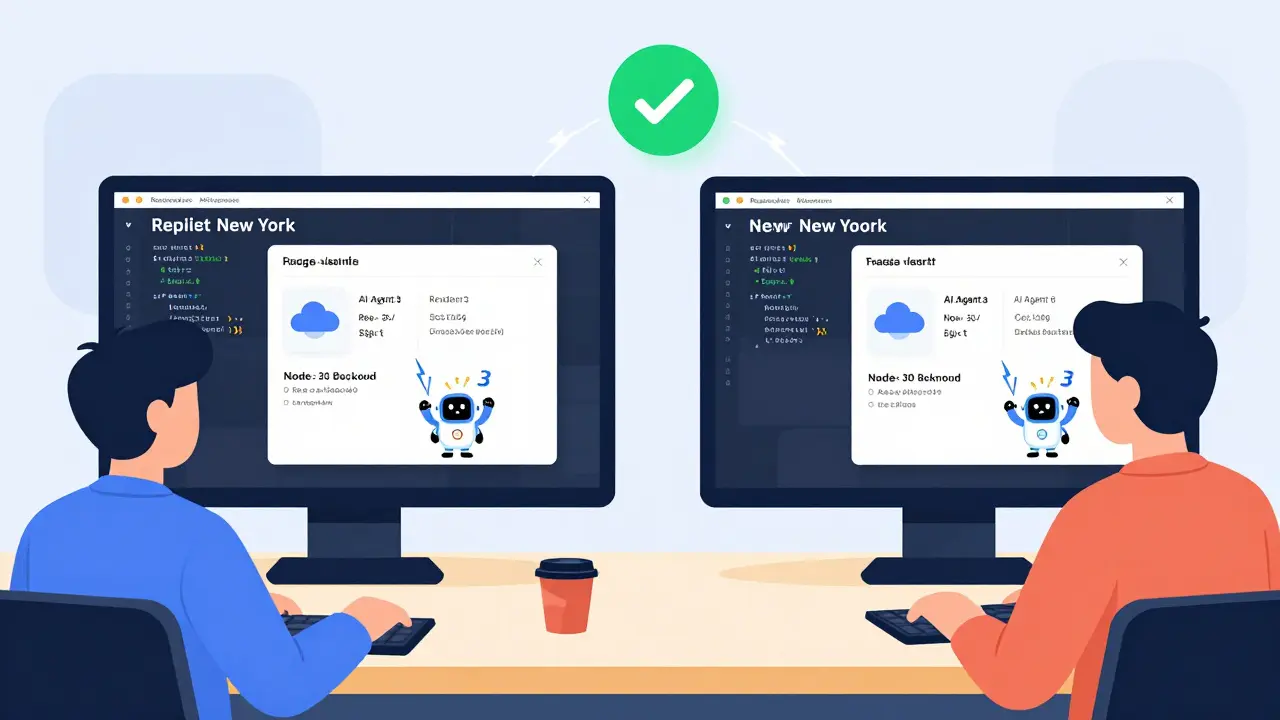
People who use Replit for vibe coding say it feels like Google Docs for code. You invite someone to your workspace, and they see your changes as you type. No pull requests. No git commits. Just build together, live. One team at a fintech startup told me they built a working loan calculator with user authentication in 47 minutes. Without writing a single line of backend code.
How Replit Works: Zero Setup, Full Power
Replit runs on cloud-hosted Linux containers. That means every project you create lives in a secure, isolated environment in the cloud. You get a full terminal, a file browser, a code editor, and a live preview-all in one tab.
Support for over 50 languages? Check. Python, JavaScript, Go, Rust, SQL-you name it. Need a database? Replit has built-in PostgreSQL and SQLite. Authentication? There’s a one-click login system with OAuth. Hosting? One button, and your app goes live with HTTPS and a custom domain.
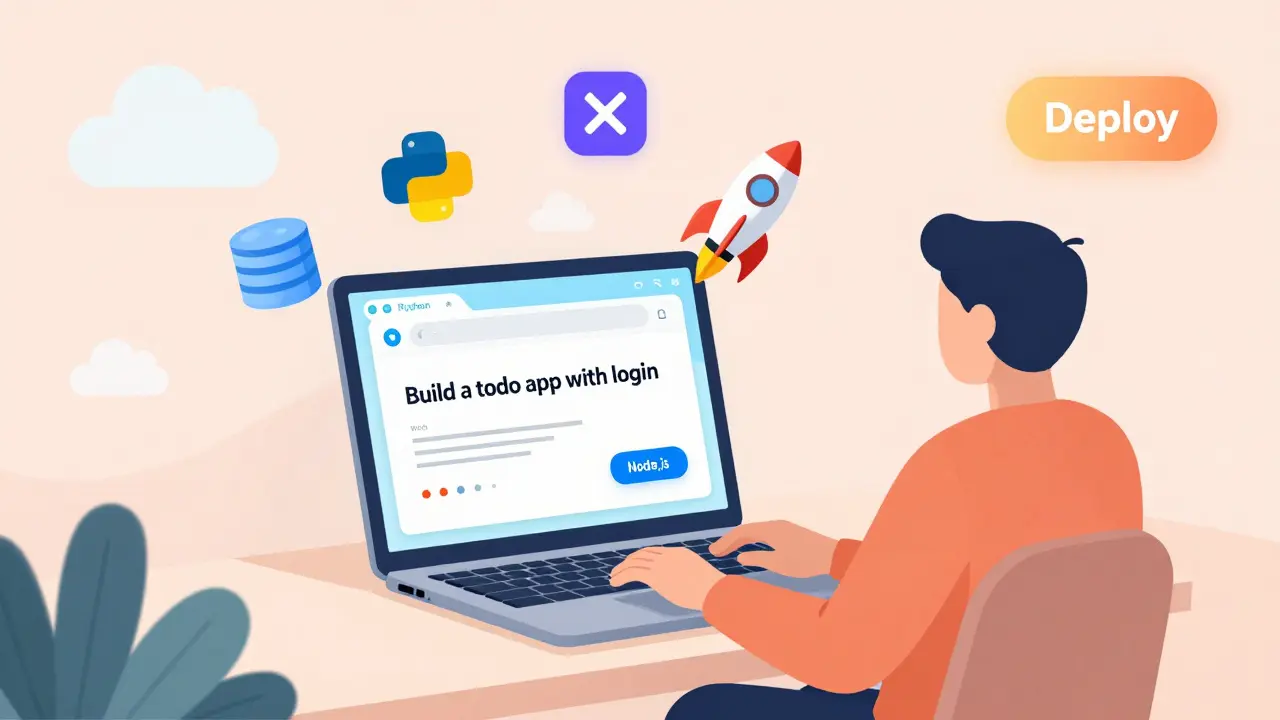
Here’s how fast it is: Open Replit. Pick a template. Type "Build a todo app with user login and save to database." Press run. Replit Agent 3 reads that prompt, creates the frontend, writes the backend API, sets up the database schema, adds user authentication, and deploys it-all in under a minute. You didn’t write code. You just described it.
This isn’t magic. It’s AI. But unlike other AI tools that just autocomplete, Replit Agent 3 handles the whole workflow. It figures out your structure, generates multiple files, links them together, and even debugs itself if something breaks. In tests, it automates about 90% of the boilerplate code for typical apps. That leaves you free to focus on the unique parts-the logic, the design, the polish.
Replit Agent 3: Your Co-Developer
Replit Agent 3 is the game-changer. It’s not a chatbot that answers questions. It’s an autonomous coding assistant that takes your idea and turns it into a working app.
Try this: Type "Make a weather app that shows the forecast for the next 5 days using OpenWeather API and lets users save their favorite cities." Agent 3 doesn’t just write the code. It:
- Creates a React frontend with a search bar and card layout
- Sets up a Node.js backend to call the API
- Builds a SQLite database to store user preferences
- Adds a login system using Replit’s built-in auth
- Deploys the whole thing with a custom domain
You get a fully functional app. You didn’t touch a config file. You didn’t install npm. You didn’t worry about CORS headers. It just works.
MIT researchers warn that over-relying on AI-generated code can hide bugs. And they’re right-sometimes Agent 3 generates code that looks right but has subtle security flaws. That’s why Replit includes a built-in code reviewer. It highlights risky patterns, like hardcoded API keys or unescaped SQL queries, and suggests fixes. You still need to review, but now you’re reviewing smarter, faster code.
One-Click Deploys: From Idea to Live in Seconds
Deploying apps used to mean choosing a host, setting up DNS, configuring SSL, managing environment variables, and praying it doesn’t crash on launch. Replit kills all of that.
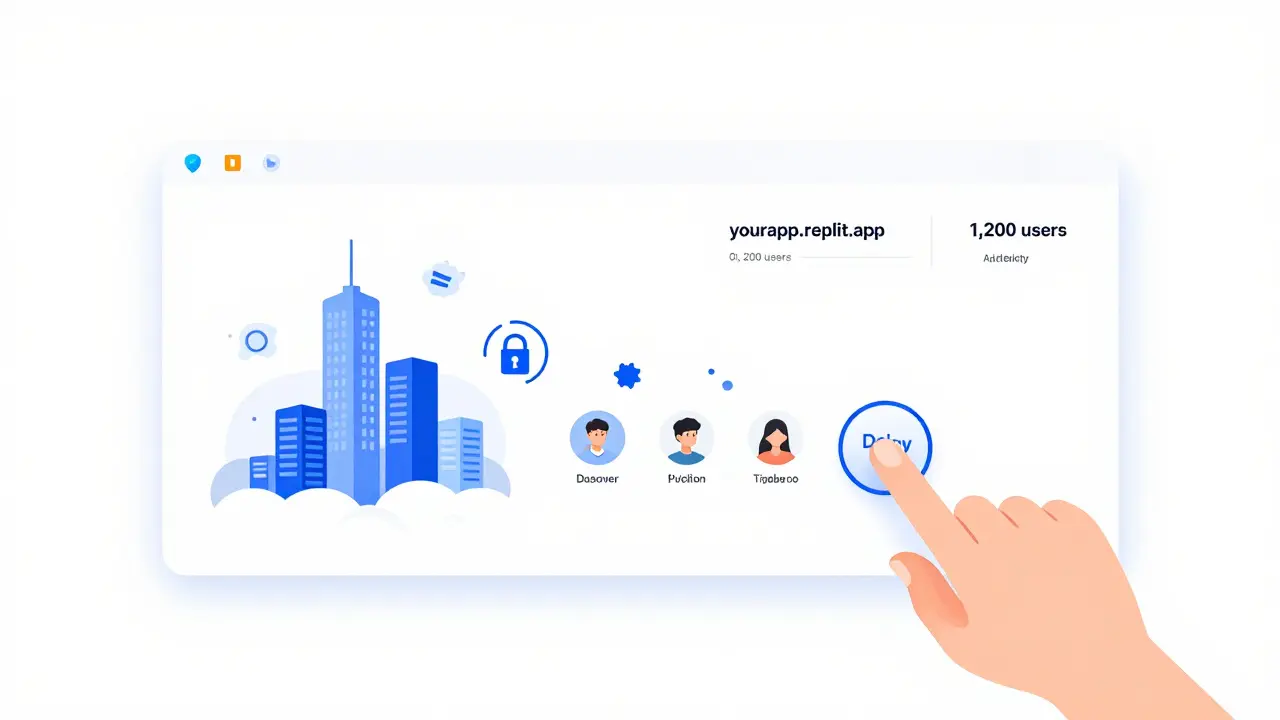
Click "Deploy" and:
- Your app gets a free subdomain like
yourapp.replit.app - HTTPS is automatically enabled
- It scales on demand-no manual server upgrades
- You can add a custom domain (even .com) with a click
- Environment variables are stored securely, not in your code
One user built a simple habit tracker, deployed it in 12 seconds, and shared the link with his friends. Two weeks later, it had 1,200 users. He didn’t pay a cent. No credit card. No AWS account. Just Replit.
Enterprise teams use the same feature. Salesforce cut new developer onboarding from two weeks to two days because engineers could start working on real projects immediately-no IT tickets, no VM requests, no waiting.
Who Uses Replit? Real-World Cases
Replit isn’t just for beginners. It’s used by:
- Students: 78% of top U.S. computer science programs use Replit for intro courses. Why? A student can write their first Python script in 45 minutes. Without installing anything.
- Startups: A team in Portland built a SaaS tool for local restaurants in 3 days using Replit. They deployed, got feedback, iterated, and raised $500K in pre-seed funding-all before writing a single line of infrastructure code.
- Enterprise: JPMorgan Chase uses Replit for prototyping internal tools. Adobe’s design team uses it to turn Figma mockups into interactive prototypes. Replit’s SOC 2 Type 2 compliance and SSO integration make it enterprise-ready.
Replit has over 20 million users. 35% of them are from companies. That’s not a hobby platform. It’s a productivity tool for teams who need to move fast.
Limitations: Where Replit Falls Short
Replit isn’t perfect. And it shouldn’t be your only tool.
If you’re building a high-performance trading platform or a massive Java monolith, Replit’s cloud containers (max 8GB RAM on paid plans) won’t cut it. GitHub Codespaces or local setups with dedicated hardware still win there.
Free users hit limits fast. 0.5GB RAM. 1GB storage. 1GB of monthly data transfer. Run a heavy Python library like TensorFlow? Your repl crashes. Upgrade to paid ($7/month), and you get 8GB RAM, 16GB storage, and 100GB transfer. Still not for heavy AI training, but fine for most apps.
Some devs hate the browser-only approach. They want local git repos, full IDE plugins, or offline work. Replit’s 2025 roadmap includes better offline mode, but right now, it’s a cloud-first tool. If you need to code on a plane with no internet, you’ll still need a local setup.
And yes-sometimes the AI gets weird. I’ve seen it generate a login system that worked… but used a deprecated library. Always review the code. Replit doesn’t replace understanding. It just removes the grind.
Why Replit Beats the Alternatives
Tools like V0 or GitHub Codespaces are great-but they’re not the same.
V0 is amazing for generating frontend UIs from prompts. But it exports to Vercel. You still need to set up a backend, a database, auth. Replit does it all in one place. No handoffs. No switching tabs.
GitHub Codespaces is powerful, but it’s tied to GitHub. You need to know git. You need to manage repositories. Replit skips git entirely. You can version control if you want-but you don’t have to.
Replit’s edge? It’s the only platform that combines:
- AI code generation (Agent 3)
- Full-stack deployment (no external tools)
- Real-time collaboration
- Zero-setup environment
No other tool gives you all four. That’s why it’s growing faster than any cloud IDE except GitHub Codespaces.
Getting Started: Your First Replit Project
Here’s how to go from zero to deployed in under 5 minutes:
- Go to replit.com and sign up (free).
- Click "Create Repl" and pick a template-Python, JavaScript, or "AI Agent".
- Type your idea into the chat: "Build a note-taking app with tags and save to database".
- Let Agent 3 generate the code. Review it. Make one tweak if needed.
- Click "Run" to test it live.
- Click "Deploy". Done.
That’s it. No install. No config. No waiting. Your app is live. Share the link. Get feedback. Improve. Repeat.
What’s Next for Replit?
Replit’s roadmap for 2025 is bold:
- Support for 10 new languages, including Rust and Kotlin
- Offline mode so you can code without internet
- Better AI debugging-Agent 3 will auto-fix bugs before you even notice them
- Deep integration with Figma, Notion, and Slack
- AI pair programming: two agents working side-by-side on your project
With $200 million in funding and backing from top investors, Replit isn’t going away. It’s becoming the default way to build software-not just for students, but for anyone who wants to create without the clutter.
The future of coding isn’t about knowing every command. It’s about knowing what you want to build. Replit gives you the tools to say it-and then make it happen.
Rohit Sen
March 1, 2026 AT 00:40Vimal Kumar
March 2, 2026 AT 21:58Amit Umarani
March 3, 2026 AT 09:56Noel Dhiraj
March 4, 2026 AT 06:26vidhi patel
March 5, 2026 AT 12:14Priti Yadav
March 6, 2026 AT 04:47Diwakar Pandey
March 6, 2026 AT 18:29Geet Ramchandani
March 8, 2026 AT 11:19Pooja Kalra
March 10, 2026 AT 01:37Sumit SM
March 11, 2026 AT 17:29