Streaming vs Batch AI Responses: Accuracy, Latency, and UX
 Sep, 7 2026
You've probably noticed that when you ask a chatbot a question, the answer doesn't just pop into existence all at once. Instead, it types out word by word, like a human thinking on their feet. This is Streaming, a method where data flows continuously as it's generated. But behind the scenes, some systems still use Batch Processing, waiting for the entire response to be computed before showing anything to you. The choice between these two isn't just about speed; it fundamentally changes how accurate your AI feels and how much you trust what it says.
Why does this matter? Because Hallucination Risk-the tendency of AI to make things up-is deeply tied to how we process and present information. When you stream, you see the model "thinking," which can mask errors until they're already on screen. When you batch, you get a polished final product, but you wait longer. Let's break down how these methods impact accuracy and user experience (UX) so you can decide which approach fits your needs.
The Core Difference: How Data Moves
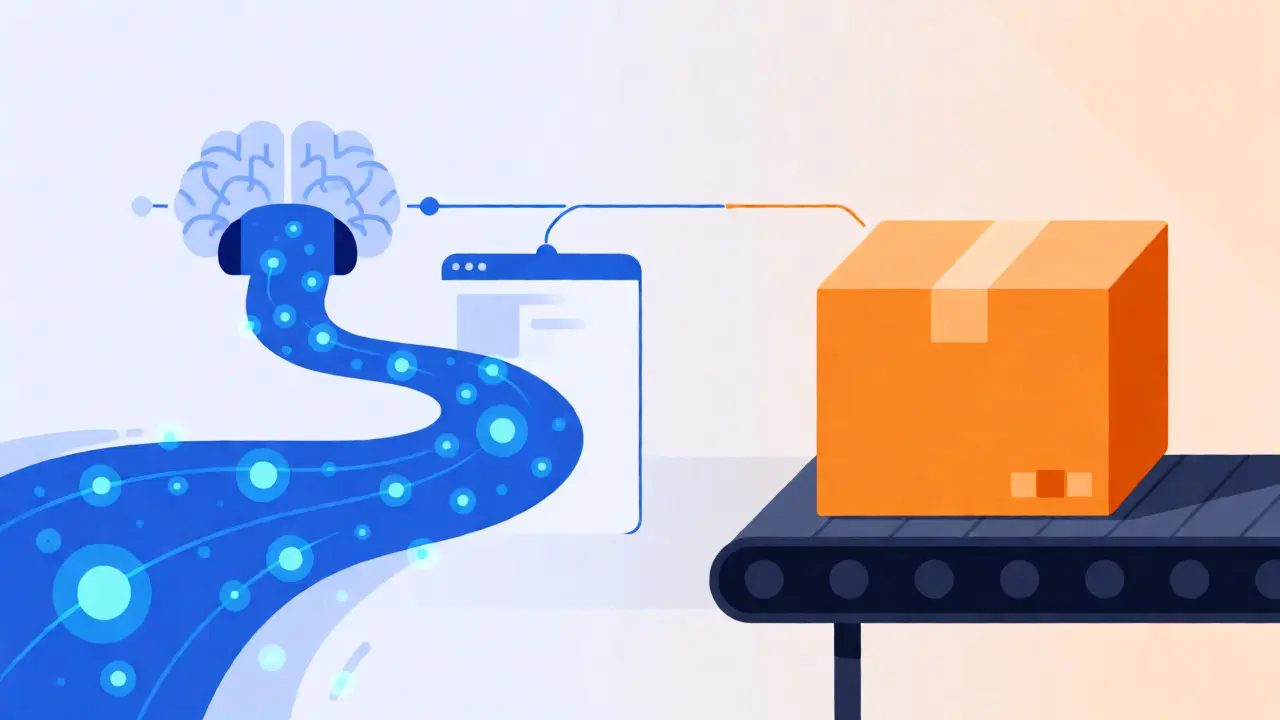
To understand the impact on UX, you first need to grasp the mechanics. Batch Processing collects data over a period and processes it in chunks at scheduled intervals. Think of it like mailing a package: you gather all the items, seal the box, and send it off. It arrives complete, or not at all. In AI terms, the model generates the full token sequence internally, checks it, and then delivers the whole block of text to your interface.
Stream Processing handles data as it arrives. In generative AI, this means each token (word or sub-word) is sent to the user immediately after the model predicts it. There is no waiting for the final period. This creates a perception of real-time interaction, with latency often measured in milliseconds per token rather than seconds for the whole response.
| Feature | Streaming Responses | Batch Responses |
|---|---|---|
| Latency | Low initial latency (ms); continuous flow | High initial latency (seconds); one-time delivery |
| User Perception | Feels interactive and responsive | Feels static and delayed |
| Error Visibility | Errors appear mid-generation; hard to retract | Errors are contained within the final output |
| Infrastructure Complexity | High (requires state management, fault tolerance) | Low (simpler job scheduling) |
| Hallucination Impact | Can reduce perceived error rate via engagement | Allows for post-processing validation |
Impact on User Experience (UX)
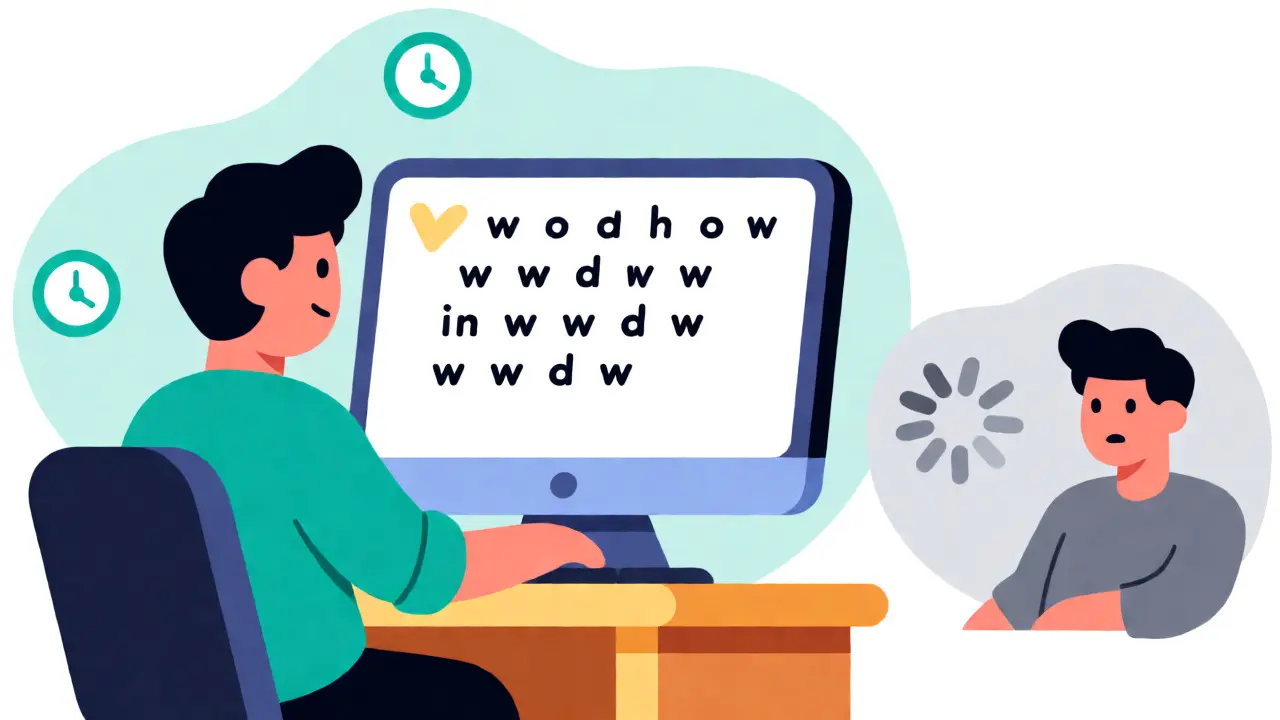
Humans hate waiting. Studies in web performance show that even a one-second delay in page load time can significantly reduce conversions. In AI interfaces, this rule holds true. If you stare at a spinning wheel for ten seconds while an LLM generates a paragraph, you might think the system crashed. You might click away.
Streaming solves this psychological pain point. By displaying tokens as they are generated, you create a sense of progress. The user sees the AI "working." This immediate feedback loop keeps users engaged. For conversational agents, this mimics natural human dialogue, where thoughts are expressed sequentially. It feels more organic.
However, streaming introduces a new UX challenge: visual instability. As text streams in, the layout shifts. Images or code blocks might jump around if the container size isn't managed correctly. Poorly implemented streaming can look glitchy, causing eye strain as users try to track moving text. Batch responses avoid this entirely. The content appears fully formed, stable, and ready to read. For long-form reports or complex data summaries, this stability is often preferred because users want to scan the document, not watch it build.
Accuracy and Hallucination Risks
Here is where it gets tricky. Does streaming actually change the model's accuracy? Technically, no. The underlying transformer architecture generates tokens based on probabilities regardless of whether they are streamed or batched. However, the perception of accuracy and the ability to mitigate errors differ significantly.
In a batch workflow, you have the luxury of post-processing. Once the model finishes generating the text, you can run validation scripts. You can check for factual consistency against a database, filter out profanity, or even ask the model to self-correct before sending the result to the user. This extra step can drastically reduce visible hallucinations. If the model starts making things up, your validation layer catches it before the user ever sees the mistake.
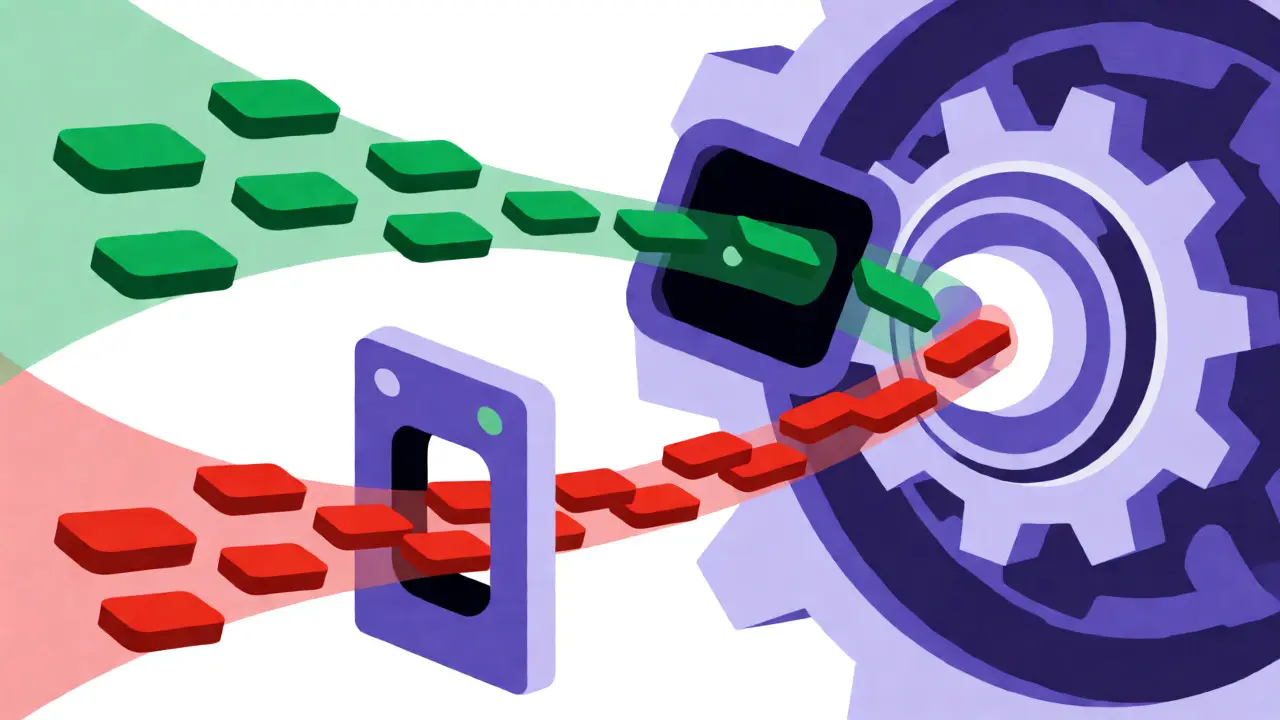
In a streaming workflow, you lose that safety net. Once a token is sent to the client, it's there. You can't easily take back a hallucinated fact halfway through a sentence without confusing the user. If the model hallucinates early in the response, the user reads it and forms a mental model based on false info. Even if the rest of the response is correct, the damage is done. This makes streaming riskier for applications requiring high factual precision, such as legal advice or medical summaries, unless you implement complex speculative decoding or rollback mechanisms.
Conversely, streaming can sometimes help users catch errors themselves. Because they are reading along in real-time, they might notice a contradiction as it happens. With a batch response, a subtle error buried in a wall of text is easier to miss during a quick scan. So, while streaming exposes errors faster, it also allows for quicker human intervention.
Technical Trade-offs: Infrastructure and Cost
Implementing streaming is harder than batch processing. Batch jobs are straightforward: start a server, feed it data, get results, shut down. They are resilient. If a node fails, you retry the job later. No one notices except maybe the report is late.
Streaming requires robust infrastructure. You need to manage continuous connections, handle network interruptions gracefully, and ensure state consistency. If the connection drops mid-stream, do you restart from the beginning? Do you resume? These edge cases require sophisticated engineering. Furthermore, maintaining open connections for thousands of users simultaneously consumes more resources than handling discrete batch requests. While modern frameworks like WebSocket or Server-Sent Events (SSE) handle this well, the complexity is undeniable.
From a cost perspective, batch processing is generally cheaper for large-scale, non-urgent tasks. You can optimize hardware usage by running jobs during off-peak hours. Streaming demands real-time capacity, meaning you pay for peak performance availability at all times. For a startup with limited budget, batching might be the pragmatic choice until user volume justifies the streaming infrastructure.
When to Choose Which?
So, how do you decide? It depends on your specific use case.
- Choose Streaming when:
- You are building a chatbot or conversational assistant.
- Immediate feedback is critical to keep users engaged.
- The response length is unpredictable (users shouldn't wait for a max-length timeout).
- You want to mimic human-like interaction patterns.
- Choose Batch when:
- You are generating long-form content like articles, reports, or emails.
- Factual accuracy is paramount, and you need time for validation.
- The application runs offline or asynchronously (e.g., nightly data analysis).
- Infrastructure simplicity and cost efficiency are top priorities.
A hybrid approach is often best. Use streaming for the initial greeting or short queries to provide instant gratification. Switch to batch mode for complex reasoning tasks where quality matters more than speed. Or, stream the response but display it only after a buffer threshold is met, combining the responsiveness of streaming with the stability of batch rendering.
Future Trends: Speculative Decoding and Hybrid Models
The binary choice between streaming and batch is blurring. New techniques like Speculative Decoding allow models to generate multiple tokens in parallel, verify them quickly, and stream only the confirmed ones. This reduces latency while maintaining higher accuracy standards than naive streaming.
We are also seeing the rise of "hybrid" inference engines that dynamically switch modes. For simple prompts, they stream instantly. For complex logical puzzles, they pause, compute in batch, validate, and then release the answer. As hardware improves and algorithms become more efficient, the gap between the perceived speed of batch and the actual speed of streaming will narrow, giving developers more flexibility to prioritize accuracy without sacrificing UX.
Does streaming make AI less accurate?
No, the underlying mathematical probability of each token remains the same. However, streaming prevents post-generation validation steps that could catch and correct errors before display, potentially increasing the visibility of hallucinations to the end-user.
Why do some AI apps type slowly instead of showing text instantly?
This is often a deliberate UX design choice called "typing simulation." Developers throttle the stream to match human reading speeds, preventing the text from appearing too fast for users to process, which can cause cognitive overload.
Is batch processing better for factual accuracy?
Generally, yes, because batch processing allows for intermediate validation layers. You can run the generated text through fact-checkers or filters before presenting it to the user, ensuring a cleaner final output.
What is the main technical downside of streaming?
Complexity. Managing persistent connections, handling network failures mid-stream, and ensuring consistent state across distributed servers is significantly harder than managing discrete batch jobs.
Can I combine streaming and batch processing?
Yes. Many modern applications use a hybrid model, streaming initial responses for engagement while using batch-style background processing for complex reasoning or final formatting, balancing speed and quality.