Temperature Tuning for LLMs: Balancing Creativity and Precision
 Nov, 24 2026
Key Takeaways
- Temperature is a hyperparameter that scales logits before softmax, directly controlling the randomness of Large Language Models (LLMs).
- Low values (0.0-0.3) enforce precision and consistency, ideal for data extraction and coding.
- High values (0.7-1.5) encourage diversity and creativity, suitable for brainstorming and storytelling.
- Temperature interacts with Top-P and Top-K sampling; understanding their hierarchy is crucial for fine-tuning.
- There is no universal "best" temperature; it depends entirely on your specific use case and model architecture.
You’ve probably noticed that asking an AI the same question twice can yield different answers. Sometimes it’s helpful variety; other times, it’s frustrating inconsistency. The dial that controls this behavior is called temperature. It sounds simple, but getting it right is one of the hardest parts of working with modern AI.
If you set it too low, your AI becomes a boring robot that repeats the same safe, predictable phrases. Set it too high, and it starts hallucinating facts or writing nonsense just to be interesting. Finding the sweet spot between robotic precision and chaotic creativity requires understanding how the math actually works under the hood.
What Is Temperature in AI?
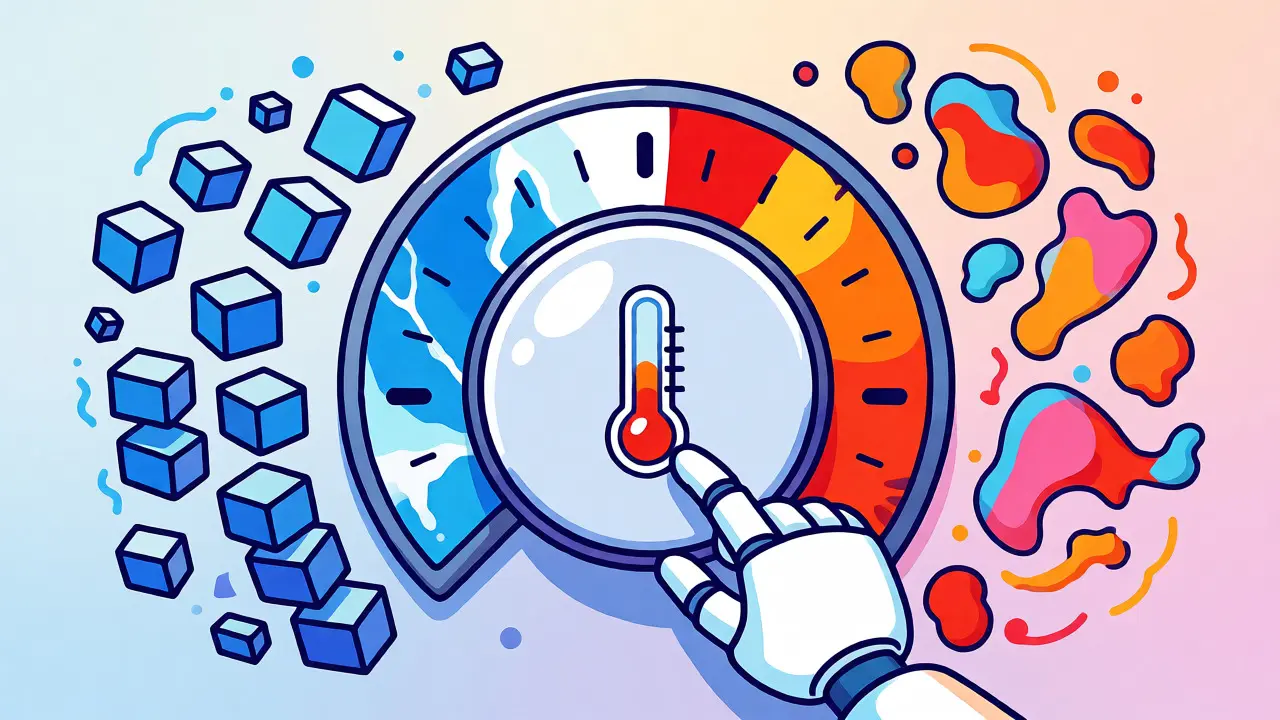
At its core, Temperature is a hyperparameter that adjusts the probability distribution of token selection in neural networks by scaling raw prediction scores (logits) before applying the softmax function. Think of it as a volume knob for randomness. When you ask a model like GPT-4 or Claude to predict the next word, it doesn’t just pick the most likely word. It calculates a probability score for every possible word in its vocabulary.
The formula looks intimidating, but the logic is straightforward: P'(token_i) = exp(logits_i / T) / \sum_j exp(logits_j / T). Here, T is your temperature setting. If T=1.0, the model uses its natural probabilities. If T is lower than 1.0, it sharpens the curve, making the most likely words even more likely and suppressing the rest. If T is higher than 1.0, it flattens the curve, giving less probable words a fighting chance to be selected.
This isn’t just theoretical. In practice, this means temperature determines whether your AI plays it safe or takes risks. For example, at a temperature of 0.1, if the top choice has a 35% probability, the model might boost it to 82%, effectively locking in that answer. At a temperature of 1.2, that same 35% might drop to 20%, allowing other options to compete more fairly.
The Precision Spectrum: Low Temperature Settings
When you need accuracy above all else, you turn the heat down. Values below 0.3 are generally considered "cold." In this range, the model behaves deterministically. If you run the same prompt ten times, you’ll get nearly identical outputs about 98.7% of the time, according to benchmarks from Vellum.ai.
This level of consistency is non-negotiable for tasks like:
- Data Extraction: Pulling names, dates, or invoice numbers from unstructured text.
- Code Generation: Writing Python scripts where syntax errors break everything.
- Classification: Tagging support tickets as "Urgent," "Billing," or "Technical."
Financial services firms often average a temperature of 0.25 for regulatory compliance tasks. Why? Because you cannot afford for an AI to creatively interpret a legal clause when you need a strict factual summary. However, beware of the trap: extremely low temperatures can make outputs feel dry or repetitive. The model becomes so focused on the highest-probability path that it ignores nuanced context, leading to bland responses.

The Creative Zone: High Temperature Settings
Crank the temperature up to 0.8 or higher, and things get interesting. This is where Generative AI shines. By flattening the probability distribution, you allow the model to select tokens that are less statistically obvious. This leads to more diverse vocabulary, unexpected metaphors, and novel ideas.
A study by CodeSignal showed that raising temperature from 0.2 to 1.2 resulted in a 3.2x increase in unique token selection. That’s huge for creative work. Imagine you’re generating marketing taglines. At low temperature, you get five variations of "Best Service Ever." At high temperature, you might get "Where Innovation Meets Integrity" or "Your Day, Reimagined."
But there’s a cost. Tetrate’s research found that bumping temperature from 0.2 to 1.0 caused a 27% drop in factual accuracy. Coherence metrics also dipped by 19%. So, while the output is more colorful, it’s more likely to contain errors or go off-topic. Use high temperatures for brainstorming, fiction writing, or ideation, but never for retrieving hard facts.
How Temperature Interacts with Top-P and Top-K
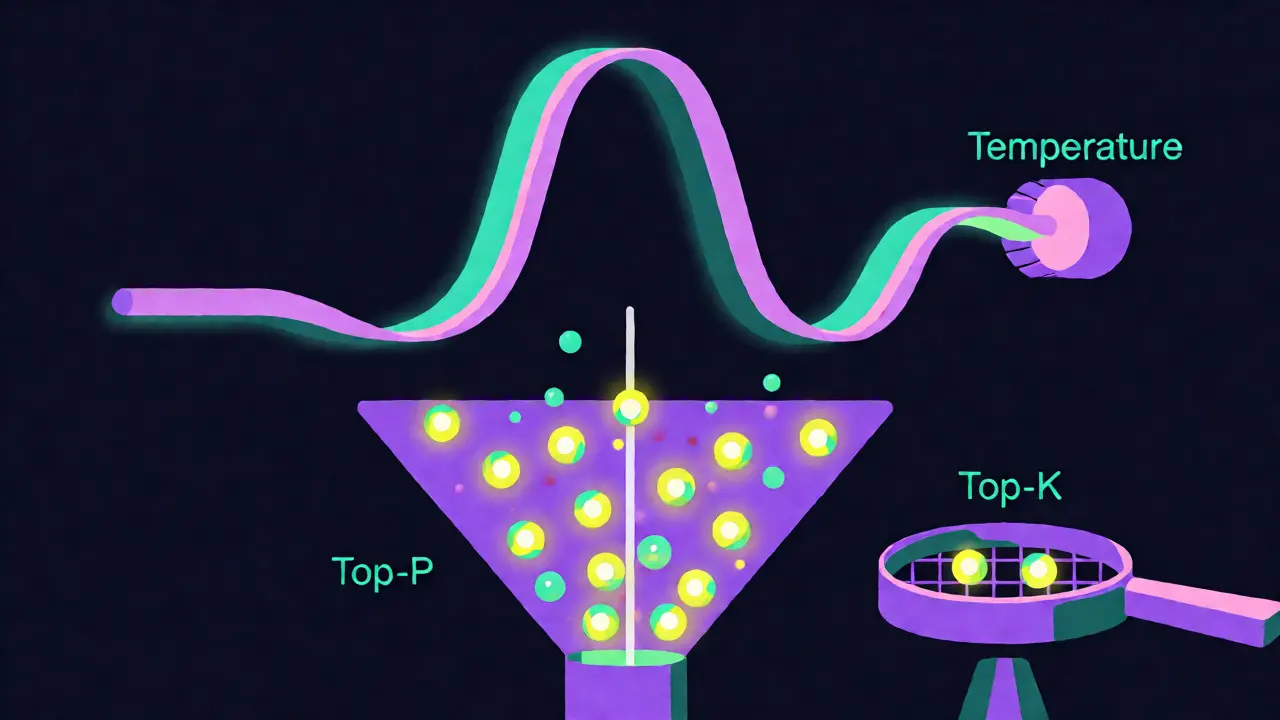
Temperature rarely works alone. It usually partners with two other filters: Top-P (nucleus sampling that selects from the smallest group of tokens whose cumulative probability exceeds a threshold) and Top-K (sampling method that limits choices to the k most probable tokens).
Here’s the critical order of operations: Temperature reshapes the entire probability distribution first. Then, Top-P or Top-K filters that modified list. This hierarchy matters. A temperature of 0.7 with Top-P 0.9 produces different results than Top-P 0.9 with temperature 0.7, because the shape of the distribution changes before the cutoff happens.
Think of it like a buffet. Temperature decides how many dishes look appealing. Top-P decides which dishes you actually put on your plate based on a popularity threshold. If you set temperature high, many dishes look good, but Top-P ensures you don’t grab the weird garnish nobody wants. Best practices suggest combining them carefully:
| Use Case | Temperature Range | Top-P Setting | Why It Works |
|---|---|---|---|
| Structured Data Extraction | 0.0 - 0.3 | 0.9 - 1.0 | Maximizes consistency; filters out rare noise. |
| Balanced Chatbot | 0.4 - 0.6 | 0.9 - 0.95 | Natural conversation without going off-rails. |
| Creative Writing | 0.7 - 0.9 | 0.9 - 0.95 | Balances novelty with grammatical coherence. |
| Brainstorming/Ideation | 1.0 - 1.3 | 0.85 - 0.9 | Encourages wild ideas; Top-P keeps them usable. |
Model-Specific Variations and Pitfalls
Here’s the part that trips up most developers: temperature is not standardized across models. A setting of 0.7 might produce conservative, professional text in Meta’s Llama 3 but wildly creative, almost erratic text in Anthropic’s Claude 3 Opus. This is due to differences in how each company calibrates their underlying probability distributions.
A Gartner survey noted that 87% of enterprise practitioners had to recalibrate parameters when switching foundation models. You cannot simply copy-paste your config file from OpenAI to Google Gemini and expect identical behavior. Always test on the specific model you are deploying.
Another common pitfall is ignoring hardware randomness. Even if you set temperature to 0.0, you might not get byte-for-byte identical outputs every time. Randomness in GPU calculations can introduce slight variances. While negligible for most apps, it’s worth noting if you require absolute determinism for auditing purposes.
Practical Steps for Tuning Your Model
So, how do you find your perfect temperature? Don’t guess. Run a systematic test.
- Define Your Goal: Are you optimizing for factuality, creativity, or speed?
- Create a Test Set: Write 50 representative prompts for your specific task.
- Run a Gradient Sweep: Execute these prompts at temperatures ranging from 0.1 to 1.5 in increments of 0.1.
- Evaluate Outputs: Check for coherence, factual accuracy, and diversity. Look for the point where quality drops off.
- Lock It In: Choose the temperature that offers the best trade-off for your needs.
For most general-purpose applications, starting at 0.7 is a safe bet. Adjust downward if you see hallucinations or upward if the text feels too stiff. Remember, there is no magic number-only the right number for your specific problem.
Frequently Asked Questions
Can I set temperature to exactly 0?
Yes, most APIs accept 0.0. This forces the model to always pick the single most probable token (greedy decoding). However, due to floating-point arithmetic and GPU nondeterminism, outputs may still vary slightly between runs.
Does higher temperature always mean better creativity?
Not necessarily. Beyond a certain point (usually around 1.5), the model starts selecting random tokens that have little semantic connection to the context. This leads to gibberish rather than creative insight. Moderation is key.
Should I change temperature for each prompt?
You can, but it adds complexity. Most production systems use a static temperature per application type. Dynamic adjustment based on input content is an advanced technique requiring additional logic to detect task intent automatically.
Is temperature the same as learning rate?
No. Learning rate affects how much weights are updated during training. Temperature affects inference (generation) after the model is already trained. They operate at completely different stages of the AI lifecycle.
Why does my code fail at high temperature?
Code requires strict syntax. High temperature increases the chance of picking a wrong bracket, semicolon, or keyword. For coding assistants, keep temperature below 0.3 to ensure syntactic validity.