Trunk-Based vs GitFlow: The Best Branching Strategy for AI Teams in 2026
 Aug, 13 2026
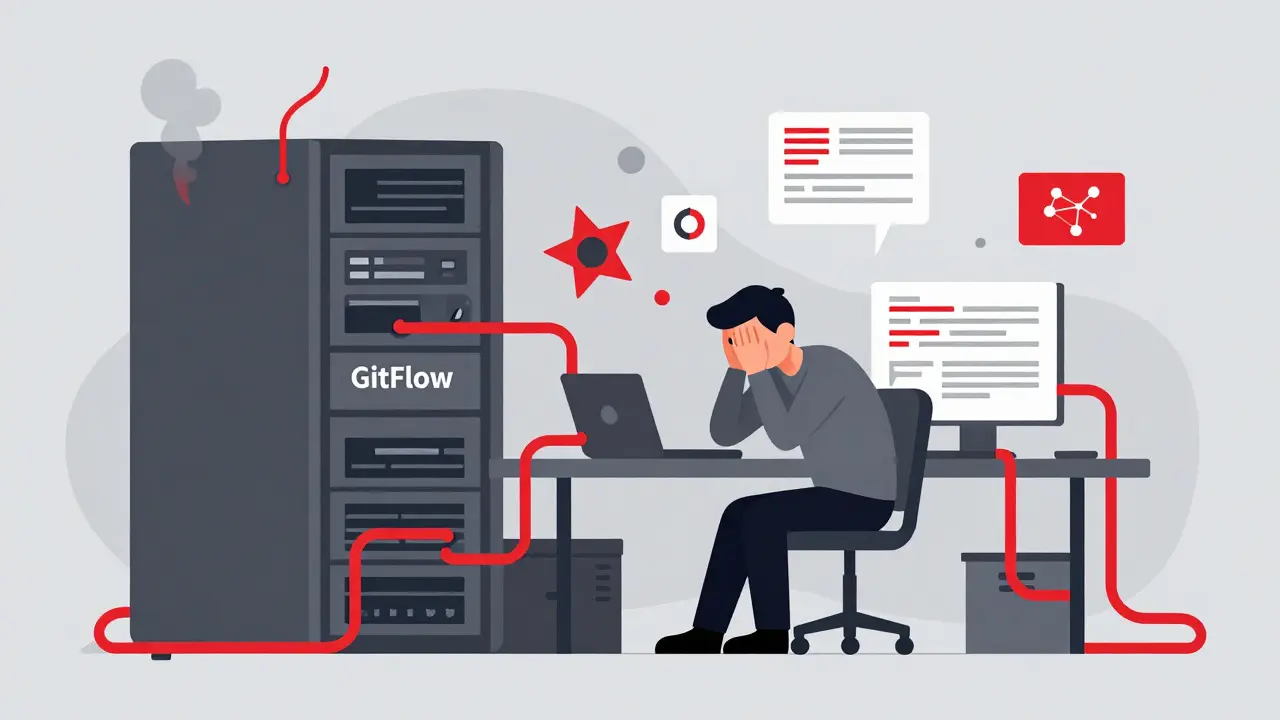
Imagine spending three weeks training a massive language model, only to realize your code breaks because of a merge conflict that happened two days ago. This nightmare scenario is common for AI-heavy teams using traditional branching strategies like GitFlow. In the fast-paced world of machine learning and artificial intelligence, where experiments change hourly and models grow by millions of parameters daily, old software habits can slow you down significantly.
The core problem isn't just writing code; it's integrating complex data pipelines, model weights, and inference logic without breaking the entire system. You need a branching strategy that keeps your main branch stable while allowing rapid experimentation. That’s why choosing between trunk-based development and GitFlow is critical for modern AI engineering teams aiming for maintainability and speed.
Why Traditional GitFlow Struggles with AI Workloads
GitFlow is a branching model designed for structured, versioned software releases with long-lived branches like develop, release, and hotfix. It was built for applications where features are isolated, tested thoroughly, and released on a fixed schedule. For a standard web app, this works fine. But for an AI team? It often creates bottlenecks.
In GitFlow, developers work on feature branches for days or even weeks before merging back into the main line. When you’re dealing with large datasets and heavy computation, keeping these branches updated with the latest changes becomes a logistical headache. Merge conflicts aren’t just about lines of code anymore; they involve conflicting dependencies, different versions of PyTorch or TensorFlow, and incompatible data schemas.
Consider a team working on a recommendation engine. One developer updates the preprocessing pipeline, while another tweaks the neural network architecture. If they stay on separate branches for two weeks, merging their work might require resolving dozens of conflicts across multiple files. Worse, the integration test might fail not because of bad code, but because the combined environment no longer matches what either developer tested locally.
GitFlow also encourages "big bang" merges. Instead of small, frequent integrations, you get one massive integration event at the end of the sprint. For AI projects, this means bugs discovered late in the cycle are harder to trace. Did the model accuracy drop because of the new embedding layer, or because the data loader changed? With GitFlow, untangling these issues takes time-time your team doesn’t have when competing against faster-moving rivals.
The Case for Trunk-Based Development in AI
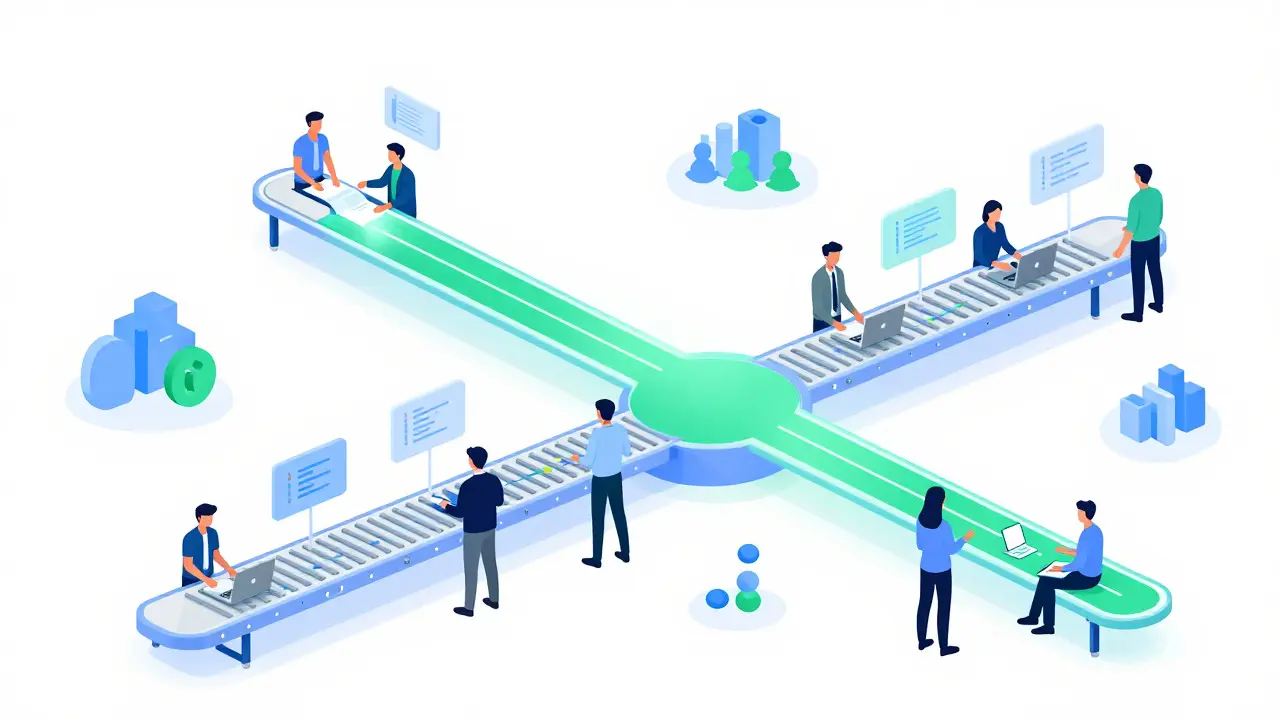
Trunk-based development is a version control practice where developers integrate changes into a single main branch frequently, often multiple times per day. Instead of long-lived feature branches, engineers create short-lived branches that live for hours, not weeks. They push small increments of code directly to the trunk, relying heavily on automation to ensure stability.
This approach aligns perfectly with how AI teams actually work. Machine learning development is iterative. You tweak a hyperparameter, run a quick experiment, see the results, and adjust again. Waiting days to merge your changes disrupts this flow. Trunk-based development allows you to integrate your latest experiment immediately, ensuring everyone is working off the most recent codebase.
One major advantage is reduced merge complexity. By pushing small changes frequently, you avoid the dreaded "merge hell." Conflicts are easier to resolve when they involve just a few lines of code rather than thousands. This simplicity extends to debugging. If the build fails, you know exactly which recent commit caused it because there were only a handful of changes since the last successful build.
For AI teams, this means faster feedback loops. You can catch errors in your data preprocessing scripts early, before they propagate through the entire pipeline. It also supports continuous integration (CI) more effectively. Every commit triggers automated tests, linting checks, and even lightweight model validation steps. If something breaks, the system alerts you instantly, allowing you to fix it while the context is still fresh in your mind.
Key Differences: GitFlow vs Trunk-Based for ML Teams
| Feature | GitFlow | Trunk-Based Development |
|---|---|---|
| Merge Frequency | Low (weekly/bi-weekly) | High (daily/multiple times per day) |
| Branch Lifespan | Long-lived (weeks/months) | Short-lived (hours/days) |
| Integration Risk | High during merge events | Low due to small increments |
| Automation Dependency | Moderate | Critical (requires robust CI/CD) |
| Debugging Ease | Difficult (large diffs) | Easier (small, isolated changes) |
| Best For | Regulated industries, fixed releases | Fast iteration, experimental AI projects |
The table above highlights why many AI startups and tech giants prefer trunk-based development. However, GitFlow still has its place. If your team operates under strict regulatory compliance-like healthcare or finance-you might need the audit trails and controlled release cycles that GitFlow provides. But for most AI research and product development, the agility of trunk-based development wins out.
Implementing Trunk-Based Development Successfully
Switching to trunk-based development isn’t just about changing your Git workflow; it requires cultural and technical shifts. Here’s how to make it work for your AI team:
- Invest in Automation: Your CI/CD pipeline must be rock-solid. Automated tests should cover unit tests, integration tests, and basic model validation. Tools like GitHub Actions, GitLab CI, or Jenkins can help orchestrate these processes.
- Use Feature Flags: Since you’re merging incomplete features frequently, use feature flags to toggle functionality on or off without deploying broken code. This allows you to keep the trunk clean while experimenting with new ideas.
- Adopt Small Commits: Encourage developers to break their work into tiny, logical units. A commit should do one thing well. This makes reviews easier and rollbacks simpler if needed.
- Leverage Merge Queues: Tools like Mergify.io offer merge queues that automatically test stacked pull requests together before merging them to the trunk. This prevents individual PRs from passing tests in isolation but failing when combined.
- Monitor Model Performance: Integrate monitoring tools that track model metrics in real-time. If a new commit causes a drop in accuracy, alert the team immediately so they can revert or fix the issue quickly.
Without these safeguards, trunk-based development can become chaotic. Imagine ten developers pushing changes simultaneously without proper testing-the trunk could easily break. Automation acts as the safety net, ensuring that every change meets quality standards before reaching production.
Handling Data and Model Versioning
One unique challenge for AI teams is managing non-code assets like datasets and trained models. Unlike traditional software, where code is the primary artifact, AI projects rely heavily on external data sources and binary model files. These don’t fit neatly into standard Git workflows.
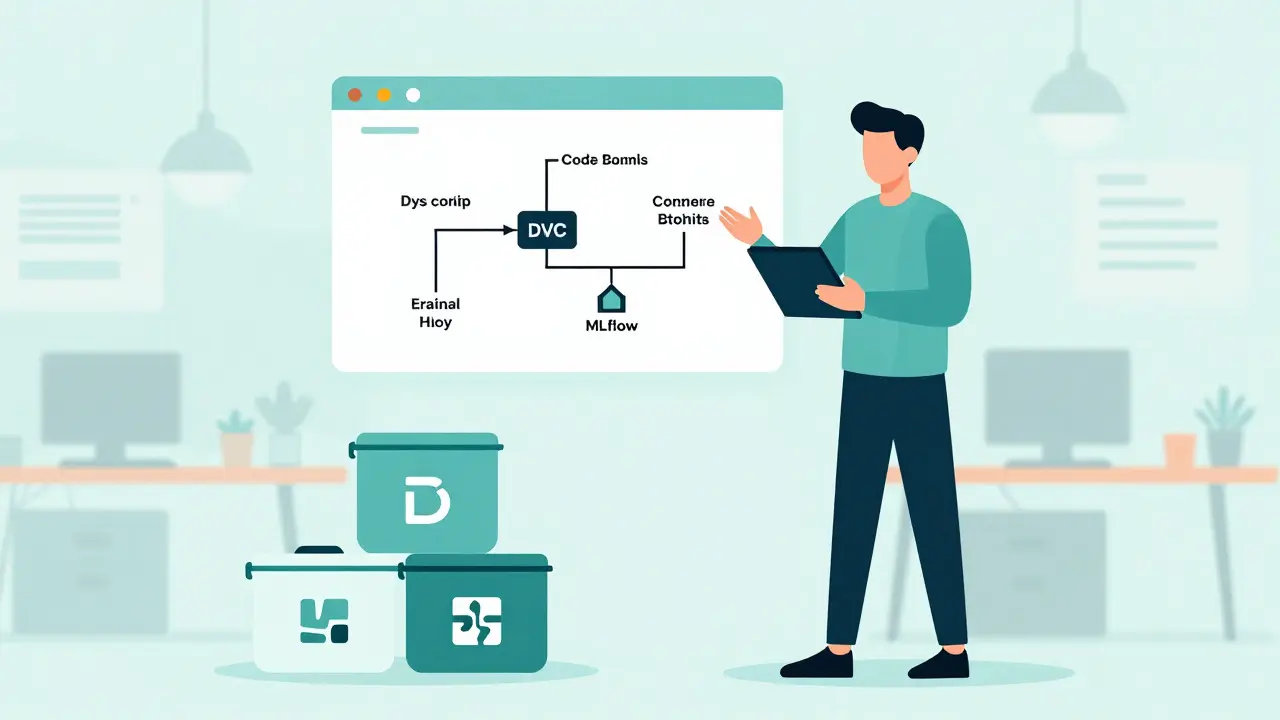
To address this, combine trunk-based development with specialized tools for data versioning. Platforms like DVC (Data Version Control), MLflow, or Weights & Biases allow you to track changes to datasets and models alongside your code. When you push a commit to the trunk, you can link it to specific versions of your data and model artifacts.
This hybrid approach ensures reproducibility. If a bug appears in production, you can trace it back to the exact combination of code, data, and model version that caused it. Without this linkage, debugging becomes nearly impossible, especially when multiple experiments run concurrently.
Additionally, consider using containerization technologies like Docker. By packaging your application along with its dependencies into containers, you eliminate environment-related issues. Each commit can trigger a new container image, ensuring consistency across development, staging, and production environments.
When to Stick with GitFlow
Despite the benefits of trunk-based development, GitFlow remains relevant for certain scenarios. If your organization follows a rigid release calendar-say, monthly updates for enterprise clients-GitFlow’s structure helps manage expectations and coordinate cross-team efforts. It provides clear milestones and checkpoints, making it easier to plan resources and communicate progress to stakeholders.
Also, if your team lacks strong automation infrastructure, transitioning to trunk-based development might introduce too much risk. GitFlow offers a buffer zone where features can mature independently before impacting the main codebase. While slower, this approach reduces immediate pressure on your CI/CD systems.
Another consideration is team size and distribution. Large, geographically dispersed teams sometimes struggle with the high-frequency collaboration required by trunk-based development. GitFlow allows sub-teams to work autonomously on distinct modules, reducing coordination overhead. However, this comes at the cost of increased merge complexity later on.
Conclusion: Choosing the Right Path
Ultimately, the choice between trunk-based development and GitFlow depends on your team’s goals, maturity, and constraints. For AI-heavy teams prioritizing speed, innovation, and continuous improvement, trunk-based development is usually the better option. It minimizes friction, accelerates feedback, and keeps everyone aligned around a single source of truth.
However, success hinges on preparation. Invest in automation, adopt best practices for data versioning, and foster a culture of accountability. If done right, trunk-based development transforms chaos into clarity, enabling your team to ship high-quality AI solutions faster than ever before.
Is trunk-based development suitable for small AI teams?
Yes, trunk-based development works exceptionally well for small teams. With fewer members, communication is easier, and merge conflicts are less frequent. The key is establishing solid automation early on to maintain stability as the team grows.
How do I handle large model files in trunk-based development?
Don’t store large model files directly in Git. Use tools like DVC or cloud storage services to manage them. Reference these files via pointers in your code repository, ensuring your Git history stays lightweight and manageable.
Can I mix GitFlow and trunk-based development?
While possible, mixing approaches often leads to confusion. It’s better to choose one strategy based on your project needs. If you start with GitFlow, gradually migrate to trunk-based development by introducing shorter branches and increasing merge frequency.
What tools support trunk-based development for AI projects?
Popular tools include GitHub Actions for CI/CD, Mergify.io for merge queues, MLflow for experiment tracking, and DVC for data versioning. Combining these tools creates a robust ecosystem supporting efficient AI development workflows.
Does trunk-based development increase deployment frequency?
Absolutely. By integrating changes continuously, you enable deployments multiple times per day. This rapid iteration cycle allows AI teams to respond quickly to user feedback and market demands, staying ahead of competitors.