Vibe Coding for Designers: How to Prototype Interactive UX with AI Frontends
 May, 3 2026
Remember when the biggest hurdle in design was waiting three weeks for a developer to build a clickable prototype? That era is over. In 2025, vibe coding emerged as an AI-assisted design methodology where users leverage large language models (LLMs) to generate interactive user interface code directly from natural language prompts. Coined by Andrej Karpathy, this approach has fundamentally shifted how we work. You no longer need to write manual code or rely on static mockups that lie about how an interface actually feels.
Today, designers can describe a mood, a function, and a layout in plain English, and watch it become a working, testable interface in seconds. This isn't just about making things look pretty; it's about bridging the gap between design intent and engineering reality before a single line of production code is written. If you are still handing off Figma files without interactive behavior, you are missing out on the most significant workflow change in a decade.
The Core Concept: Prompt-First Design
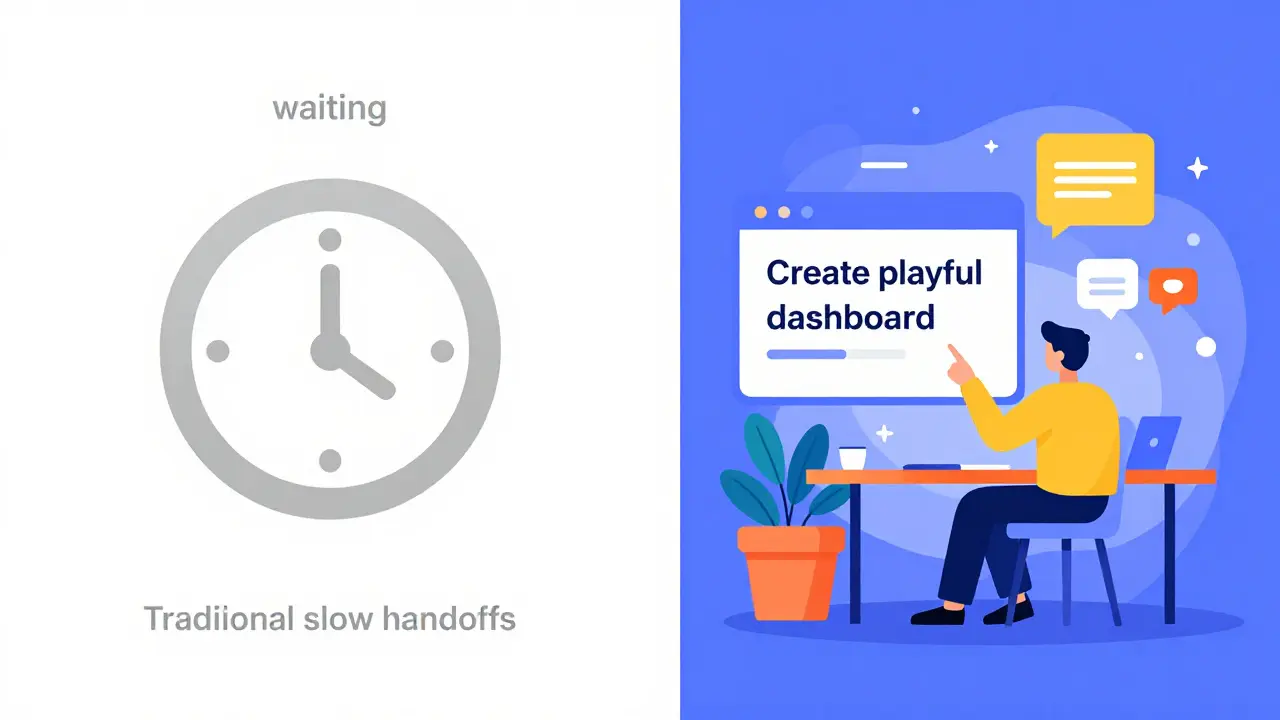
Traditional workflows force you to think in pixels first. You draw boxes, add colors, and then wonder if the interaction makes sense. Vibe coding flips this script. It starts with prompt-first design, where the process begins with written descriptions of mood, intent, layout, and behavior. You tell the AI what you want the experience to feel like-calm, urgent, playful-and what it needs to do.
The critical distinction here is agency. Unlike Generative UI (GenUI), which autonomously decides what elements to generate based on user needs, vibe coding places the decision entirely with you. You explicitly request what you want built through natural language prompts. The AI acts as your junior developer, translating your creative direction into React components, CSS styles, and JavaScript logic. You remain the creative director, guiding, testing, and refining the output rather than letting the AI guess your intentions.
This method combines mood-driven design with functional coding. When you prompt for a "frustrating checkout flow" to test error handling, the AI doesn't just give you a screenshot; it gives you code that simulates that frustration. This allows you to validate emotional tone alongside functionality, ensuring the design solves real problems early.
Top Tools for AI-Generated Frontends
To practice vibe coding, you need tools that integrate LLMs with live coding environments. As of 2026, two platforms dominate this space for designers who want immediate results without setting up complex local development environments.
| Platform | Core Technology | Best For | Key Limitation |
|---|---|---|---|
| Vercel v0 | AI coding assistant generating UI/code from prompts | Rapid component generation and visual iteration | Requires integration into larger projects manually | Bolt.new | WebContainers + AI for full-stack apps in-browser | End-to-end application prototyping and deployment | Browser-based environment may lag on heavy operations |
| Figma Make | Design-to-code plugin within Figma ecosystem | Teams already deeply invested in Figma workflows | Less flexible for complex logic outside standard UI |
Vercel v0 is ideal when you need specific UI components quickly. You describe a dashboard card, and it generates the HTML/CSS/React code instantly. Bolt.new takes it further by allowing you to create, run, debug, and deploy full-stack applications entirely in the browser. This means you can prototype not just the look, but the data flow and backend interactions using natural language. Both tools support modern web technologies, particularly React, making them familiar territory for developers while remaining accessible to designers.
Implementing Vibe Coding in Your Workflow
You don't need to be a senior engineer to start vibe coding. The barrier to entry is no longer syntax knowledge; it's communication clarity. Here is how to integrate this into your current User-Centered Design (UCD) process:
- Define the Goal, Not Just the Look: Start your prompt with the user's objective. Instead of "Make a blue button," try "Create a primary action button for a high-stakes financial transaction that conveys trust and caution."
- Iterate Rapidly: Generate multiple versions quickly. Test how each feels. Refine without starting from scratch. This shortens the distance between idea and reality significantly.
- Collaborate Early: Share the live link with stakeholders. Because the prototype is functional, feedback shifts from "I don't like the color" to "This step feels confusing."
- Surface Edge Cases: Use prompts to simulate "unhappy paths." Ask the AI to show what happens when the API fails or the input is invalid. Traditional handoffs often miss these until development.
This approach brings motion, constraints, and accessibility considerations into the process much earlier. Microsoft Design teams have reported that collaborating with AI through prompt engineering allows them to surface issues that traditional static mockups hide. The immediacy of seeing ideas come to life in code creates rewarding feedback cycles that keep teams aligned.
Challenges and Limitations to Watch
Vibe coding is powerful, but it is not magic. There are documented limitations you must manage to maintain professional standards.
First, design system consistency is a major challenge. AI does not automatically have access to your company's complete design system specifications. Each time you prompt, the AI interprets instructions anew, which can lead to variations in spacing, typography, or color usage. To mitigate this, you must explicitly reference your design tokens in your prompts or use tools that allow you to upload style guides. Without explicit taxonomy, you risk creating a fragmented UI.
Second, code complexity and bugs remain concerns. AI-generated code works well for standard UI patterns but may struggle with highly sophisticated custom functionality. The code might also contain subtle bugs that aren't immediately visible. Always treat AI output as a draft. Review the generated code for accessibility attributes (like ARIA labels) and logical errors before sharing with developers.
Finally, there is the handoff problem. While the prototype is interactive, it is not production-ready. You still need skilled developers to refactor the AI-generated code, optimize performance, and integrate it with secure backend systems. Vibe coding accelerates the ideation phase; it does not replace the engineering phase.
The Future of Designer-Developer Collaboration
We are witnessing a shift in roles. Designers are becoming more technical, understanding the structure of the code they influence. Developers are becoming more strategic, focusing on architecture rather than pixel-pushing. Vibe coding facilitates this convergence by providing a shared language: natural language paired with live code.
As AI models improve, the gap between prompt and perfect prototype will shrink. However, the human element remains crucial. You provide the empathy, the context, and the ethical judgment. The AI provides the speed and the technical execution. By mastering vibe coding, you position yourself not just as a designer, but as a product shaper who can validate ideas at the speed of thought.
Do I need to know how to code to use vibe coding?
No, you do not need advanced coding skills. Vibe coding relies on natural language prompts. However, understanding basic concepts like components, state, and responsiveness helps you write better prompts and evaluate the AI's output more effectively.
Is vibe coding replacing Figma?
Not entirely. Figma remains excellent for low-fidelity wireframing and collaborative brainstorming. Vibe coding complements it by allowing you to move from those wireframes to interactive, coded prototypes much faster. Many teams use both in tandem.
Can I use AI-generated code in production?
Generally, no. AI-generated code should be treated as a prototype. It often lacks optimization, security checks, and strict adherence to design systems. Professional developers should review, refactor, and optimize the code before deploying it to production environments.
What is the difference between vibe coding and Generative UI?
In Generative UI, the system autonomously decides what interface elements to generate based on user needs. In vibe coding, you explicitly request what you want built through natural language prompts, maintaining human agency and creative control over the design decisions.
How do I ensure design consistency when using AI?
You must explicitly include your design system guidelines in your prompts. Reference specific color codes, typography scales, and spacing units. Some tools allow you to upload style guides or connect to design libraries to help the AI adhere to your brand standards.
sumraa hussain
May 3, 2026 AT 16:21honestly this is the future man. no more waiting weeks for devs to build a static mockup that doesnt even work properly. just prompt it and see it live. feels like magic but its just code now.
Raji viji
May 3, 2026 AT 21:12lol "vibe coding"? please. its just prompting an LLM to write boilerplate react components you could have written in ten minutes yourself if you actually knew css grid. designers are getting lazy and calling it innovation because they cant handle the syntax error of a missing semicolon. its not magic, its just copy-paste with extra steps and way more hallucinated bugs in the logic layer.
Rajashree Iyer
May 5, 2026 AT 00:33The soul of design lies not in the pixel, but in the intention behind the prompt. When we surrender the manual labor of coding to the machine, do we lose our humanity or find our true creative voice? It is a profound question about agency and artifice in the digital age.
Parth Haz
May 6, 2026 AT 02:52I think this is a very positive step forward for the industry. It allows designers to validate their ideas much faster without needing deep technical knowledge. The collaboration between design and development will become smoother as everyone speaks the same language of functionality rather than just aesthetics.
Vishal Bharadwaj
May 6, 2026 AT 20:30typical hype cycle garbage. nobody talks about how broken the generated code is when you try to scale it. bolt.new crashes if you load more than three components at once and v0 gives you accessibility nightmares every single time. stop pretending this replaces engineering it just creates more tech debt for poor junior devs to clean up later.
anoushka singh
May 7, 2026 AT 03:18i tried this last week and honestly it was kinda fun but also really frustrating when the ai kept making buttons purple instead of blue. why does it always get the colors wrong? i spent more time fixing the prompts than i would have spent drawing it in figma tbh. maybe im just bad at describing things?
Madhuri Pujari
May 7, 2026 AT 18:23Oh, look at you, trying to act like you're important by using buzzwords! You think you're so clever for letting a robot do your job? It's pathetic. You're not a 'product shaper,' you're a prompt monkey with delusions of grandeur. Wake up!
Jitendra Singh
May 8, 2026 AT 16:01It seems like a useful tool for rapid prototyping. I can see how it helps in the early stages of brainstorming. However, I believe human oversight is still necessary to ensure the final product meets all requirements and standards.
Rubina Jadhav
May 10, 2026 AT 12:25This is helpful information. Thank you for sharing.
Agni Saucedo Medel
May 11, 2026 AT 06:39I love how this brings speed back to creativity! 🚀✨ It’s amazing to see tools evolving so fast. Designers can finally focus on the experience rather than the constraints of old workflows. Let’s embrace this change! 💖🎨