Vibe Coding for Non-Technical Founders: Build Prototypes in Days
 Nov, 28 2026
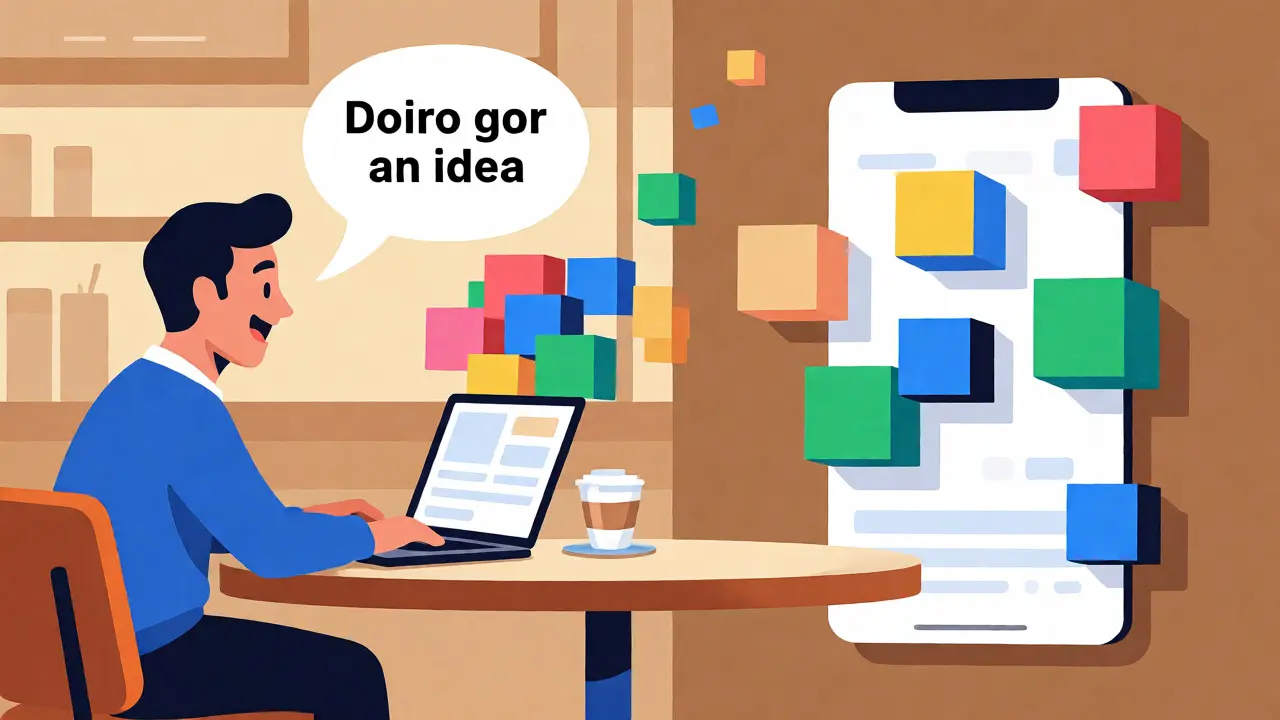
Imagine describing your business idea to a colleague over coffee, and by the time you finish your latte, they’ve built a working version of it. That’s not a fantasy anymore-it’s vibe coding, a development approach where non-technical users describe software functionality in plain English, and AI translates those descriptions into working code instantly. For founders who can’t write a line of Python but have a brilliant product concept, this shift is nothing short of revolutionary. You don’t need to hire a CTO or spend six weeks waiting for an agency. You can build, test, and validate your idea in days, often for less than the cost of a nice dinner out.
But here’s the catch: speed isn’t everything. While vibe coding lets you move faster than ever, it creates unique risks if you mistake a prototype for a production-ready product. This guide breaks down exactly how non-technical founders can use tools like Knack, Netlify, and Google Gemini to go from zero to prototype without getting burned by technical debt.
What Is Vibe Coding and Why It Matters for Founders
Vibe coding isn’t just another buzzword for "no-code." Traditional no-code platforms like Bubble or Webflow require you to learn their specific visual logic-dragging blocks, connecting nodes, understanding data relationships. It’s still a form of programming, just with a different syntax. Vibe coding removes that barrier entirely. You type what you want, and the AI writes the code.
According to internal testing data from GitHub released in early 2024, this approach cut time-to-prototype for business applications by 55%. For a founder, that means validating a hypothesis before your cash runway evaporates. A case study from Quixy in September 2024 highlighted a SaaS team that built a customer onboarding tool prototype in just eight hours. No developers were involved. The founder simply described the flow, and the AI assembled the screens, database connections, and user permissions.
The core value proposition is simple: you stop worrying about how to build it and focus entirely on what you’re building. You eliminate the seven major stressors identified by Knack: feature creep, tight deadlines, architecture complexity, debugging nightmares, language learning curves, conceptual barriers, and tech stack paralysis.
How It Works: From Prompt to Prototype
The process feels almost magical the first time you do it. You open a platform like Knack or Netlify’s AI-assisted environment. Instead of clicking through menus, you type a prompt:
"Create a dashboard showing customer acquisition metrics with filters by date and region."
Within 15 to 30 seconds, the system generates a responsive UI component. If it’s not quite right, you refine the prompt. Maybe you say, "Add a chart comparing last month vs. this month," or "Make the 'Export' button green." Modern platforms now support context-aware refinement, allowing you to highlight a specific element and request changes directly. Netlify reported an 85% accuracy rate for these targeted edits in late 2024.
You don’t need to install anything. These tools run in your browser. There are no local dependencies, no server configurations, and no compilation errors staring back at you. The AI handles the boilerplate-the boring stuff like HTML structure, CSS styling, and basic JavaScript logic-so you can focus on user experience.
Top Platforms for Non-Technical Builders
Not all vibe coding tools are created equal. Some are better for quick mockups; others handle complex business logic. Here’s a breakdown of the leading options as of late 2024:
| Platform | Best For | Learning Curve | Integration Strength | Cost Entry Point |
|---|---|---|---|---|
| Knack | Business apps & CRUD operations | Very Low (1.7 hrs avg) | High (Stripe, Salesforce) | $0 - $50/mo |
| Google Cloud Gemini | Enterprise-grade prototypes | Low | Very High (Google Workspace) | Free tier available |
| Netlify AI | Web apps & static sites | Moderate | Medium (Zapier supported) | Free tier available |
| Continue.dev | Technically adjacent founders | Higher | Codebase-specific | Open Source |
Knack stands out for its "Founder Mode," introduced in September 2024, which simplifies prompts specifically for validating business concepts. It’s ideal if you’re building a standard B2B tool. Google’s Gemini integration is powerful if you’re already deep in the Google ecosystem, offering robust security features that enterprise clients care about. Netlify is great for web-first products, while Continue.dev appeals to founders who know a little bit of code and want more control.

The Hidden Risks: Technical Debt and Scalability
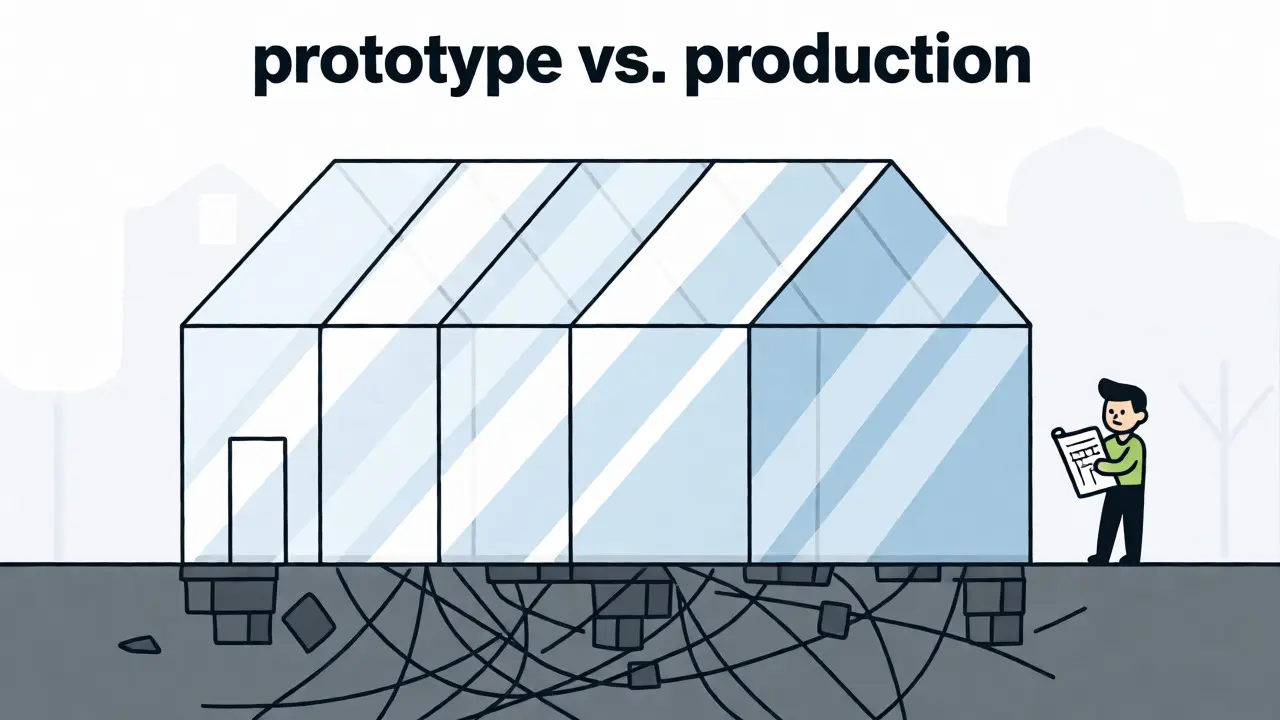
Here’s where things get tricky. A prototype is not a product. Martin Fowler, Chief Scientist at ThoughtWorks, warns against the "Vibe Coding Trap." He notes that founders often mistake prototype speed for production readiness. You might build a beautiful interface in two days, but when real users start hitting it, the underlying architecture might crumble.
Graphite’s comparative study found that vibe-coded prototypes contain 40% more UI inconsistencies and 22% more logical edge-case errors than professionally written code. Worse, 68% of the architectural patterns generated by these AI systems are unsuitable for production environments without significant refactoring. Think of it like building a house of cards: it looks impressive until someone sneezes near it.
One founder on HackerNews shared a horror story: she built a complete-looking prototype in three days, only to find it couldn’t scale beyond 100 users. Fixing the backend cost her $12,000 in rework. Stanford’s Center for AI Safety calls this "validation optimism bias." The polished look of AI-generated interfaces tricks founders into thinking the hard part is done. It’s not. The hard part is making it robust, secure, and scalable.
When to Use Vibe Coding (And When Not To)
To avoid becoming a cautionary tale, use vibe coding strategically. It excels in specific scenarios but fails in others.
- Use it for: Customer-facing dashboards, booking systems, simple CRMs, internal admin tools, and MVP validation. If your app mostly reads and writes data to a database, you’re in good shape.
- Avoid it for: Real-time multiplayer games, complex machine learning algorithms, high-frequency trading platforms, or highly regulated industries like healthcare where precise compliance controls are mandatory. Tanium’s analysis showed that 78% of non-technical users hit a wall when trying to implement advanced ML features without developer help.
Think of vibe coding as a sketchpad, not a blueprint. Use it to show investors what your vision looks like. Use it to test if customers actually want your feature. But once you’ve validated the demand, bring in professional developers to rebuild the foundation properly.
Step-by-Step Guide to Your First Prototype
Ready to try it? Follow this workflow to maximize success and minimize frustration.
- Define the Core Flow: Don’t try to build the whole app. Pick one critical path. Example: "User signs up -> Books appointment -> Receives confirmation email."
- Draft Precise Prompts: Vague requests yield vague results. Instead of "Make a booking app," try "Create a calendar view where users can select time slots from 9 AM to 5 PM, preventing double bookings."
- Iterate Rapidly: Expect 2-3 refinement cycles. DataCamp’s study shows most initial requests need tweaking. If the AI misses the mark, add examples: "Like Calendly, but with group booking options."
- Connect Key Integrations: Most platforms support Stripe, Zapier, and Google Workspace out of the box. Hook these up early to test real-world functionality.
- Set a Two-Week Lifespan: Google Cloud’s best practices recommend using vibe-coded prototypes for validation only. Plan to hand off to developers within two weeks of successful validation to prevent technical debt accumulation.
Real-World Success Stories
It’s not all doom and gloom. Many founders have leveraged this speed to win big. A fitness entrepreneur used vibe coding to build seven variations of a workout tracking app in just two weeks. By testing each version with real users, he gathered concrete feedback that helped him secure $250,000 in pre-seed funding. Investors loved the traction, not just the idea.
Another example comes from Reddit’s r/Startups community. A marketing founder with zero coding skills built a client management tool in 11 hours using Knack. They had login, dashboards, and reporting by dinner time. The speed impressed potential partners enough to move conversations forward quickly.
These stories share a common thread: the founders didn’t try to build the final product. They built enough to prove the concept, then stopped. That discipline is key.
Do I need to know any coding languages to use vibe coding?
No. Vibe coding is designed specifically for non-technical users. You interact with the system using natural language. However, having a basic understanding of how software components fit together (like databases and APIs) helps you write clearer prompts and troubleshoot issues faster.
Is vibe coding cheaper than hiring a developer?
For prototyping, yes. Traditional custom development for an MVP costs $15,000-$50,000 and takes 4-6 weeks. Vibe coding platforms typically cost $0-$500 per month and produce prototypes in 1-3 days. However, remember that scaling a vibe-coded prototype often requires additional investment in professional development later.
Can I sell my vibe-coded prototype as a finished product?
Rarely. While some simple internal tools might survive long-term, most consumer-facing apps will suffer from performance issues, security vulnerabilities, and maintenance headaches. McKinsey predicts that 70% of vibe-coded implementations will need professional intervention before they can scale effectively.
What happens if the AI makes a mistake I don't understand?
This is a common pain point. G2 reviews indicate that 47% of users struggle to modify AI-generated code when requirements change. If you encounter a bug you can’t fix via prompting, you may need to consult a developer for a quick audit. Some platforms offer human-in-the-loop support for complex errors.
Which platform should I choose for a mobile app?
Most current vibe coding tools excel at web applications. For mobile, check if the platform supports PWA (Progressive Web App) generation or native wrappers. Knack and Netlify have strong web capabilities, which can be wrapped for mobile, but dedicated mobile vibe coding tools are still maturing compared to web-focused ones.