Vibe Coding Productivity: The Truth Behind the 74% Stat
 Oct, 7 2026
You’ve probably seen the headlines. Vibe Coding is supposedly saving developers hours every day, with some reports claiming a 74% productivity uplift. It sounds too good to be true, and for many of us staring at our IDEs, it feels exactly that way. You’re not alone if you feel like your AI assistant sometimes helps you write code faster but then leaves you drowning in bugs for two days straight. The reality isn’t a simple "yes" or "no." It’s messy, nuanced, and heavily dependent on who you are as a developer and what you’re building.
So, where does that 74% number come from? And why do so many senior engineers report feeling slower since adopting these tools? This article breaks down the actual data, separates hype from hard numbers, and gives you a practical roadmap to getting real gains without falling into the technical debt trap.
What Is Vibe Coding Really?
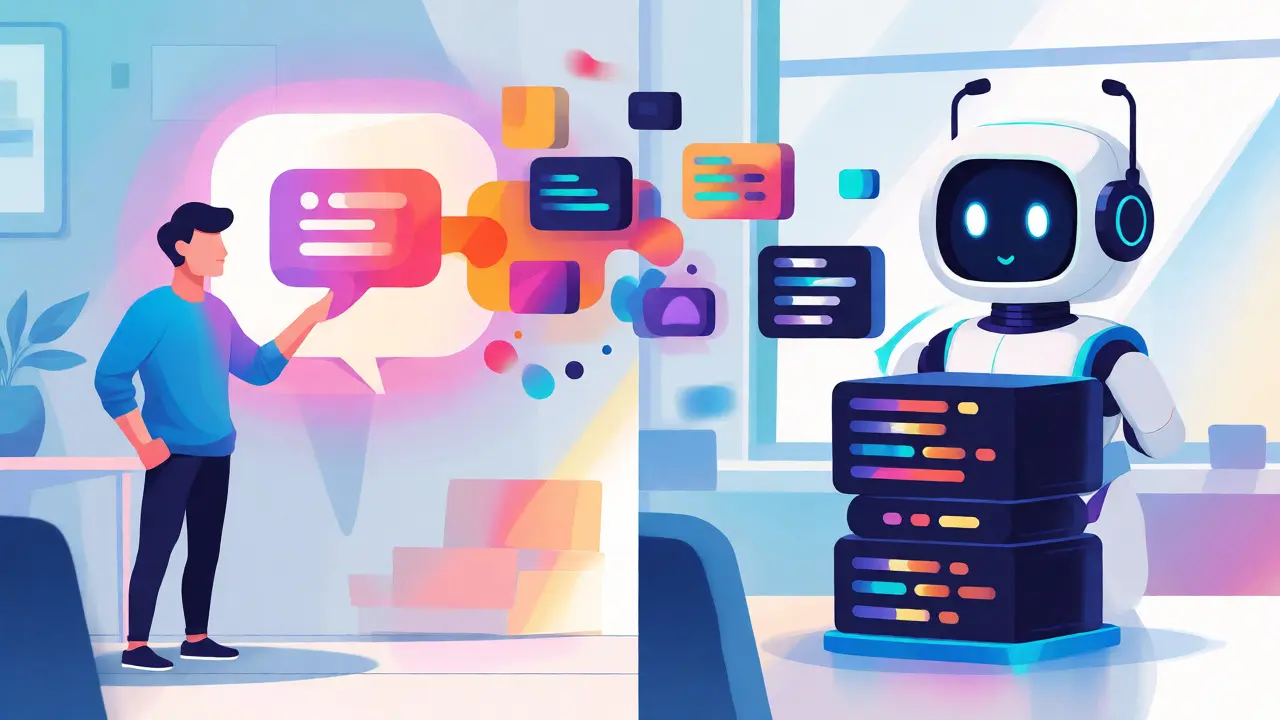
Vibe coding isn’t just autocomplete on steroids. It’s a shift in how we interact with machines. Coined by OpenAI’s Andrej Karpathy, it describes a workflow where you describe intent in natural language, let a Large Language Model (LLM) generate the code, and then copy-paste or refine the result. You’re not typing syntax; you’re managing logic.
This approach lowers the barrier to entry. Junior devs can scaffold entire applications quickly. But here’s the catch: it changes the nature of debugging. When you write code yourself, you know the logic because you built it. When an AI writes it, you have to reverse-engineer its thought process. That cognitive load is real, and it’s where the "productivity" often hides.
The Data Gap: Perception vs. Reality
Let’s look at the numbers. A widely cited figure suggests significant speedups, but a randomized controlled trial by METR tells a different story. They tracked 16 experienced open-source developers over 246 real-world tasks. The result? Developers using AI tools took 19% longer to complete tasks than those who didn’t, despite expecting to be 24% faster. That’s a massive 39-point gap between expectation and reality.
Why the disconnect? Because most studies measure time-to-first-draft, not time-to-production-ready. Writing a function takes seconds. Fixing a subtle bug introduced by an LLM’s hallucination can take hours. If you’re only measuring the first part, you’ll see a 74% gain. If you measure the whole cycle, you might see a net loss.
| Developer Level | Perceived Speedup | Actual Outcome | Primary Bottleneck |
|---|---|---|---|
| Junior (0-2 years) | +50% | Neutral to Negative | Lack of context leads to buggy code requiring heavy rework. |
| Mid-Level (3-9 years) | +30% | +15% Net Gain | Managing AI output quality and integration issues. |
| Senior (10+ years) | +20% | +10-15% Net Gain | Reviewing machine-generated code consumes significant mental energy. |
Who Actually Benefits from Vibe Coding?
If you’re a junior developer, vibe coding can be a double-edged sword. It helps you ship features fast, which feels great. But if you don’t understand the underlying architecture, you end up with "spaghetti code" that’s hard to maintain. One Reddit user noted their pull requests started having 40% more rework requests after relying heavily on GitHub Copilot. They were writing faster, but fixing slower.
For senior developers, the value proposition is different. You’re not using AI to learn syntax; you’re using it to eliminate boilerplate. Writing CRUD operations, test scaffolding, or regex patterns becomes instantaneous. This frees up mental bandwidth for complex architectural decisions. IBM’s internal data shows senior devs ship 32% of their code via AI, compared to just 13% for juniors, suggesting experienced users know when to trust the tool and when to step in.
The Technical Debt Trap
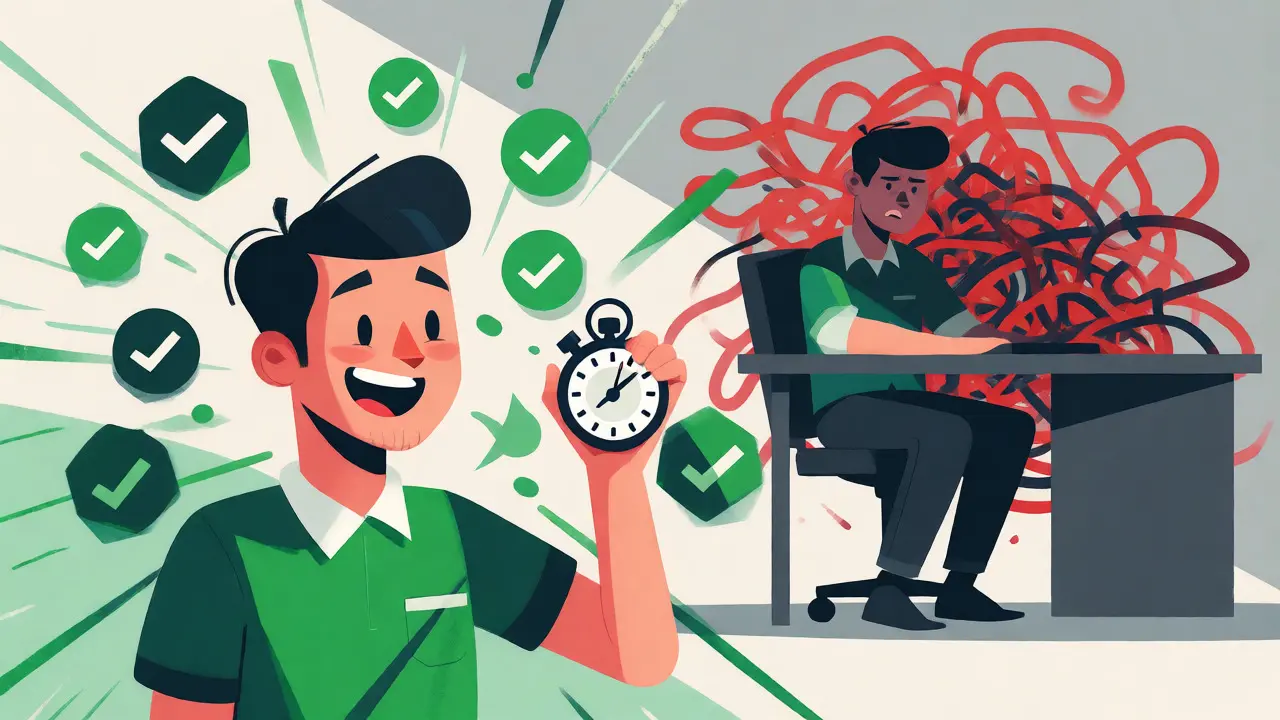
Here’s the dirty secret of vibe coding: technical debt. AI models are trained on public codebases, which means they reproduce common patterns-including bad ones. When you accept an AI suggestion without deep review, you might introduce security vulnerabilities or inefficient algorithms that aren’t obvious until production.
Debugging AI-generated code takes 2.7x longer than debugging human-written code in complex scenarios, according to IBM case studies. Why? Because the code looks syntactically correct but may lack logical coherence. You spend time reading code you didn’t write, trying to figure out why the AI chose one library over another, or why it missed an edge case. This "review tax" eats into your initial speed gains.
Context Engineering: The Missing Skill
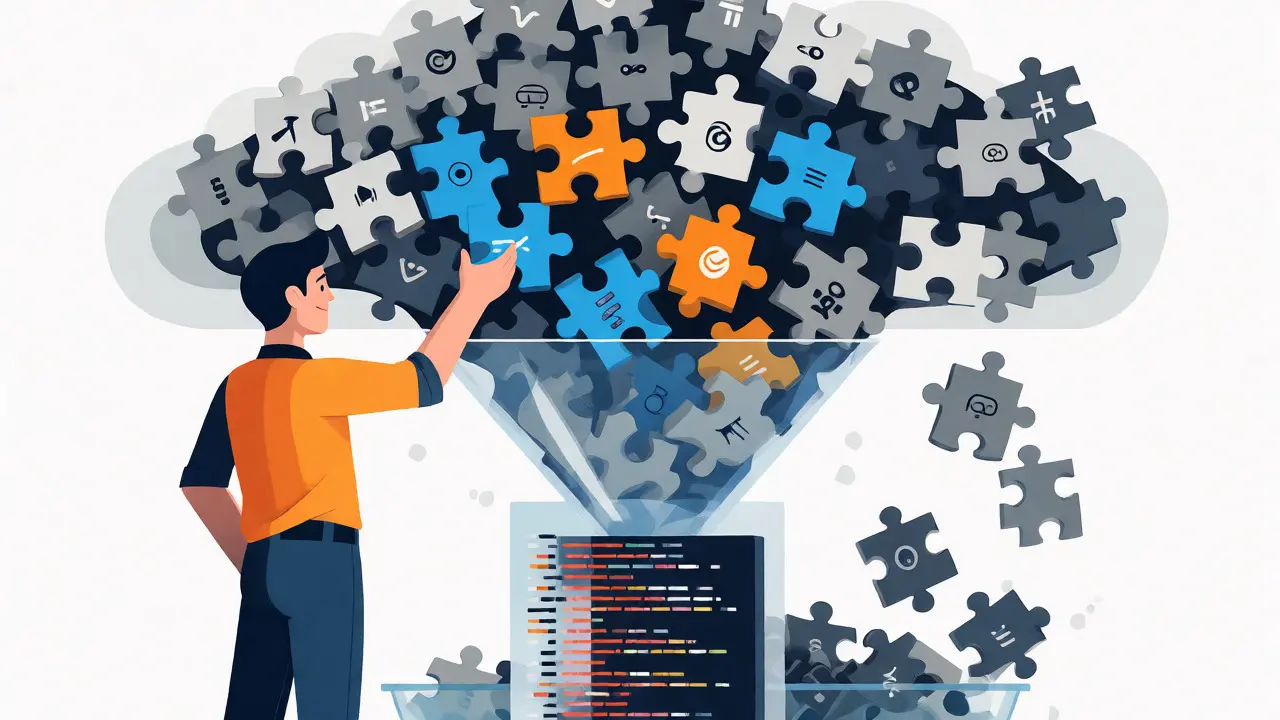
The biggest mistake developers make is dumping their entire codebase into the prompt window. LLMs have limited context windows. Performance degrades sharply beyond 32,000 tokens, with accuracy dropping from 90% to around 50%. If you feed the model too much noise, it gets confused.
Effective vibe coding requires Context Engineering. This means curating the input. Instead of pasting 50 files, you provide the specific interface definition, the relevant utility functions, and clear instructions on constraints. Developers who master this skill see 35% higher productivity gains than those who use default settings. It’s not about typing less; it’s about prompting smarter.
- Selective Injection: Only include files directly related to the current task.
- Clear Constraints: Specify language version, framework, and style guides explicitly.
- Iterative Refinement: Start with a skeleton, then ask the AI to fill in details step-by-step.
Practical Strategies for Real Uplift
So, how do you get that 74% claim to hold up in your daily work? Treat AI as a pair programmer, not an autopilot. Here’s a workflow that works:
- Plan First: Write your pseudocode or comments before asking the AI to generate code. This forces you to think through the logic.
- Generate Small Chunks: Ask for individual functions or classes, not entire modules. Easier to review, easier to debug.
- Verify Immediately: Run tests as soon as the code is generated. Don’t wait until the end of the feature branch.
- Refactor Manually: Use the AI to draft, but rewrite critical paths yourself to ensure you own the logic.
Companies implementing mandatory AI code audits see fewer defects. Atlassian’s survey found 72% of developers feel more productive, but only 28% of Fortune 500 companies have established quality control protocols for AI-generated code. If you skip the review, you pay later.
The Future: Stabilizing the Gains
We’re currently in the honeymoon phase. Tools like IBM Bob and GitHub Copilot are evolving from simple generators to integrated environments that understand project context better. Gartner predicts that by 2027, vibe coding will stabilize into "context-aware development," where the productivity gains settle at a realistic 25-30% for skilled practitioners.
The key takeaway? Vibe coding doesn’t replace skill; it amplifies it. If you know what you’re doing, you go faster. If you’re guessing, you create chaos. The 74% figure likely comes from optimized scenarios-greenfield projects, simple tasks, or highly skilled users leveraging perfect context. For everyone else, expect modest gains and plan for extra review time.
Is vibe coding suitable for legacy systems?
Generally, no. Vibe coding struggles with brownfield applications and high-complexity legacy systems. Success rates drop to 42% in these scenarios compared to 87% for greenfield projects. The AI lacks the historical context of why certain architectural decisions were made, leading to solutions that break existing integrations.
Why do senior developers benefit more than juniors?
Senior developers have the experience to spot errors quickly and understand the broader system architecture. They use AI for boilerplate and repetitive tasks, freeing them for high-level design. Juniors often lack the foundational knowledge to validate AI outputs, leading to higher rates of bugs and rework, which negates initial speed gains.
Does vibe coding increase technical debt?
Yes, if not managed properly. AI-generated code can introduce inconsistencies and subtle bugs that are hard to trace. Debugging this code takes significantly longer (up to 2.7x) than human-written code. Strict code reviews and refactoring practices are essential to prevent accumulating unmanageable technical debt.
What is the learning curve for effective vibe coding?
It typically takes 3-4 weeks of dedicated practice to develop effective prompting skills. Experienced developers adapt faster, often within 1-2 weeks. Mastering context engineering-knowing what information to provide to the AI-is the critical skill that separates successful adoption from frustration.
Which languages benefit most from vibe coding?
Popular languages with large training datasets, such as JavaScript and Python, show the highest productivity gains (35-40%). Legacy languages like COBOL see minimal improvement (8-12%) due to smaller and less diverse training data, making AI suggestions less reliable and accurate.