Caching and Performance in AI-Generated Web Apps: Where to Start
 Jul, 11 2026
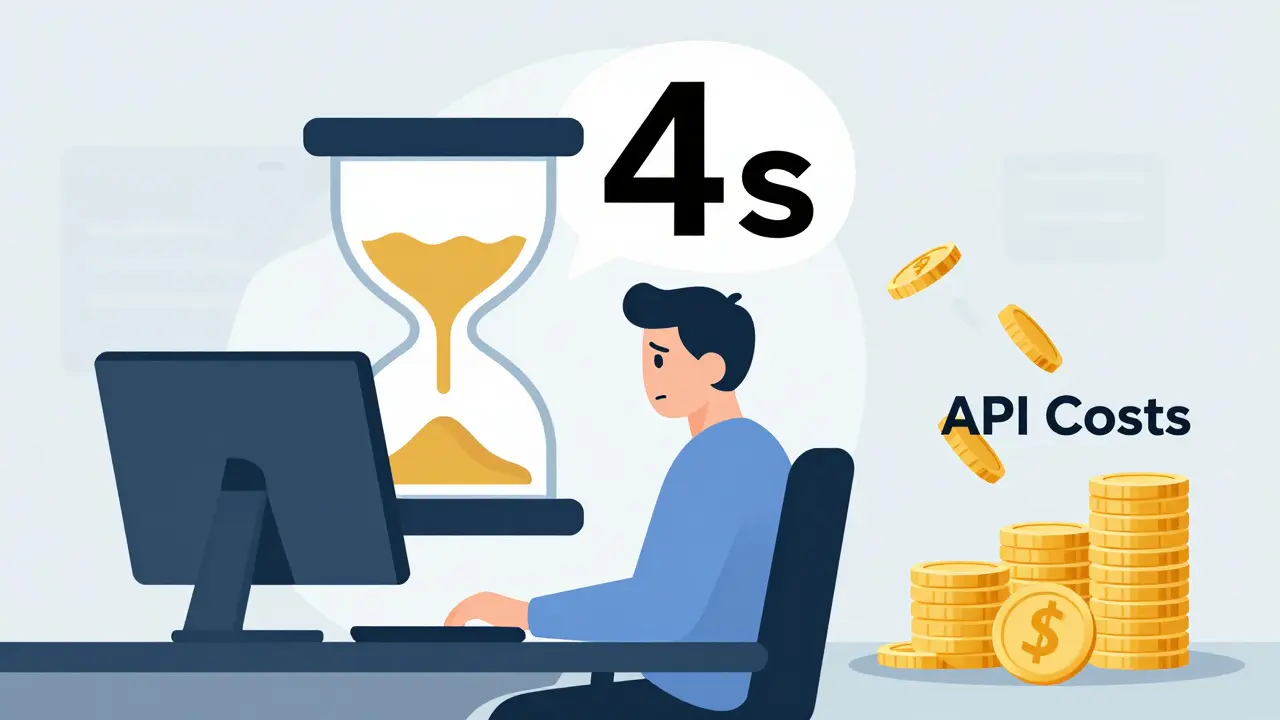
Imagine your users waiting four seconds for a simple answer from your AI chatbot. In the world of instant gratification, that feels like an eternity. More importantly, every second they wait costs you money in API tokens. If you are building AI-generated web apps, which are web applications that utilize large language models to dynamically generate content, responses, or code based on user input, performance isn't just a nice-to-have feature; it is the difference between a product people love and one they abandon.
The secret weapon most developers overlook at the start is caching. It is not just about storing static images anymore. In 2026, caching has evolved into a sophisticated layer of intelligence that can slash your latency by up to 84% and cut operational costs by nearly two-thirds. But where do you actually begin? You don't need to rebuild your entire architecture overnight. You just need to understand the right strategy for your specific use case.
Why Traditional Caching Fails with AI
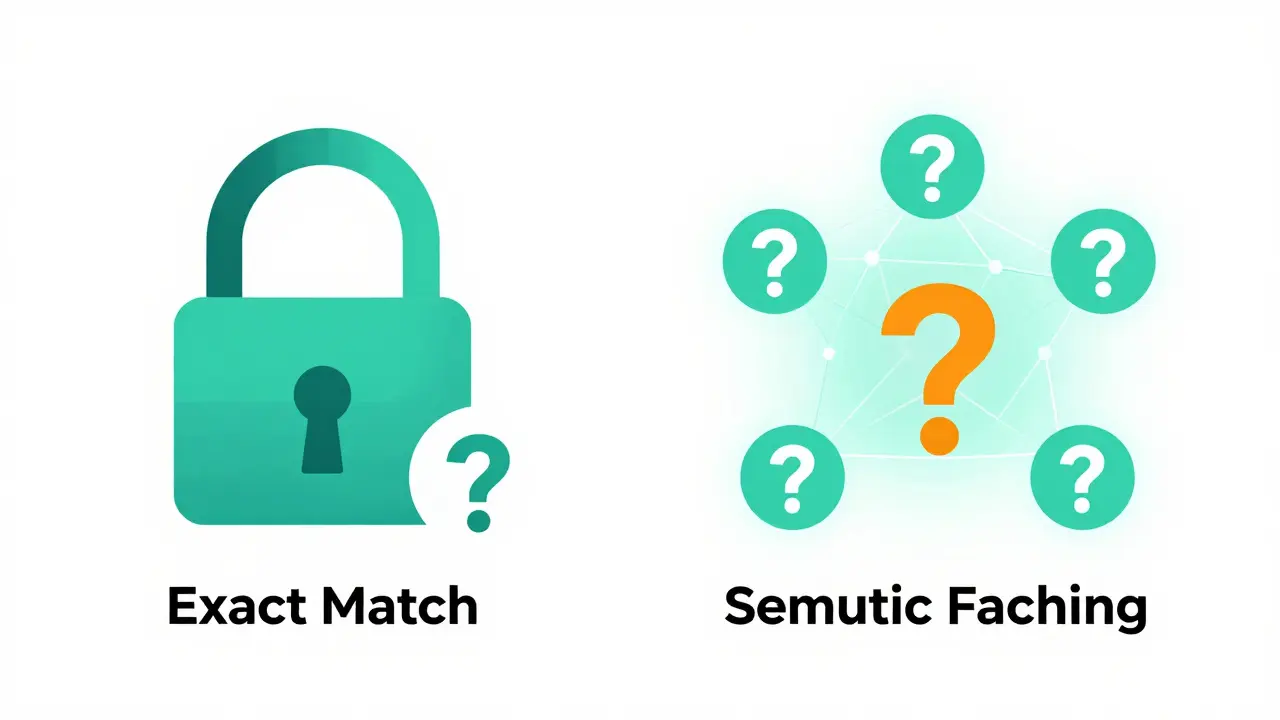
If you have built standard web apps before, you know how traditional caching works. A user requests a page, the server checks if it exists in memory (like Redis, a high-performance, open-source, in-memory data structure store used as a database, cache, and message broker), and if it does, it serves it instantly. This is exact-match caching.
But AI is different. Users rarely ask the exact same question twice. One person might type "How do I reset my password?" while another asks "What's the process for getting back into my account?" To a traditional cache, these are completely different keys. Both miss the cache, both hit the expensive Large Language Model (LLM) backend, and you pay double.
This is why we moved toward Semantic Caching, a caching technique that stores vector embeddings of queries and responses to retrieve similar, rather than identical, previous answers. Instead of looking for an exact string match, the system converts the user's query into a vector-a mathematical representation of its meaning-and searches for the closest match in the cache. If someone asked a similar question five minutes ago, the system recognizes the intent is the same and serves the cached response. This paradigm shift is what makes modern AI apps feel snappy.
The Core Strategies: Object vs. Semantic vs. Prompt
To get started, you need to pick the right tool for the job. There are three main layers of caching you should consider implementing, usually in this order of complexity:
- Object Caching: Store individual database results or API responses. Use this for static data that feeds your AI, like product descriptions or company policies. Tools like Redis or Memcached excel here.
- Prompt Caching: Store the pre-computation of common prefixes in prompts. If your app always starts with a long system prompt containing rules and context, caching that prefix saves significant processing time. InnovationM reported reducing average response times from 4.7 seconds to under 300 milliseconds using this method alone.
- Semantic Caching: The heavy hitter. This stores the final AI response based on the semantic similarity of the input query. This requires vector databases or specialized memory stores.
For most startups, starting with a hybrid of Object and Semantic caching provides the best bang for your buck. You cache the static knowledge base first, then layer semantic caching on top for dynamic user queries.
Choosing Your Infrastructure: Redis vs. Amazon MemoryDB
Once you decide to implement semantic caching, you face a critical infrastructure choice. The two dominant players in this space right now are Redis and AWS MemoryDB. Here is how they compare for AI workloads:
| Feature | Redis | Amazon MemoryDB |
|---|---|---|
| Primary Strength | Flexibility, ecosystem, and persistence options (RDB/AOF) | Native vector search and Multi-AZ durability |
| Vector Search Capability | Available via RediSearch module | Built-in native support |
| Latency Impact | Reduces latency by ~80% with proper tuning | Reduces latency by ~84% in reference architectures |
| Learning Curve | Moderate (requires module configuration) | Steeper (requires understanding vector operations) |
| Best For | General purpose caching + light semantic needs | Heavy-duty semantic search and enterprise scale |
If you are already running a microservices architecture with Redis, adding the RediSearch module is a low-friction way to start. However, if you are building a greenfield application heavily reliant on vector similarity, AWS MemoryDB offers a more integrated experience with services like Amazon Bedrock. As Michael Rodriguez, Senior Solutions Architect at AWS, noted, semantic caching with MemoryDB cut their reference architecture's costs by 62% while maintaining high accuracy.
Implementation Steps: From Zero to Cache Hit
You don't need to be a machine learning engineer to set this up. Here is a practical, step-by-step approach to implementing caching in your next project:
1. Identify Cacheable Content
Not everything should be cached. Analyze your logs. Gartner found that in enterprise customer service bots, 65% of queries are repetitive. These are your gold mines. Look for high-frequency questions about pricing, features, or troubleshooting. Avoid caching highly personalized data or real-time information like stock prices unless you have very short Time-To-Live (TTL) settings.
2. Generate Embeddings
When a user sends a query, pass it through an embedding model (like OpenAI's text-embedding-3-small or a local alternative like BGE-M3). This converts the text into a vector. Do this before checking the LLM. The computational cost of generating an embedding is a fraction of the cost of generating a full LLM response.
3. Set Similarity Thresholds
This is where many developers stumble. You need to define how "similar" is similar enough. If you set the threshold too low, you serve irrelevant answers. Too high, and you never hit the cache. Start with a cosine similarity score of 0.90 for strict matching, then gradually lower it to 0.85 or 0.80 as you monitor user feedback. MIT researchers warned that without proper management, systems can suffer from "semantic drift," where cached responses become mismatched to evolving intents over time.
4. Define TTL and Invalidation Policies
Cached data goes stale. How fast depends on your domain. For a news recommendation system, a 15-minute TTL might be appropriate. For a static FAQ section, 24 hours could work. Implement a hybrid strategy: use TTL for general decay, but also trigger manual invalidation when underlying source data changes. Maria Lopez, an engineer discussing her struggles on HackerNews, shared that she reduced outdated information errors from 12% to near zero by implementing a staleness-aware strategy alongside standard TTLs.
Common Pitfalls to Avoid
Even with the best tools, implementation can go wrong. Here are the traps to watch out for:
- Ignoring Cache Miss Overhead: Semantic caching adds a step-vector computation. AWS engineers measured this overhead at approximately 150ms per query. Ensure your cache hit rate is high enough (aim for 60%+) to offset this initial delay.
- Over-Caching Personalized Data: Never cache responses that contain private user data. Always strip personal identifiers before generating the cache key or embedding.
- Static Thresholds: User intent varies by context. Consider using adaptive thresholds that adjust based on the confidence score of the retrieval.
- Complex Configuration Without Monitoring: Don't set and forget. Monitor your hit rates, latency distributions, and error rates daily. Alex Morgan, a developer on Reddit, reported cutting Azure OpenAI costs by 63% simply by monitoring and tweaking his Redis configuration weekly.
Future-Proofing Your Architecture
The landscape of AI caching is moving fast. By 2026, Gartner predicts that 85% of enterprise AI applications will employ multi-layer caching strategies. We are seeing the rise of "Adaptive Cache" features, like those released by Amazon in late 2024, which use machine learning to predict eviction patterns and improve hit rates by 18%.
As foundation models evolve, the computational constraints won't disappear. They will just shift. Caching remains a foundational optimization technique because it addresses the fundamental economic reality of AI: inference is expensive. By mastering semantic caching now, you aren't just speeding up your app; you are ensuring its economic viability as you scale.
Start small. Pick one high-volume endpoint. Implement semantic caching with a generous TTL. Measure the savings. Then expand. Your users will thank you for the speed, and your CFO will thank you for the efficiency.
What is the difference between object caching and semantic caching?
Object caching stores exact matches of data, such as a specific database query result or API response, using unique keys. Semantic caching, on the other hand, uses vector embeddings to store and retrieve responses based on the meaning of the query. This allows it to serve relevant cached answers even if the user phrases their question differently than previous users.
Is Redis suitable for semantic caching?
Yes, Redis is suitable for semantic caching, particularly when equipped with the RediSearch module. It offers flexibility and strong community support. However, for applications requiring native vector search capabilities and high availability out-of-the-box, specialized solutions like AWS MemoryDB may offer a smoother integration path, especially within the AWS ecosystem.
How much can caching reduce AI API costs?
Industry case studies suggest that properly implemented caching can reduce operational costs by 50-70%. For example, InnovationM reported a 50-70% reduction in API costs using prompt and semantic caching, while AWS documented a 62% cost reduction in reference architectures using semantic caching with MemoryDB at a 70% cache hit rate.
What is the ideal Time-To-Live (TTL) for AI caches?
There is no single ideal TTL; it depends on the volatility of the data. For static content like FAQs, a TTL of 24 hours or more may be appropriate. For dynamic data like stock prices or news, a TTL of 15 minutes or less is recommended. A/B testing is essential to determine the optimal balance between freshness and cache hit rates for your specific application.
What is semantic drift in caching?
Semantic drift occurs when cached responses become increasingly mismatched to evolving user intents or changing underlying data over time. Without proper cache invalidation strategies and regular monitoring, AI systems may serve outdated or irrelevant answers, leading to accuracy degradation. MIT researchers highlighted this as a key risk in unmanaged caching systems.