Compute Infrastructure for Generative AI: GPUs vs TPUs and Distributed Training
 Apr, 24 2026
Training a massive language model isn't just about having a clever algorithm; it's a brutal war of attrition against physics and finance. If you're trying to move a model from a research paper to a production environment serving millions, you quickly realize that the choice of hardware is the single biggest lever you have for both speed and budget. Whether you're eyeing the industry-standard NVIDIA clusters or Google's specialized silicon, the decision boils down to how you handle billions of matrix multiplications without burning through your entire venture capital round in a month.
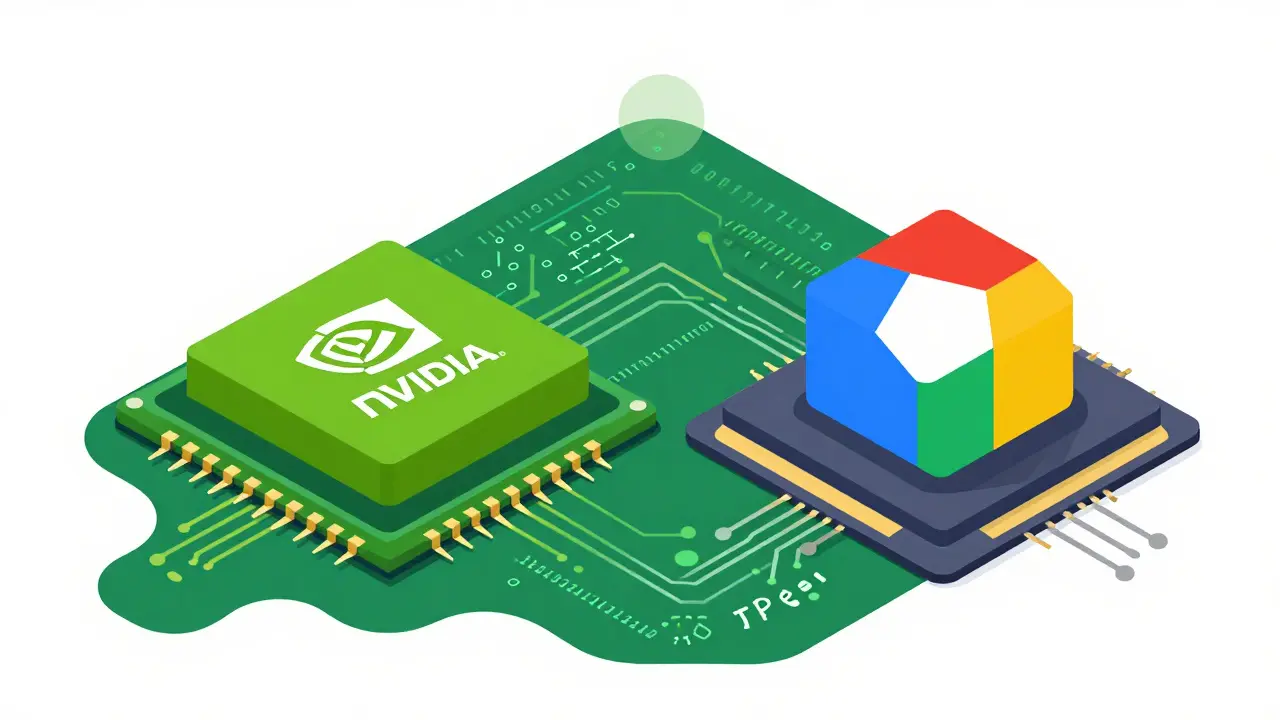
To get these models to work, we rely on specialized accelerators. Graphics Processing Units (or GPUs) are parallel processors originally built for rendering pixels but now repurposed for the heavy lifting of deep learning. On the other side, Tensor Processing Units (or TPUs) are application-specific integrated circuits (ASICs) designed by Google specifically to accelerate tensor operations. While both do the same general job-crunching numbers-they do it with very different philosophies.
The Hardware Face-Off: H100 vs TPU v5p
If you look at the raw specs, NVIDIA's H100 is a beast, but Google's TPU v5p is built for a different kind of scale. The H100 typically ships with 80GB of HBM memory, though the H200 pushes that to 141GB. In a head-to-head for LLM workloads, an H100 can hit around 3,800 tokens per second. That's impressive, but when you shift to the TPU v5p, you're looking at an 8-chip configuration with a massive 760GB of total memory and roughly 3,450 tokens per second per chip.
The real magic, however, isn't in the peak numbers-it's in the Generative AI infrastructure efficiency, often measured as Model FLOPs Utilization (MFU). This tells you how much of the chip's theoretical power is actually doing useful work. In real-world tests, the TPU v5p often hits about 58% MFU, while the H100 lingers around 52%. Why the gap? It comes down to the TPU's deterministic execution and its Inter-Chip Interconnect (ICI), which stops the chips from sitting idle while waiting for data to arrive from their neighbors.
| Attribute | NVIDIA H100 | Google TPU v5p |
|---|---|---|
| Memory (Per Chip/Node) | 80GB HBM | 760GB (8-chip config) |
| Tokens/Sec (approx) | 3,800 | 3,450 |
| Typical MFU | ~52% | ~58% |
| Hourly Cost (8-chip) | $12 - $15 | $8 - $11 |
The Economics of Training at Scale
Let's talk money. For a small project, the price difference is negligible. But when you're training a foundation model for three months, those dollars add up. TPU v5p slices generally cost between $8 and $11 per hour, whereas an 8-chip H100 node typically ranges from $12 to $15. This makes TPUs roughly 15-25% more performant per dollar in basic setups.
If you go even deeper into the newer hardware, the TPU v6e generation is claiming up to 4 times better performance-per-dollar than the H100 for specific LLM training and inference tasks. For companies like Anthropic, moving toward TPU infrastructure has reportedly slashed the Total Cost of Ownership (TCO) by about 52% per effective PFLOP compared to high-end NVIDIA configurations like the GB300 NVL72. Essentially, you can afford to be slightly less efficient with your code on a TPU and still save a fortune compared to a perfectly optimized GPU cluster.
Cracking the Code of Distributed Training
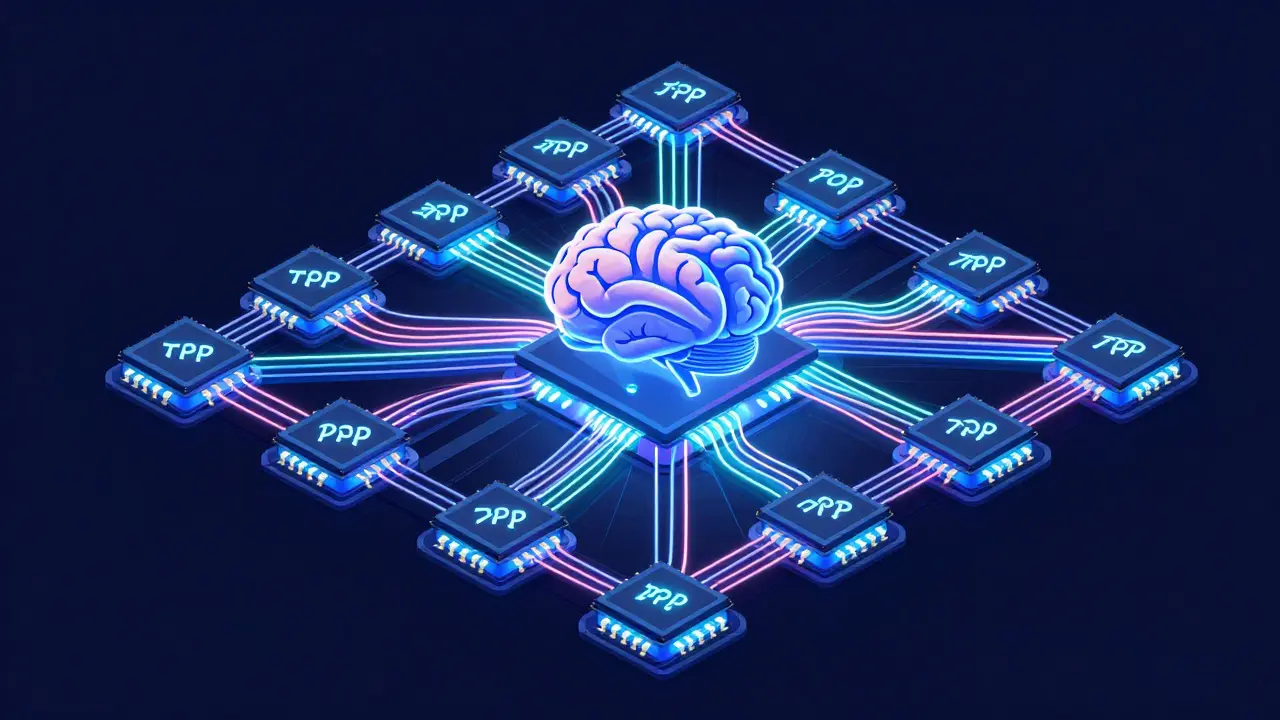
You can't fit a modern LLM on one chip. You need Distributed Training is the process of spreading a model's parameters and computation across hundreds or thousands of accelerators. The way this is handled differs wildly between the two platforms.
On the GPU side, the gold standard is
NCCL (NVIDIA Collective Communications Library) combined with torch.distributed. It works great, but it requires a lot of manual tuning. You have to decide how to shard your model and manage the networking to avoid bottlenecks.
Google takes a different approach with GSPMD, a feature of the XLA (Accelerated Linear Algebra) compiler. GSPMD allows developers to write code as if it were for a single device; the compiler then automatically handles the sharding logic across the entire TPU Pod. These Pods scale up to 4,096 chips using an Optical Circuit Switch (OCS), which provides a nearly linear scaling path. While GPU clusters often struggle with network congestion as they grow, TPU Pods are built like a single giant computer, making them far more stable for trillion-parameter models.
When to Choose Which: The Decision Matrix
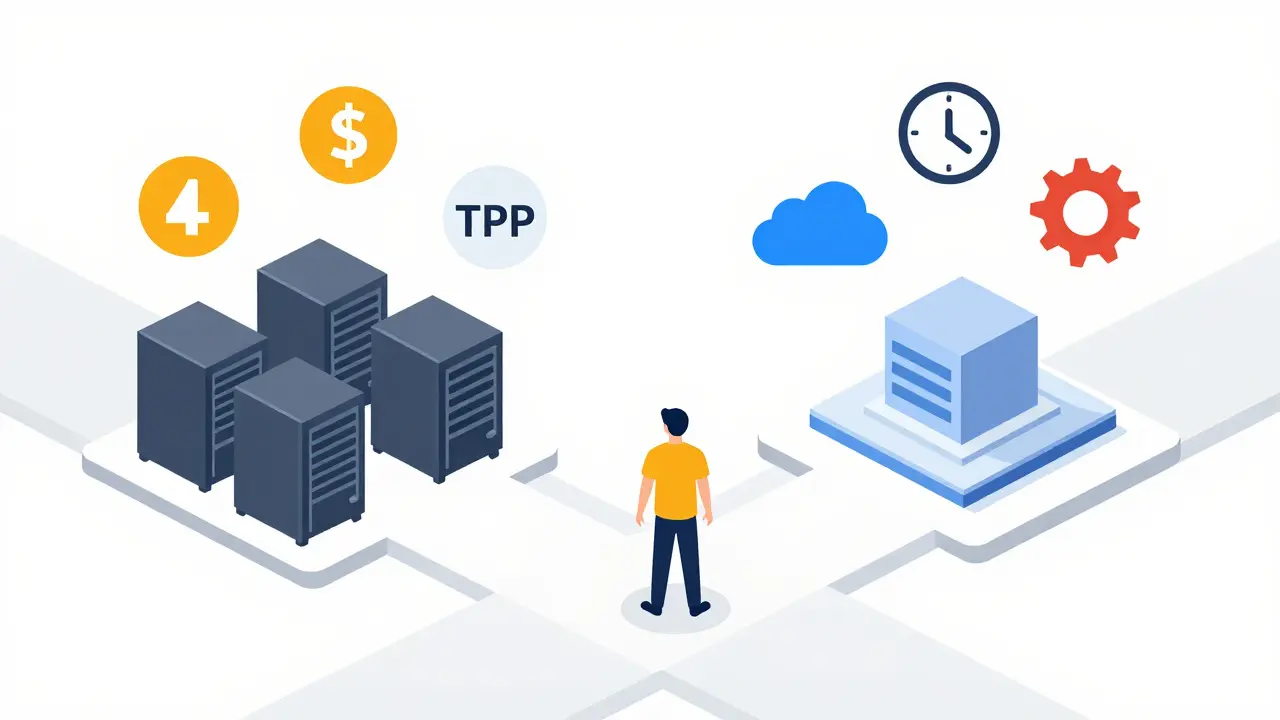
So, which one should you actually use? It's rarely a binary choice. Most high-performing teams use a hybrid strategy. You might use GPUs for the research phase-where you're constantly changing the architecture and need the flexibility of PyTorch's eager mode-and then switch to TPUs for the massive pre-training run to save millions of dollars.
Go with NVIDIA GPUs if:
- You need multi-cloud portability (AWS, Azure, and GCP all support them).
- You're using custom CUDA kernels or non-standard layers that aren't supported by XLA.
- Your team is heavily invested in the PyTorch ecosystem and needs fast debugging.
- You're doing small-scale fine-tuning on a few nodes.
Go with Google TPUs if:
- You're training a foundation model from scratch and budget is a major constraint.
- Your stack is already built on JAX or TensorFlow.
- You need to scale to thousands of chips with minimal networking headaches.
- You're running high-volume inference for millions of users and want the best cost-per-token.

Practical Pitfalls and Pro Tips
One of the biggest traps for engineers is the "ecosystem lock-in." If you build your entire pipeline around the TPU's XLA compiler, moving back to GPUs can be a painful process of rewriting data loaders and sharding logic. Conversely, relying solely on CUDA can make you a hostage to NVIDIA's pricing and supply chain issues.
A pro tip for those starting out: leverage Spot TPUs. Google Cloud often offers these at up to 70% cheaper than on-demand pricing. Because TPU Pods are more readily available in large contiguous blocks than H100 clusters, you can often spin up a massive training run much faster than you could find an equivalent number of GPUs in a single region.
Keep an eye on the memory bandwidth. If your model is memory-bound rather than compute-bound, the massive memory capacity of the TPU v5p can be a lifesaver. In these scenarios, you aren't just paying for TFLOPS; you're paying for the ability to keep the model weights in high-speed memory without constantly swapping to slower system RAM.
Are TPUs only for Google Cloud users?
Yes, TPUs are proprietary hardware developed by Google and are only available through Google Cloud Platform (GCP). If your organizational mandate requires multi-cloud deployment or on-premises hardware, NVIDIA GPUs are the only viable choice since they are supported across all major providers and can be bought as physical hardware.
Is it harder to code for TPUs than for GPUs?
It can be. GPUs have a massive community and a huge library of pre-existing CUDA kernels. TPUs rely on the XLA compiler. While GSPMD makes distributed training easier by automating sharding, the initial learning curve for JAX or TPU-optimized PyTorch is steeper than just running standard PyTorch on a GPU.
Which hardware is better for inference?
It depends on the scale. For low-latency, diverse request types, NVIDIA's L40 or A10 GPUs are excellent. However, for massive scale where you're serving millions of users, the TPU v6e provides significantly better cost-per-token and higher efficiency, especially if the model is already optimized for XLA.
What is MFU and why does it matter?
Model FLOPs Utilization (MFU) measures how much of a chip's theoretical peak performance is actually used for the model's training. A chip might have a high theoretical TFLOPS count, but if it spends 50% of its time waiting for data from the network, its MFU is low. Higher MFU means you're getting more value out of the hardware you're paying for.
Do I need to know CUDA to use GPUs for AI?
Not necessarily. Most developers use high-level frameworks like PyTorch or TensorFlow, which handle the CUDA calls for them. However, if you need to implement a brand new, highly optimized layer or a custom operation to get a performance boost, knowing CUDA becomes essential.
mani kandan
April 24, 2026 AT 15:16The breakdown on MFU is a real eye-opener. Most people just stare at the peak TFLOPS and ignore the actual efficiency of the pipeline. It is a vivid reminder that the hardware is only as good as the interconnects connecting them
OONAGH Ffrench
April 25, 2026 AT 08:57infrastructure is essentially the new geography of intelligence. the shift toward asics like tpus suggests we are moving away from general purpose computing into a more curated era of silicon where the hardware is the algorithm
Sheetal Srivastava
April 26, 2026 AT 01:45Honestly, if you aren't leveraging GSPMD for automated sharding, you're practically playing with toys. The stochastic nature of GPU memory management is simply primitive compared to the deterministic elegance of XLA. It is frankly embarrassing how many developers cling to the PyTorch eager mode just because they lack the intellectual rigor to master JAX. We are talking about a paradigm shift in tensor orchestration and the sheer lack of sophistication in most 'production' pipelines is staggering. The latency overhead in NCCL is a joke when compared to the OCS architecture. If you can't handle the cognitive load of a compiler-driven approach, perhaps you should stick to basic regression models. The TCO reduction mentioned is barely a glimpse of the actual efficiency gains possible when you stop fighting the hardware and start aligning with the silicon's inherent logic. Most people just don't have the capacity to grasp the nuances of memory bandwidth vs compute-bound bottlenecks. It's a tragedy of the modern engineering era that we prioritize 'ease of use' over raw architectural purity. The H100 is a wonderful piece of kit, but the TPU v5p is a symphony of efficiency for those of us who actually understand high-dimensional linear algebra. Stop pretending that CUDA's ecosystem is a technical advantage when it is actually just a comfortable blanket for the mediocre. Real scale requires the discipline of ASICs. Anything else is just burning venture capital for the sake of tradition. The future is XLA or nothing.
Rahul Borole
April 27, 2026 AT 15:34The mention of Spot TPUs is an excellent addition to this discussion. Utilizing preemptible instances can drastically optimize the budget for researchers who are performing iterative experiments. I highly recommend implementing robust checkpointing strategies to mitigate the risk of instance reclamation.
poonam upadhyay
April 29, 2026 AT 08:56Absolute rubbish!!!! Who even cares about a few pennies per hour when NVIDIA is basically the god of AI???!!! This whole TPU obsession is just Google trying to trick us into their walled garden!!!! It's a total scam!!!!
Shivam Mogha
April 30, 2026 AT 09:39Fair point on the lock-in.