Design Patterns for LLM Vibe Coding: Vertical Slices and Context Engineering
 Aug, 27 2026
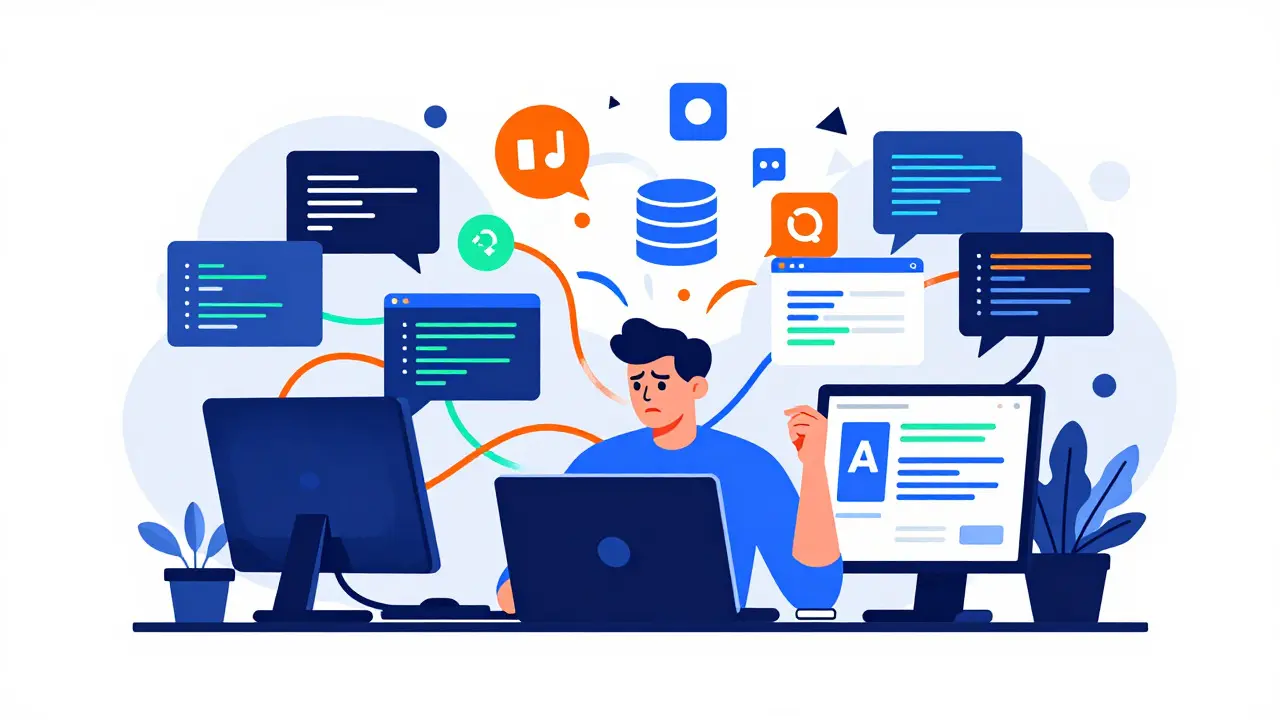
Imagine telling an AI to build a full e-commerce platform in one prompt. You’d likely get a mess of conflicting dependencies, broken logic, and UI components that don’t match your brand. This is the reality many developers face when they try to use Large Language Models (LLMs) without structure. Vibe coding isn't just about letting the AI guess; it's about applying specific architectural strategies to keep the generated code clean, consistent, and maintainable.
When you vibe code, you are essentially managing a very fast, very literal, but occasionally hallucinating junior developer. The difference between a project that works and one that collapses lies in the design patterns you enforce. These patterns act as guardrails, guiding the LLM through complex tasks by breaking them down into manageable, logical steps. Here’s how the most effective patterns work in practice.
The Vertical Slice Approach
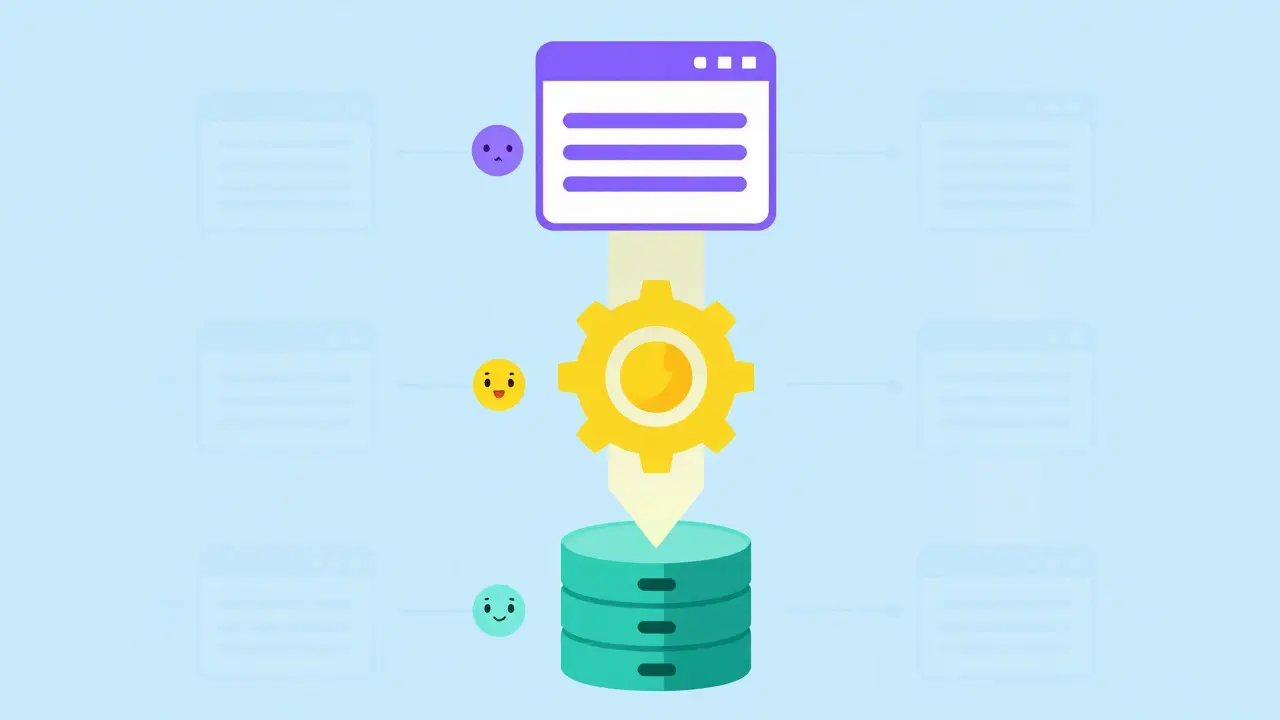
The most critical pattern for LLM-assisted development is the Vertical Slice architecture. Instead of building the entire database layer first, then the backend API, and finally the frontend UI, you build features end-to-end in thin slices. A single slice might include the database model for a user profile, the API endpoint to update it, and the React component to display it.
This approach works exceptionally well with LLMs because it keeps the context window relevant. If you ask an LLM to generate all database models for a complex application at once, it often invents fields or relationships that don’t exist in your actual schema. By focusing on one vertical slice at a time-say, just the authentication flow-the LLM only needs to know about the `User` table, the login form, and the session management logic. This reduces cognitive load for both you and the AI, significantly lowering the rate of architectural hallucinations.
- Phase 1: Implement the simplest full-stack feature (e.g., user registration).
- Phase 2: Add complexity to that same feature (e.g., email verification).
- Phase 3: Move to the next vertical slice (e.g., product listing).
Context Engineering and Rule Files
Without explicit instructions, LLMs default to generic best practices that may not fit your specific stack. This is where Context Engineering comes in. It involves structuring your project so the AI always has access to the right conventions. In tools like Cursor or Claude Code, this often means maintaining a `.cursor/rules/` directory or similar configuration files.
These files should contain your non-negotiables: naming conventions, error handling standards, and preferred libraries. For example, if you use TypeScript, specify that all API responses must be typed interfaces defined in a central `types.ts` file. If you prefer Tailwind CSS over styled-components, state that clearly. By externalizing these rules, you stop repeating yourself in every prompt and ensure the LLM generates code that looks like it was written by the same team member every time.
Explicit Architectural Documentation
LLMs are trained on vast amounts of open-source code, which means they have seen millions of ways to solve the same problem. To prevent them from mixing incompatible patterns, you must explicitly document your architectural choices. This includes specifying whether you use Model-View-Controller (MVC), Repository Pattern, or Dependency Injection.
For instance, if your project uses a repository pattern combined with dependency injection (sometimes referred to as the "Bat" pattern in certain communities), you need to tell the LLM exactly how that works in your codebase. Provide examples of how services are injected into controllers. Without this explicit documentation, the LLM might generate direct database calls inside your UI components, bypassing your service layer entirely. Clear architectural docs act as a contract that the AI must adhere to.
Component Libraries and Boilerplates
One of the biggest sources of inconsistency in vibe-coded projects is UI styling. To combat this, rely heavily on pre-built component libraries and boilerplate templates. Using a framework like Wasp (which bundles React, Node.js, and Prisma) or Laravel for PHP environments provides a "batteries-included" foundation. These frameworks handle infrastructure complexity under the hood, allowing the LLM to focus purely on business logic.
When you use a standardized component library, the LLM doesn’t need to guess how to style a button. It simply imports the existing `Button` component from your library. This eliminates a massive amount of token usage and potential errors related to CSS conflicts or accessibility issues. The more constrained the environment, the better the LLM performs.
Refactoring-Driven Development
Don’t expect the first output to be perfect. A highly effective pattern in vibe coding is Refactoring-Driven Development. The workflow here is simple: make it work, write tests, then let the LLM refactor. Many developers find that asking an LLM to optimize code on the first pass leads to over-engineering or subtle bugs. However, once the functionality is verified by tests, asking the LLM to "clean up this function" or "improve readability" yields excellent results.
This separates concerns: first, you achieve functional correctness; second, you achieve code quality. This two-step process aligns perfectly with how LLMs process information-they are better at transforming existing, working code than creating complex logic from scratch.
Agent-Based Iterative Workflows
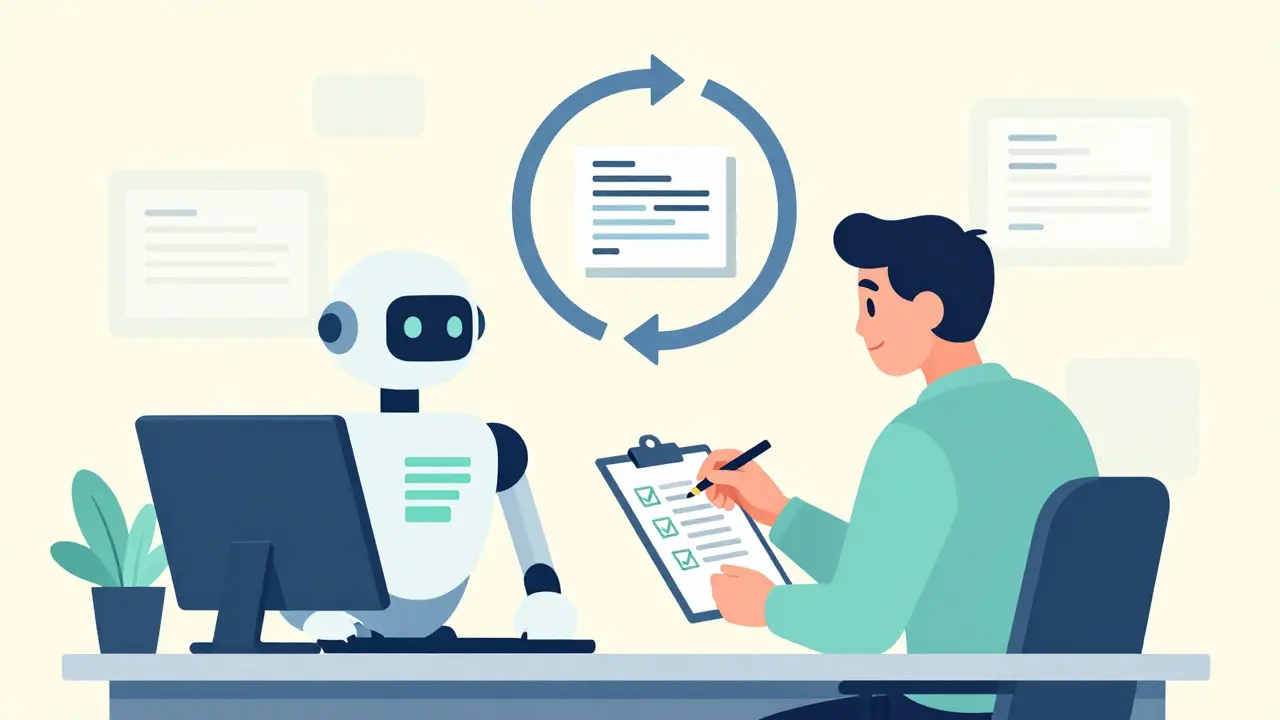
Treat your interaction with the LLM like managing a scrum team, not like ordering from a vending machine. The Agent-Based Workflow involves presenting a problem, reviewing the result, providing specific feedback, and iterating. Rarely will a single prompt produce the exact solution you want. Expect to go through 3-5 cycles of refinement for any non-trivial feature.
This iterative approach allows you to catch small misunderstandings early. If the LLM misinterprets a requirement in the first pass, fixing it immediately is cheaper than debugging a fully built feature later. This mindset shift-from "prompting" to "managing"-is crucial for successful vibe coding.
| Pattern | Primary Benefit | Best For | Risk if Ignored |
|---|---|---|---|
| Vertical Slice | Reduces context window overload | Full-stack applications | Architectural mismatches |
| Context Engineering | Ensures consistency across files | Team projects, long-term maintenance | Inconsistent code styles |
| Explicit Docs | Prevents pattern mixing | Complex backend systems | Bypassed service layers |
| Refactoring-Driven | Improves code quality safely | Legacy code integration | Over-engineered initial code |
Frequently Asked Questions
What is the main advantage of using Vertical Slices in vibe coding?
The main advantage is that it limits the scope of what the LLM needs to consider at any given time. By focusing on one end-to-end feature, you reduce the chance of the AI hallucinating unrelated database fields or API endpoints, leading to cleaner, more accurate code generation.
How do I set up Context Engineering for my project?
Start by creating a dedicated directory for rules (like `.cursor/rules/`). Document your coding standards, preferred libraries, and architectural decisions in markdown files within this directory. Ensure these files are included in the LLM's context window whenever you start a new session or task.
Is Refactoring-Driven Development slower than writing perfect code upfront?
Not necessarily. While it adds an extra step, it often saves time in the long run by preventing subtle bugs introduced during initial generation. LLMs are generally better at improving existing code than creating complex logic from zero, making the refactoring phase efficient and safe.
Which frameworks are best suited for vibe coding with LLMs?
Frameworks with strong typing and clear conventions work best. Examples include TypeScript-based stacks (React, Node.js, Prisma) via tools like Wasp, or PHP frameworks like Laravel. The key is choosing technologies that have abundant training data and strict structural guidelines.
How many iterations should I expect per feature?
For non-trivial features, expect 3 to 5 iterations. The first pass usually establishes the skeleton, subsequent passes refine logic and edge cases, and final passes handle polishing and optimization. Patience is part of the Agent-Based Workflow.
Chris Neal
August 27, 2026 AT 14:17Vertical slices are the only way to go.
Context windows are finite, so why feed it garbage?
If you build the DB layer first, you're just guessing at relationships that might not exist in your actual business logic.
I've seen too many projects fail because someone tried to generate a whole schema in one shot.
The AI hallucinates fields like 'user_favorite_color' or 'product_emotional_state' and suddenly you have a mess.
Stick to one feature end-to-end.
Auth flow is perfect for this.
You know exactly what tables you need, what endpoints you need, and what UI components you need.
It keeps the token usage low and the accuracy high.
Also, stop trying to get perfect code on the first pass.
Just make it run, then clean it up.
LLMs are better at refactoring than creating from scratch anyway.
It's basic software engineering principles applied to a new tool.
Nothing revolutionary here, just common sense.
Vishnu Vardhan Reddy M S
August 28, 2026 AT 21:07Ooh, finally someone said it!
"Vibe coding" sounds like magic but it's actually just strict discipline with extra steps.
I love the "junior developer" analogy because it's painfully accurate.
You wouldn't let a junior dev write the whole backend without specs, right?
So why do we expect the LLM to guess our architecture?
The context engineering part is huge though.
I used to paste my style guide into every single prompt and got tired of it fast.
Now I just keep a rules file and let the tool handle it.
Saves so much brain power for actual problem solving.
Great read, definitely saving this for my next project kickoff.
Kyle Ware
August 30, 2026 AT 03:00Good points on the vertical slice approach.
I find that if you don't constrain the scope the AI gets creative in bad ways.
Like inventing REST endpoints that don't match your router setup.
Also the refactoring step is key.
First pass is usually ugly but functional.
Second pass makes it readable.
Third pass optimizes it.
Don't skip the tests in between though.
Without tests you're just asking the AI to break working code.
Keep it simple and iterate.
Iva Grekova
August 31, 2026 AT 00:00This resonates so much.
I was struggling with inconsistent styling until I started using a component library strictly.
Now the AI just imports Button instead of writing custom CSS every time.
It feels less like coding and more like assembling blocks.
Which is honestly kind of nice when you're tired.
The idea of managing it like a scrum team rather than vending machine clicks for me.
Iterate, review, adjust.
It takes patience but the results are way cleaner.
Thanks for breaking it down so clearly!
Onyinyechi Nwosu
August 31, 2026 AT 11:47really helpful perspective on context engineering.
i often forget to document my architectural choices explicitly.
just assume the ai knows my patterns.
but it doesn't.
it sees millions of repos and mixes them up.
so specifying the repository pattern vs mvc is crucial.
otherwise you end up with db calls in your react components.
yuck.
thanks for the reminder to be explicit.
Chandan Singh
August 31, 2026 AT 13:31While vertical slices are good for small features, they can get messy in microservices architectures.
You have to be careful about how you define the slice boundaries.
If your service A depends on service B, where does the slice end?
Often you need mock services or stubs which adds complexity.
But generally agreed, context management is king.
Also, the "Bat" pattern mention is niche but accurate for certain DI-heavy shops.
Most people just use standard constructor injection.
Still, the core advice holds: constrain the input, verify the output, iterate.
Simple as that.
Brannen Hall
September 2, 2026 AT 01:17Another day, another article telling us to do TDD but call it vibe coding.
Refactoring-driven development is just unit testing with extra steps.
We've been doing this since the 90s.
The only new thing is the AI sometimes breaks things faster than you can fix them.
But sure, let's pretend this is some new paradigm.
Just use an IDE with good autocomplete and stop relying on magic prompts.
Or maybe both.
Who knows.
Probably nothing changes fundamentally.
Code is still hard.
AI just makes it harder to tell who broke it.
You or the model.
Fun times.
tiffany King
September 2, 2026 AT 07:22Love the optimism here!
Even if it's just rebranding old practices, having a framework to think about it helps.
I feel like I'm getting better at prompting after reading this.
Breaking things into smaller chunks really does reduce the weird errors.
And yes, treating it like a team member works wonders.
Appreciate the detailed breakdown of the patterns.
Feeling more confident about my next project now.
Here's to cleaner code and fewer headaches!
Great post overall.