Designing Multimodal Generative AI Applications: Input Strategies and Output Formats
 Mar, 5 2026
When you ask an AI to explain a chart you just took a photo of, and it responds with a spoken summary while highlighting key trends on the image - that’s multimodal generative AI in action. This isn’t science fiction anymore. It’s happening in customer service bots, medical diagnostics tools, and even educational apps that adapt to how you learn. But designing these systems isn’t just about picking the right model. It’s about how you feed it information and how you let it respond. Get the input wrong, and the output will be useless. Get the output format wrong, and users won’t trust it. This is where real engineering begins.
What Multimodal AI Actually Does
Most people think of AI as a text chatbot. You type something. It types back. Simple. But multimodal generative AI breaks that mold. It doesn’t just handle one type of data - it handles multiple at once. Think text, images, audio, video, even sensor readings from a factory machine. The magic isn’t in processing each one separately. It’s in seeing how they connect.
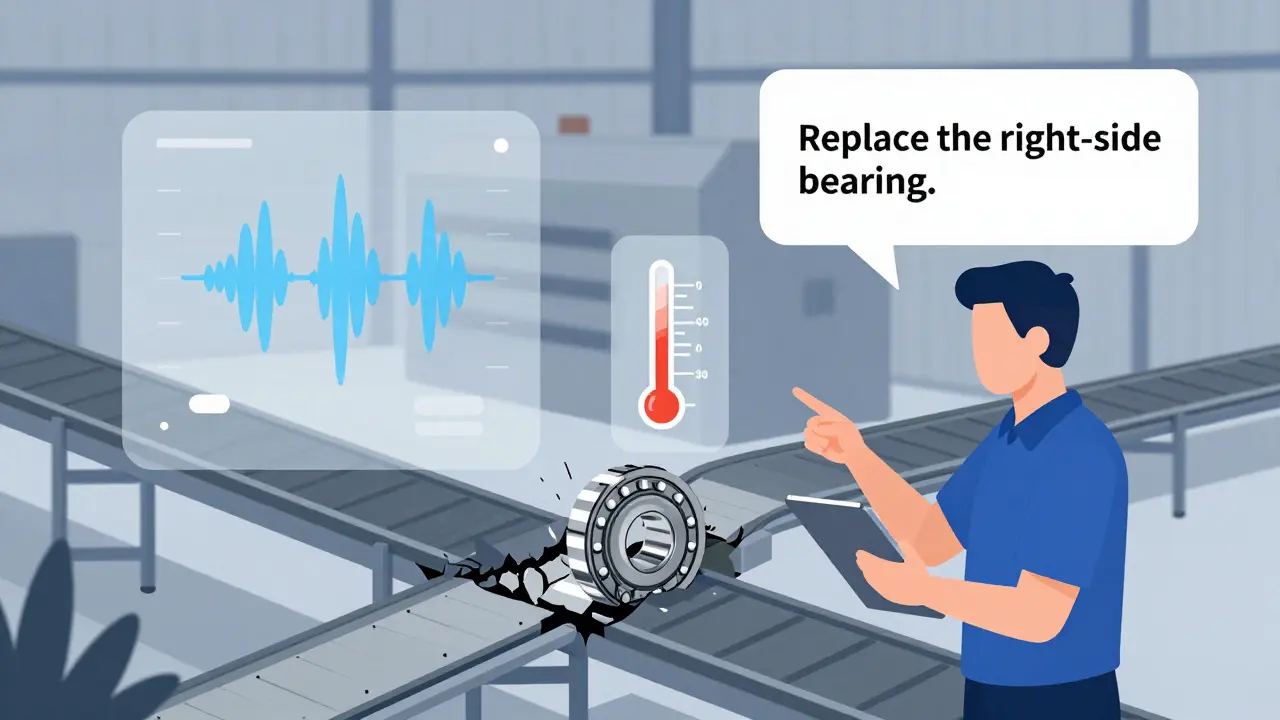
For example, imagine a warehouse worker points a tablet at a broken conveyor belt. They say, “It’s making a grinding noise.” The AI doesn’t just listen to the audio. It analyzes the video of the belt, reads the temperature sensor data, and checks the maintenance logs. Then it replies: “The roller bearing on the right side is overheating. Replace it. Audio matches known failure pattern.” That’s cross-modal reasoning. And it’s only possible because the AI was designed to fuse inputs, not just receive them.
Input Strategies: How to Feed the System Right
Not all inputs are created equal. A poorly structured prompt can make even the best model fail. Here’s what works.
- Combine context, not just data. Don’t just upload an image and ask “What’s this?” Give it a purpose. “This is a screenshot of our dashboard. The sales numbers dropped last week. What’s the likely cause?” Now the AI knows it’s not just describing pixels - it’s diagnosing a business problem.
- Use structured prompts for mixed inputs. If you’re sending both text and audio, label them. “Text: User complaint about delivery delay. Audio: Customer’s tone is frustrated.” This helps the model align modalities correctly. Models like Gemini is a multimodal AI model developed by Google that can process text, images, video, audio, and code simultaneously and GPT-4o is OpenAI’s latest multimodal model with real-time voice and emotional tone analysis respond better when inputs are organized.
- Handle asynchronous data. Real-world inputs don’t arrive together. A customer might send a photo, then call minutes later. Your system needs to remember context across time. Use session IDs or temporal tagging. Without this, the AI treats each input as isolated - and misses the full story.
- Normalize formats early. Convert everything to a common internal representation. Text becomes embeddings. Images become feature vectors. Audio becomes spectrograms. If you leave raw files floating, the model gets confused. Tools like ViLT is a transformer-based architecture that jointly processes text and visual inputs for tasks like visual question answering and LXMERT is a multimodal transformer that learns cross-modal interactions between language and vision do this automatically, but you still need to prepare the data pipeline right.
Output Formats: Choosing the Right Response
Just because the AI can generate video, audio, and text doesn’t mean it should. The output format must match the user’s need.
- Text for clarity and detail. Use this for explanations, instructions, or when users need to copy-paste. A customer service bot might respond with text summarizing a troubleshooting step - but only after analyzing a video of the faulty device.
- Images for spatial understanding. If you’re explaining a machine layout or a medical scan, a labeled diagram beats paragraphs. DALL-E is a generative model that creates images from text prompts and Stable Diffusion is an open-source image generation model widely used for custom visual outputs are great here, but they need grounding. Don’t just generate a random image. Generate one that matches the input data.
- Audio for accessibility and immediacy. A visually impaired user doesn’t want to read a 500-word report. A 30-second spoken summary with tone matching urgency (calm for routine, urgent for critical) is better. GPT-4o is a multimodal AI model with real-time voice mode that detects emotional tone from vocal patterns does this well. But test it. A robotic voice can feel cold. A natural one builds trust.
- Video for dynamic processes. If you’re showing how a robot should move, or how a chemical reaction unfolds, a short looped clip beats still images. Use video only when motion adds value. Don’t make users sit through 2 minutes of footage for a simple alert.
- Structured data for systems. Sometimes the user isn’t a person - it’s another system. If your AI analyzes a receipt, output JSON: {"total": 45.99, "items": [...], "store": "Starbucks"}. This lets your backend auto-fill databases. Gemini is a multimodal AI model that can extract text from images and convert it to JSON excels here.
Real-World Use Cases That Work
Companies aren’t just experimenting - they’re deploying.
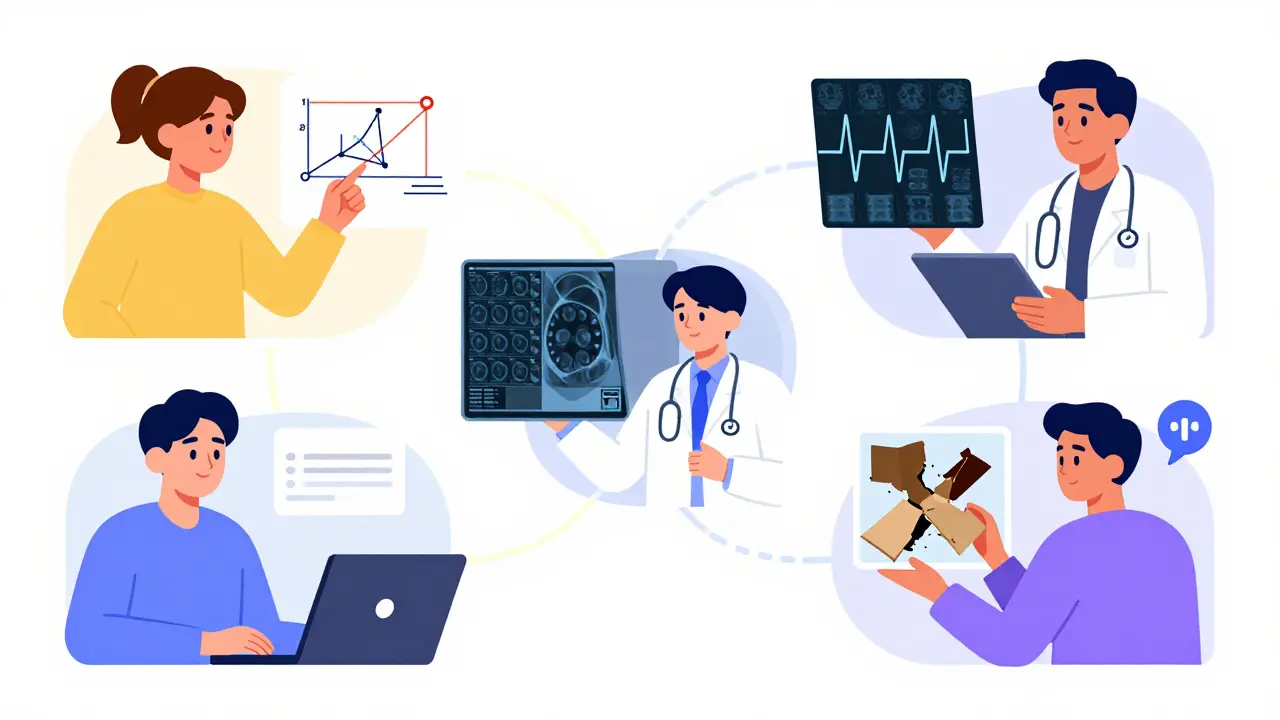
- Customer service: A user uploads a photo of a damaged product and says, “It broke after two weeks.” The AI pulls the purchase date, checks warranty status, analyzes the image for manufacturing defects, and replies: “You’re covered. Here’s a return label. We’ve seen this issue in batch #728 - we’re fixing it.” Result? 35% faster resolution, according to Convin.ai is a company that analyzes customer interactions and reports that multimodal AI reduces average handling time by 35%.
- Manufacturing: Sensors on a pump send vibration data. A security camera captures the machine’s movement. A technician’s voice says, “It’s making a new sound.” The AI fuses all three, detects a bearing misalignment before failure, and sends an alert to maintenance. Companies using this cut unplanned downtime by 22%.
- Healthcare: A doctor uploads an X-ray and says, “Patient has chest pain.” The AI cross-references the image with the patient’s ECG audio recording and medical history. It flags a subtle pattern: early signs of pulmonary embolism. This isn’t theory - it’s being tested in hospitals.
- Education: A student points their phone at a physics diagram and asks, “Why does this lever work?” The AI responds with a 15-second video animation showing force vectors, then gives a short text explanation. One study showed 31% better retention compared to text-only explanations.
What Goes Wrong - And How to Fix It
Every team hits walls. Here’s what breaks - and how to fix it.
- Outputs don’t match inputs. The AI describes a red car in the image - but the car is blue. This happens when modalities aren’t aligned. Solution: Use joint embedding layers. Train the model to treat text and images as one unified representation, not separate streams.
- Too much output. The system gives you a 10-minute video, a 300-word summary, and three charts. Overwhelming. Solution: Let users choose their output format. Build a toggle: “Text only,” “Visual summary,” “Voice report.”
- Slow response. Processing video + audio + text takes power. If you’re on a phone, it lags. Solution: Offload heavy processing to the cloud. Use lightweight models for mobile. Gemini 1.5 Pro is a version of Google’s multimodal AI with a 1 million token context window, enabling analysis of full-length videos is powerful - but you don’t need it for a 5-second clip.
- Biased or unsafe outputs. If the AI hears a voice accent it hasn’t been trained on, it misinterprets. If it sees a photo of a diverse group, it might label them inaccurately. Solution: Audit your training data. Test with real-world diversity. Follow the EU AI Act is a regulation effective January 2025 requiring transparency for multimodal AI systems using biometric data guidelines - even if you’re not in Europe.
Where This Is Headed
By 2027, every enterprise AI system will be multimodal. It won’t be optional. Why? Because humans don’t communicate in one format. We speak, gesture, show, and write. AI has to keep up.
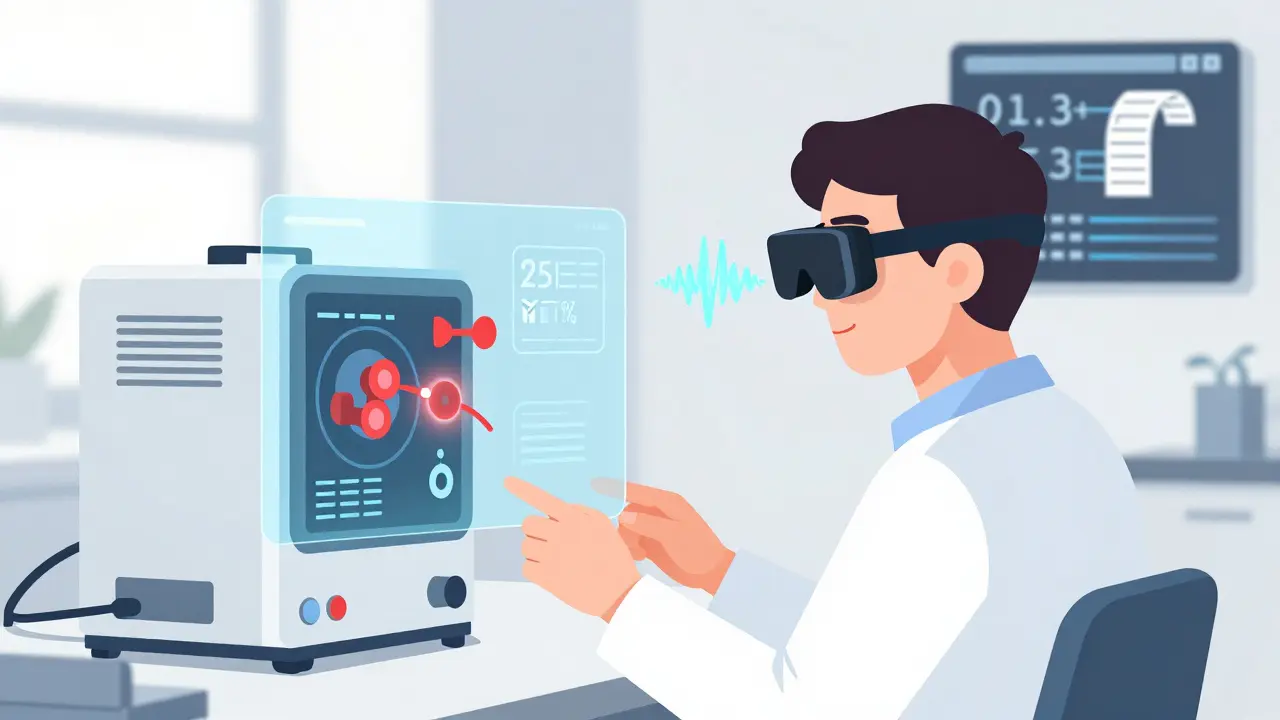
Next up: spatial AI. Imagine putting on AR glasses. You look at a machine. It overlays repair instructions, plays a voice guide, and highlights faulty parts - all in real time. Microsoft’s Mesh integration with GPT-4o is the first step. This isn’t about better chatbots. It’s about AI that lives in your world, not your screen.
But here’s the catch: You can’t just buy a model and expect magic. Designing these systems requires understanding inputs, outputs, and the messy human behavior in between. The best models in the world - GPT-4o is OpenAI’s latest multimodal model with real-time voice and emotional tone analysis, Gemini is a multimodal AI model developed by Google that can process text, images, video, audio, and code simultaneously, Claude is Anthropic’s multimodal AI model known for its reasoning and safety focus - are just tools. The real skill is knowing how to ask the right questions, and how to let the AI answer in the way that matters most.
What’s the difference between multimodal AI and regular generative AI?
Regular generative AI, like early versions of ChatGPT, only works with text. You type in a question. It types back. Multimodal AI handles multiple types of input - text, images, audio, video - all at once. It doesn’t just respond with text. It can generate images, summaries, audio clips, or even structured data like JSON. The key difference is context: multimodal AI understands how different types of information relate to each other. For example, it can look at a photo of a broken device, listen to a user describe the noise, and then explain the problem in text - all together.
Which models are best for multimodal applications right now?
The top models in 2026 are Google’s Gemini, OpenAI’s GPT-4o, and Anthropic’s Claude. Gemini excels at extracting text from images and converting them into structured data like JSON. GPT-4o stands out for real-time voice interactions and detecting emotional tone from speech. Claude is known for its strong safety filters and reasoning across complex inputs. For visual tasks, models like DALL-E and Stable Diffusion are still widely used for generating images from text. The best choice depends on your use case: customer service? Try GPT-4o. Document processing? Gemini. Creative design? DALL-E.
Do I need special hardware to run multimodal AI?
Yes - but not always on your device. Processing video, audio, and images together requires serious computing power. Running this locally on a laptop or phone usually isn’t practical. Most teams use cloud platforms like Google Vertex AI or Azure AI. These services provide GPU and TPU acceleration for real-time multimodal processing. For lightweight apps - like analyzing a single image - you can use smaller models. But for full multimodal workflows (text + video + audio), you need cloud infrastructure. Google Cloud reports that real-time analysis of multiple data streams requires specialized hardware acceleration.
How do I start building a multimodal AI app?
Start small. Pick one input and one output. For example: take a photo of a receipt and return the total amount as text. Use Google’s Vertex AI with Gemini - it’s one of the most documented and reliable starting points. Then add complexity: include voice input (“This is my grocery receipt”) or add context (“I’m on a budget of $50”). Test with real users. Don’t try to build a system that handles video, audio, and text all at once. Master one combination first. Coursera’s multimodal AI course shows that most developers spend 2-4 weeks learning the tools before building anything meaningful.
What are the biggest risks with multimodal AI?
The biggest risks are inconsistency and bias. If the AI sees a photo of a person and hears their voice, but the two don’t match (e.g., mismatched gender or ethnicity), it can make wrong assumptions. Also, if you train it mostly on English data, it fails with accents. Ethical risks are higher because multimodal systems can analyze facial expressions, voice tone, and body language - all forms of biometric data. The EU AI Act now requires transparency for these systems. Always audit your outputs across diverse groups. Test with real-world data, not just lab samples. And never let the AI make life-critical decisions without human oversight.
Next Steps for Developers
If you’re building this, don’t wait for perfection. Start with one input-output pair. Use Gemini on Vertex AI to extract text from an image. Then add voice. Then add a simple video. Each step teaches you how modalities interact. Join developer communities - Google’s Gemini forums and GitHub repos for ViLT and LXMERT have active support. And remember: the goal isn’t to impress with tech. It’s to make people’s lives easier. The best multimodal AI doesn’t feel like AI at all. It just works.