Mixed-Precision Training for LLMs: FP16, BF16, and Beyond
 Sep, 30 2026
Imagine spending two weeks training a massive language model, only to realize your GPU memory is half-empty while the processor waits for data. Or worse, your loss function explodes because a tiny gradient underflowed into zero. This isn't a hypothetical nightmare; it's the daily reality of training Large Language Models (LLMs) with standard 32-bit floating-point numbers. The solution? Mixed-precision training. It’s not magic, but it feels like it when you cut training time by more than half without losing accuracy.
If you're working with models like Llama 3 or Mistral, you've likely heard terms like FP16, BF16, and Tensor Cores thrown around. But what do they actually mean for your pipeline? And which one should you pick? Let's break down how mixing different numerical precisions can save your budget, speed up your experiments, and keep your gradients stable.
The Math Behind the Speedup
Standard deep learning uses FP32 (single-precision floating point), which uses 32 bits per number. It’s precise, stable, and incredibly slow compared to modern hardware capabilities. Modern GPUs, specifically those from NVIDIA with Tensor Cores, are built to crunch lower-precision math much faster. Why? Because moving less data through the chip means less energy and more operations per second.
FP16 (half-precision floating point) uses just 16 bits. It has a 5-bit exponent and a 10-bit mantissa. This format allows for double the throughput of FP32 on supported hardware. However, it has a tiny dynamic range. The smallest positive number it can represent is about $6.1 \times 10^{-5}$. If your gradients get smaller than that, they vanish to zero. This causes "gradient underflow," where the model stops learning because it thinks the error is non-existent.
Enter BF16 (Brain Floating Point). Introduced by Google for their TPUs in 2018, BF16 also uses 16 bits but splits them differently: an 8-bit exponent and a 7-bit mantissa. By keeping the same exponent size as FP32, BF16 maintains the huge dynamic range ($10^{-38}$ to $10^{38}$) needed for stable training, even if it sacrifices some precision in the fractional part. For most LLMs, this trade-off is perfect. You get the speed of 16-bit math with the stability of 32-bit ranges.
Why Mixed Precision Works (The Master Weight Trick)
You might wonder: if we use low-precision formats for calculations, why doesn't our model become garbage? The secret lies in maintaining FP32 master weights.
Here’s the workflow:
- Forward Pass: Convert weights to FP16 or BF16. Compute activations and loss using fast, low-precision math.
- Backward Pass: Calculate gradients in low precision.
- Loss Scaling: Multiply the loss by a large factor (e.g., $2^{16}$) before backpropagation. This shifts small gradients into the representable range of FP16/BF16, preventing underflow.
- Optimizer Step: Unscale the gradients and update the master FP32 weights. The low-precision weights are discarded and re-derived from the updated master weights in the next iteration.
This approach ensures that critical accumulation steps happen in high precision, preserving convergence quality. According to NVIDIA’s documentation, this method delivers up to 3x faster training speeds and reduces memory usage by roughly 50% compared to pure FP32 training.

FP16 vs. BF16: Which One Should You Use?
Choosing between FP16 and BF16 depends largely on your hardware and model architecture. Here’s a quick comparison based on recent benchmarks and industry standards.
| Feature | FP32 (Single) | FP16 (Half) | BF16 (Brain Float) |
|---|---|---|---|
| Bit Size | 32 | 16 | 16 |
| Exponent Bits | 8 | 5 | 8 |
| Dynamic Range | Huge | Tiny (Prone to overflow/underflow) | Huge (Similar to FP32) |
| Hardware Support | All GPUs | Pascal+ (NVIDIA), AMD RDNA2+ | Ampere+ (NVIDIA A100/H100), TPU v3+ |
| Stability | High | Low (Requires Loss Scaling) | High (Rarely needs scaling) |
| Best For | Debugging, Small Models | Older GPUs, Stable Tasks | Large LLMs, Modern Hardware |
If you have access to an NVIDIA A100 or H100, use BF16. Meta’s implementation of Llama 3 relies heavily on BF16 because it eliminates the headache of tuning loss scales. SabrePC benchmarks showed BF16 achieving 98.7% of FP32 accuracy on GPT-3 fine-tuning tasks, whereas FP16 hovered around 97.2%. That 1.5% difference matters when you’re trying to squeeze out every bit of performance.
On older hardware like the V100 or P100, BF16 isn’t natively supported at full speed. In these cases, FP16 with aggressive dynamic loss scaling is your best bet. Just be prepared to debug occasional NaNs (Not a Number) errors if your scale factor gets too high or too low.
Implementation in PyTorch
You don’t need to rewrite your entire training loop. PyTorch’s Automatic Mixed Precision (AMP) API handles the heavy lifting. Since version 2.0, the process is streamlined.
from torch.cuda.amp import autocast, GradScaler

scaler = GradScaler()

for inputs, labels in dataloader:
    optimizer.zero_grad()

    # Forward pass in mixed precision
    with autocast():
        outputs = model(inputs)
        loss = criterion(outputs, labels)

    # Backward pass with scaling
    scaler.scale(loss).backward()
    scaler.step(optimizer)
    scaler.update()
For BF16, you simply set the dtype in `autocast` to `torch.bfloat16`. Note that `GradScaler` is generally not needed for BF16 on Ampere+ GPUs because the dynamic range prevents underflow. Using it unnecessarily can sometimes introduce slight overhead or complexity.
A common pitfall? Custom loss functions. If you write a custom loss, ensure all operations inside it are compatible with autocast. Some operations, like certain reductions or comparisons, might default to FP32 or cause type mismatches. Always test your custom modules with `autocast` enabled first.
Beyond BF16: The Rise of FP8 and Quantization
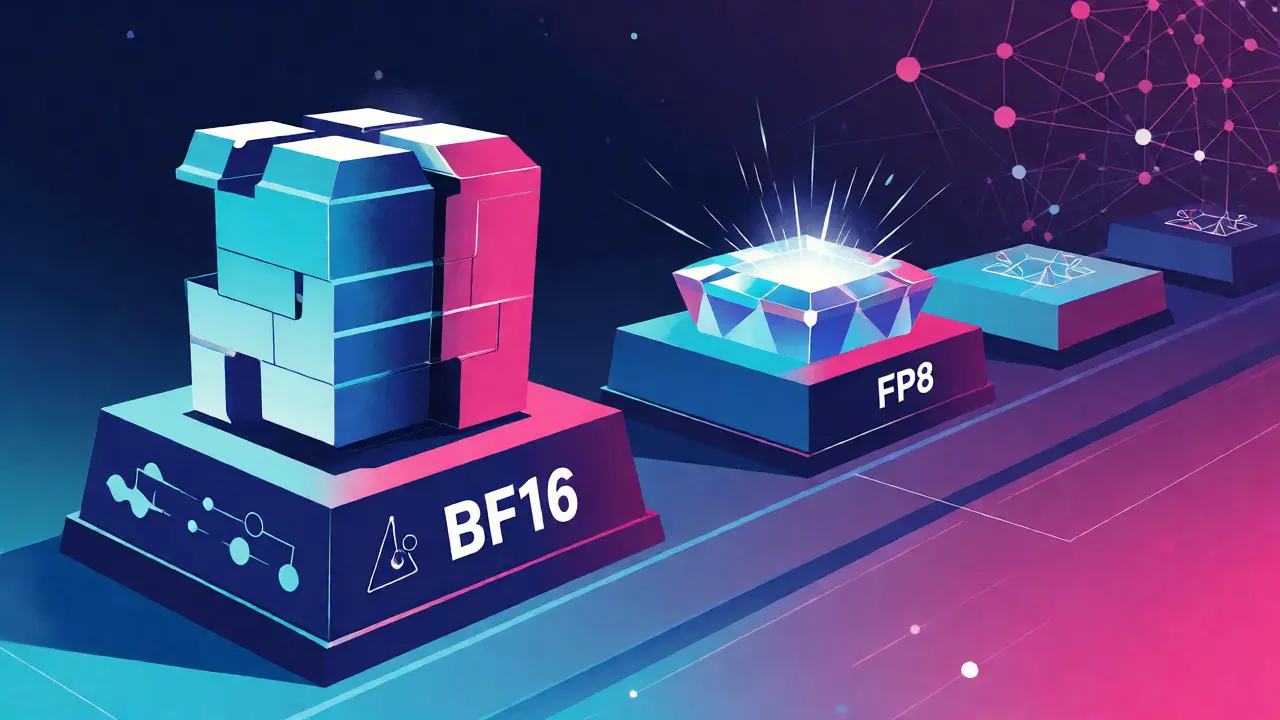
We aren't stopping at 16 bits. The frontier is now FP8. NVIDIA’s H100 GPUs support FP8, promising another 1.5x speedup over BF16. Meta’s announcement of Llama 4 hints at hybrid approaches combining BF16 and FP8.
However, FP8 is tricky. With only 4 exponent bits and 3 mantissa bits (in E4M3 format), the range is minuscule. You need sophisticated techniques like block-wise quantization or outlier channel management to make it work. Research from MILA warns that beyond 4-bit precision, maintaining model quality requires increasingly complex algorithms. For most users today, BF16 remains the sweet spot of simplicity and performance.
Looking ahead, automated precision allocation is gaining traction. Instead of choosing one format for the whole model, AI-driven tools analyze gradient sensitivity layer-by-layer, assigning higher precision only where necessary. This could lead to 22% faster convergence compared to static configurations, according to recent Google research.
Common Pitfalls and Troubleshooting
Even with AMP, things go wrong. Here’s what to check if your training stalls or diverges:
- NaNs in Loss: Usually caused by gradient overflow in FP16. Reduce your initial loss scale factor (try $2^{10}$ instead of $2^{16}$).
- Slow Convergence: Check if your optimizer state is being kept in FP32. If the optimizer updates in low precision, you lose accuracy over time.
- Memory Not Reducing: Ensure your input tensors are also cast to the target precision. Sometimes data loaders return FP32 tensors, negating the memory savings during the forward pass.
- Incompatible Operations: Some libraries (like older versions of Flash Attention) may not support BF16 directly. Update your dependencies.
Remember, mixed precision is a tool, not a guarantee. Always validate your results against a baseline FP32 run for at least a few epochs to ensure no silent degradation in quality occurs.
Is mixed-precision training always better than FP32?
Not always. For very small models or tasks requiring extreme numerical precision (like scientific simulations), FP32 might be safer. Also, if your hardware lacks Tensor Cores or specific low-precision units, the overhead of casting might outweigh the benefits. For most LLMs on modern GPUs, however, mixed precision is superior.
Do I need loss scaling when using BF16?
Generally, no. BF16 has the same dynamic range as FP32, so gradient underflow is rare. Most frameworks automatically disable loss scaling for BF16 on supported hardware. Adding it manually can sometimes cause issues or unnecessary computation.
Can I mix FP16 and BF16 in the same model?
Yes, this is called heterogeneous mixed precision. You might use BF16 for layers sensitive to range (like attention heads) and FP16 for others. However, this increases complexity. Start with uniform BF16 if your hardware supports it, then optimize specific layers if needed.
Does mixed precision affect inference speed?
Training and inference are different. While mixed precision speeds up training, inference often uses quantized models (INT8 or INT4) for maximum efficiency. However, running inference in BF16 or FP16 is still significantly faster than FP32 and consumes less memory bandwidth.
What happens if my GPU doesn't support BF16?
You can fall back to FP16 with loss scaling. Alternatively, some frameworks allow emulating BF16 behavior, though this won't give you the hardware-accelerated speedup. Check your GPU architecture; pre-Ampere NVIDIA cards do not have native BF16 Tensor Core support.