Prompting Secure Authentication Flows: OAuth, SSO, and MFA Best Practices
 Aug, 24 2026
Imagine your user is trying to change their bank account details. Do you ask them for a password again? Or do you let them slide through silently because they logged in an hour ago? The answer isn't just about security; it's about trust. If you prompt too often, users get frustrated and find workarounds. If you prompt too rarely, you leave the door open for attackers who stole a session cookie. Designing these prompting decisions is the core challenge of modern authentication.
This guide breaks down how to control when and how users are asked to authenticate using OAuth 2.0, Single Sign-On (SSO), and Multi-Factor Authentication (MFA). We will look at specific parameters like prompt=login and max_age that give you precise control over the user experience without sacrificing safety.
Quick Summary / Key Takeaways
- OAuth 2.0 is an authorization framework that grants limited access to resources via tokens rather than sharing passwords.
- OpenID Connect (OIDC) builds on OAuth to add authentication capabilities, enabling features like SSO and detailed user identity claims.
- The
promptparameter allows clients to force a new login or silent authentication, overriding default SSO behaviors. max_agesets a time limit (in seconds) for how recent a user's last authentication must be to avoid re-prompting.- MFA should be integrated into the initial login flow and reused within valid session windows to prevent "prompt fatigue."
Understanding the Core Building Blocks
To control prompting, you first need to understand what you are controlling. At the heart of most modern web logins is OAuth 2.0, which acts as a bridge between your application and a user's identity provider. It doesn't handle the login itself directly but manages the permission to access data. Think of it as a valet key: it lets you drive the car (access resources) without giving you the master key (password).
Layered on top of this is OpenID Connect (OIDC). While OAuth handles authorization, OIDC adds the authentication layer. It provides an ID token containing user information and crucially, claims like auth_time, which records exactly when the user last authenticated. This timestamp is your anchor point for all subsequent prompting logic.
Finally, we have Single Sign-On (SSO). SSO is the mechanism that allows a user to sign in once and access multiple applications. It relies on a central session cookie at the Identity Provider (IdP). By default, if that cookie exists, the IdP will not show a login screen. This is great for convenience but dangerous if the cookie is stale or compromised. That’s where explicit prompting comes in.
The Power of Prompting Parameters
You don't have to guess whether a user needs to log in again. The OIDC specification gives you two primary levers: prompt and max_age. These are optional parameters in the authorization request URL that tell the Identity Server exactly what behavior you expect.
Forcing a Login with prompt=login
By default, SSO cookies allow seamless navigation across apps. But what if the user is performing a high-risk action, like changing their email address? You can send prompt=login in the authorization request. This instruction tells the IdP to ignore any existing SSO cookies and force a full, fresh authentication. The user will see the username/password screen, and if enabled, the MFA step, regardless of how recently they logged in elsewhere.
Setting Time Limits with max_age
Sometimes you don't want a *new* login, but you want to ensure the current one isn't ancient. That’s where max_age comes in. It accepts a value in seconds. For example, if you set max_age=1800, you are telling the IdP: "Only accept this session if the user authenticated within the last 30 minutes." If the auth_time claim in their current session is older than 1800 seconds, the IdP will trigger a re-authentication flow.
| Parameter | Behavior | Use Case | Risk Mitigation |
|---|---|---|---|
prompt=none |
Fail silently if no valid session exists | Background token refresh | Avoids interrupting user workflow |
prompt=login |
Force full re-authentication | Changing payment info, password reset | Prevents session hijacking abuse |
max_age=900 |
Require auth within last 15 mins | High-value transactions | Limits window of opportunity for attackers |
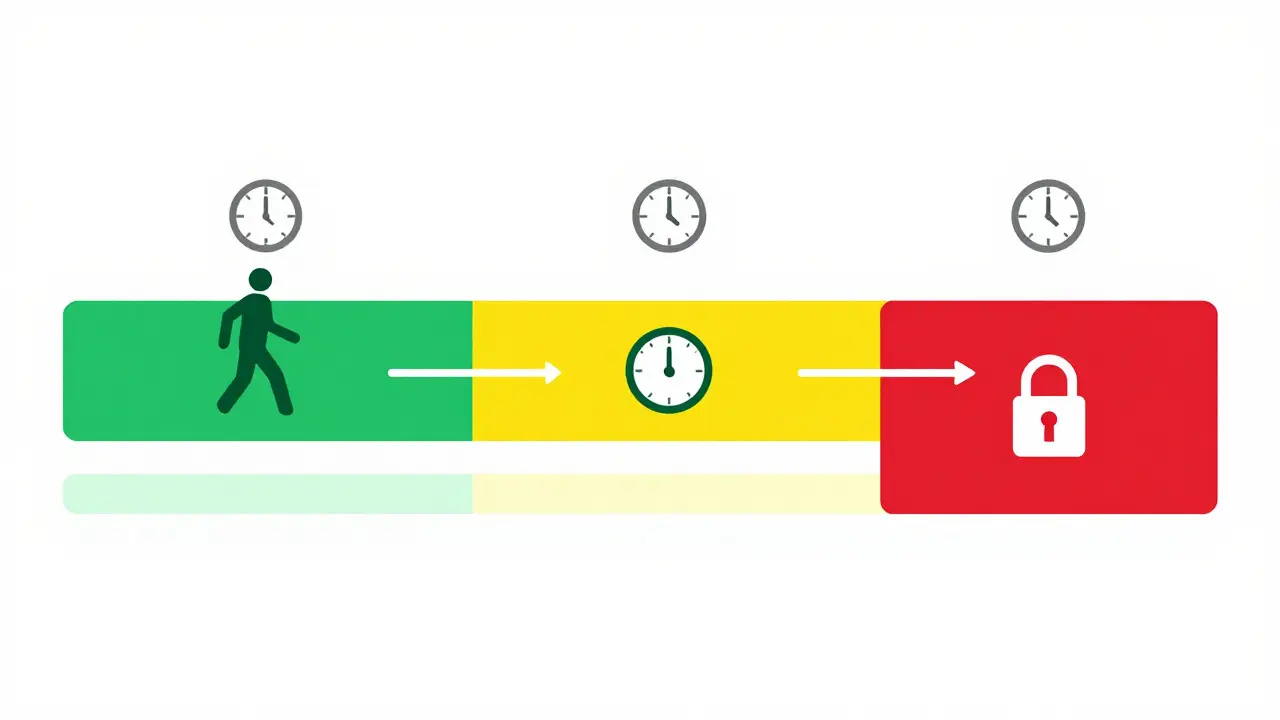
Integrating MFA Without Annoying Users
Multi-Factor Authentication (MFA) is your security shield, but it can also be a usability trap. A common mistake is prompting for an MFA code every time a token is refreshed. This leads to "prompt fatigue," where users stop caring about the security check because it happens so often.
The solution lies in understanding the relationship between MFA and SSO sessions. When a user completes MFA during their initial login, that assurance should carry over for the duration of the defined session window. You don't need to ask for the code again unless the session expires or a specific risk threshold is met.
In practice, this means inspecting the authentication methods recorded by your Identity Provider. If the last authentication event included an MFA method (like a TOTP code or push notification) and it falls within your max_age window, skip the MFA prompt. Only trigger it if:
- The session has expired based on
max_age. - You explicitly use
prompt=loginfor a critical action. - Your risk-based engine detects suspicious activity (e.g., new device, unusual location).
This approach ensures that MFA is a meaningful checkpoint, not a constant nagging noise. It balances the need for high assurance with the user's desire for frictionless access.
Best Practices for Secure Prompting Design
Designing these flows isn't just about setting parameters; it's about building a robust architecture. Here are the non-negotiable best practices to keep in mind.
Keep Access Tokens Short-Lived
Access tokens should typically last only 15 to 60 minutes. This limits the damage if a token is stolen. Rely on refresh tokens or SSO cookies to maintain continuity. When the access token expires, the client can attempt a silent refresh. If that fails, then you decide whether to prompt the user based on your max_age policy.
Validate auth_time on the Client Side
Don't blindly trust the IdP. Your application should verify the auth_time claim in the ID token. If your business rule requires authentication within the last 15 minutes for a specific feature, check the timestamp yourself. This adds a layer of defense against potential misconfigurations or attacks where an attacker manipulates query parameters.
Use Step-Up Authentication Strategically
Not all actions are equal. Browsing a dashboard might require a standard SSO session. Transferring money might require a fresh MFA check. Use max_age to implement "step-up" authentication. For low-risk actions, allow longer session windows (e.g., 8 hours). For high-risk actions, tighten the window (e.g., 15 minutes) or force prompt=login. This dynamic approach keeps security tight where it matters without slowing down everyday tasks.
Secure the Redirects
All prompting happens via redirects. Ensure you are using HTTPS everywhere. Validate the state parameter to prevent Cross-Site Request Forgery (CSRF) attacks. If you are using hybrid flows that return both an authorization code and an ID token, include a cryptographically random nonce to bind the token to the specific request and prevent replay attacks.

Common Pitfalls and How to Avoid Them
Even experienced developers stumble over these issues. Recognizing them early saves headaches later.
The Infinite MFA Loop: This happens when a silent authentication call triggers a redirect to the IdP, which then prompts for MFA again, even though the user just entered it. To fix this, check the authentication history. If MFA was used in the current valid session, suppress the prompt. Implement logic in your post-login hooks to inspect event.authentication.methods and return early if MFA is already present.
Ignoring Risk-Based Triggers: Relying solely on time-based max_age is passive. An attacker who steals a valid session cookie can bypass time checks until the session expires. Integrate risk signals. If the user logs in from a new IP address or a different browser, consider forcing a re-authentication even if the session is technically still valid. This proactive stance significantly reduces the impact of credential theft.
Over-Reliance on SSO Cookies: SSO cookies are convenient, but they are also targets. If an attacker gains access to the IdP's session store, they can impersonate users across all connected apps. Combining SSO with strict MFA policies mitigates this. Ensure that MFA is required not just at the first login, but periodically or upon significant state changes, to break the chain of trust if a cookie is compromised.
Implementation Considerations
Building these flows requires more than just configuring a library. You need to think about the user journey holistically. Start by defining your risk tiers. What constitutes a "low-risk" action versus a "high-risk" one? Map these tiers to specific max_age values and prompt strategies.
Next, ensure your frontend can handle the different outcomes. Does it support silent refreshes? Can it detect when a prompt is needed and navigate the user to the IdP seamlessly? Test edge cases: What happens if the user closes the browser mid-flow? What if the IdP times out? Robust error handling ensures that prompting failures don't lock users out of their accounts.
Finally, monitor your metrics. Track how often users are prompted for MFA. If the number is too high, you're hurting usability. If it's zero, you might be under-securing. Aim for a sweet spot where users feel secure but not burdened. Regularly review your max_age settings based on actual usage patterns and threat landscape changes.
What is the difference between OAuth 2.0 and OpenID Connect?
OAuth 2.0 is primarily an authorization framework that allows third-party apps to access user resources without sharing passwords. OpenID Connect (OIDC) is a layer built on top of OAuth 2.0 that adds authentication, providing a standardized way to verify user identity and retrieve profile information via ID tokens.
How does the max_age parameter affect MFA?
The max_age parameter defines the maximum age of the last authentication event in seconds. If the user's last MFA verification is older than this value, the Identity Provider will require the user to complete MFA again. It effectively sets a freshness requirement for multi-factor assurance.
Should I use prompt=login for every sensitive action?
Not necessarily. Using prompt=login forces a full re-authentication, which can be disruptive. Instead, use max_age to enforce recency for sensitive actions. Reserve prompt=login for truly critical events like changing credentials or recovering an account, where you want to ensure absolute certainty of user identity.
How can I prevent MFA prompt fatigue?
To prevent prompt fatigue, tie MFA prompts to session validity rather than every API call. Check if MFA was completed within the current max_age window before requesting another code. Use silent authentication attempts first, and only fall back to interactive MFA prompts when necessary.
Is SSO safe without MFA?
SSO without MFA increases the risk of total account takeover. If a single SSO credential is compromised, an attacker can access all linked applications. MFA adds a second layer of defense, ensuring that even if a password is stolen, the attacker still needs a second factor (like a phone or biometric) to gain access.