Telemetry and Privacy in Vibe Coding Tools: What Data Leaves Your Repo
 Sep, 23 2026
You’re sitting there, prompting an AI to write a complex database query. It spits out the code instantly. You accept it, move on, and feel like a wizard. But while you were feeling productive, a silent conversation was happening between your editor and a server somewhere. That conversation? It’s called telemetry. And if you aren’t careful, it might be leaking more than just usage stats-it could be shipping your proprietary logic straight out of your repo.
This isn’t paranoia; it’s architecture. As we shift from typing every semicolon to "vibe coding"-where AI agents handle the heavy lifting based on natural language prompts-the data trail left behind has changed dramatically. We aren’t just sending keystrokes anymore. We are sending entire context windows, business logic hints, and sometimes raw snippets of our internal APIs. The question isn’t whether these tools collect data; they all do. The real question is: what exactly leaves your machine, and who gets to see it?
The New Shape of Code Data
In traditional development, telemetry usually meant tracking crash reports or feature adoption. In vibe coding, the stakes are higher because the input itself is sensitive. When you use tools like Cursor, Cline, or Claude Code, you are feeding the model chunks of your codebase to maintain context. This context often includes variable names that hint at business models (think `user_subscription_tier_v2`), comments explaining edge cases, and configuration files that might accidentally hold non-secret keys.
The industry has largely standardized on OpenTelemetry (OTel) for this. It’s a vendor-neutral standard that lets tools send metrics, logs, and traces to backend systems without custom glue code. While OTel is great for observability, it doesn’t automatically scrub your secrets. If your tool sends a log entry saying "Failed to connect to DB," but that error message includes the connection string with credentials, you’ve just leaked them via telemetry. Most modern tools try to mitigate this, but "try" isn't "guarantee."
Privacy Defaults: The Wild West of Configuration
Here is where things get tricky. Different vendors have wildly different philosophies on what happens by default. You cannot assume one setting applies to another.
| Tool | Prompt Logging Default | Opt-In/Opt-Out Model | Key Privacy Feature |
|---|---|---|---|
| Claude Code | Redacted by default | Explicit Opt-In | Sensitive info never included unless explicitly enabled |
| Google Gemini | Enabled (true) | Configurable via Env Vars | Logs full prompts by default; requires manual disable |
| Codex | N/A (Logs/Traces only) | TOML Config | No metric export; derives insights from logs |
| Replit | Varies by plan | Enterprise controls | Pioneered vibe coding; cloud-centric data flow |
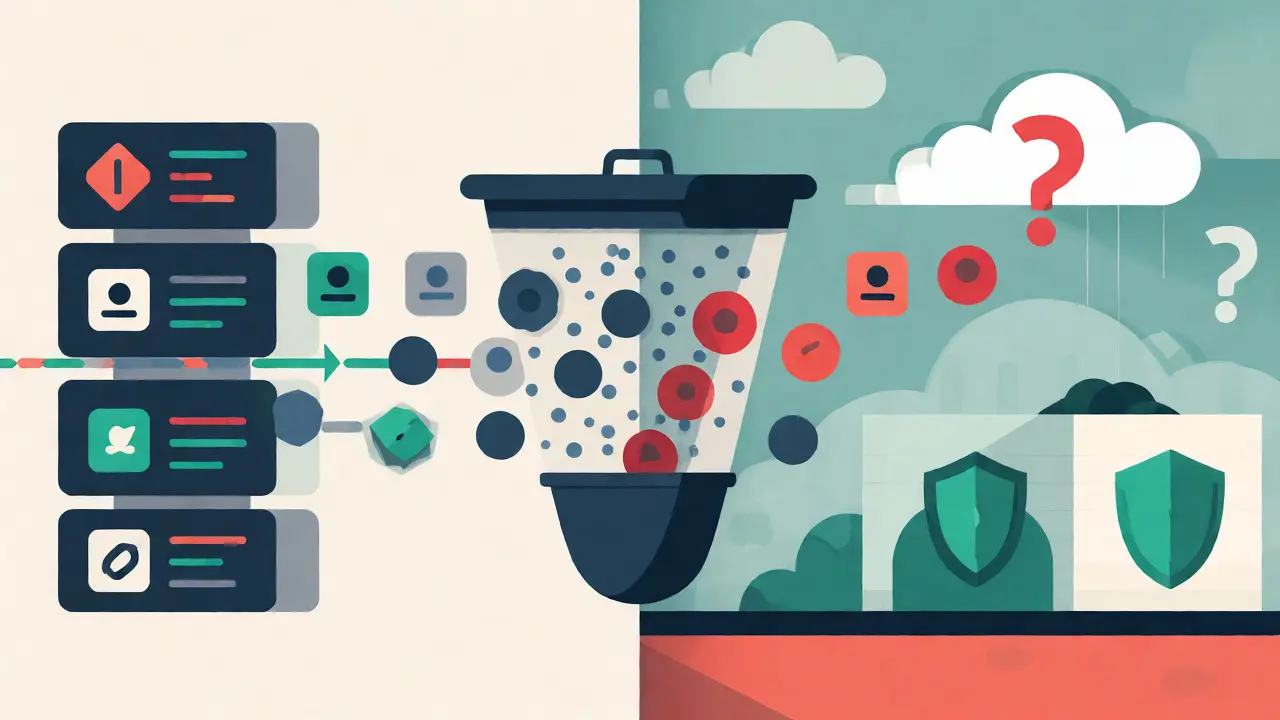
Take Claude Code from Anthropic as a gold standard for privacy-conscious design. By default, it redacts user prompts. This means if you type "Refactor the payment processing module," the telemetry system records that a refactoring event occurred, but it doesn’t necessarily store the exact text of your prompt or the surrounding code context in the logs sent to their analytics backend. You have to explicitly set environment variables like `CLAUDE_CODE_ENABLE_TELEMETRY=1` to even start collecting data. It’s opt-in, not opt-out.
Contrast that with Google Gemini’s CLI tools. Their default setting for `GEMINI_TELEMETRY_LOG_PROMPTS` is true. That means every time you interact with the agent, your prompt-and potentially the context window-is logged. If you’re working on a stealth project, leaving this on is a risk. You have to actively go into your configuration and turn it off. One forgetful session could expose months of development context.
What Actually Leaves Your Machine?
It’s not just about the prompts. Telemetry comes in three flavors: metrics, logs, and traces. Understanding each helps you spot leaks.
- Metrics: These are numbers. Token counts, latency times, error rates. They’re usually safe, but high-volume token spikes can reveal when you’re doing heavy lifting, which might correlate with sprint deadlines or release cycles.
- Logs: This is the danger zone. Logs capture events. If your code throws an exception, the stack trace goes into the log. If your stack trace contains file paths from your local machine (`/Users/robert/projects/secret-project/src/...`), you’ve revealed your directory structure. Worse, if the error message dumps a variable value, you’ve leaked data.
- Traces: These show the journey of a request. In vibe coding, a "request" might involve calling an LLM, fetching context from your repo, and running a test. Traces can reveal how your AI tool interacts with your local build system, exposing toolchain details.
A critical emerging trend is the feedback loop. Tools like Sentry now offer MCP (Model Context Protocol) servers that let AI agents fetch telemetry from previous runs to fix bugs. This creates a bidirectional flow. Your AI reads your production errors to fix your code. But does that mean your production error logs-which contain customer IDs or transaction amounts-are being fed back into the LLM’s context window? Depending on your setup, yes. This moves the privacy boundary from "code in" to "runtime data out."
Securing the Pipeline: Local Collectors and Redaction
If you’re worried about your data ending up in a vendor’s cloud, you don’t have to choose between total silence and total exposure. You can intercept the traffic.
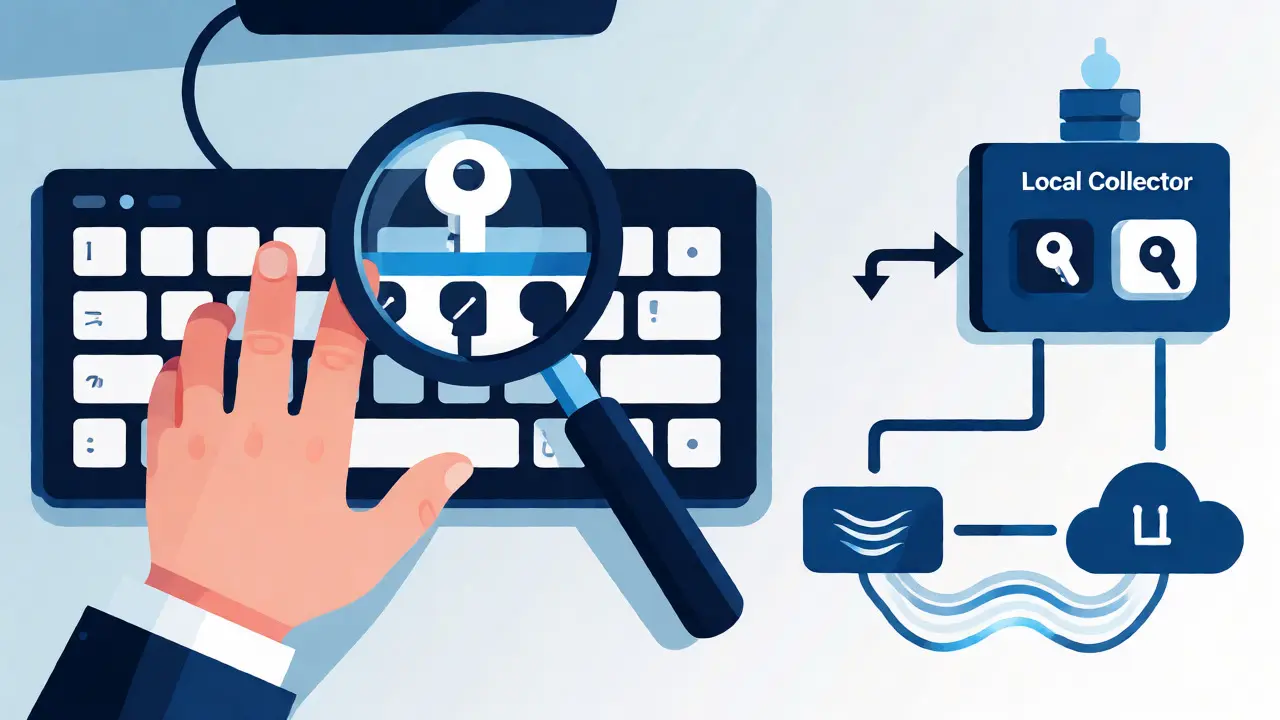
Most tools support exporting telemetry to a local endpoint first. Instead of sending data directly to the vendor’s AWS bucket, you configure the tool to send OTLP data to `http://localhost:4318`. This spins up a local collector. From there, you control what gets forwarded. You can strip out specific fields, mask IP addresses, or simply keep everything on-premise using a stack like VictoriaMetrics.
For teams, this is huge. You can deploy a centralized OTLP collector within your company network. Every developer’s Cursor or Cline instance sends data there. The collector scrubs the sensitive bits-like removing actual prompt text but keeping the token count-before forwarding anonymized metrics to a dashboard. This gives you visibility into team productivity without exposing intellectual property.
Another pro tip: watch out for "managed settings." Enterprise versions of tools like Claude Code allow admins to push configuration files via MDM (Mobile Device Management). This ensures no developer accidentally turns on verbose logging on a Friday afternoon. If you’re a lead dev, enforce these policies globally rather than relying on individual discipline.
The Human Factor: Prompt Hygiene
Technology can only do so much. The biggest leak vector is often human carelessness. Developers tend to paste entire config files into chat windows for convenience. "Hey, why isn't this API call working? Here's my `.env` file," they say, pasting the whole thing including the secret key.
Vibe coding tools amplify this because they encourage rapid iteration. You’re less likely to pause and sanitize your input when the AI responds in milliseconds. To combat this, adopt a strict rule: never paste raw secrets into the prompt box. Use placeholders like `
Also, consider the metadata. Your git branch name, current file path, and OS version are often sent as span attributes. While seemingly innocuous, a branch named `feature/acquisition-deal-x` tells the world you’re working on a specific acquisition. Scrubbing these tags in your local collector is a low-effort, high-reward privacy win.
Beyond Metrics: The Knowledge Graph Context
We are moving toward a future where telemetry isn’t just numbers; it’s connected knowledge. Platforms are building "Knowledge Graphs" that link your code changes to infrastructure states and historical incidents. When your AI tool suggests a fix, it might query this graph: "Has this service failed before with this pattern?" This connectivity adds value but also complexity. If your telemetry reveals that Service A talks to Service B, and Service B holds PII, you’ve mapped part of your architecture externally. For highly competitive industries, knowing your microservice topology can be competitive intelligence. Ensure your telemetry provider understands the difference between operational data and architectural secrets.
Does vibe coding always send my code to the cloud?
Not necessarily. While most popular tools like Cursor and Replit rely on cloud-based LLMs, some allow local model execution (e.g., Ollama integration). Even with cloud models, you can configure telemetry to stay local, though the inference itself still happens remotely unless you run a local LLM. Always check if the tool supports "local-only" modes for both inference and telemetry.
What is the difference between metrics and logs in this context?
Metrics are numerical values used for dashboards (e.g., '500 tokens generated'). Logs are textual records of events (e.g., 'Error: Connection timeout'). Logs are far riskier for privacy because they often contain variable contents, file paths, or prompt snippets, whereas metrics are usually aggregated and anonymous.
How do I stop Google Gemini from logging my prompts?
You need to set the environment variable `GEMINI_TELEMETRY_LOG_PROMPTS=false` before running the tool. Alternatively, you can modify the JSON configuration file to set `logPrompts` to false in the telemetry section. Remember, this must be done before the session starts to take effect.
Is OpenTelemetry secure by default?
No. OpenTelemetry defines how data is structured and transported, not how it is secured or sanitized. By default, OTLP over HTTP may transmit data in plain text unless you configure HTTPS/TLS. Furthermore, it does not automatically redact sensitive fields; you must configure processors or exporters to filter out secrets.
Can AI tools learn from my private code permanently?
This depends on the vendor's terms. Some enterprise agreements guarantee zero-retention, meaning your data is processed and then discarded immediately after the response is generated. Others may retain data for model improvement. Always verify the "Data Retention" clause in your contract. Personal/free tiers often retain data for training.
Kim Edwards
September 24, 2026 AT 06:30OH MY GOD. I literally just felt this in my soul. 😱 I was vibing with Cursor yesterday, feeling like a total genius because it wrote a recursive function for me in like two seconds. Then I paused. Just stopped breathing for a sec. And realized... wait. Did that thing just send my entire messy, undocumented, spaghetti-code legacy module to some server in Virginia?
I’m not talking about metrics. I’m talking about the raw context window. The comments where I wrote "TODO: fix this garbage later" (which has been there for 3 years). The variable names like `temp_fix_don't_touch_or_prod_dies`. That’s not telemetry, that’s a confession! 🙀
And don’t get me started on the feedback loop thing mentioned here. If Sentry is feeding production errors back into the LLM, and those errors have customer emails or transaction IDs... are we just casually handing over our user base’s private data to a model training set? It feels like we’re all walking around with a giant neon sign on our backs saying "Look at my proprietary logic!" while pretending we’re being efficient.
I checked my settings after reading this and nearly had a heart attack. Google Gemini logging prompts by default? Are you kidding me? One slip-up, one lazy afternoon where I forget to set an env var, and boom-my stealth startup idea is in someone’s analytics bucket. I feel violated. I feel exposed. I need to go hide under my desk now.
Art HND
September 26, 2026 AT 04:55Everyone panics but nobody reads the docs. OTel isn't magic. You configure it or you leak. Simple.
Bonnie Watt
September 27, 2026 AT 18:34Oh, look at Art HND playing the expert again. "Just read the docs," right? Because clearly, every single developer out there has the time and mental bandwidth to audit their telemetry configuration every time they update their IDE plugin. We are drowning in context switching already; adding another layer of infrastructure management to the coding workflow is exactly why productivity is tanking.
You know what's really annoying? The judgmental tone from people who probably use Vim and compile C manually. They act like using vibe coding tools is a moral failing rather than a pragmatic choice. But let's be real here: the architecture *is* the problem. You can't just "configure" your way out of a fundamental design flaw where convenience trumps security by default. Vendors know we're lazy. They know we want the AI to write our boilerplate. So they bake in the data collection because they know 90% of us won't touch the config files until something leaks.
And don't give me that "enterprise controls" nonsense. Most of us aren't working in Fortune 500 companies with MDM policies. We're in startups where the CTO copy-pasted the .env file into ChatGPT last week. The fact that these tools normalize this level of exposure without screaming warnings in red text is insulting to our intelligence. We shouldn't have to be security engineers just to use a code assistant. It’s gatekeeping disguised as best practices.
Sabrina Newland
September 28, 2026 AT 23:51honestly i think were missing the bigger picture here 🤔 its not just about data leaving the repo its about how it reshapes our relationship with code itself. when we treat code as a black box input/output stream do we even understand what were sending anymore? 🧠
like if the ai knows our business logic through variable names does that mean our code becomes less about human readability and more about machine interpretability? thats a philosophical shift imo. we used to write code for other humans to maintain. now were writing prompts for machines to execute and telemetry is the trail of breadcrumbs showing how well the machine understood us.
i wonder if this transparency actually helps us learn faster though? seeing which parts of our context confused the model might teach us better abstraction skills? or maybe were just optimizing for speed over depth. hard to say. 🌿
also typos happen when u type fast lol sorry
Mark Harvey
September 30, 2026 AT 03:16love this perspective sabrina. its true that we are shifting from writers to directors. instead of crafting every line we curate the context. and yeah the learning part is key. if the telemetry shows us where the ai struggled maybe we learn to write clearer specs. its not just a privacy risk its a feedback mechanism for our own clarity. keep exploring it
Amara Akbar
October 1, 2026 AT 14:32It is entirely understandable to feel apprehensive regarding the data flows described in this article. However, I would encourage everyone to view this not as a failure of technology, but as an opportunity to establish better professional habits.
For those who feel overwhelmed by the configuration options, start small. You do not need to implement a full OpenTelemetry collector stack today. Simply begin by auditing your current environment variables. Check if `GEMINI_TELEMETRY_LOG_PROMPTS` is set to false. Verify that your Claude Code instance is running with redaction enabled by default. These are minor steps, yet they provide significant peace of mind.
Furthermore, remember that privacy is a journey, not a destination. It is perfectly acceptable to make mistakes, such as accidentally pasting a secret into a prompt. What matters is that we create a culture where checking these settings is normalized, rather than shamed. Let us support each other in adopting these new workflows while maintaining our security standards. You are doing great work, and staying aware is half the battle won. 🌟