Vibe Coding Guide: Using v0, Firebase Studio, and AI Studio
 Apr, 22 2026
Imagine describing an app to your computer the same way you'd describe a dream to a friend, and then watching that app actually appear on your screen. This isn't sci-fi; it's the reality of vibe coding is an emerging development paradigm where developers communicate application requirements through natural language, visual inputs, and iterative AI-assisted refinement rather than writing every line of code manually. It's a shift from being a "writer" of code to being a "conductor" of AI agents. While it sounds like magic, it's actually powered by a new breed of cloud platforms that turn a a specific "vibe" or vision into a functional product.
The Big Three: v0, Firebase Studio, and AI Studio
Depending on what you're trying to build, you'll likely lean on different tools. While they all use AI, they handle different parts of the "vibe." For instance, v0 is a generative UI tool by Vercel that transforms text prompts into high-quality React and Tailwind CSS components. If you need a landing page that looks sleek and modern in seconds, v0 is your go-to. It handles the "look and feel" flawlessly, but it doesn't build your database or handle your users.
Then you have Google AI Studio is a fast, web-based tool for prototyping with Gemini models, focusing on prompt engineering and model experimentation. Think of this as the laboratory. You go here to figure out exactly how you want your AI to behave-tuning the temperature, testing different prompts, and refining the logic-before you ever start building an actual app.
Finally, there's Firebase Studio is a cloud-based, agentic development environment that fuses Project IDX, Genkit, and Gemini to accelerate the build, test, and deploy cycle of AI applications. This is the heavy lifter. Unlike v0, which focuses on the skin, or AI Studio, which focuses on the brain, Firebase Studio builds the whole body-connecting your UI to a real database and authentication system without you needing to touch a config file.
| Feature | v0 (Vercel) | Google AI Studio | Firebase Studio |
|---|---|---|---|
| Primary Focus | UI/Frontend Generation | Prompt Engineering | Full-Stack App Dev |
| Backend Integration | None (Client-side) | API-based only | Deep (Firestore, Auth) |
| Ideal Use Case | Rapidly prototyping a look | Testing Gemini prompts | Building a production AI app |
| Development Style | Visual/Iterative | Experimental/Textual | Agentic/Full-Stack |
How Firebase Studio Turns Vibes into Apps
If you're serious about vibe coding, Firebase Studio is where the most interesting work happens. It uses what they call an "agentic" workflow. In plain English, this means the AI doesn't just suggest a line of code; it acts as a project manager. Its App Prototyping agent can take a drawing of a dashboard or a paragraph describing a task manager and actually spin up a Next.js application.
One of the biggest pains in development is "config hell"-setting up API keys, environment variables, and permissions. Firebase Studio solves this with an autogenerate keys feature. It creates a Gemini API key automatically, so you can start interacting with AI features immediately. This allows developers to move from a rough idea to a functional prototype in about 23 seconds for basic apps, or up to 90 seconds for more complex ones.
The platform is built on Code OSS is the open-source foundation of Visual Studio Code, meaning if you've used VS Code, you'll feel right at home. It also uses Nix-based configurations to manage the environment, ensuring that what you see in the browser is exactly what will run in production. Whether you're using React, Angular, or Flutter, the AI-optimized templates do most of the scaffolding for you.
The Practical Workflow: From Prompt to Production
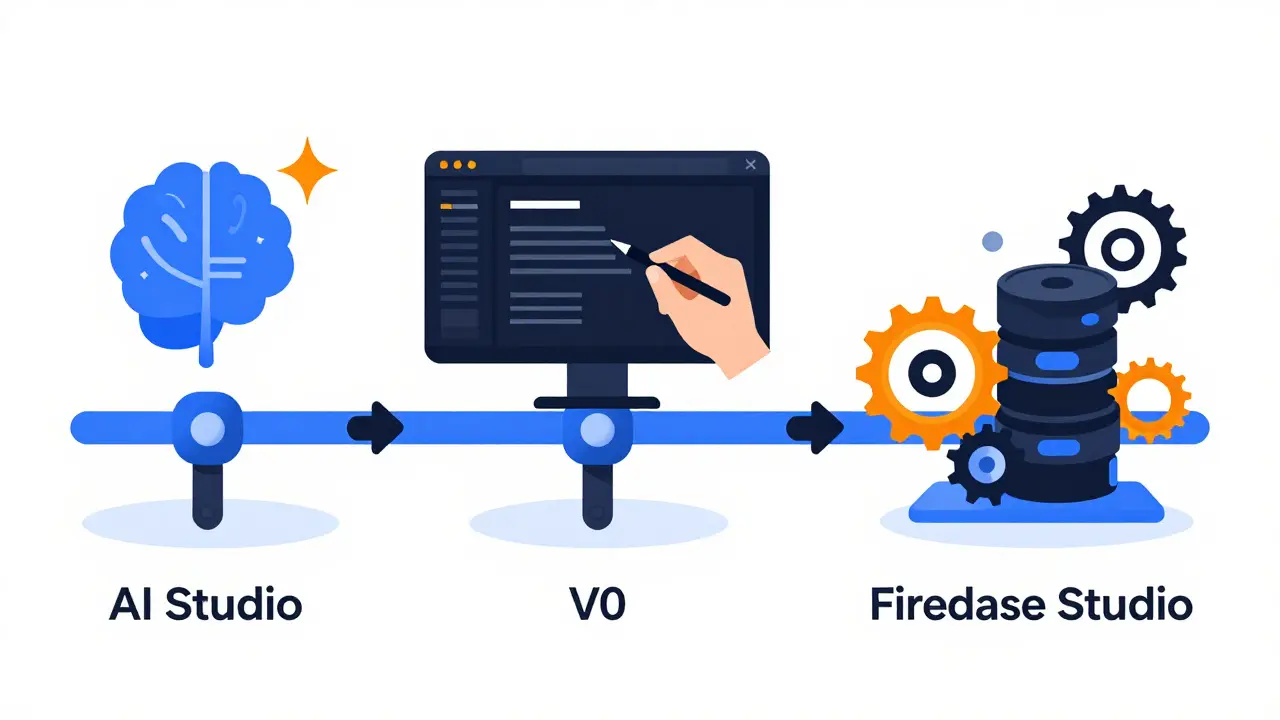
So, how do you actually use these tools together to build something? Most a vibe-coding workflow follows a specific path: the brainstorm, the skeleton, and the muscle.
- The Brainstorm (AI Studio): You start in AI Studio. You experiment with Gemini to see how it handles your specific data. You refine your prompts until the AI gives you the exact tone and logic you need for your app's core feature.
- The Skeleton (v0): You move to v0 to nail down the user interface. You prompt v0 to create a "modern, dark-mode dashboard with a sidebar and a glassmorphism effect." Once the UI looks right, you have your visual blueprint.
- The Muscle (Firebase Studio): Now you bring it all together. You use the App Prototyping agent in Firebase Studio to build the app. You can import your v0 designs and use the integrated Firestore is a flexible, scalable NoSQL cloud database from Firebase for storing and syncing data to handle your user data and Firebase Authentication is a service that provides backend services for authenticating users with passwords, phone numbers, and social providers to manage logins.
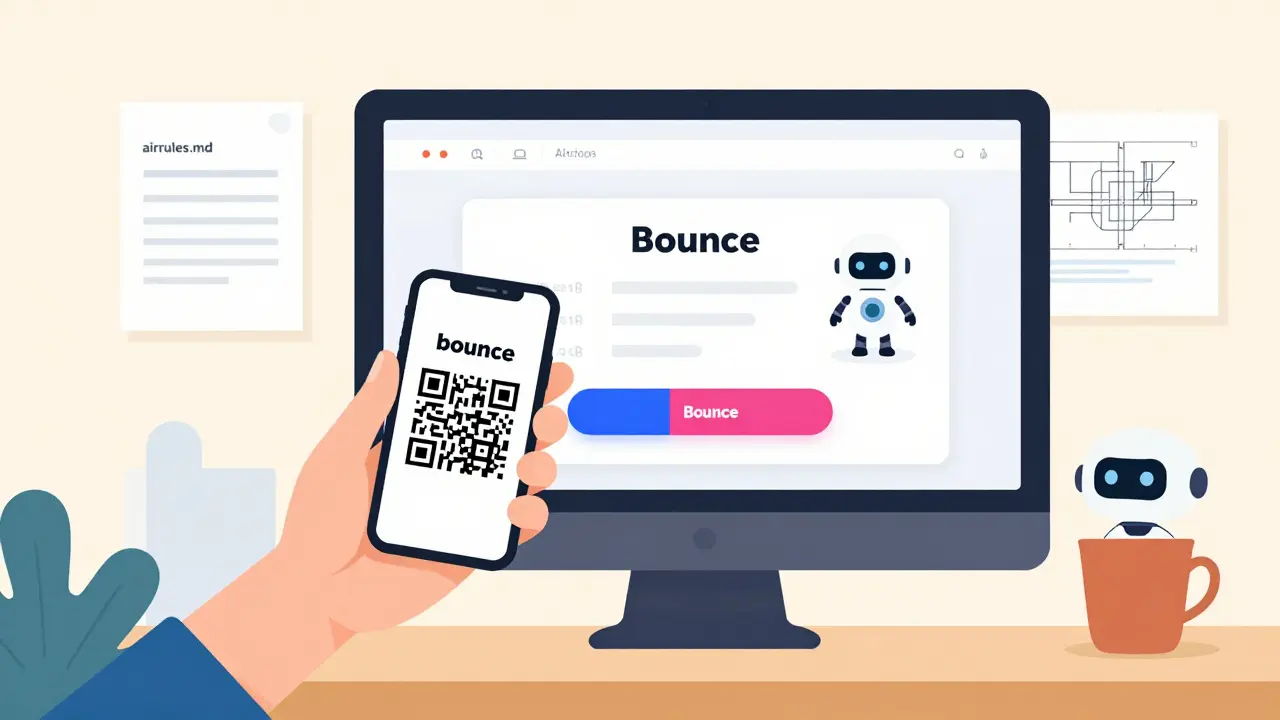
Once the prototype is live, you use the Phone Preview feature. It generates a QR code you can scan with your mobile device to see the app in real-time. If something feels off-maybe a button is too small or a transition is clunky-you don't necessarily go back to the code. You just tell the AI, "Make the checkout button larger and add a bounce animation," and the agent handles the CSS changes.
Avoiding the "AI Trap"
Vibe coding is fast, but speed has a price. One of the biggest risks is creating a "black box" application where you have a working product but no idea how it actually works under the hood. Research from Stanford University suggests that over 60% of AI-generated apps require significant refactoring before they are truly production-ready because the AI often follows non-standard patterns or skips documentation.
To avoid this, don't treat the AI as a magic wand; treat it as a junior developer who is very fast but occasionally sloppy. Use the integrated terminal in Firebase Studio to debug and inspect the code. Google recently introduced airules.md files, which are specialized instructions you can add to your project to force the AI to follow specific coding standards and generate better documentation. If you're building something that needs to scale, spend 20% of your time "cleaning up" the vibes by adding these rules.
The Future of Agentic Development
We are moving toward a world where the barrier between an idea and a product is nearly zero. Google is already integrating Project Astra capabilities, which will likely allow for even more multimodal inputs-imagine filming a handwritten sketch of an app on a whiteboard and having Firebase Studio turn it into a deployed website in one go.
For small teams and startups, this is a superpower. You no longer need a massive team of frontend and backend engineers just to test a hypothesis. You can "vibe" your way to a Minimum Viable Product (MVP) in a weekend. However, the trade-off is vendor lock-in. Because these tools are so deeply integrated into the Google and Vercel ecosystems, moving your app elsewhere later can be a headache. It's a choice between extreme speed today and total flexibility tomorrow.
Is Firebase Studio really free?
Yes, based on current usage patterns and developer reviews, Firebase Studio is free for standard usage. While enterprise-grade features may eventually require a subscription, the core agentic development tools are accessible at no cost to help developers get started.
Can I use v0 for backend logic?
No, v0 is strictly a frontend tool. It excels at generating the visual layer (UI) using React and Tailwind CSS. To add backend logic, databases, or user authentication, you would need to export the v0 code and integrate it into a platform like Firebase Studio or a custom backend.
What is the difference between AI Studio and Firebase Studio?
Google AI Studio is a sandbox for prompt engineering and testing Gemini models. It's where you figure out the "intelligence" of your app. Firebase Studio is a full development environment (IDE) where you actually build the application, integrate databases, and deploy the code to the web.
Does vibe coding replace traditional programming?
Not entirely. While it handles the repetitive scaffolding and UI work, high-level architecture, security auditing, and complex logic still require human oversight. Vibe coding shifts the developer's role from writing syntax to directing system behavior.
How do I handle the "hallucinated code" in Firebase Studio?
When the AI generates code that doesn't work, use the integrated terminal to identify the error. You can then use the "cursor style code changes" mechanism to highlight the broken section and tell the AI specifically what is wrong, which is more effective than asking it to regenerate the whole file.
Next Steps for Your First Vibe Project
If you're new to this, don't try to build a full-scale enterprise app on day one. Start with a small project-maybe a personal habit tracker or a simple AI-powered journal. Spend an hour in AI Studio refining a prompt, move to v0 for a quick UI mockup, and then spend the afternoon in Firebase Studio assembling it. The goal is to get used to the iterative loop: prompt, preview, refine, repeat. Once you master that rhythm, you'll find that the distance between your ideas and a live URL has never been shorter.
Diwakar Pandey
April 22, 2026 AT 21:30this is actually a pretty cool way to get started for people who are intimidated by the command line.
Priti Yadav
April 24, 2026 AT 08:33Sure, it sounds "magic" but let's be real-it's just another way for these tech giants to scrape our data and train their models until they can replace us entirely. Also, the author's grammar in the first paragraph is a disaster; "vibe coding is an emerging development paradigm" is a run-on sentence that makes me want to scream. They're probably using these AI tools to write the articles too, which is exactly how the surveillance state wins.
Ajit Kumar
April 25, 2026 AT 01:48It is profoundly concerning that we are encouraging a generation of developers to abandon the fundamental rigors of computer science in favor of a "vibe," as the mastery of syntax and architectural logic is the only safeguard against the systemic failures that occur when one relies entirely on an opaque black box. While the efficiency gains are undeniable, one must wonder if we are sacrificing the very soul of engineering for the sake of a rapid prototype that will inevitably crumble under the slightest pressure of a real-world production environment.
Soham Dhruv
April 26, 2026 AT 19:04dont sweat the complexity too much man... just mess around with v0 and see what happens its all about the learning process anyway
Geet Ramchandani
April 26, 2026 AT 21:55Honestly, calling this "vibe coding" is just a pathetic attempt to dress up low-effort prompting as a legitimate paradigm shift, and anyone who thinks using a generative UI tool constitutes "development" is essentially admitting they're too lazy to actually learn how CSS works. The entire workflow described here is just a glorified way of saying you're building a fragile house of cards that will break the second you need a custom function that isn't in the AI's training set, and the 20% cleanup time mentioned is a complete joke because in reality, you'll spend 80% of your time fixing the AI's hallucinations.
Pooja Kalra
April 28, 2026 AT 03:23The tools are merely mirrors of our own desire for instant gratification. We seek the destination without valuing the journey of the struggle.
Sumit SM
April 28, 2026 AT 21:25Absolutely!!! This is the FUTURE!!! The synergy between v0 and Firebase is just... mind-blowing!!! Imagine the possibilities!!!
Kayla Ellsworth
April 30, 2026 AT 19:28Oh great, another "revolutionary" workflow that basically boils down to paying Google to hold your code hostage in a proprietary ecosystem while you pretend to be a conductor. I love how we've transitioned from "coding" to "vibing," because clearly, the most important part of software engineering is the aesthetic vibe and not, you know, the actual functionality or security. Truly a peak moment for the industry.
Jen Deschambeault
May 2, 2026 AT 00:51This looks like a great way to build an MVP quickly!
Bob Buthune
May 3, 2026 AT 09:03I tried to follow this guide but I just felt so overwhelmed by the sheer scale of the ecosystem 😔 it's almost like the AI is moving faster than my own ability to process my emotions about the industry 😭 I spent three hours just staring at the Gemini prompt and ended up feeling completely drained by the artificiality of it all 💔 just a hollow shell of a developer here 🥀